AloQuant.ai adapts to all foldable screens and introduces a foldable web simulator for the era of parallel computing
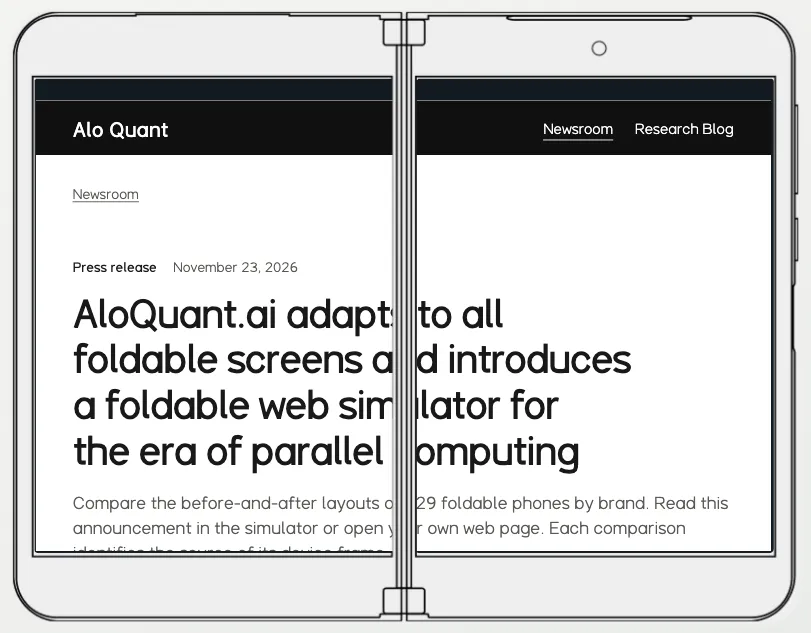
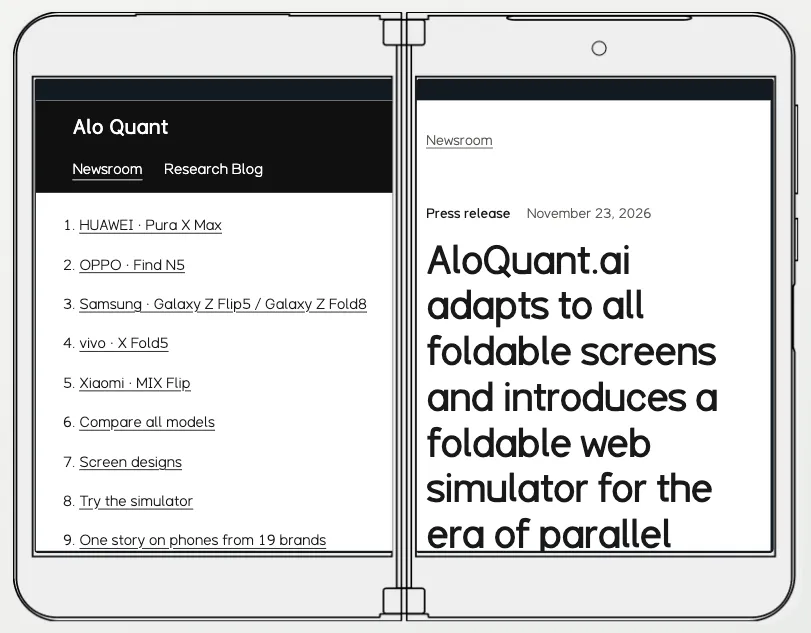
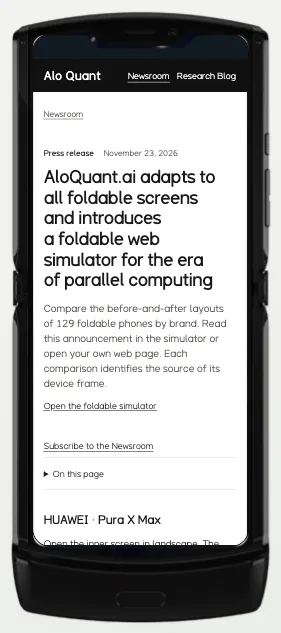
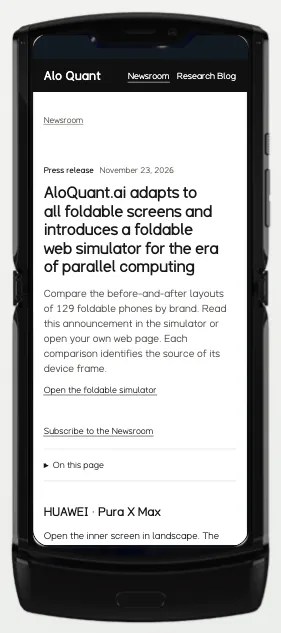
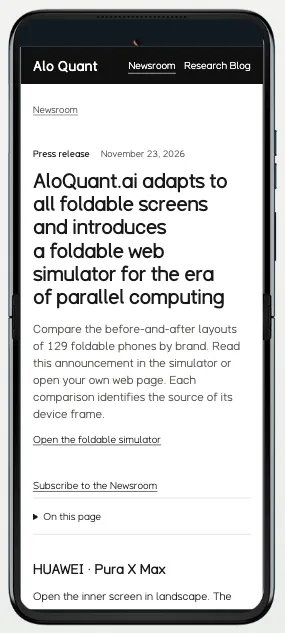
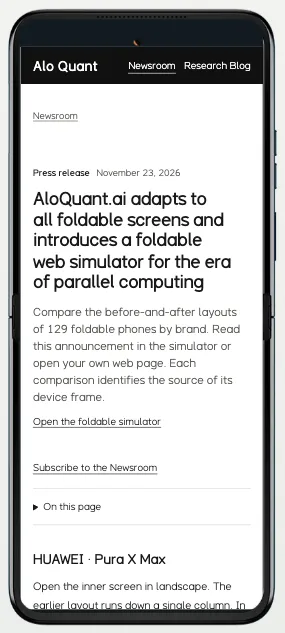
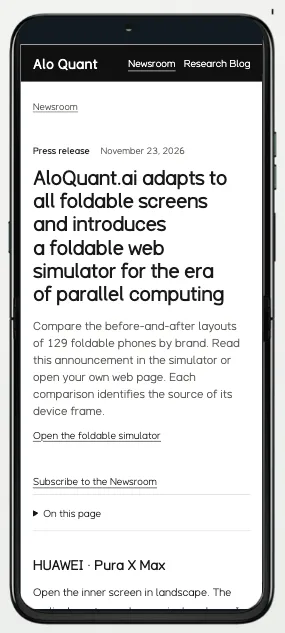
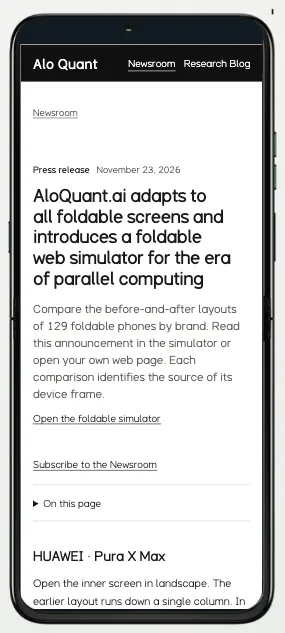
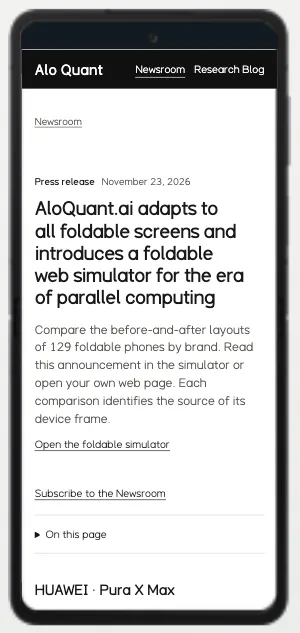
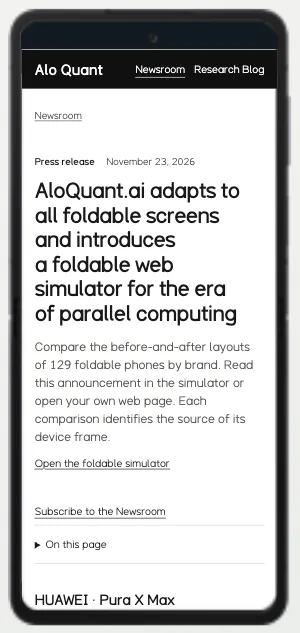
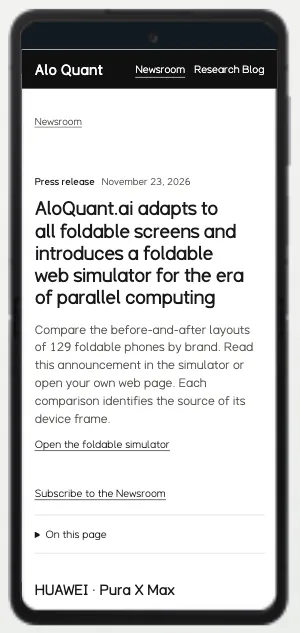
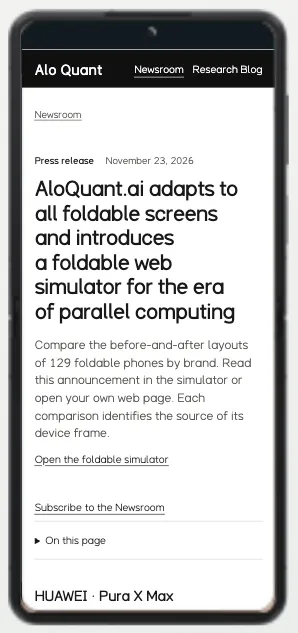
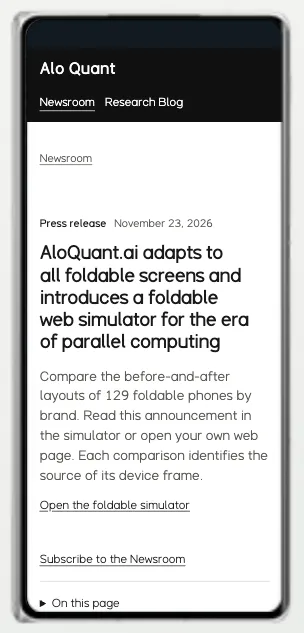
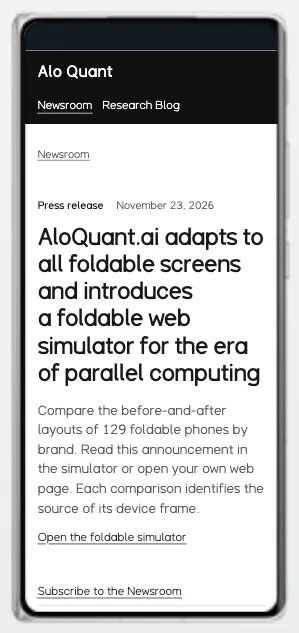
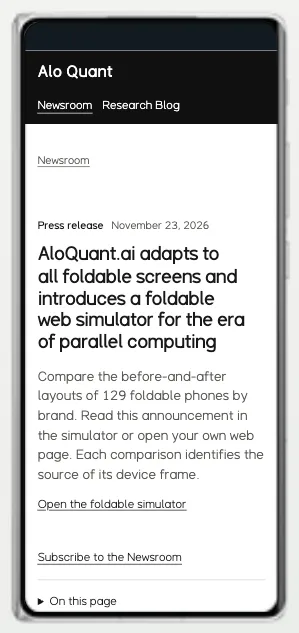
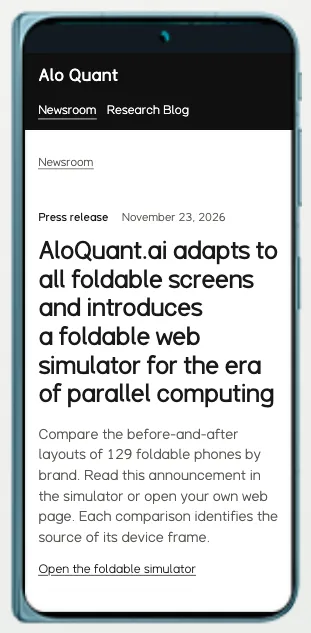
Compare the before-and-after layouts of 129 foldable phones by brand. Read this announcement in the simulator or open your own web page. Each comparison identifies the source of its device frame.
On this page
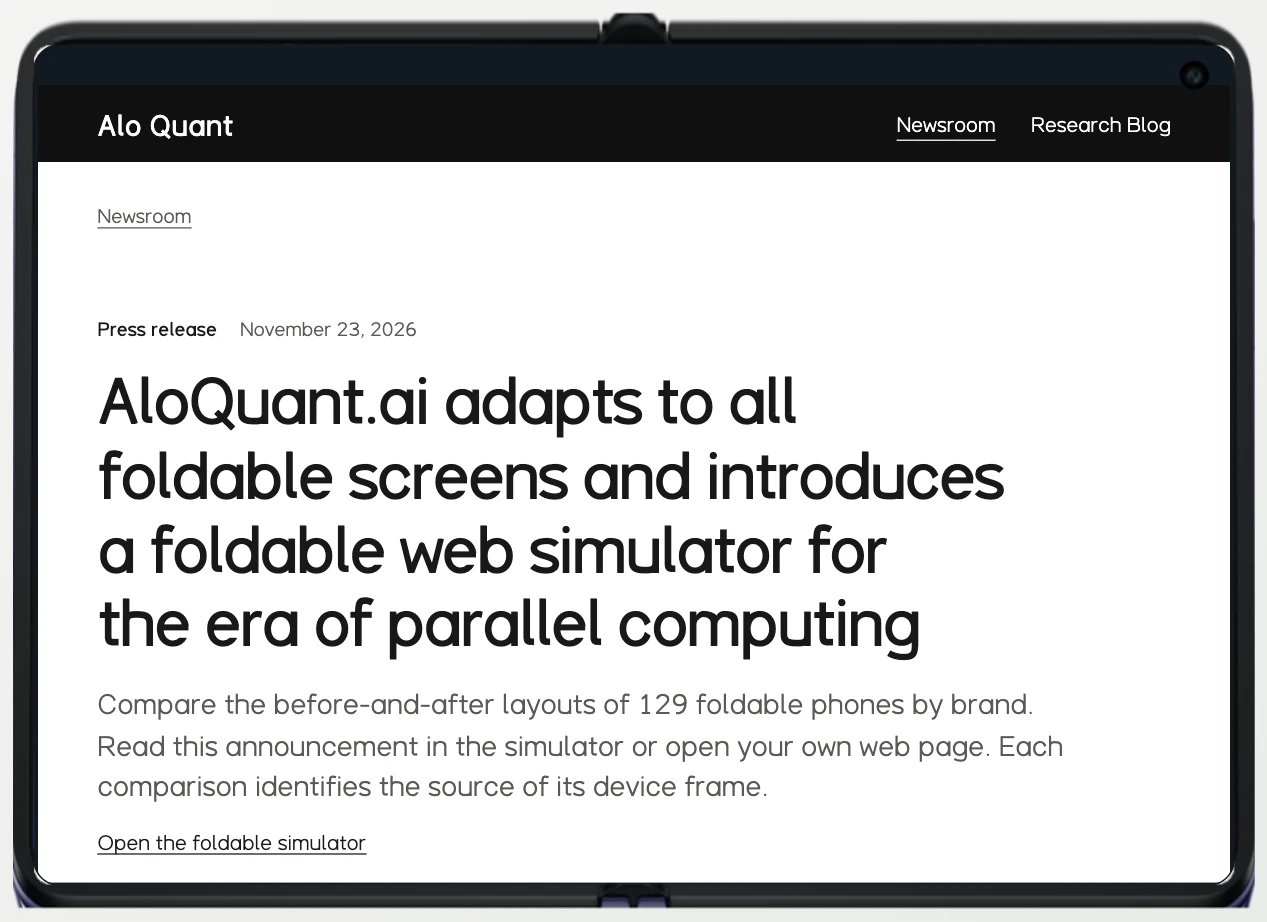
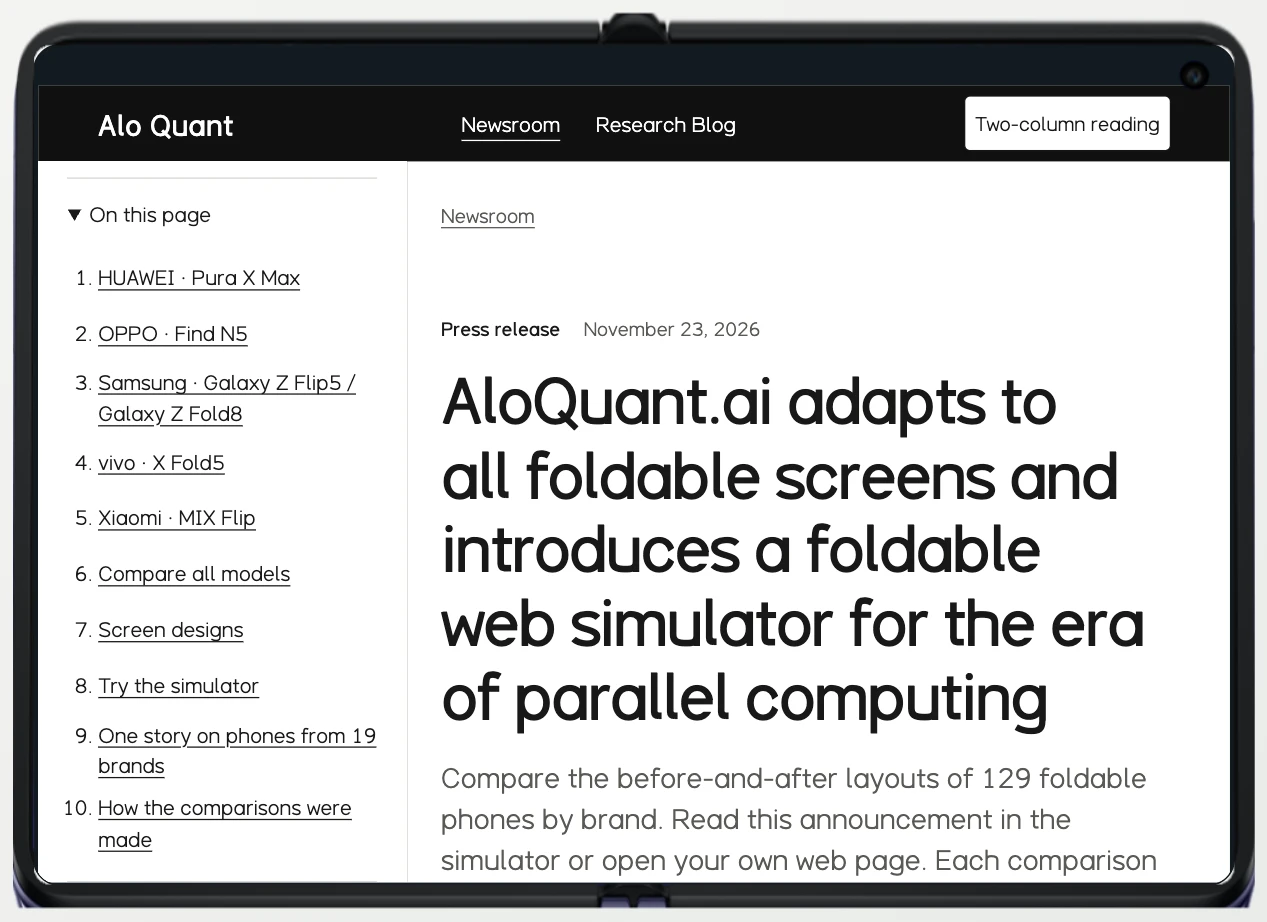
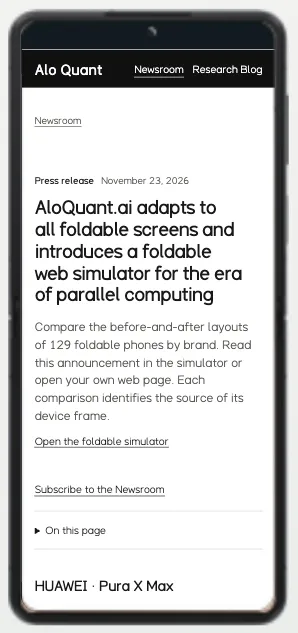
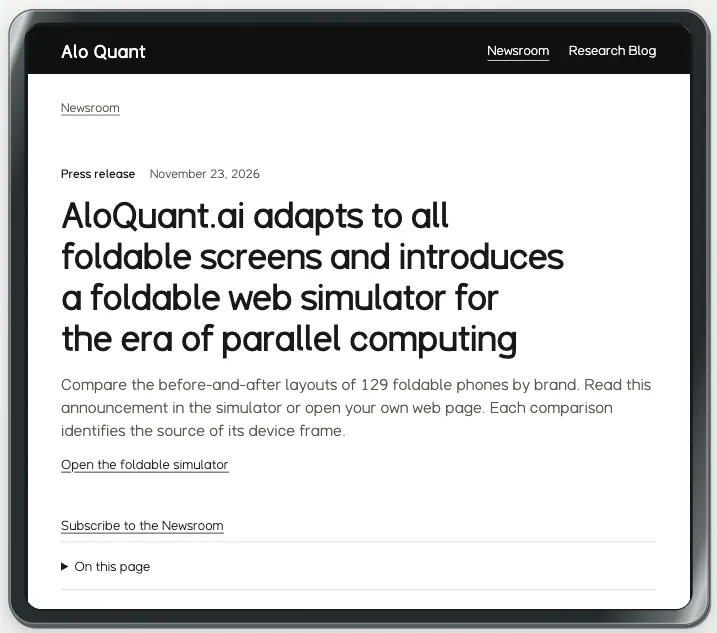
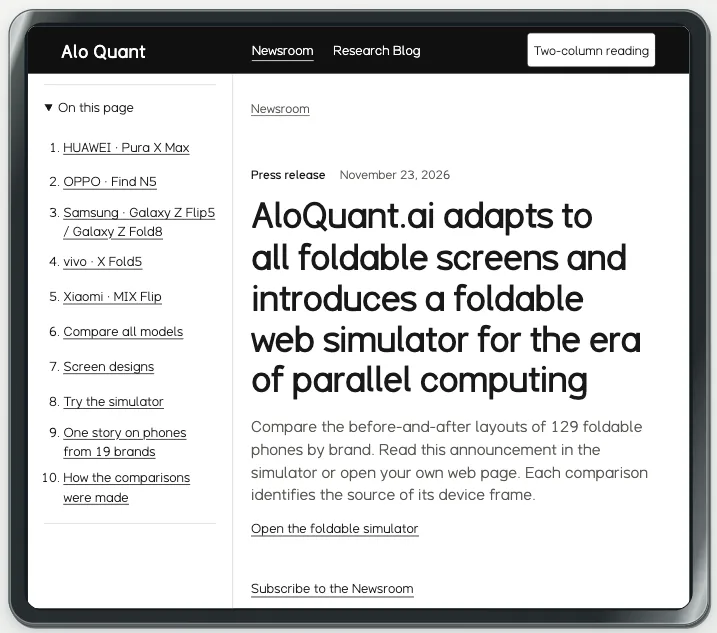
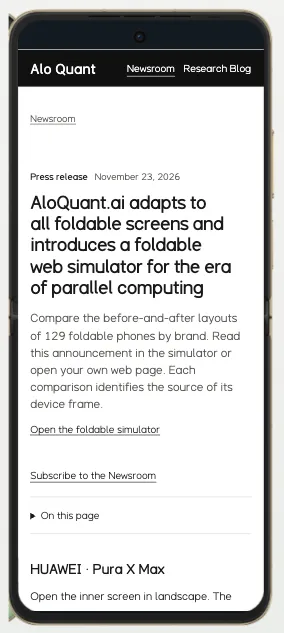
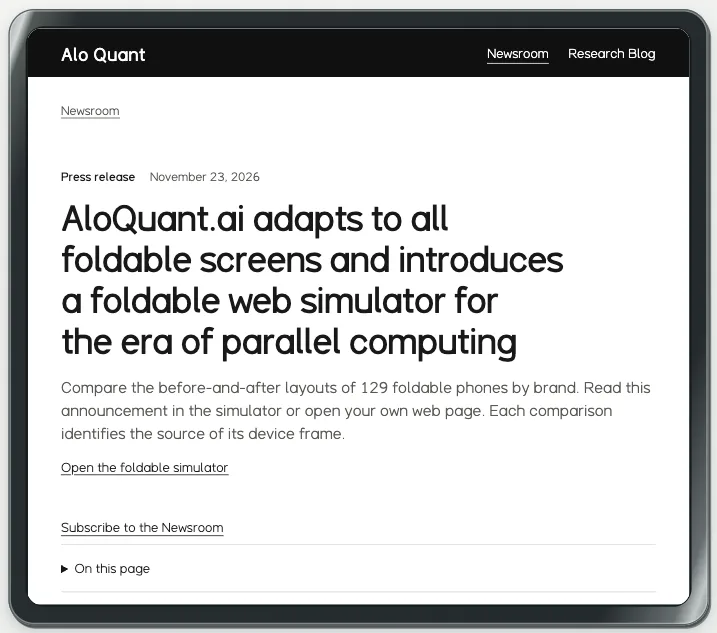
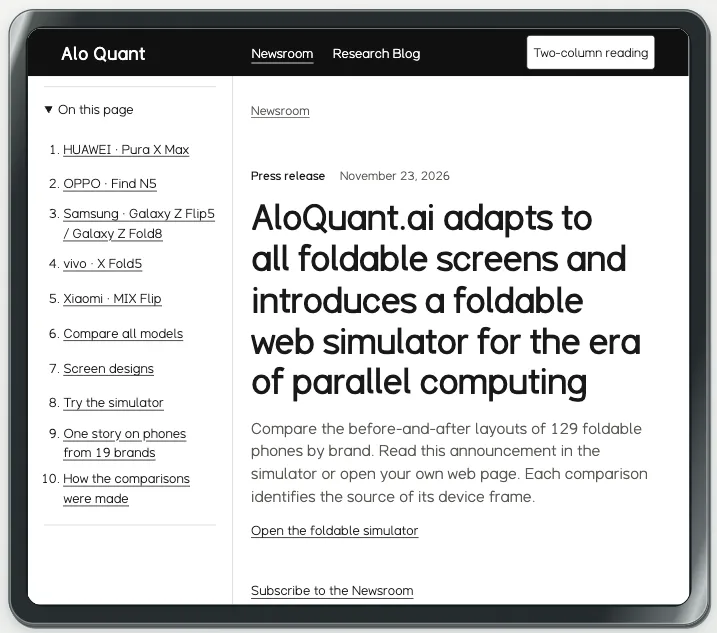
HUAWEI · Pura X Max
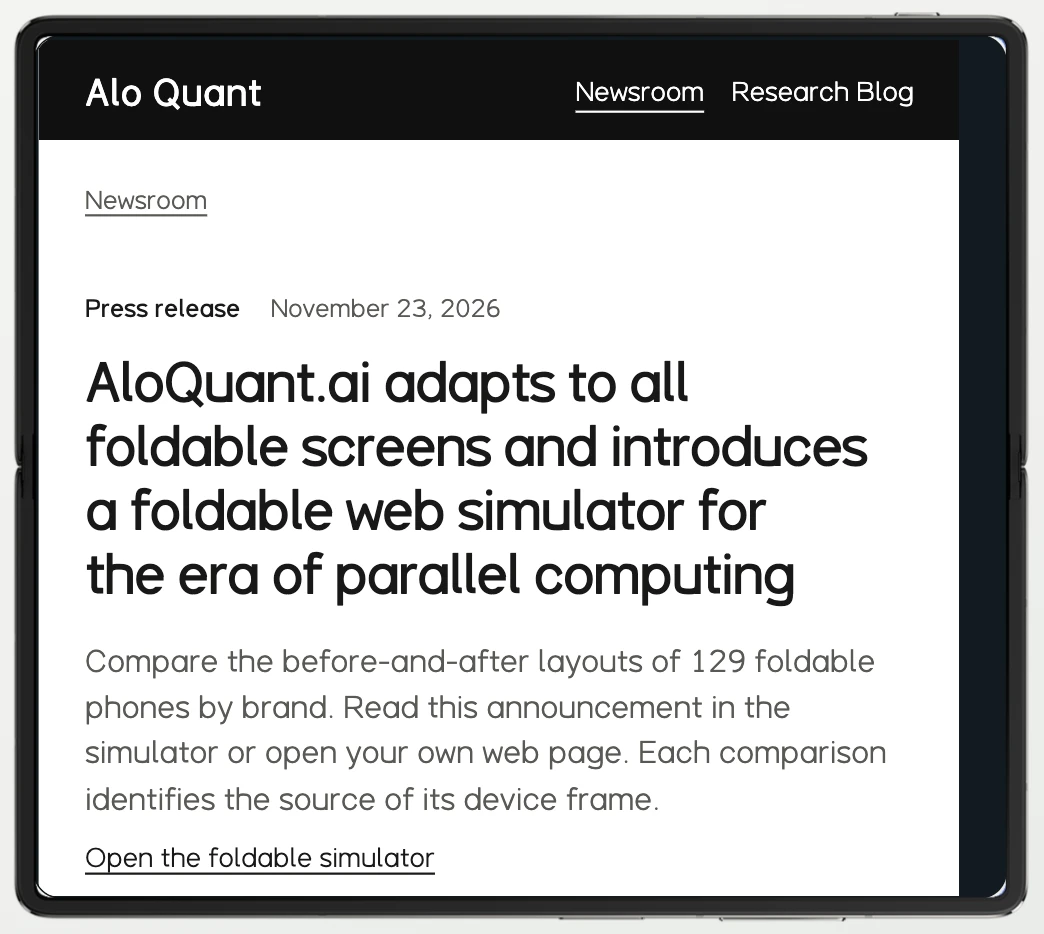
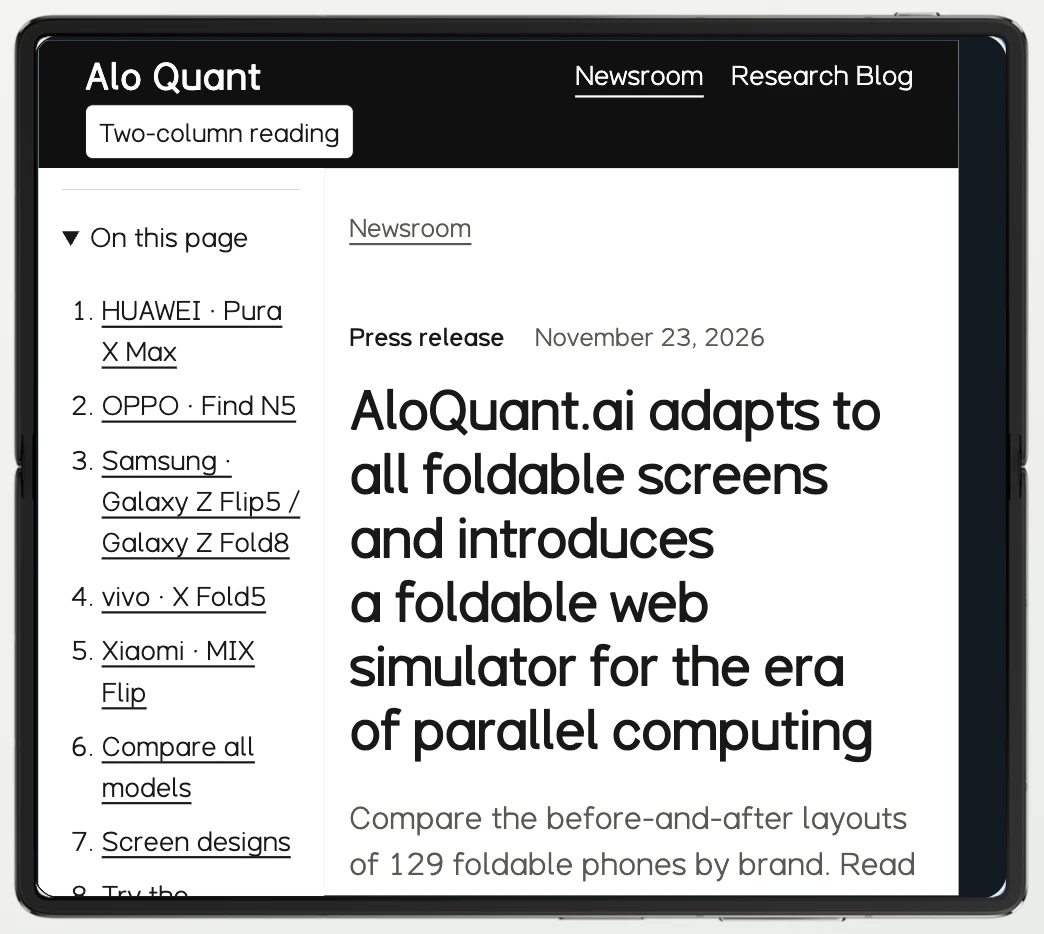
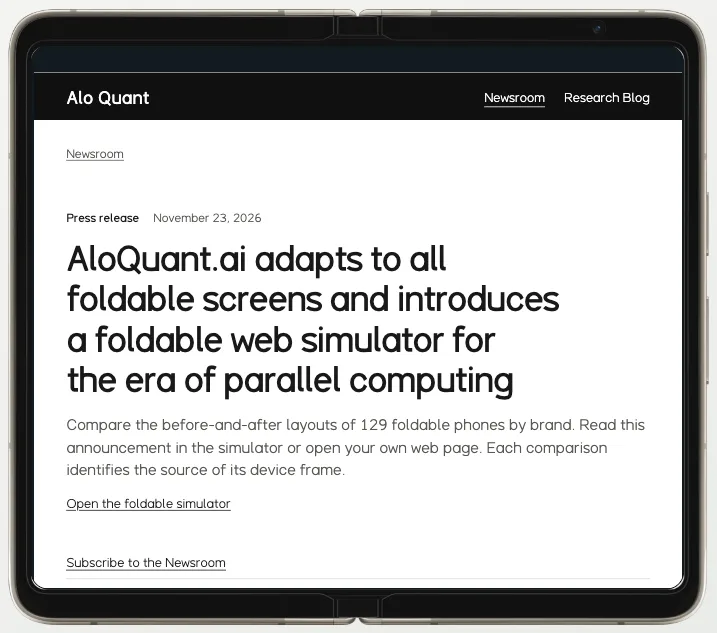
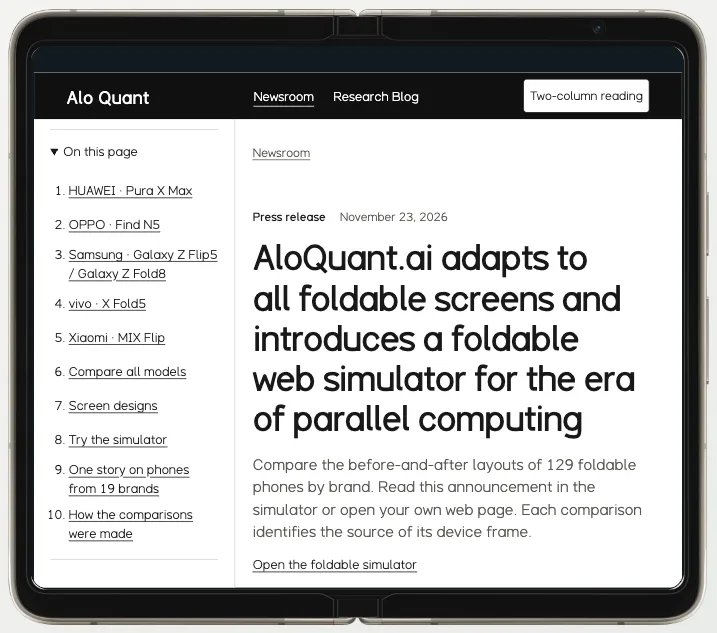
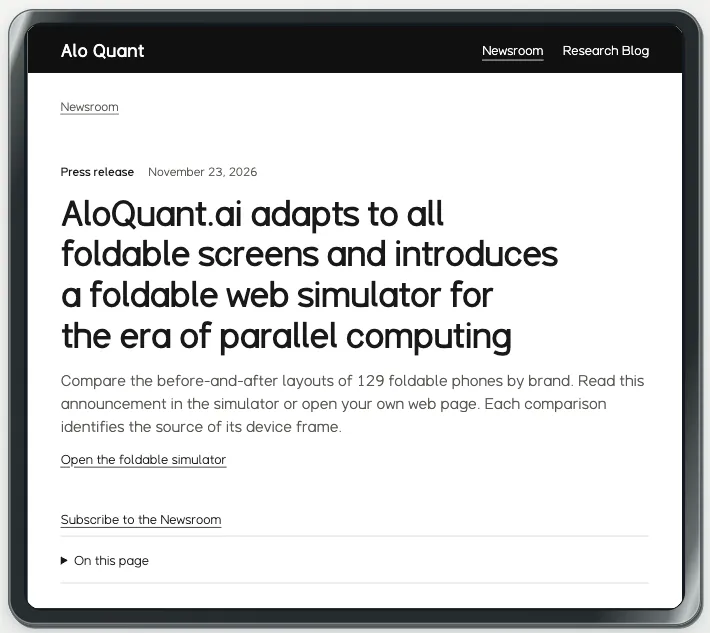
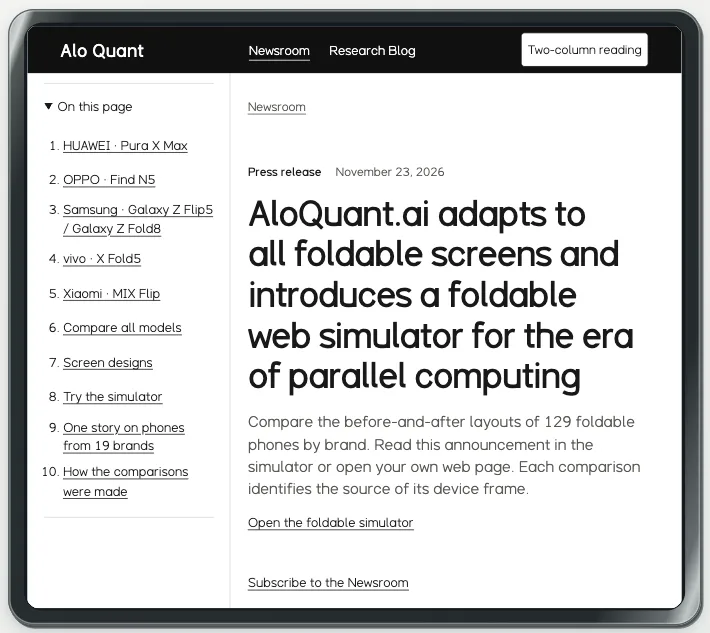
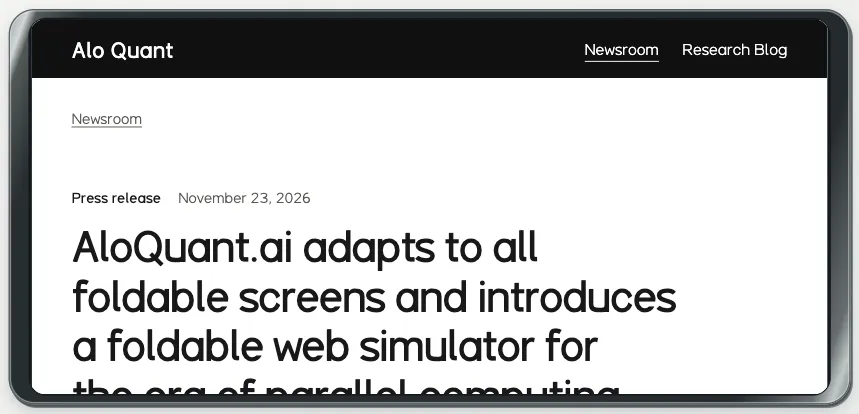
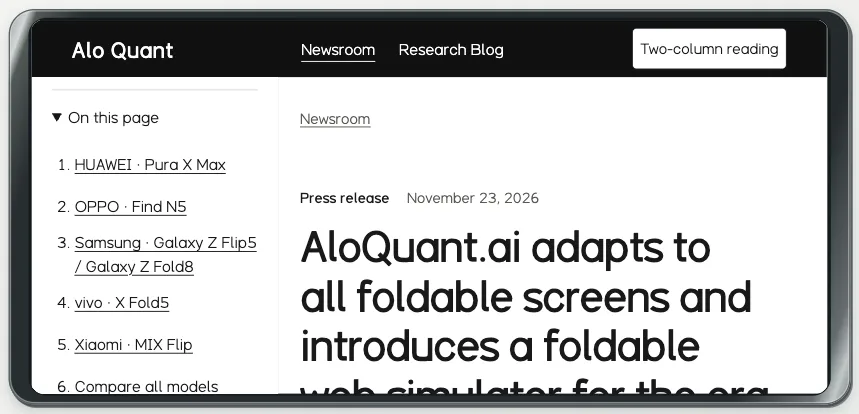
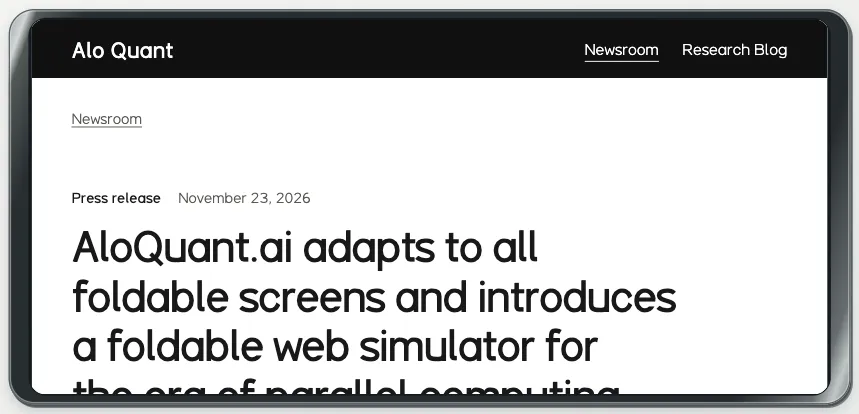
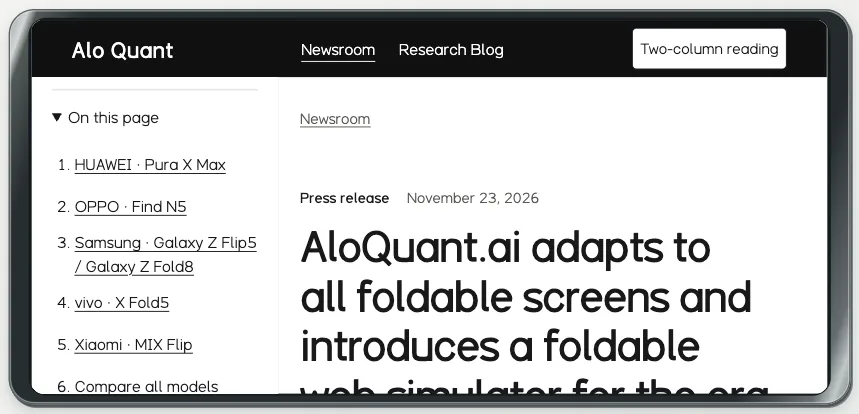
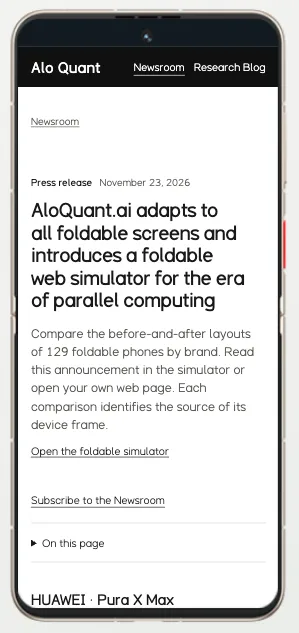
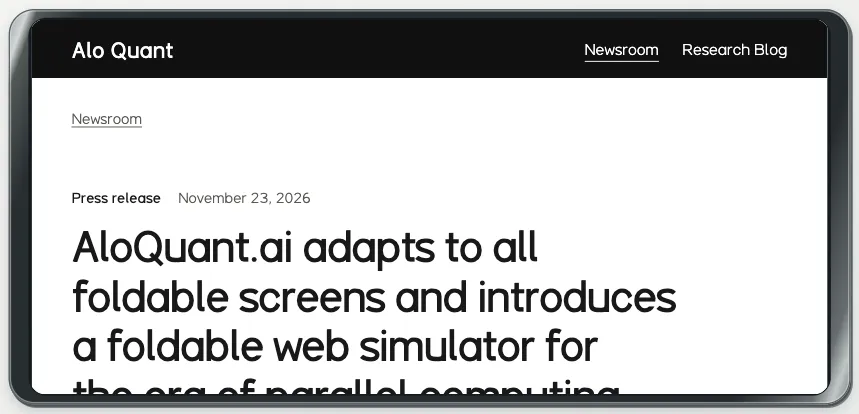
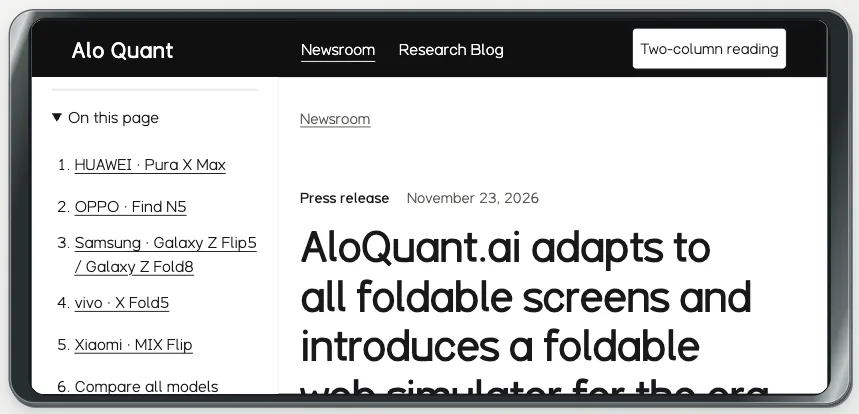
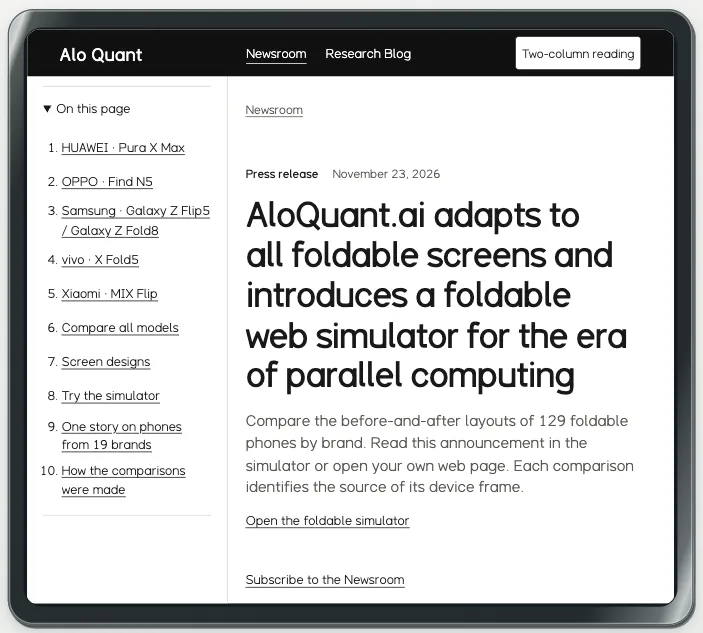
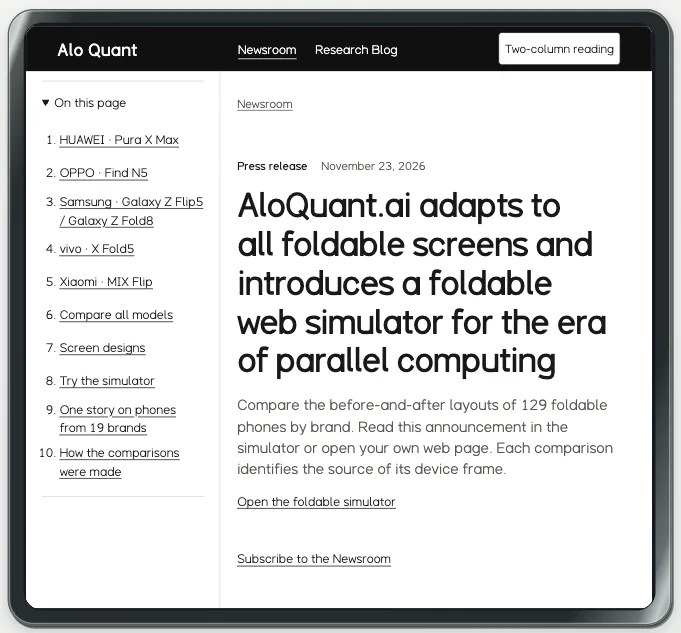
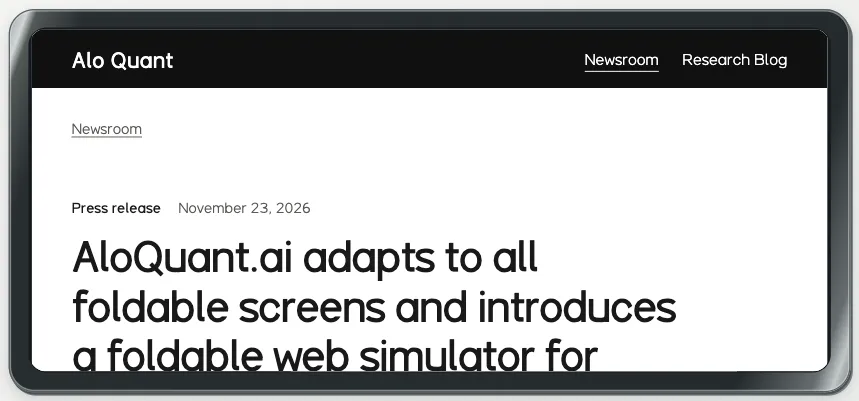
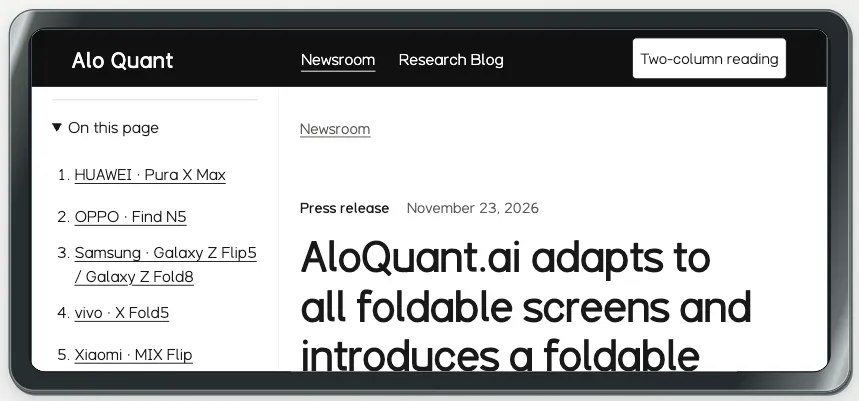
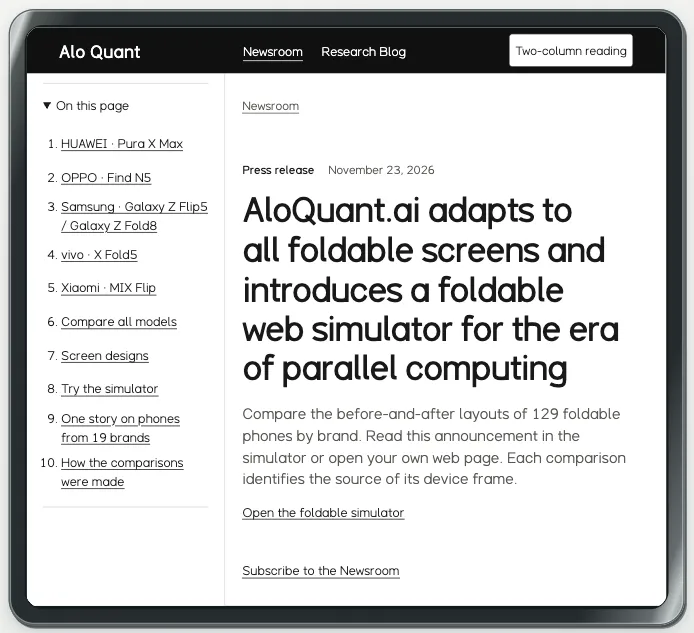
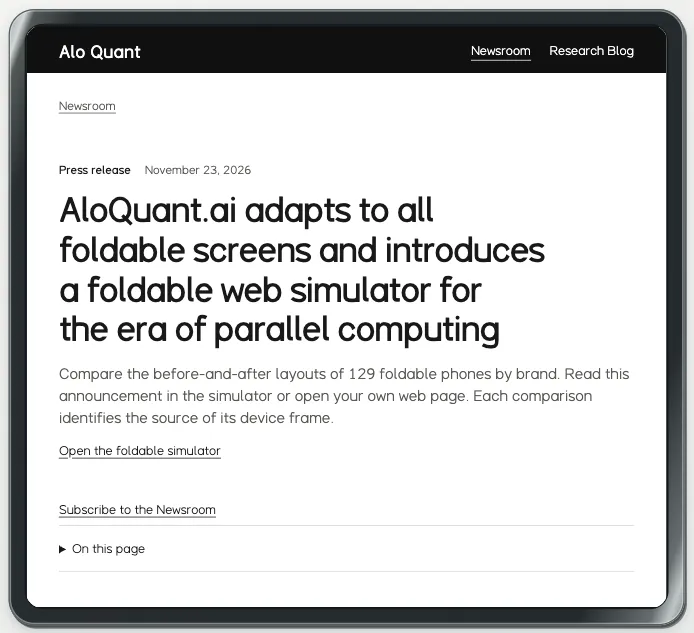
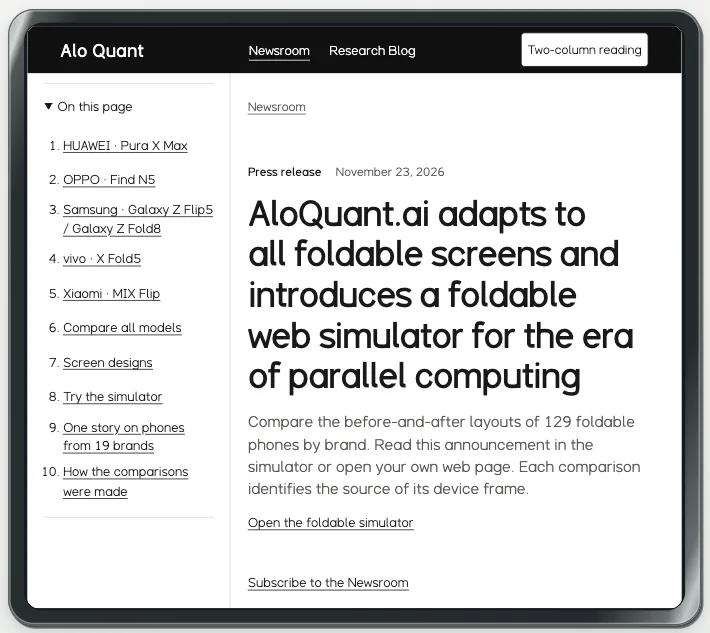
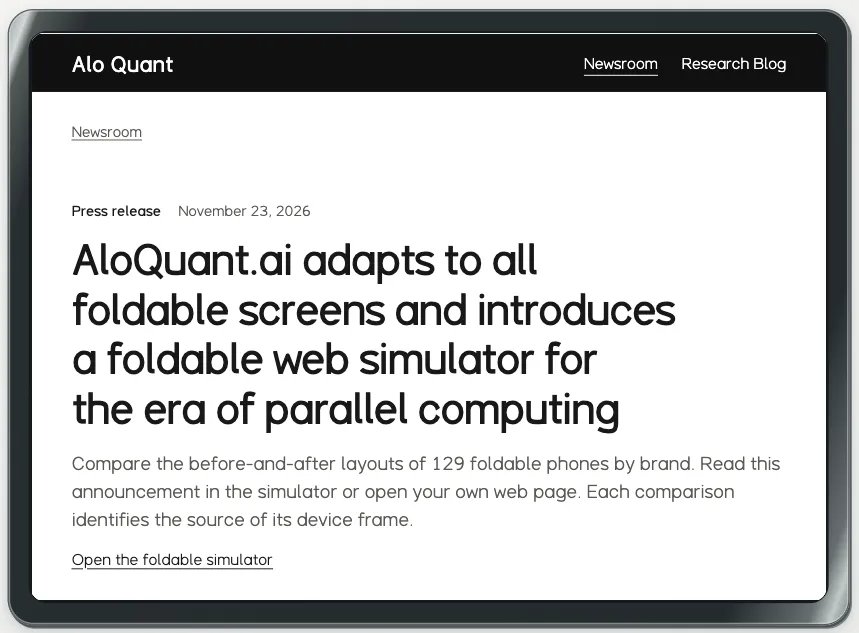
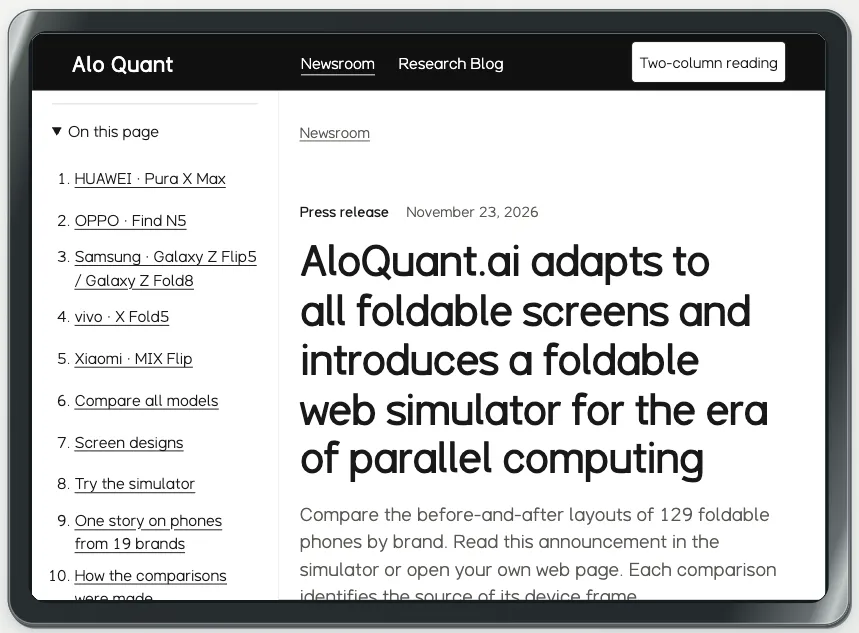
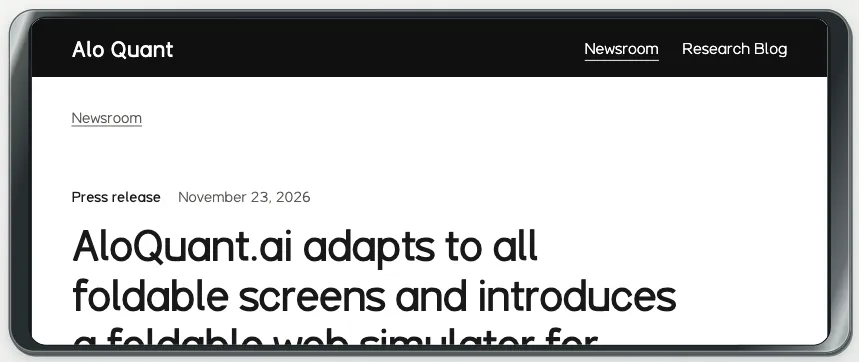
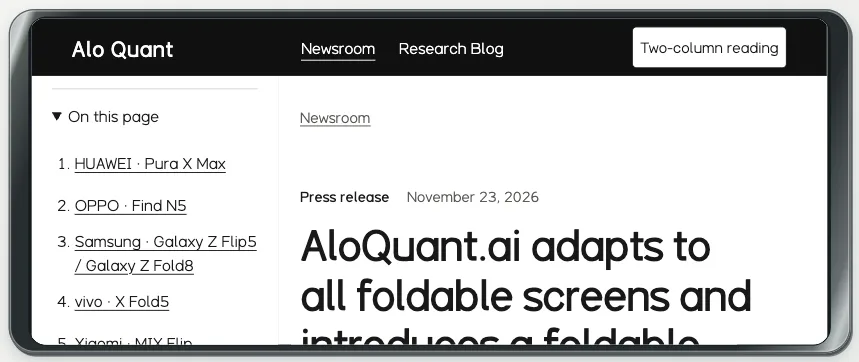
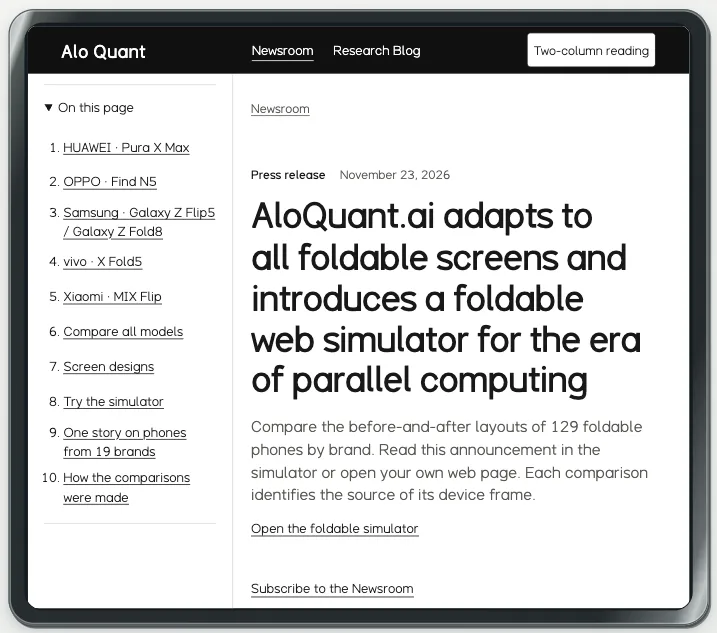
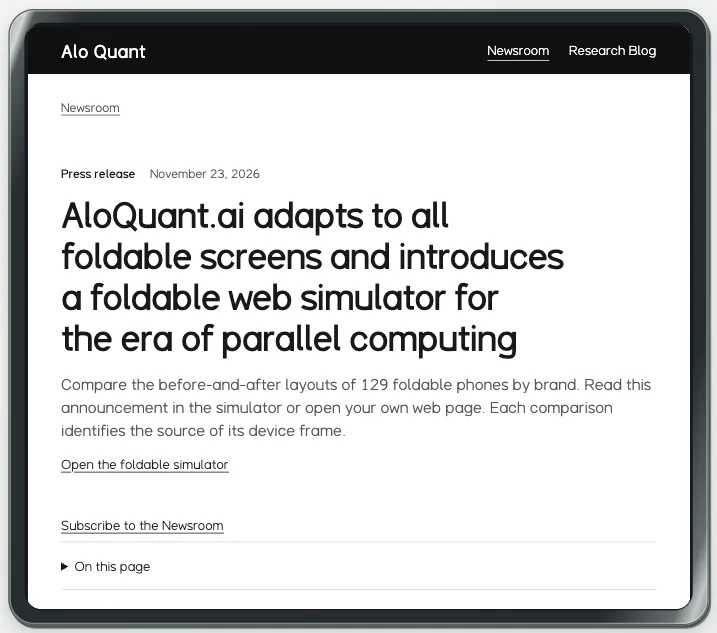
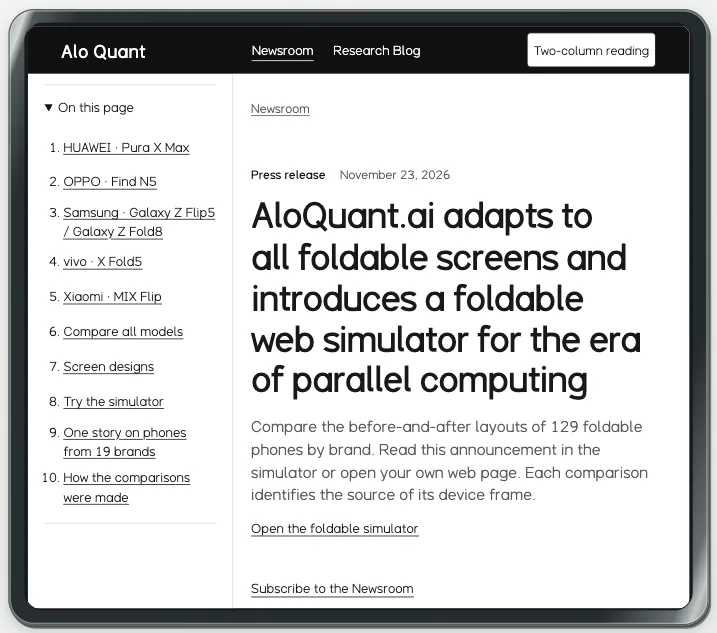
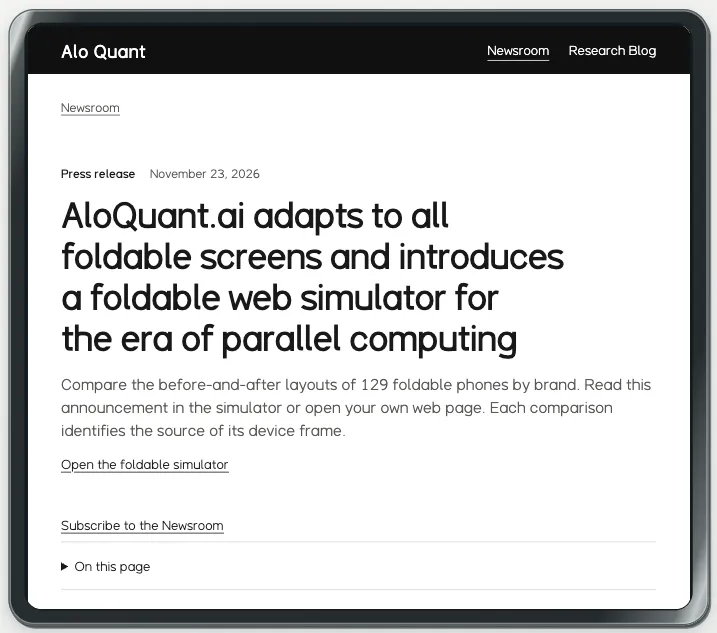
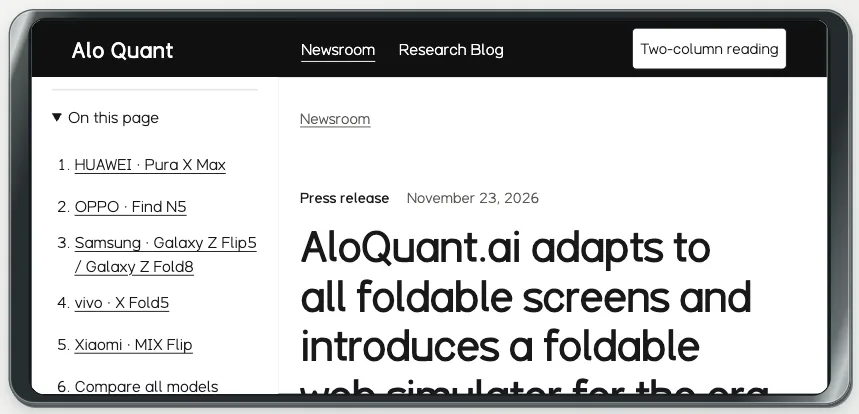
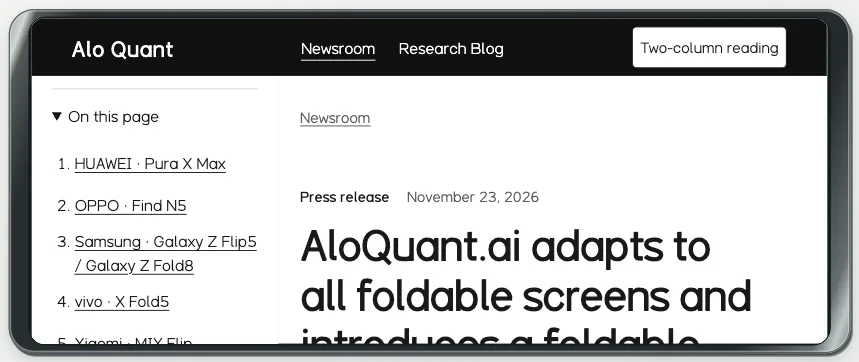
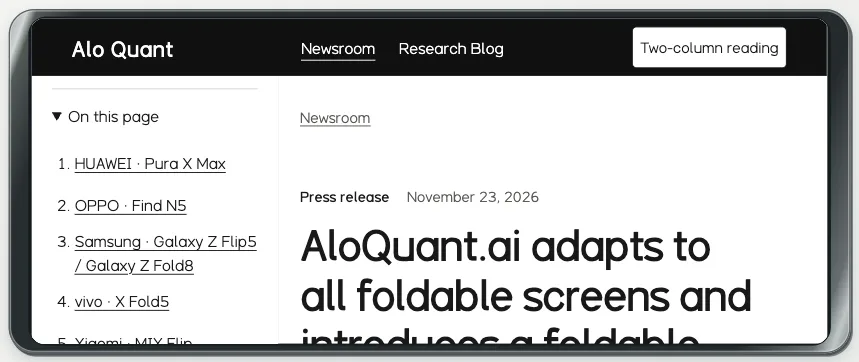
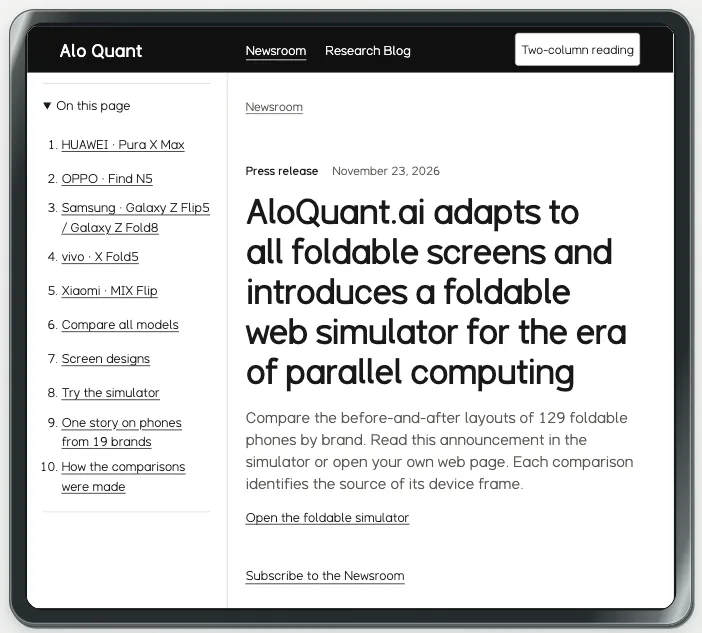
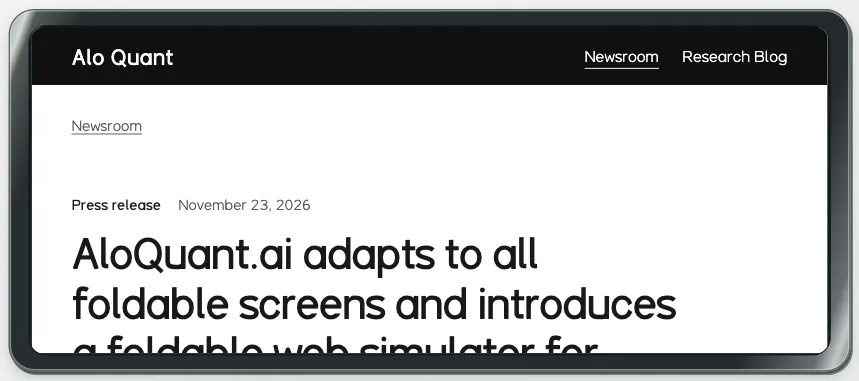
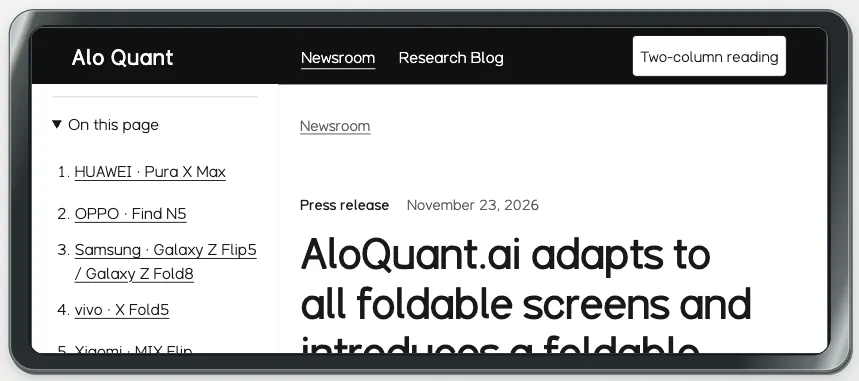
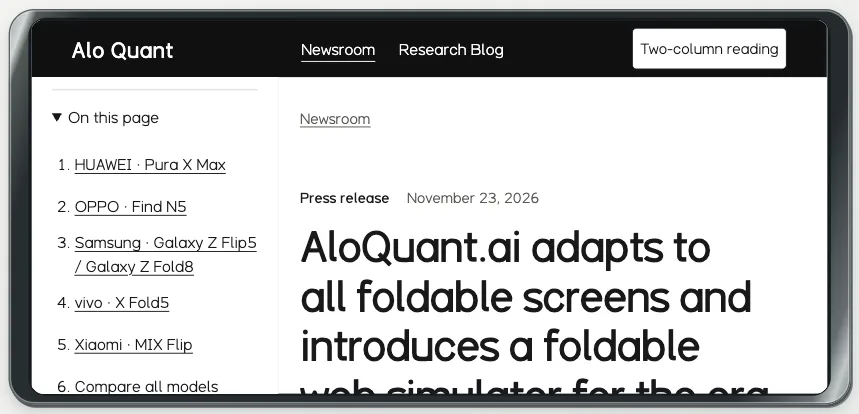
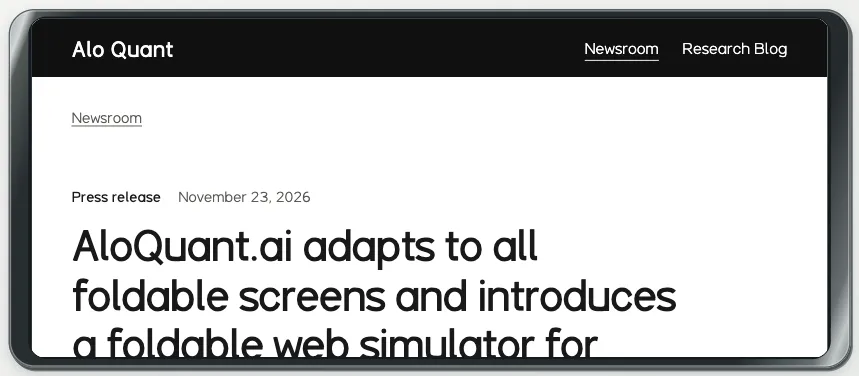
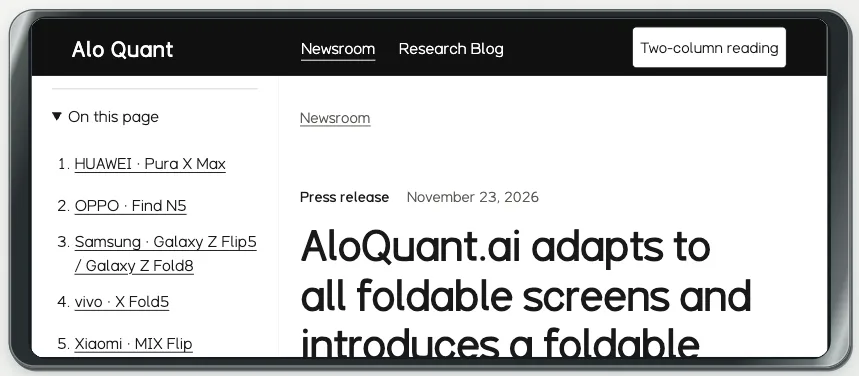
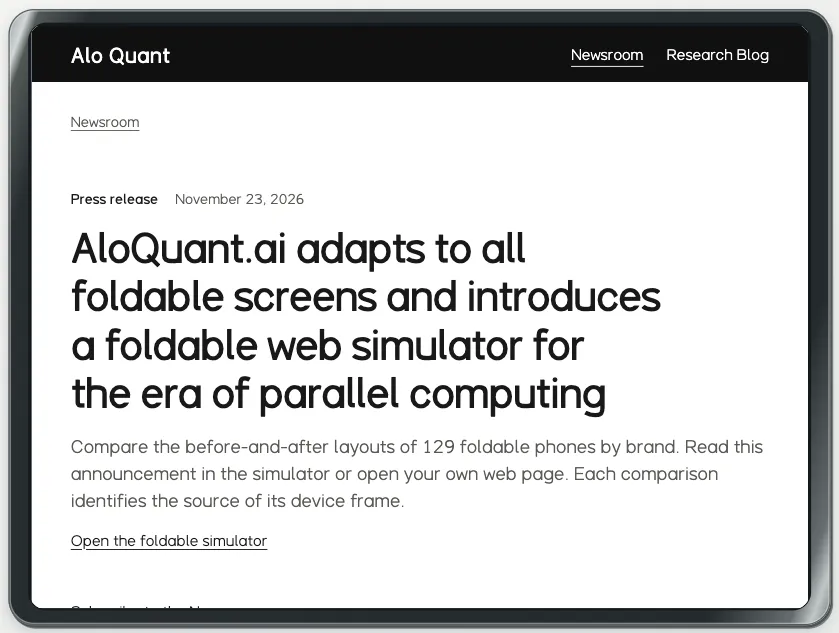
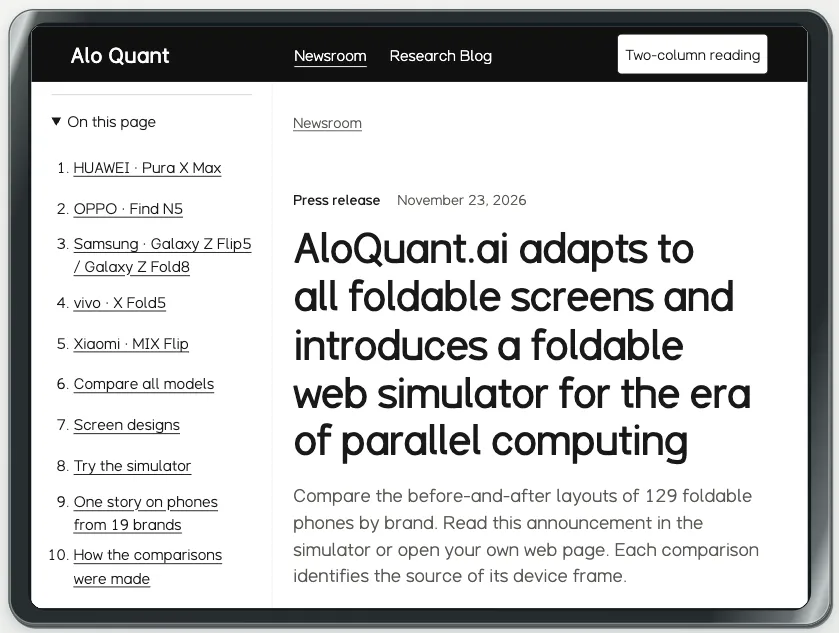
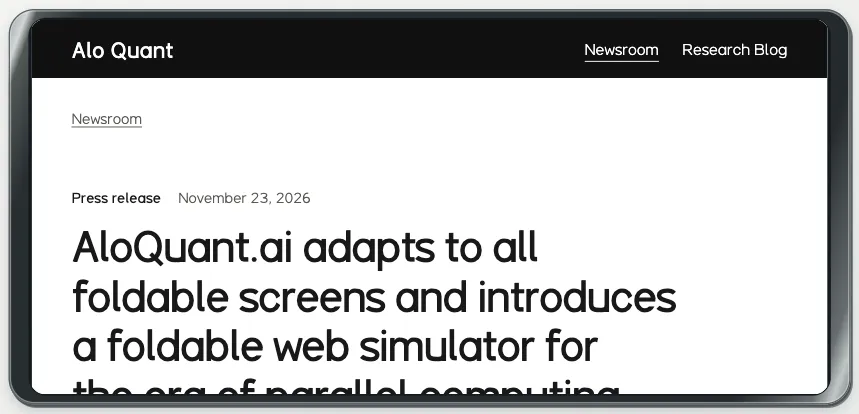
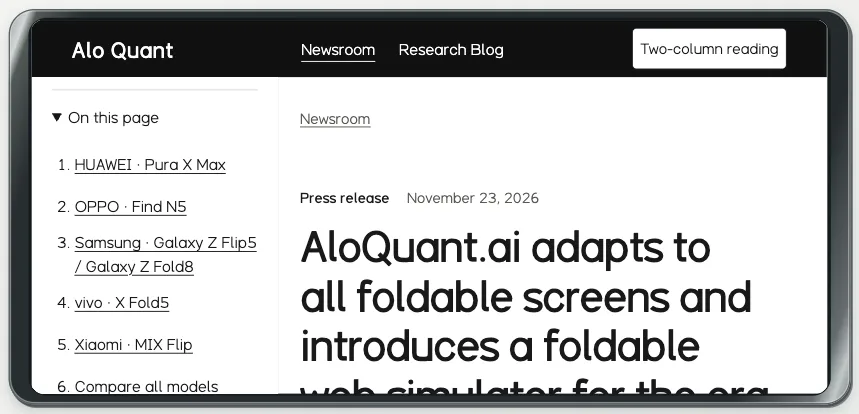
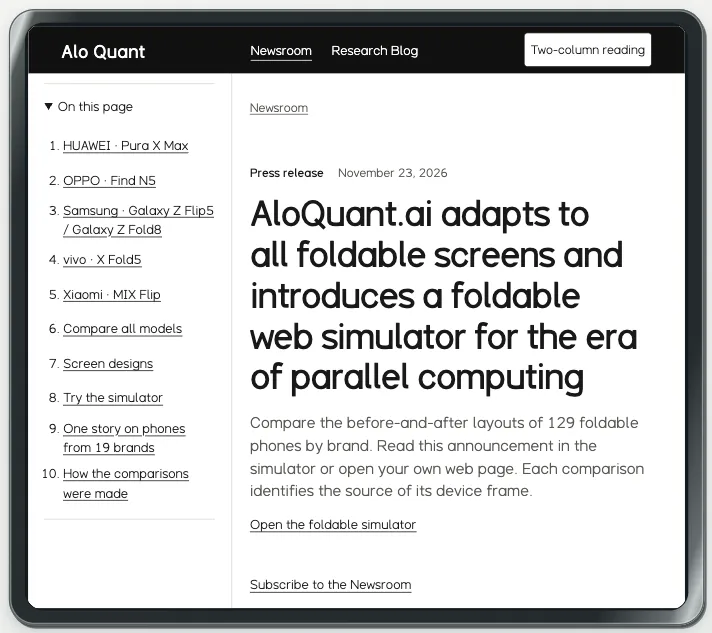
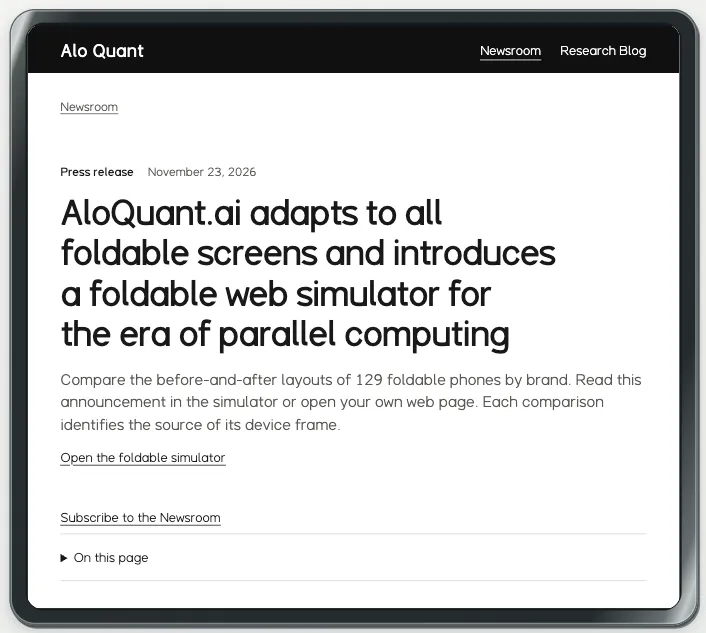
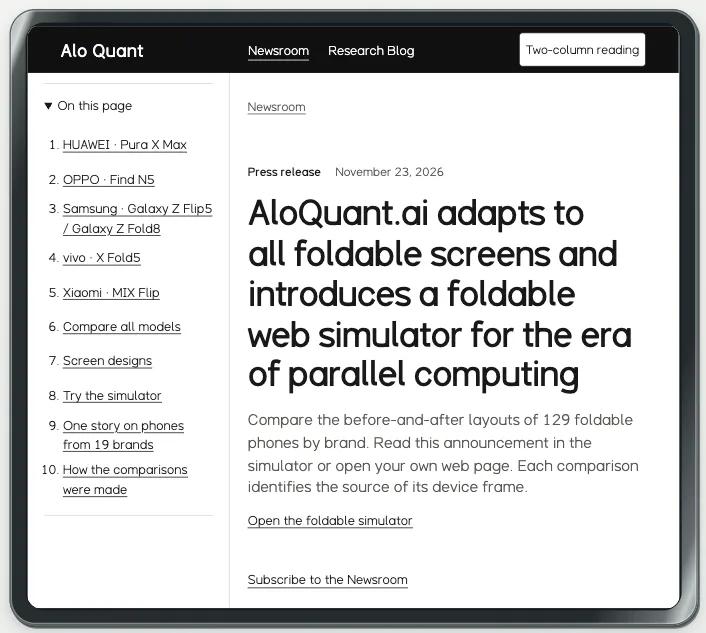
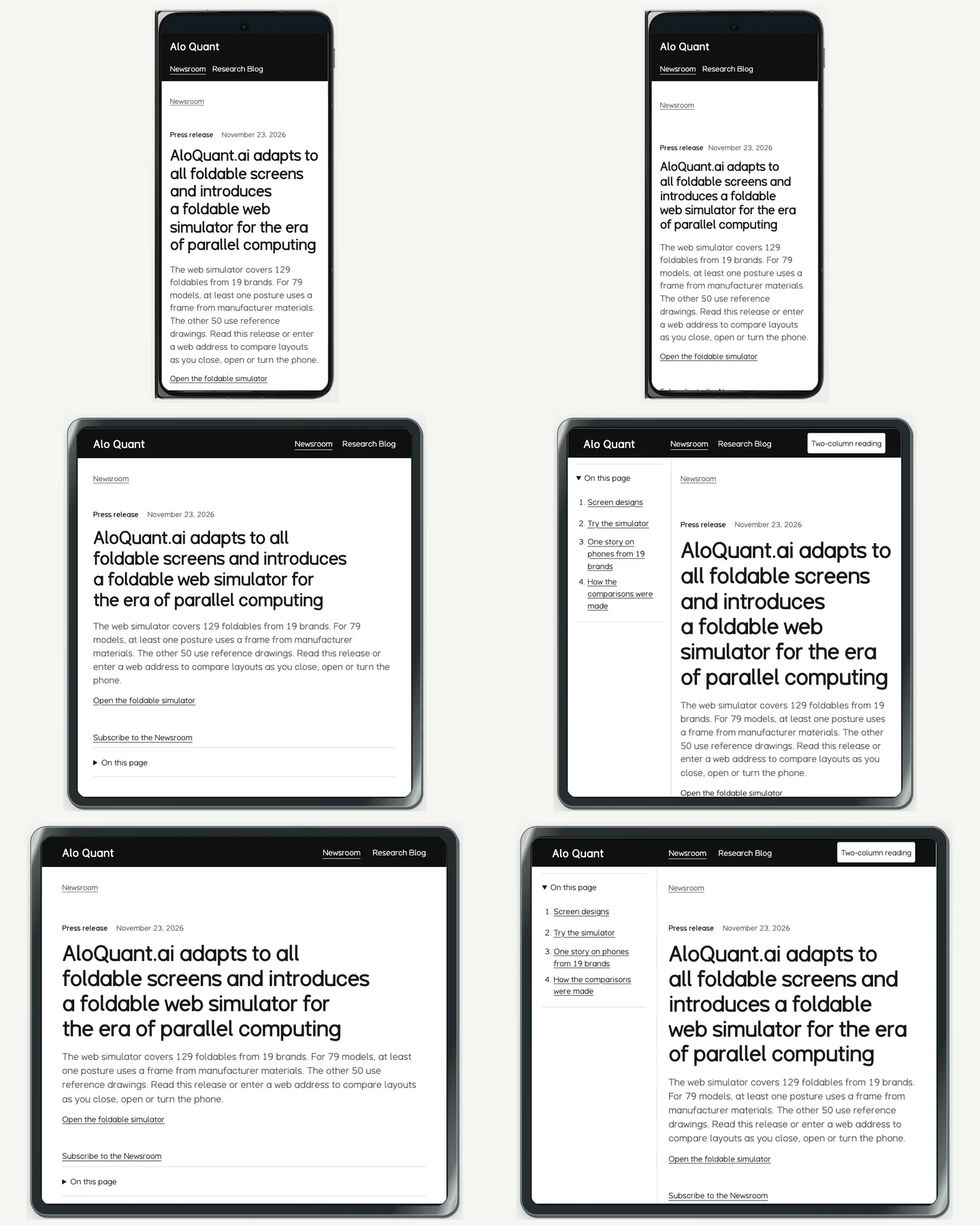
Open the inner screen in landscape. The earlier layout runs down a single column. In the adapted layout, the table of contents sits to the left of the article.
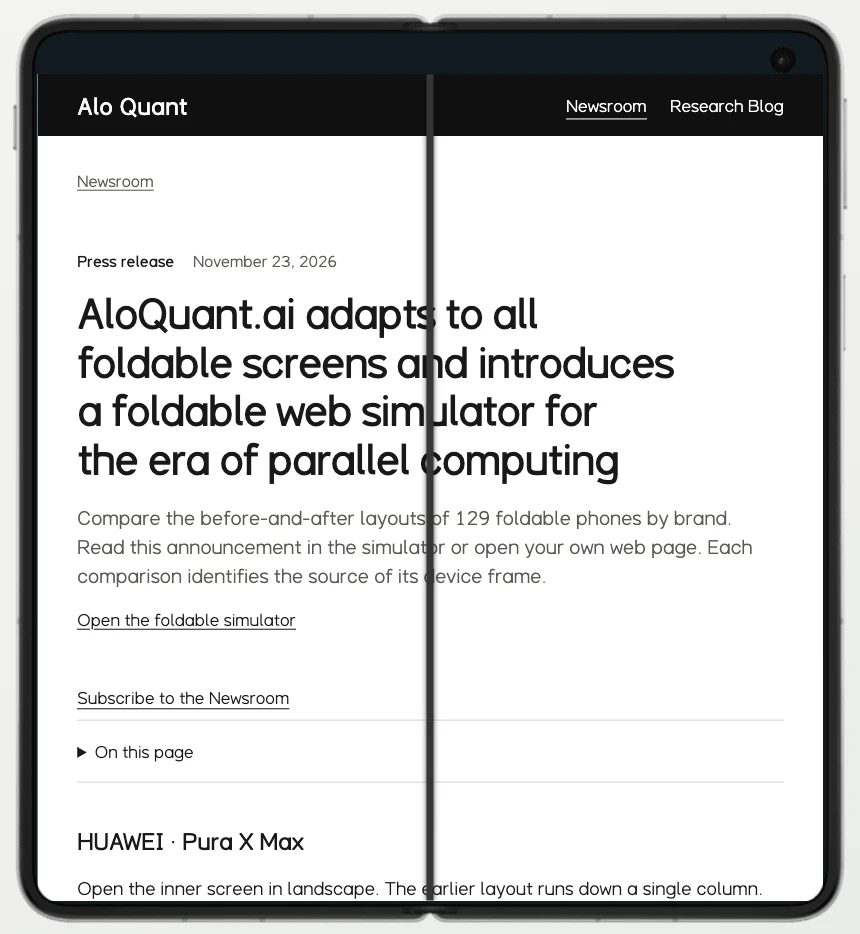
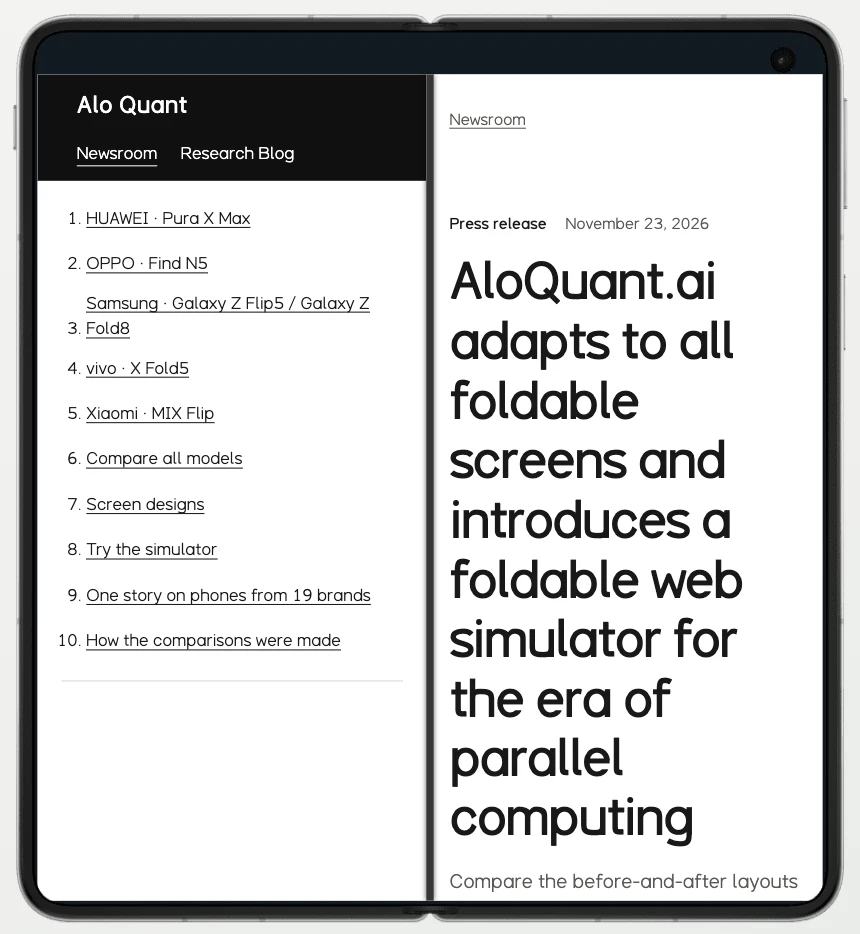
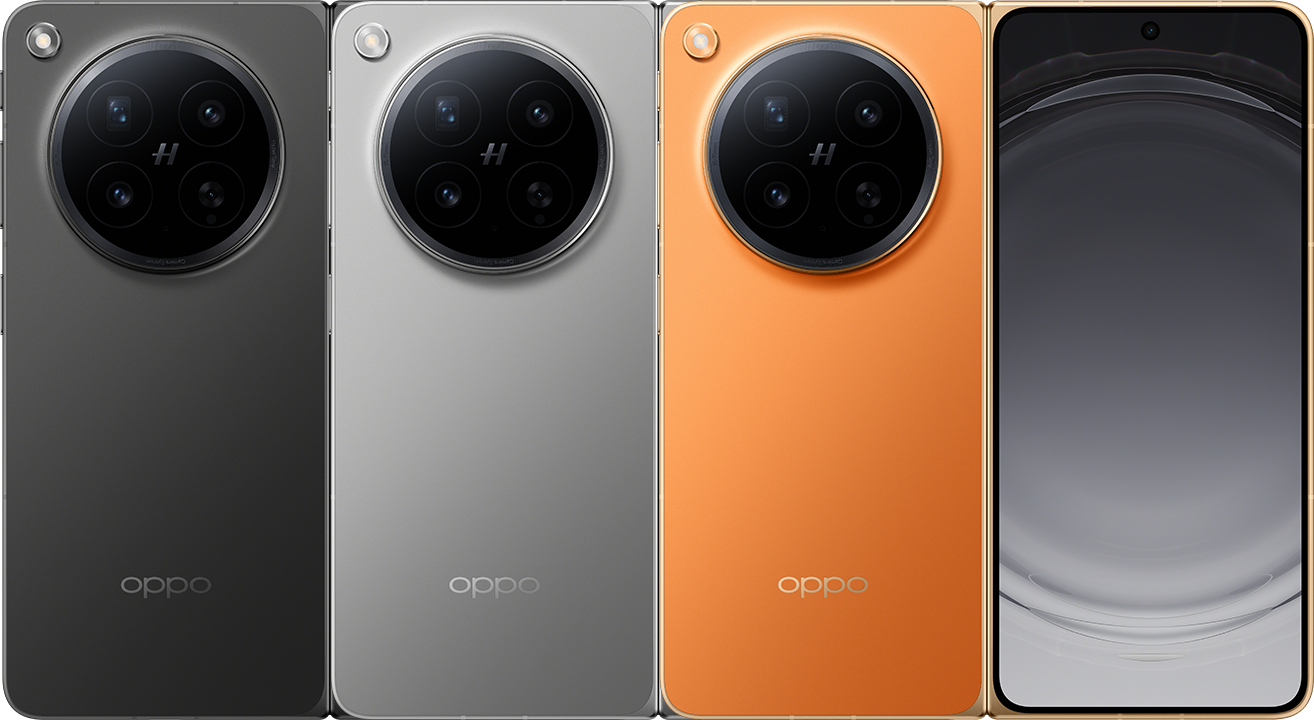
OPPO · Find N5
Half-open the phone like a book. The adapted layout puts chapter navigation on the left and the selected text on the right.
Samsung · Galaxy Z Flip5 / Galaxy Z Fold8
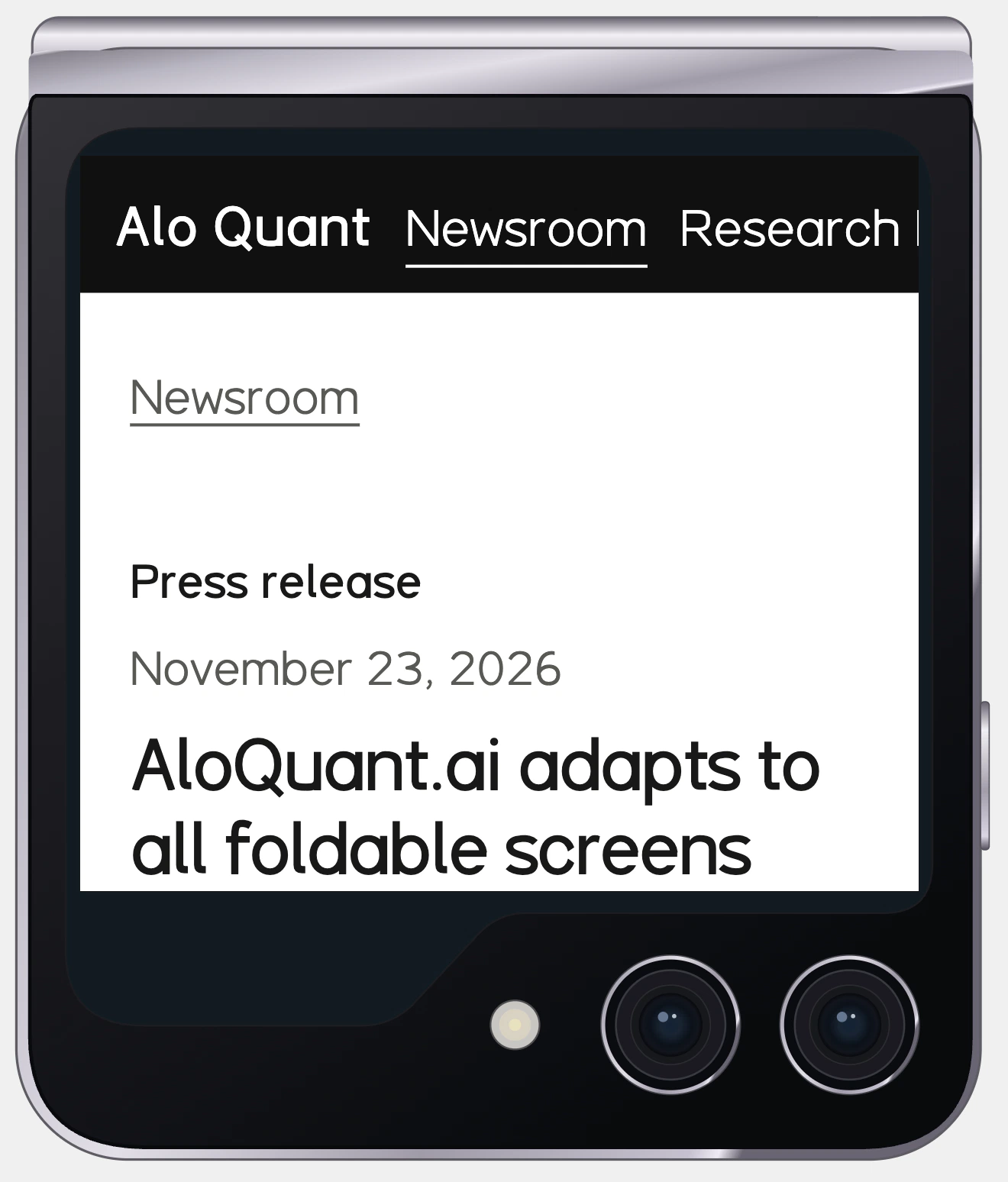
Samsung Galaxy Z Flip5
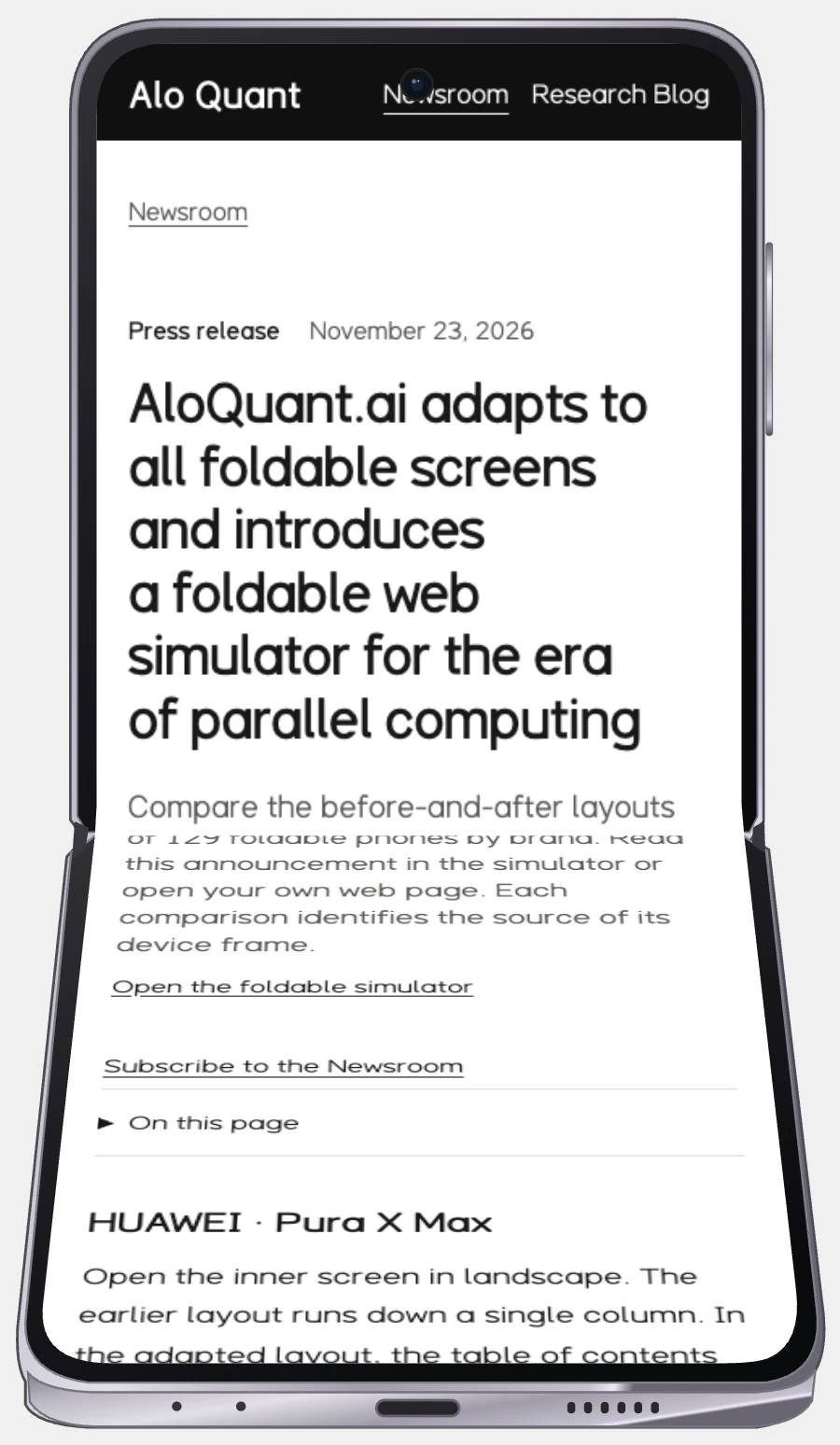
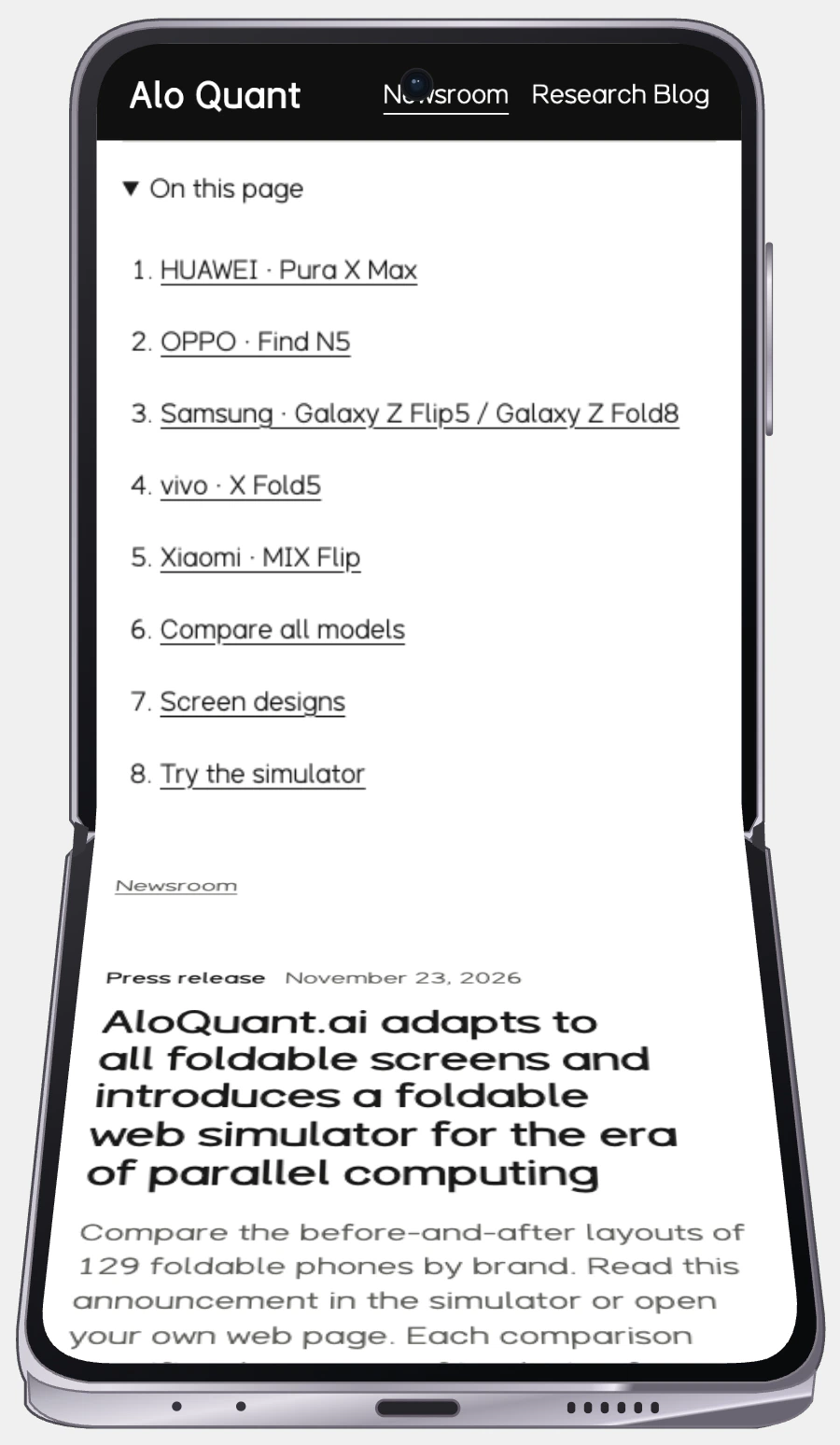
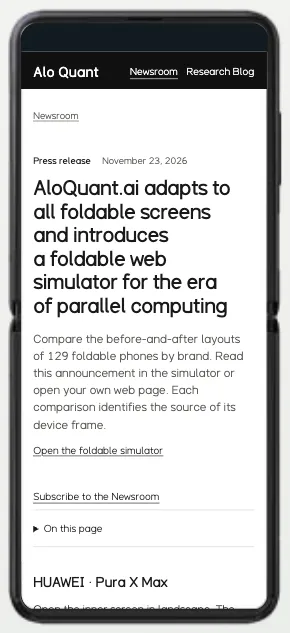
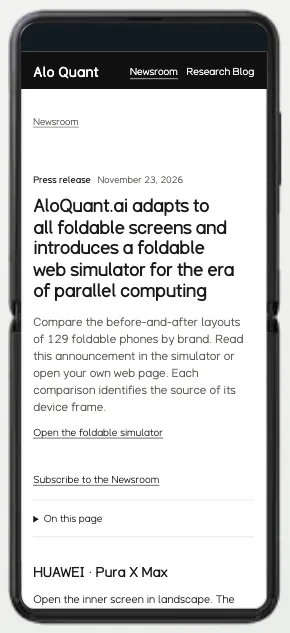
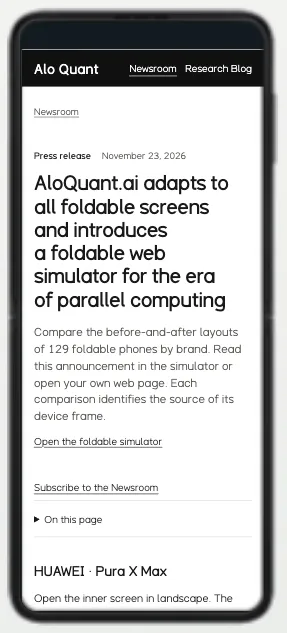
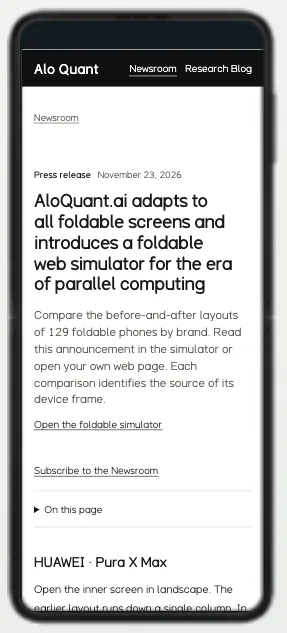
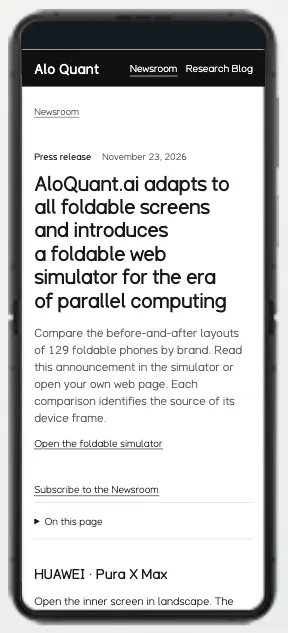
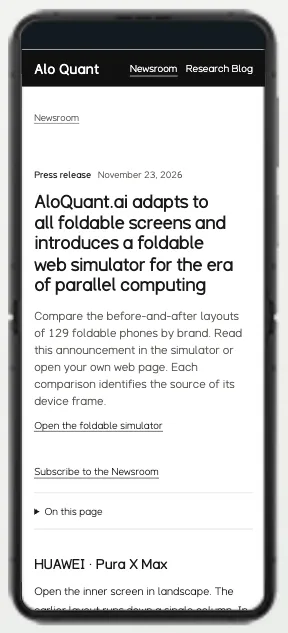
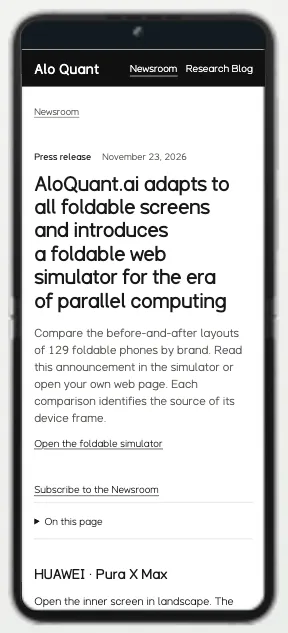
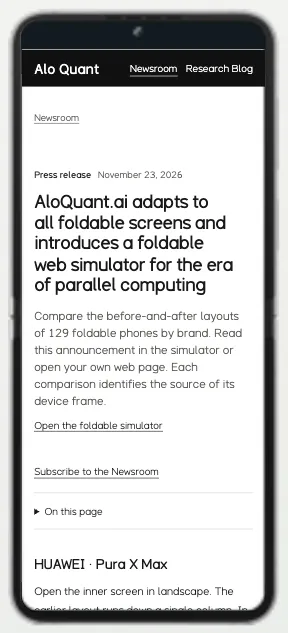
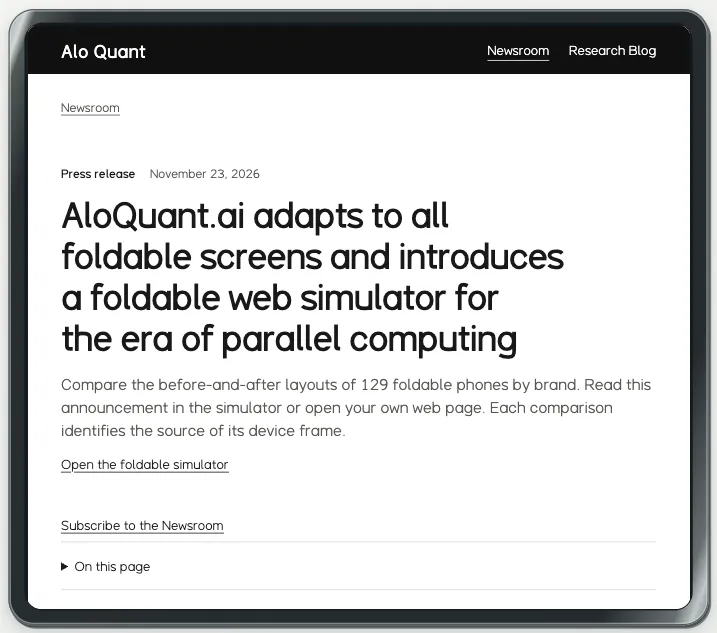
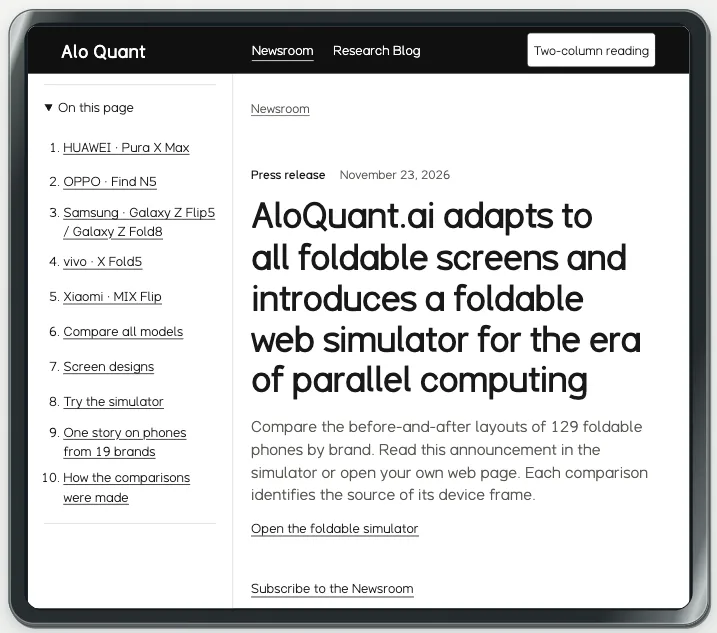
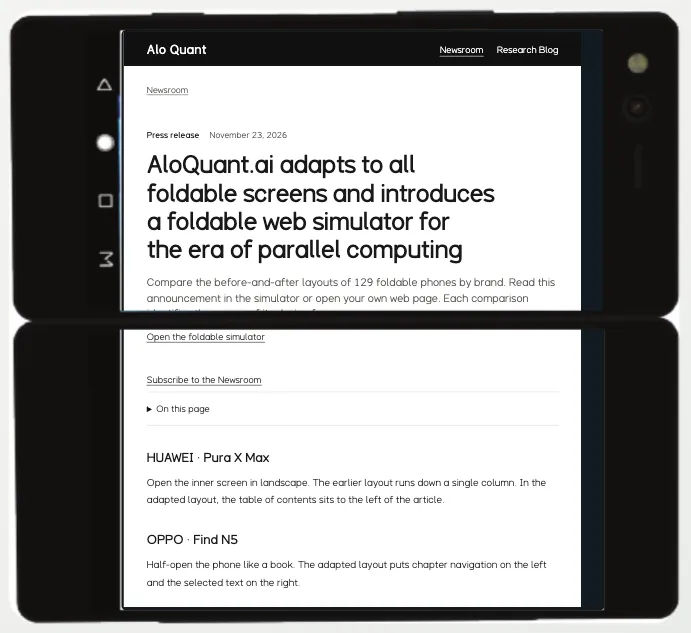
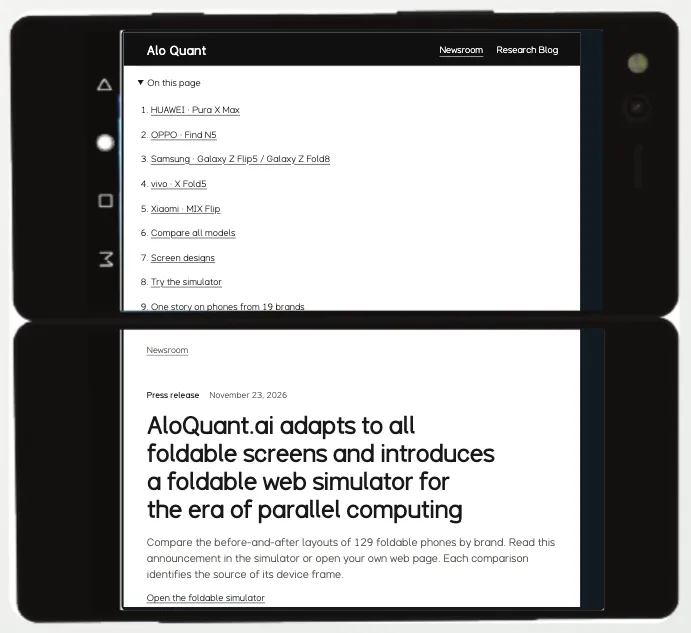
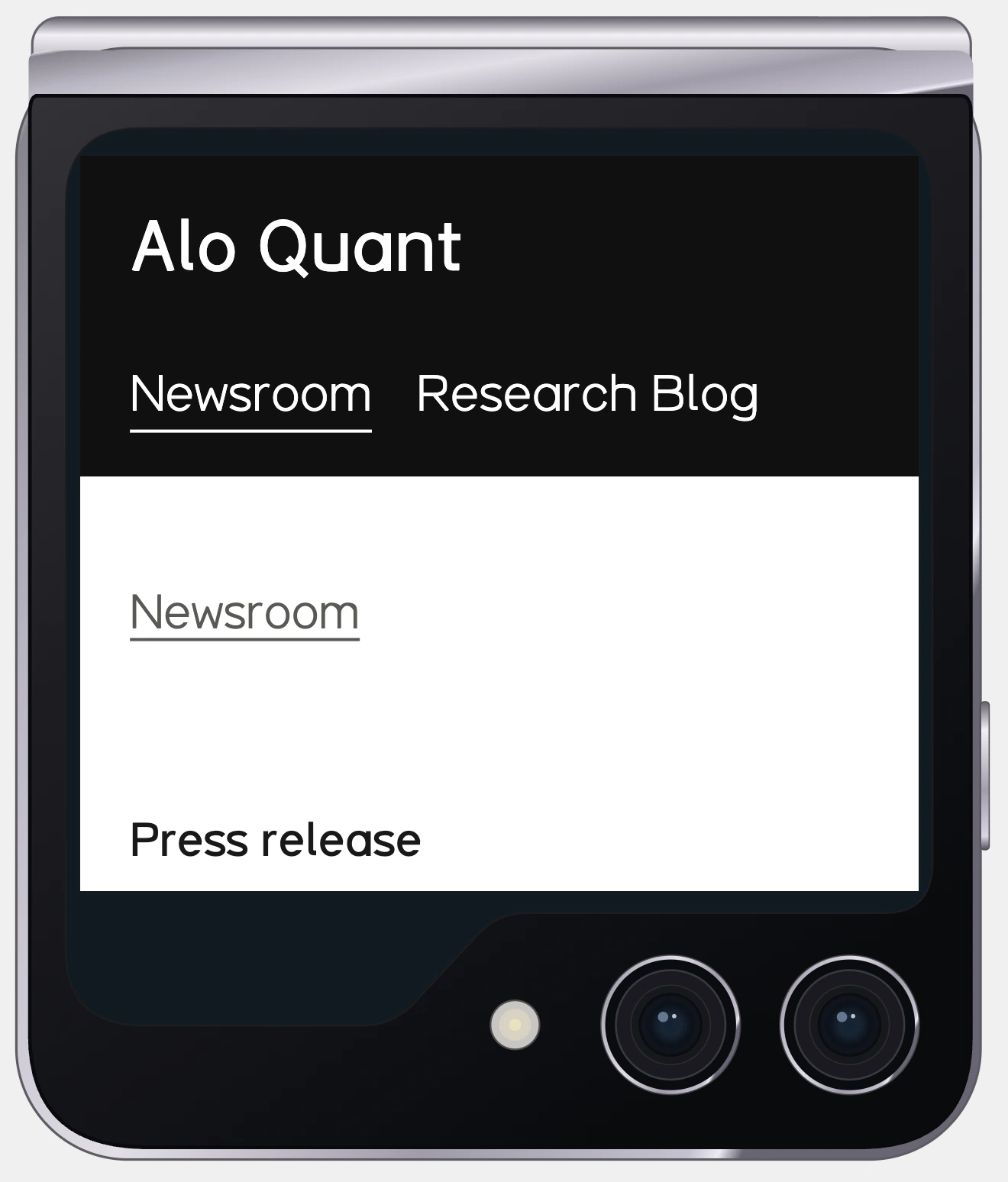
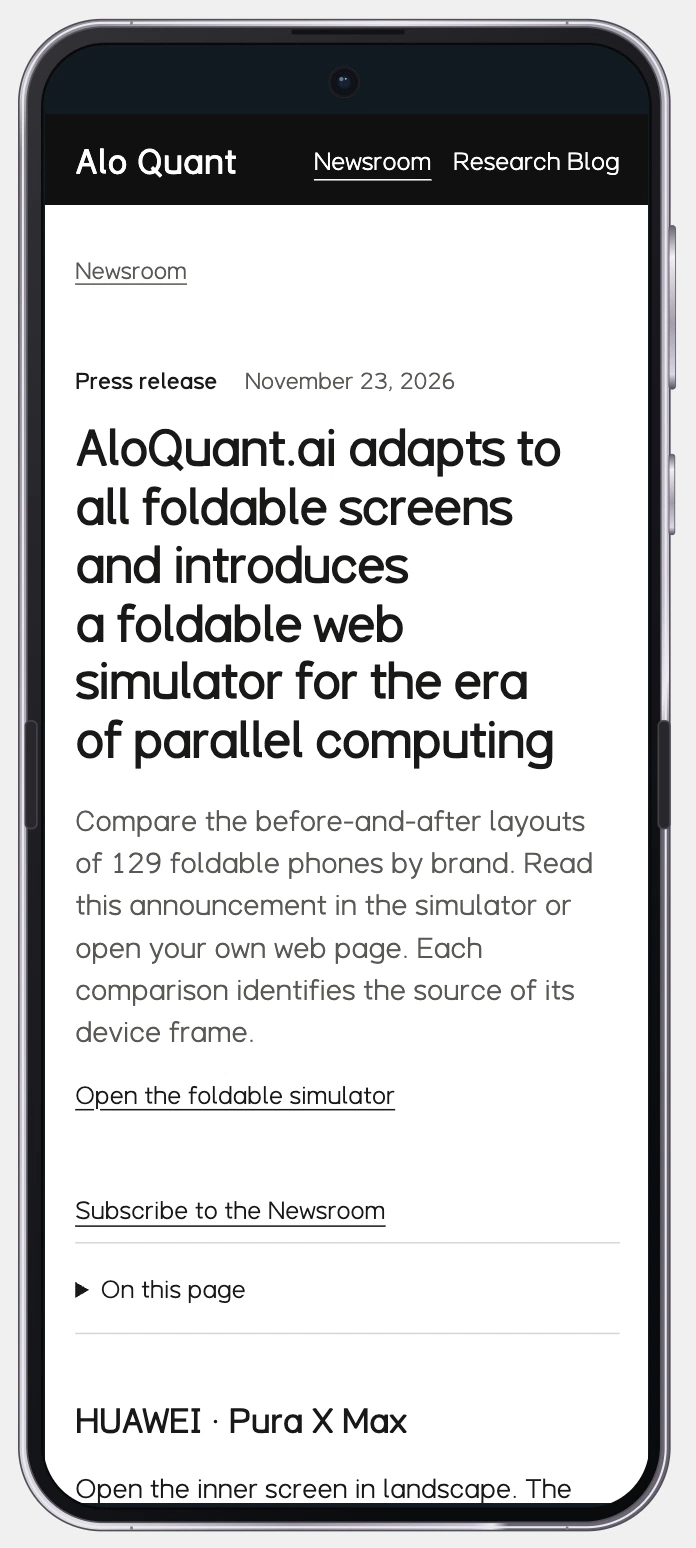
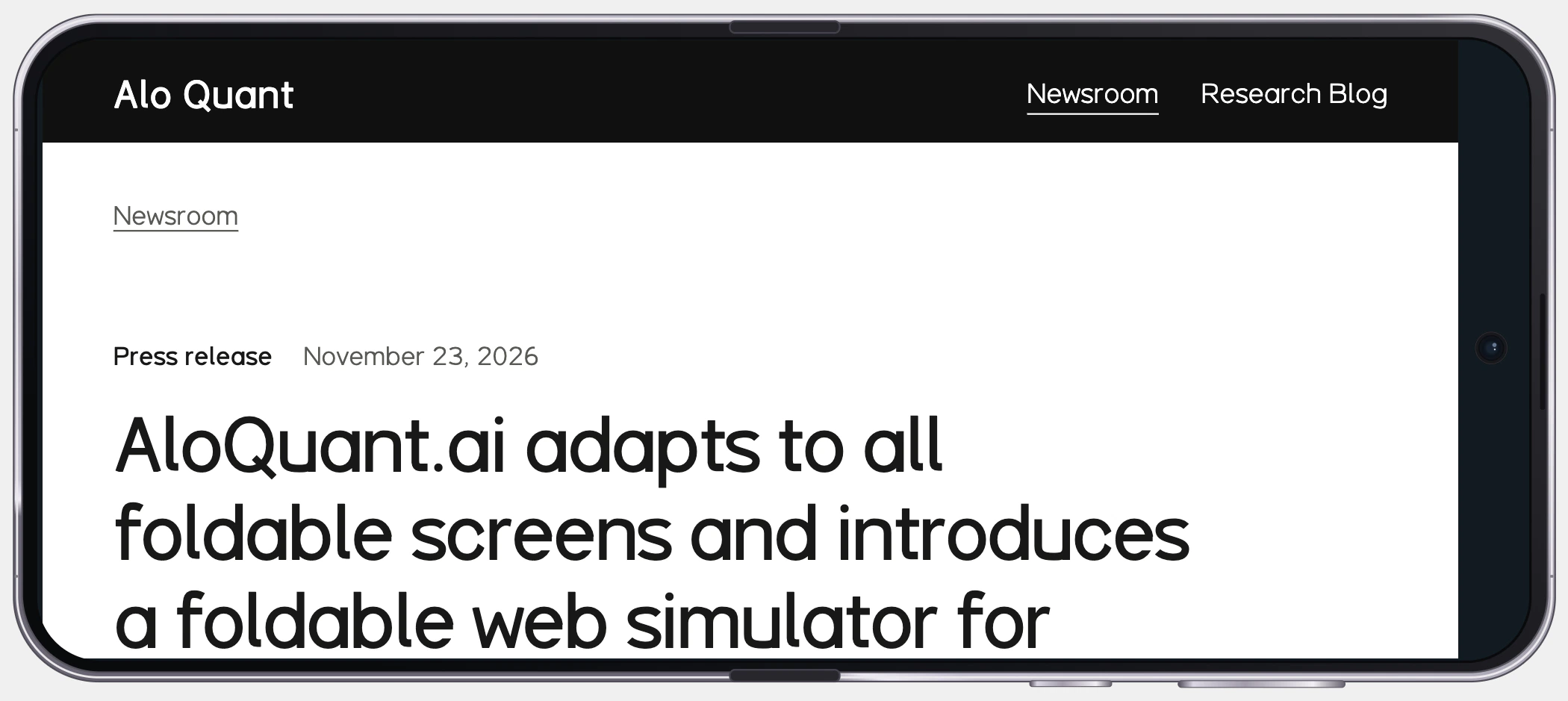
Half-fold the Galaxy Z Flip5 and set it on a table. The upper screen stands upright, while the lower screen angles toward the reader. The earlier layout scrolls as one article across both surfaces. The adapted layout puts chapter selection on the upper screen and the article on the lower screen.
Samsung Galaxy Z Fold8
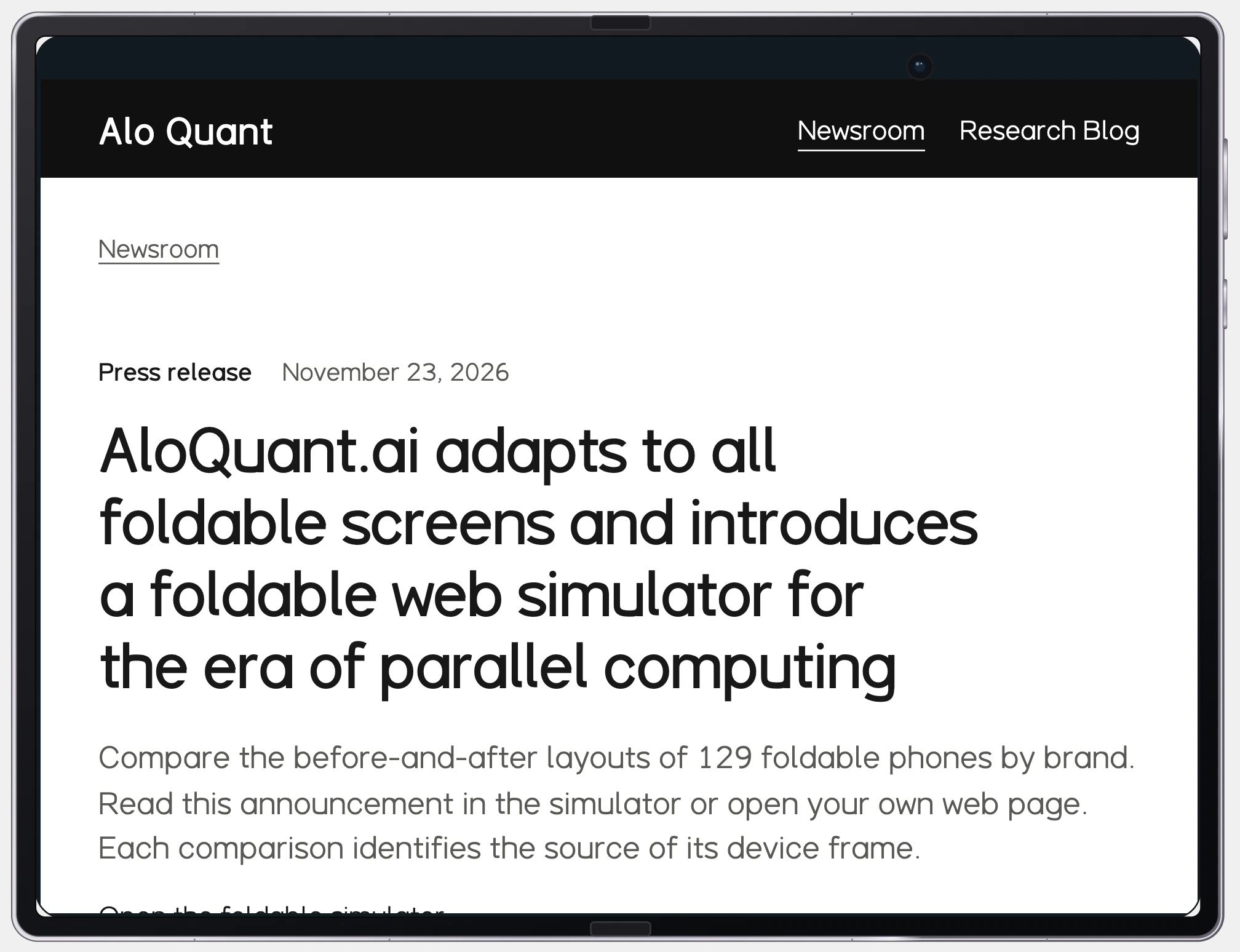
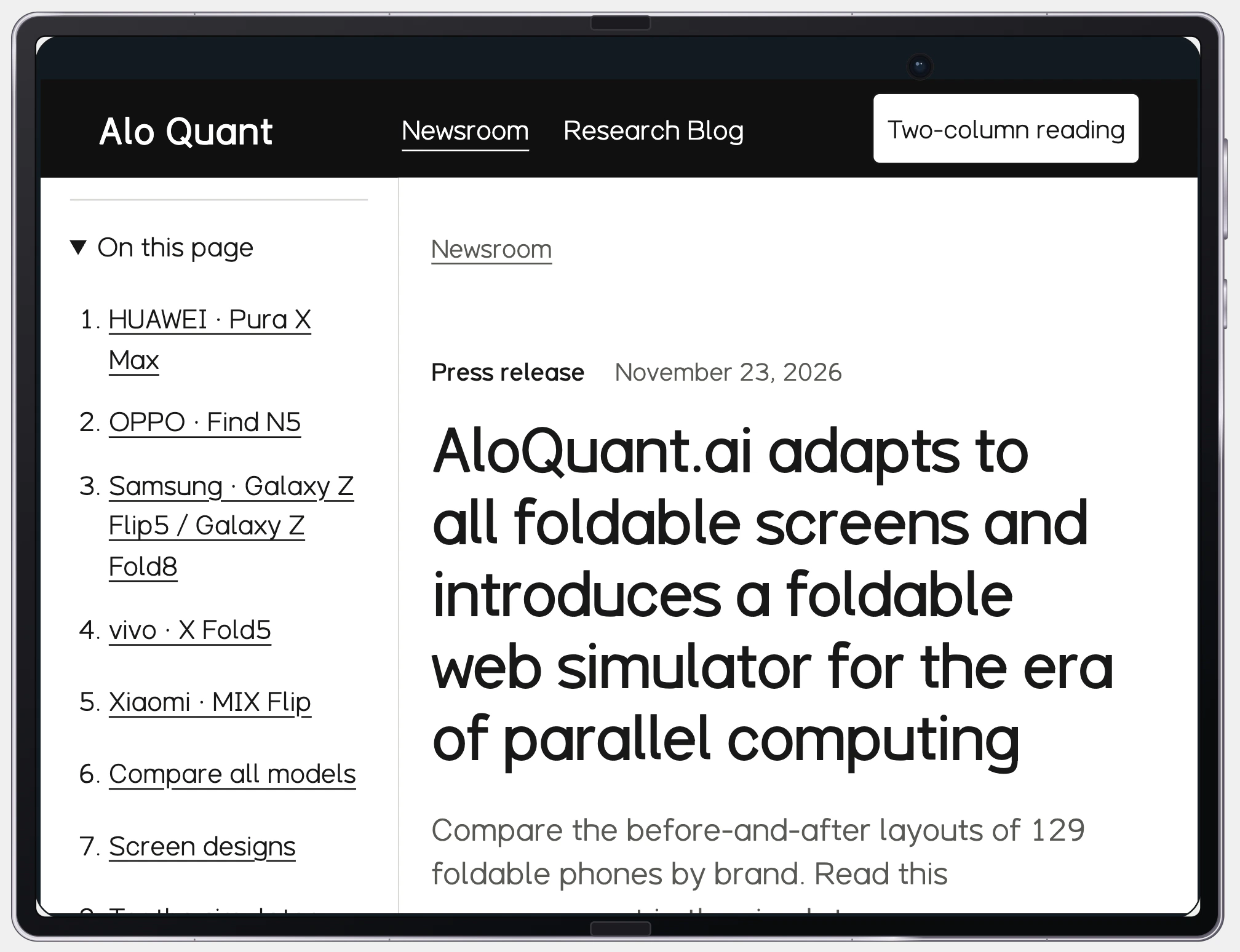
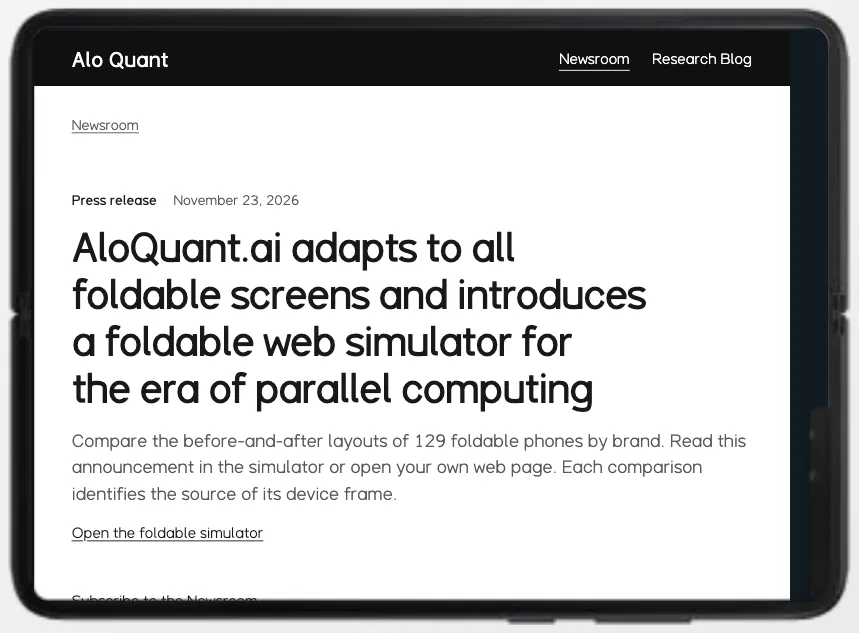
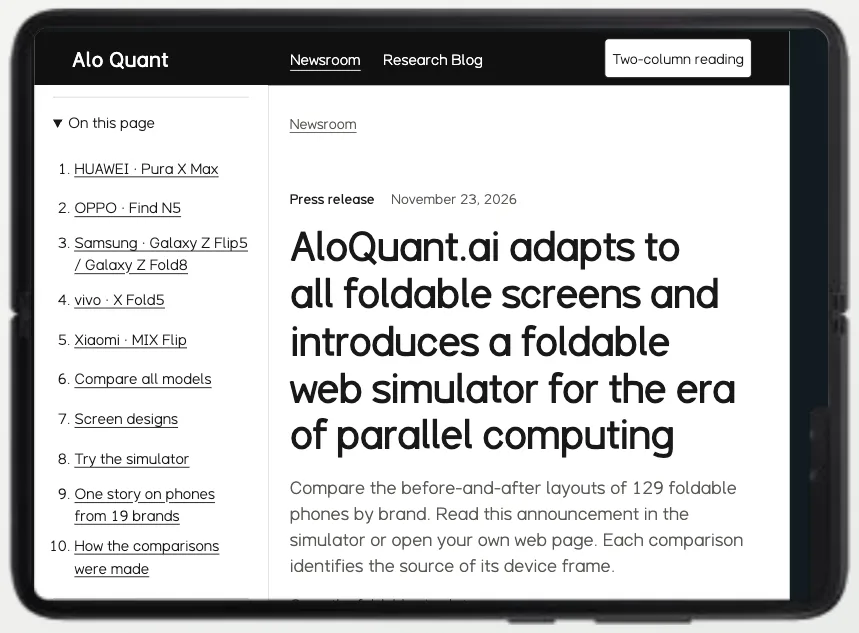
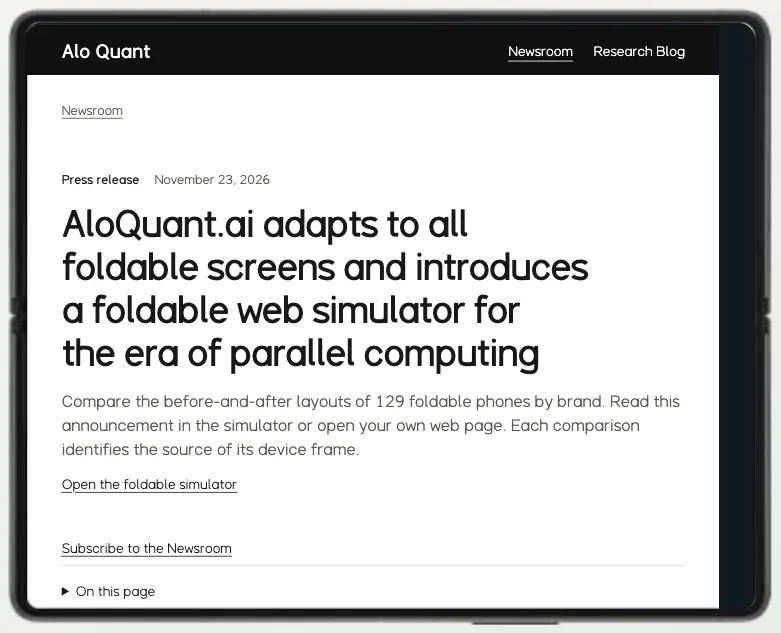
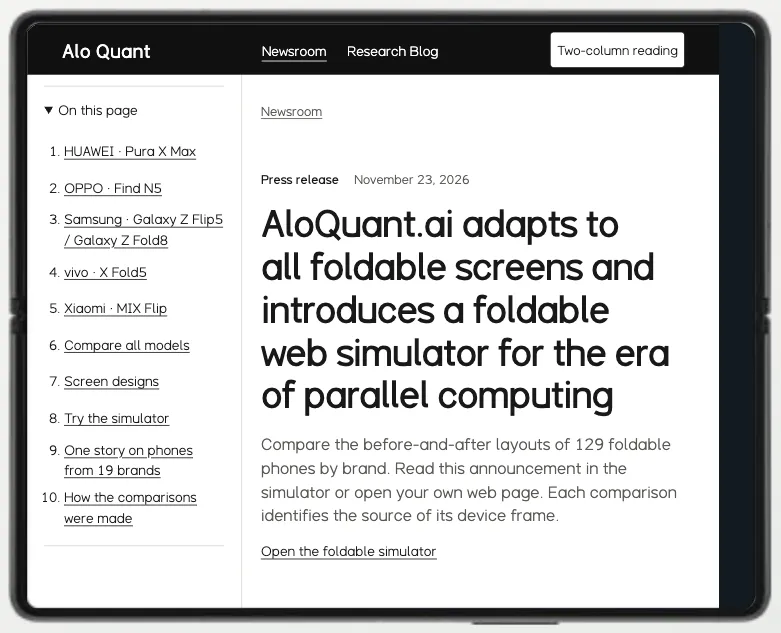
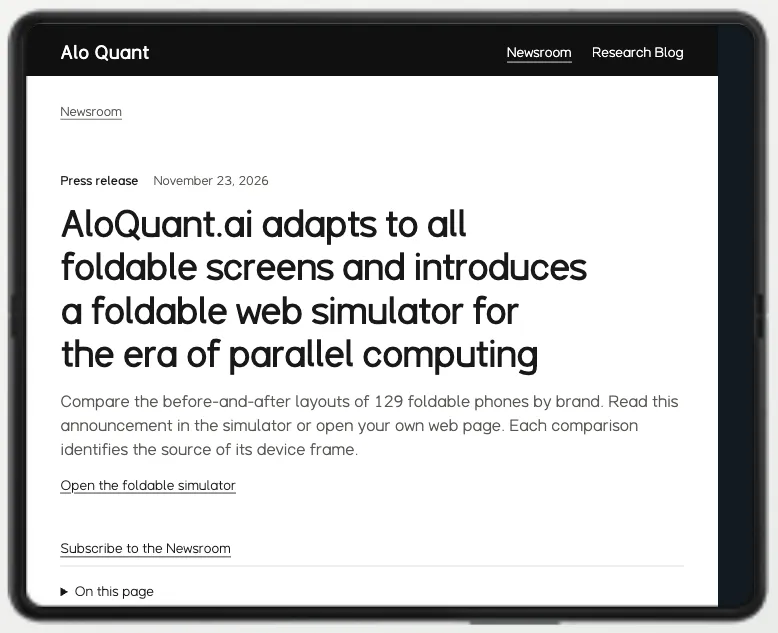
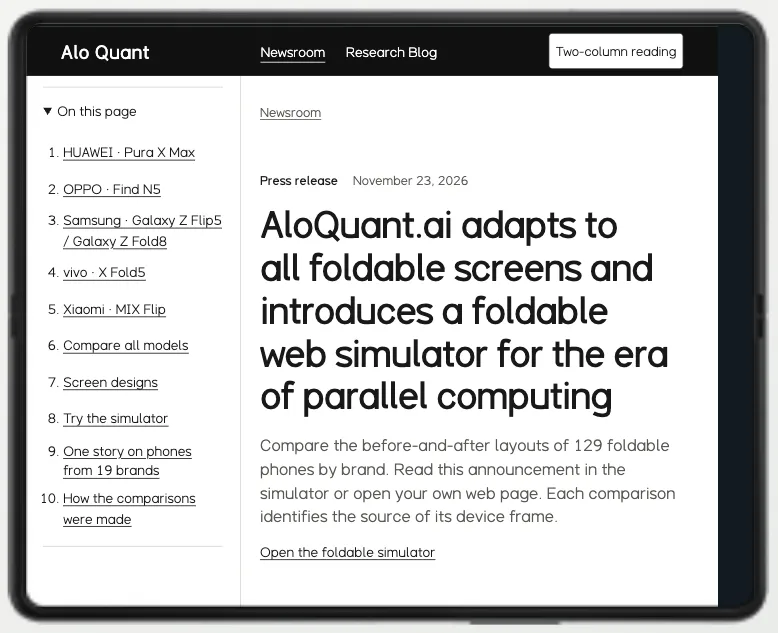
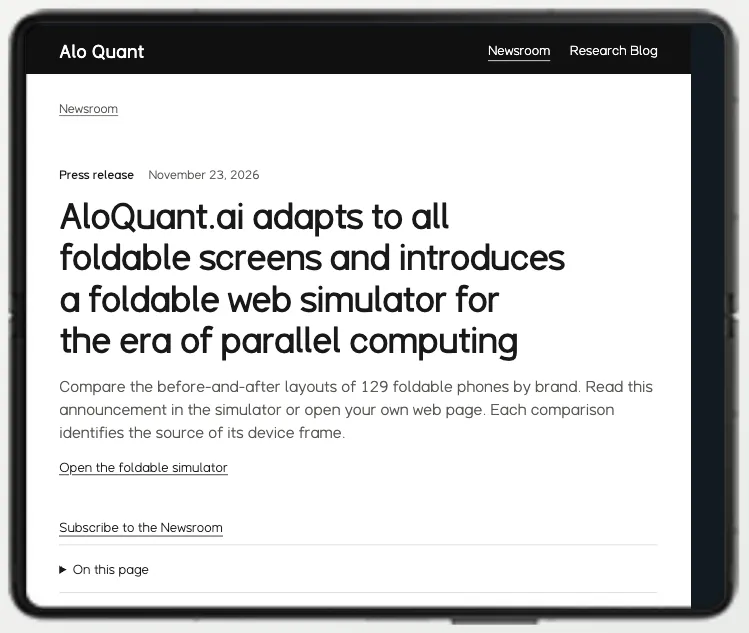
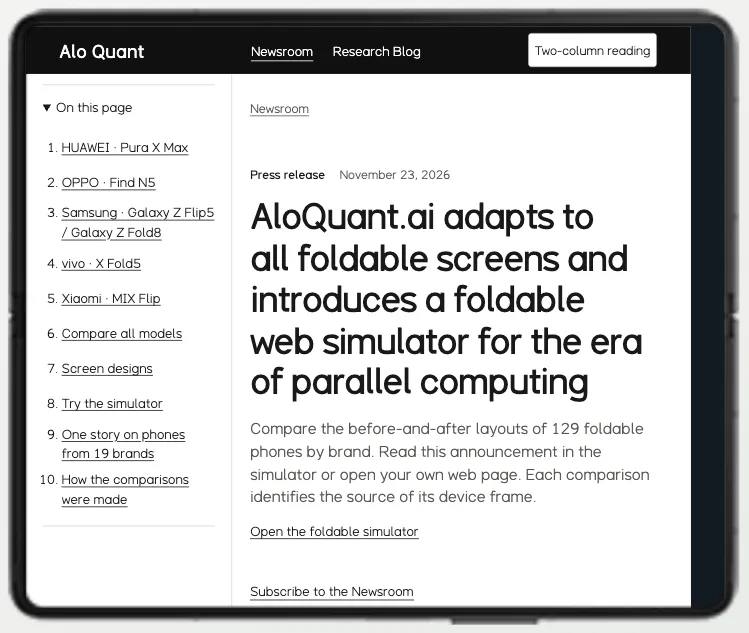
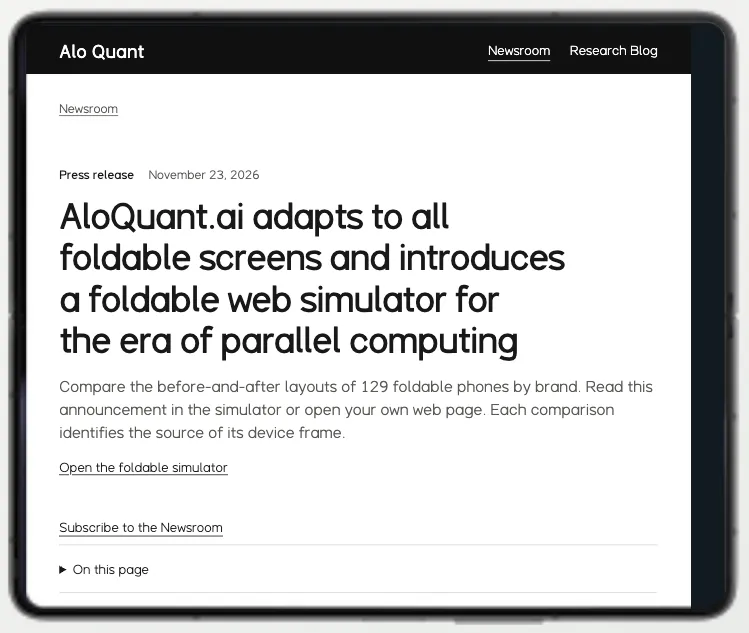
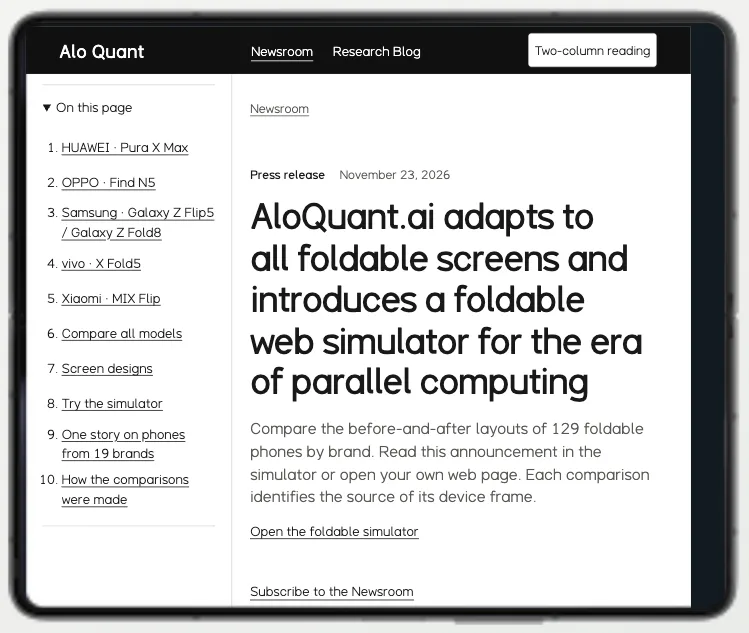
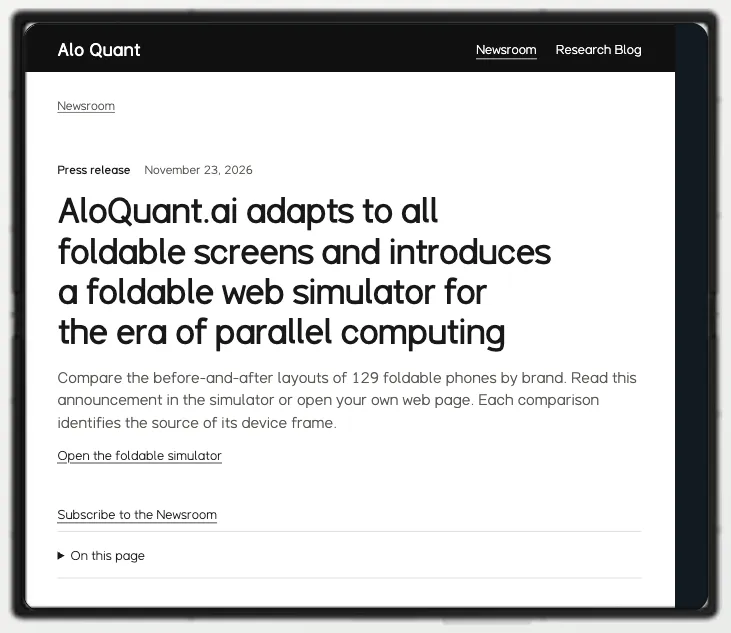
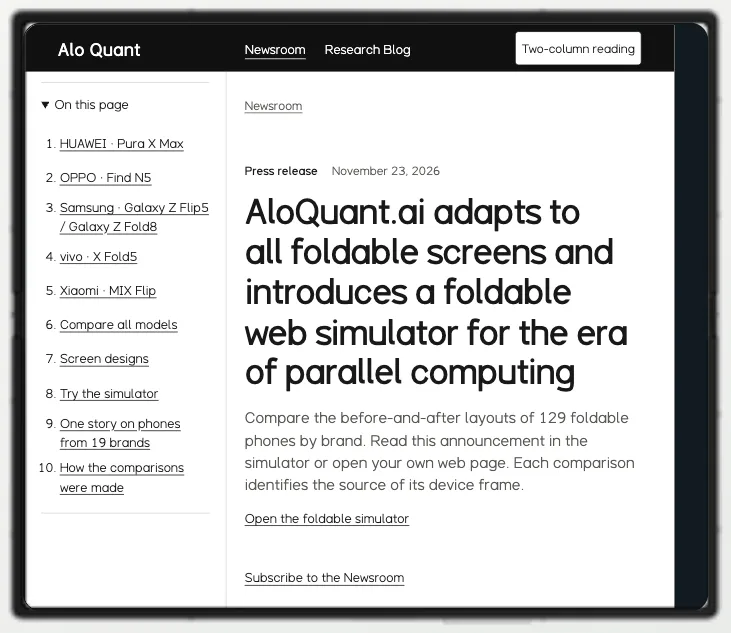
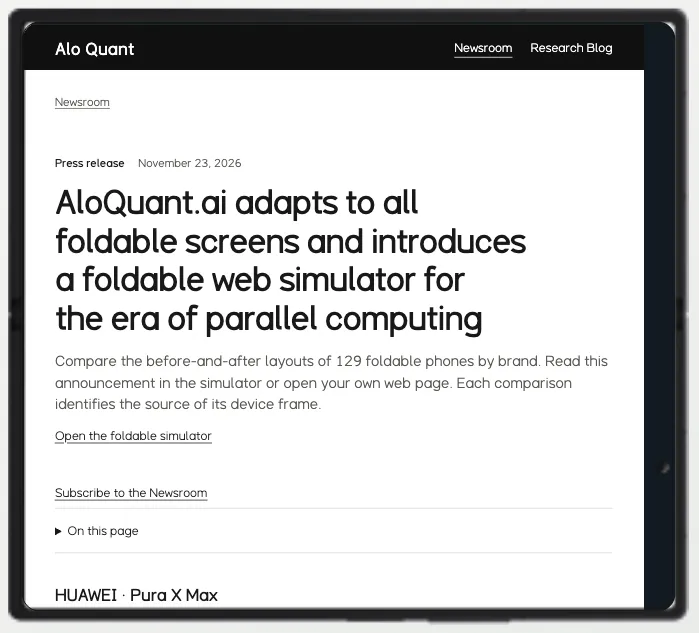
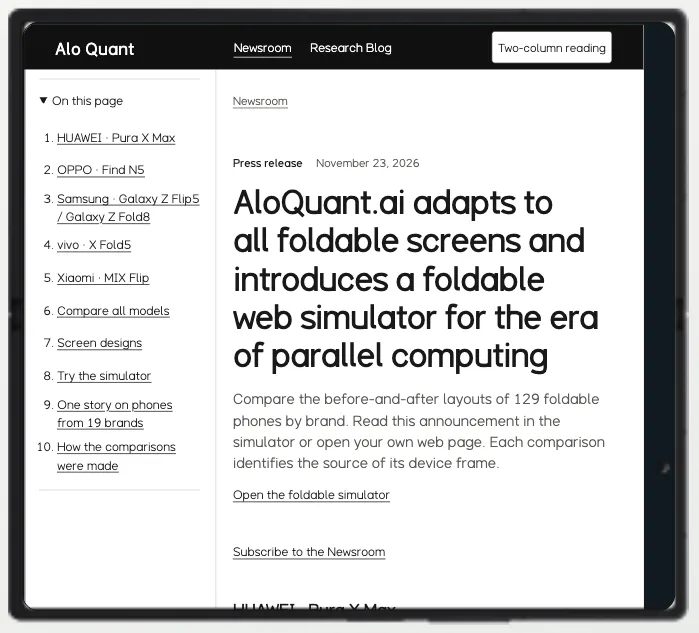
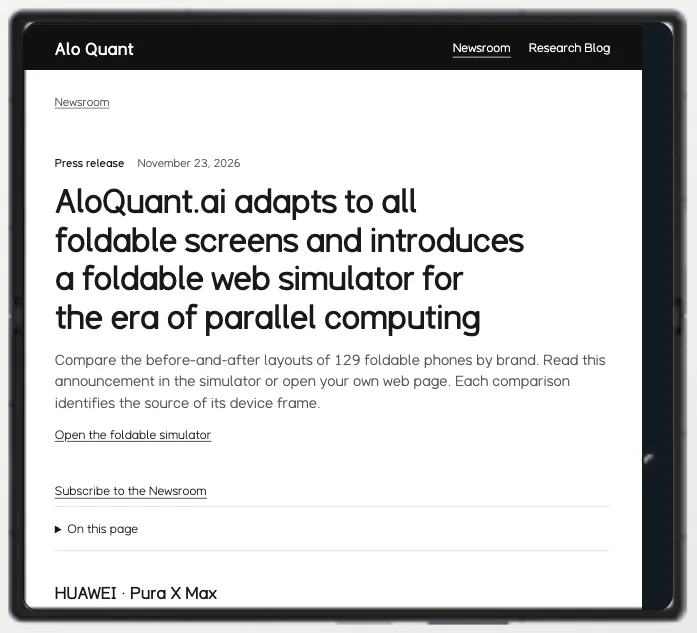
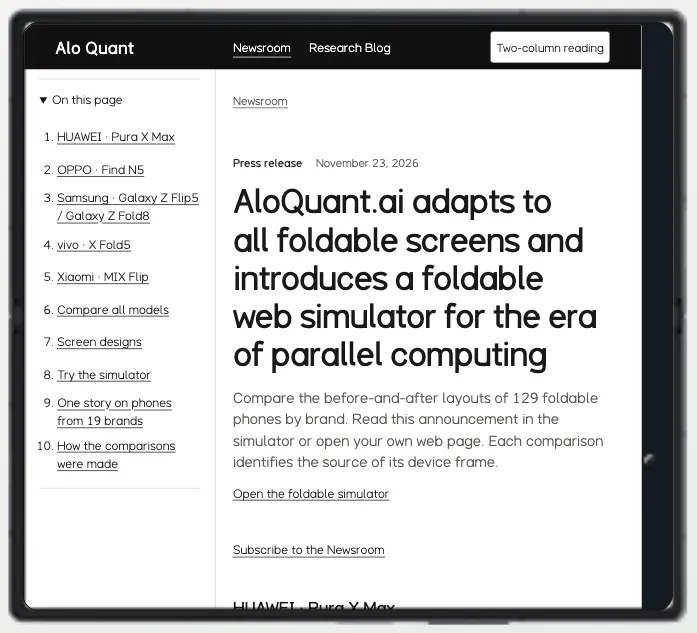
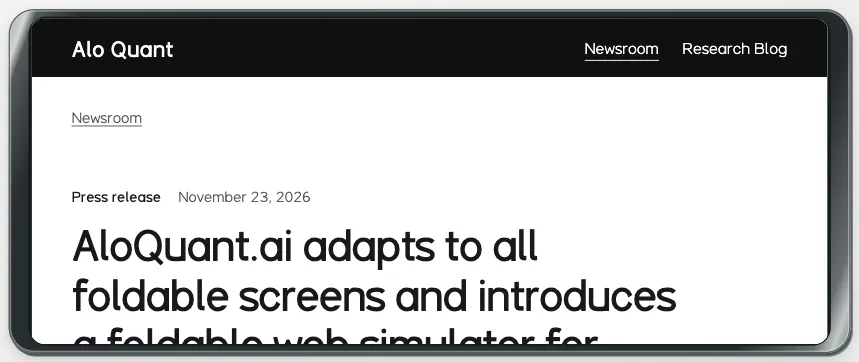
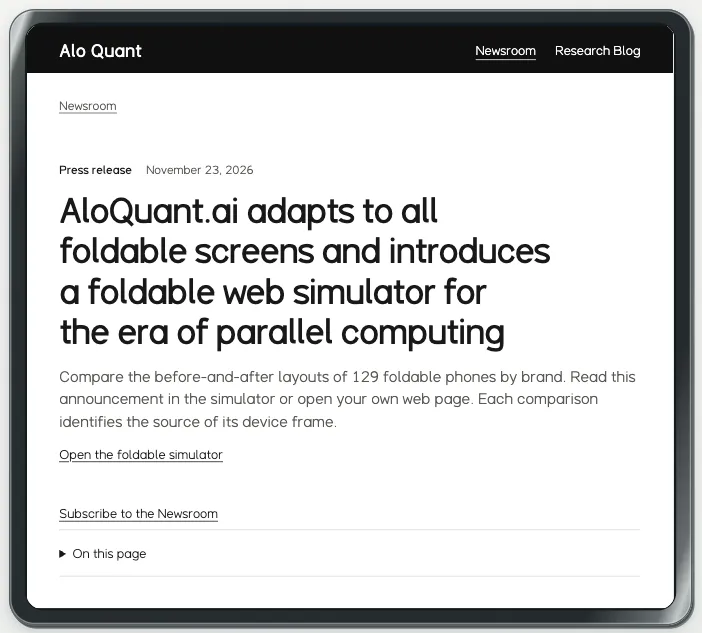
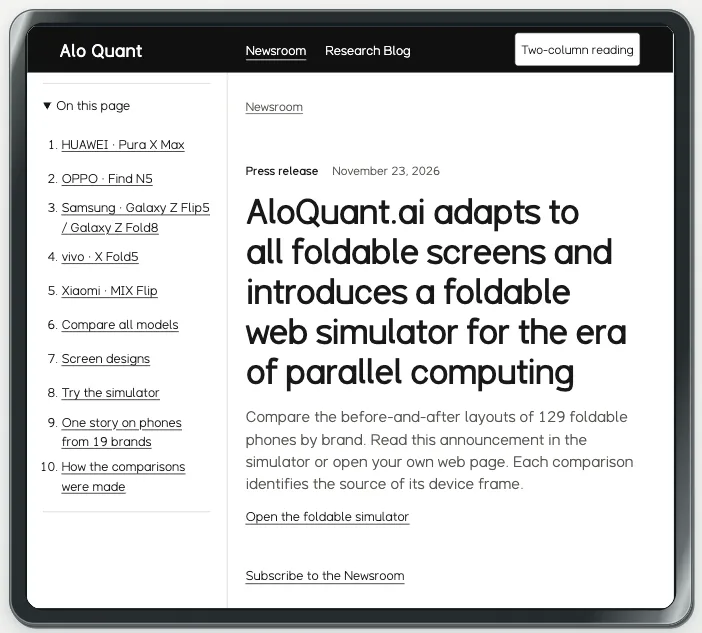
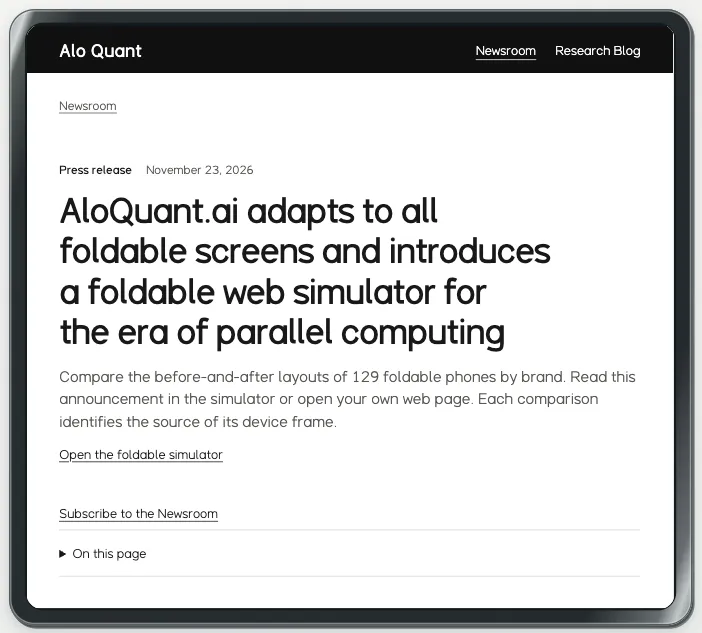
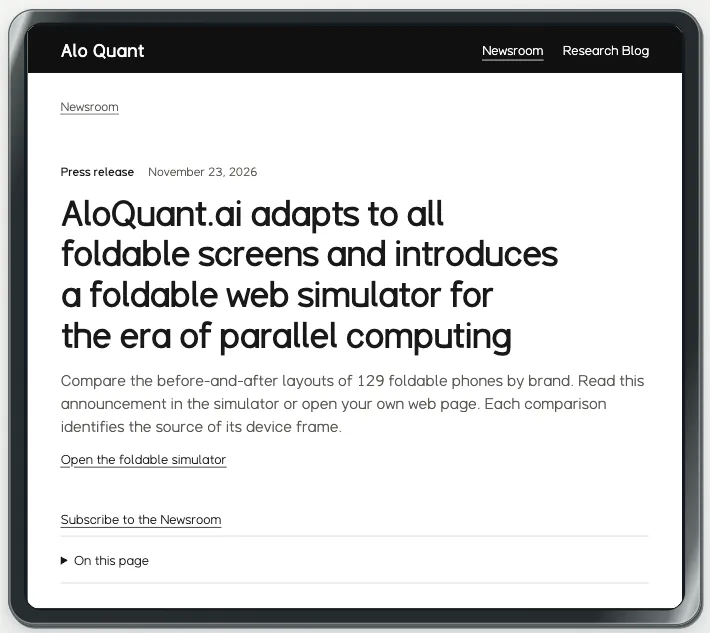
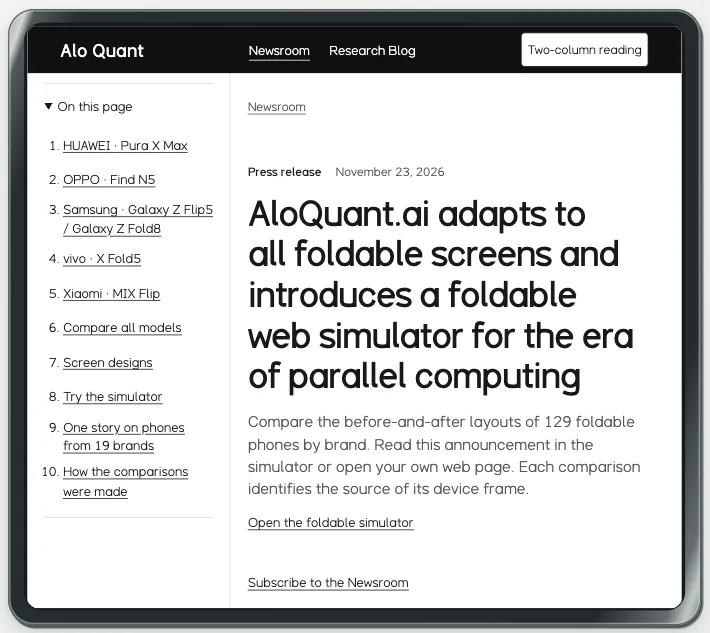
Open the standard Galaxy Z Fold8 fully and hold the inner screen in landscape. The earlier layout places the headline and story in one column. The adapted layout puts the contents on the left and the article on the right. Both views use the same device orientation and text size.
vivo · X Fold5
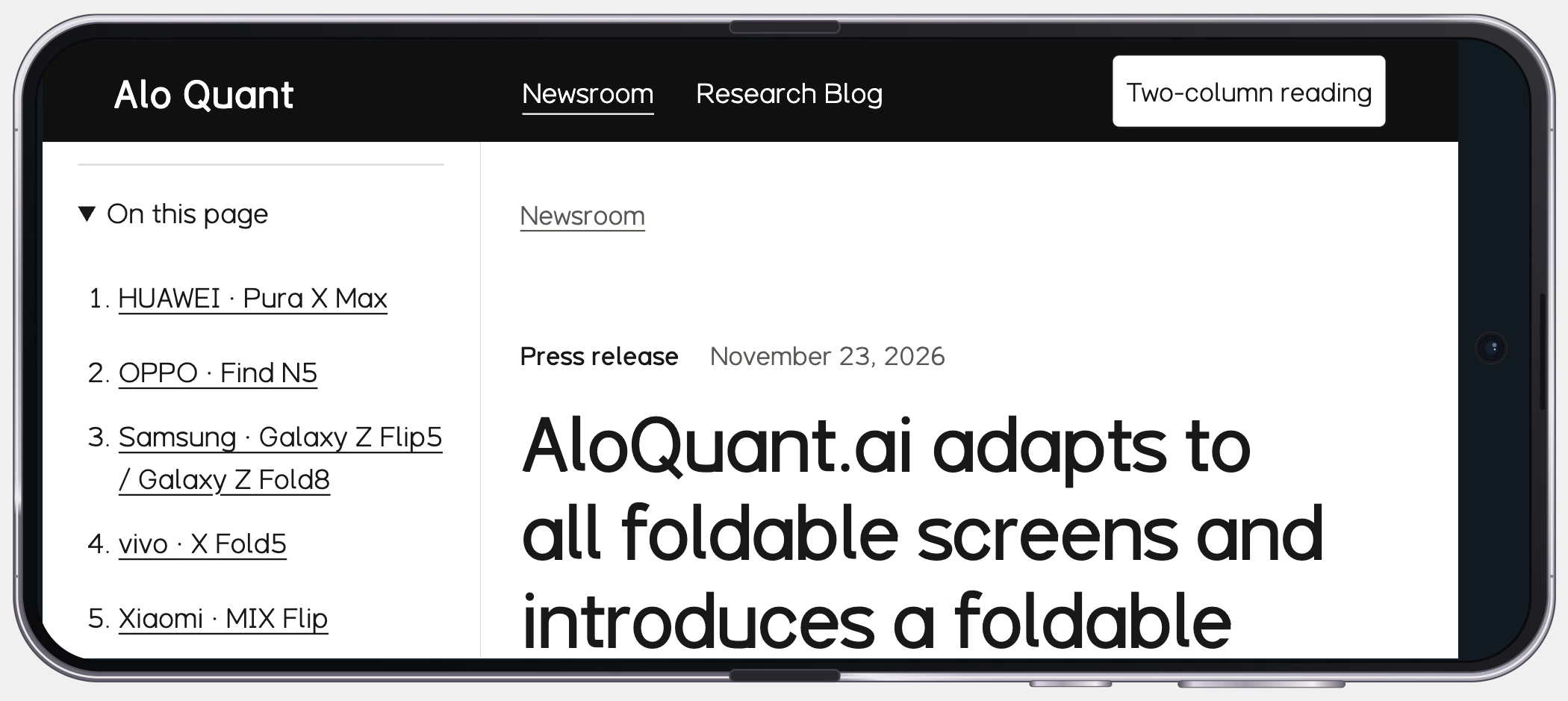
Both images use 150% text. In landscape the chapter list fits alongside the enlarged text, which wraps to the width of the right column.
Xiaomi · MIX Flip
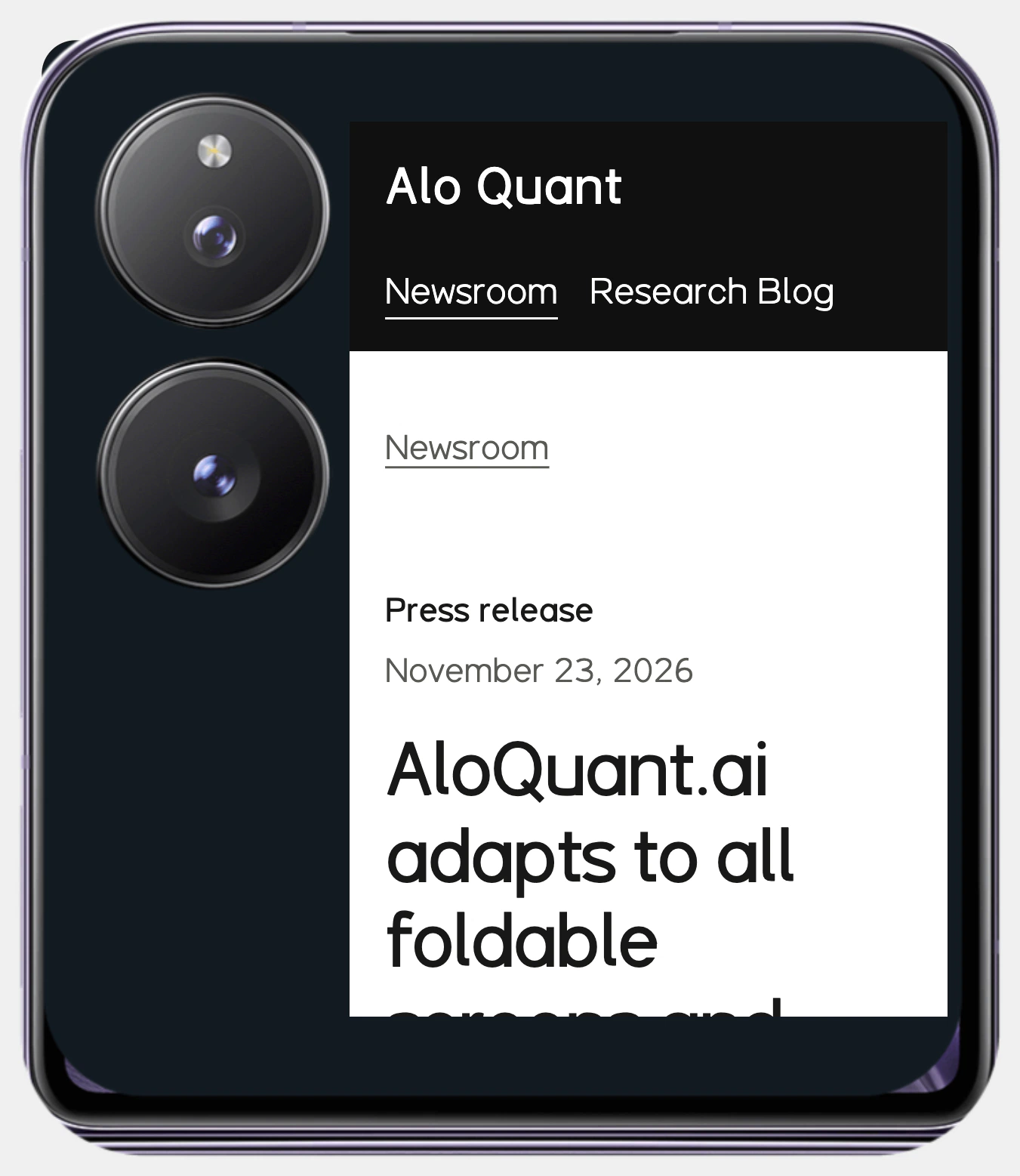
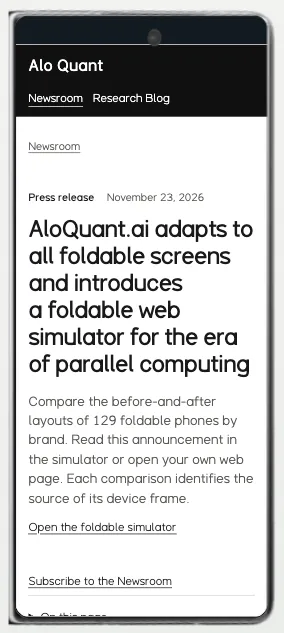
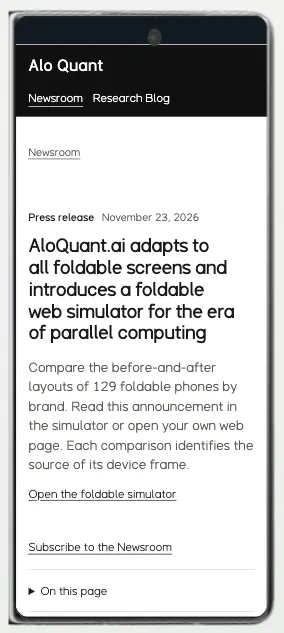
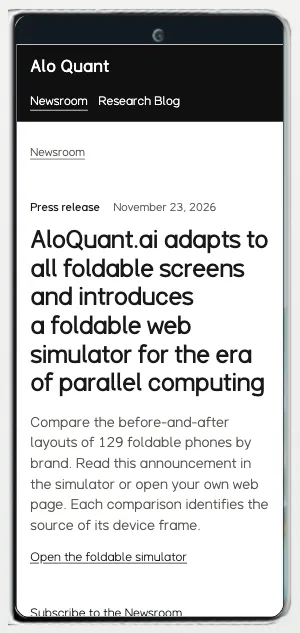
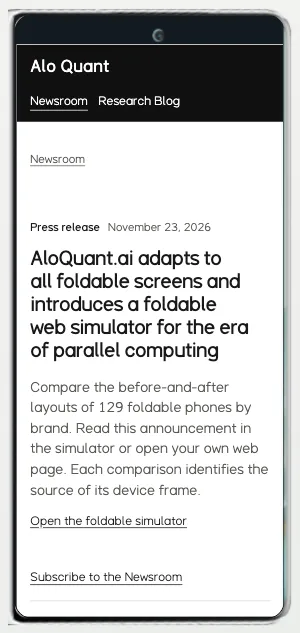
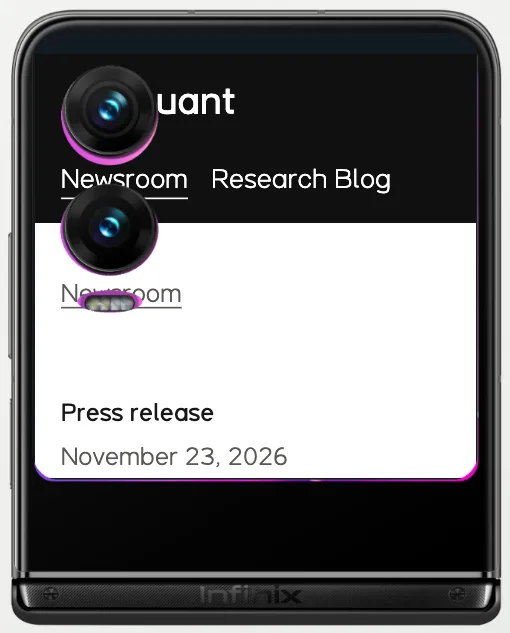
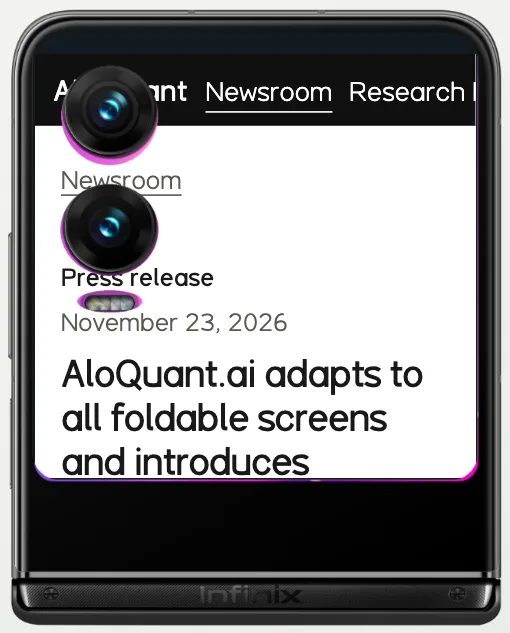
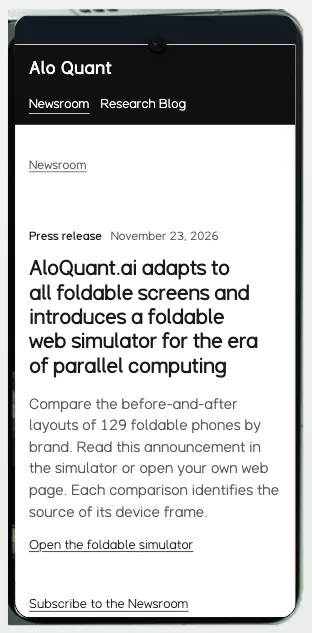
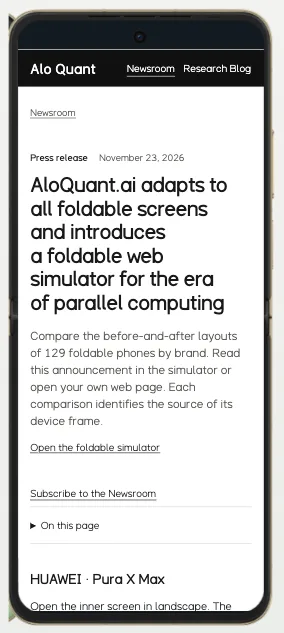
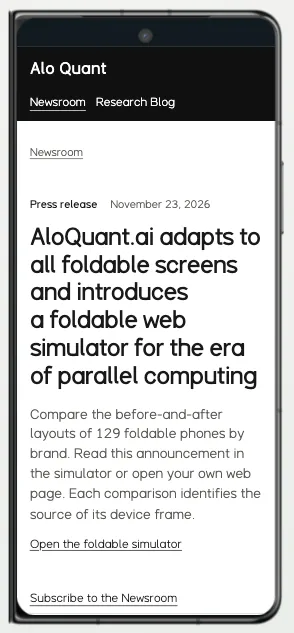
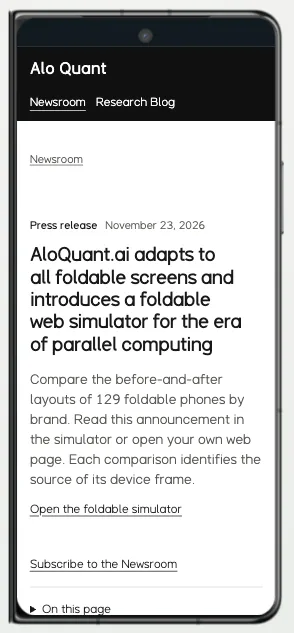
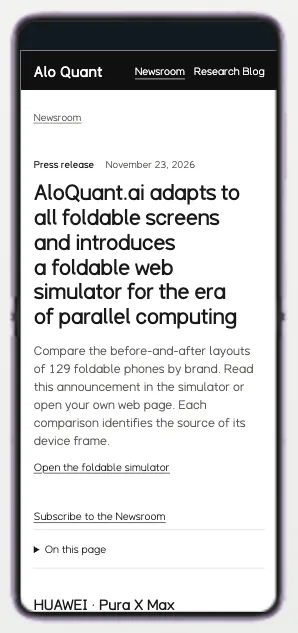
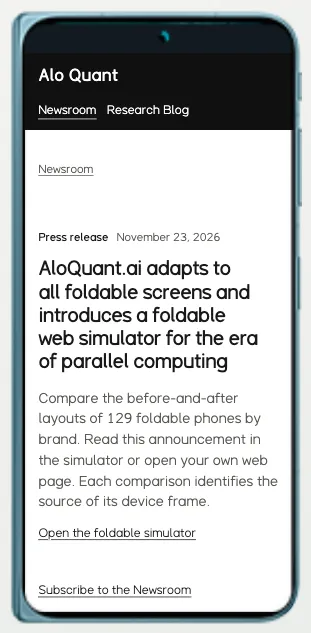
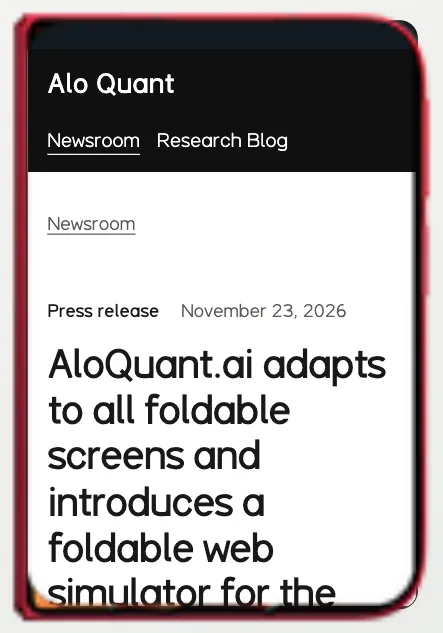
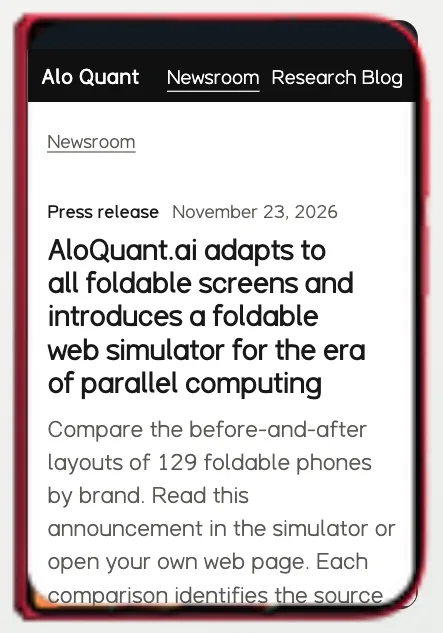
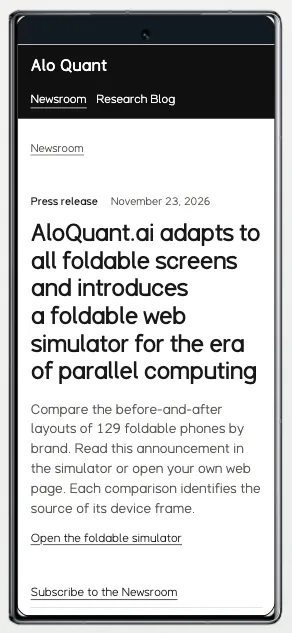
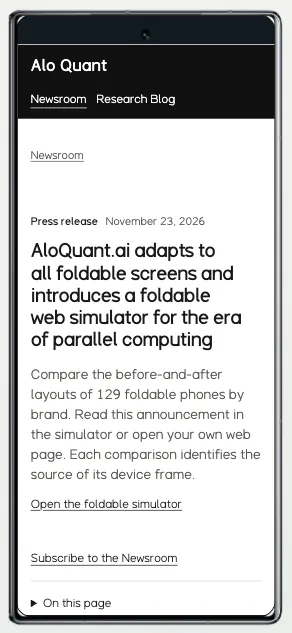
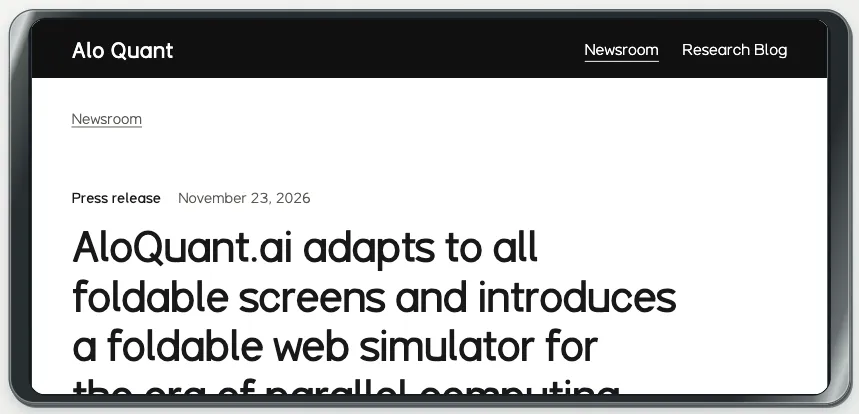
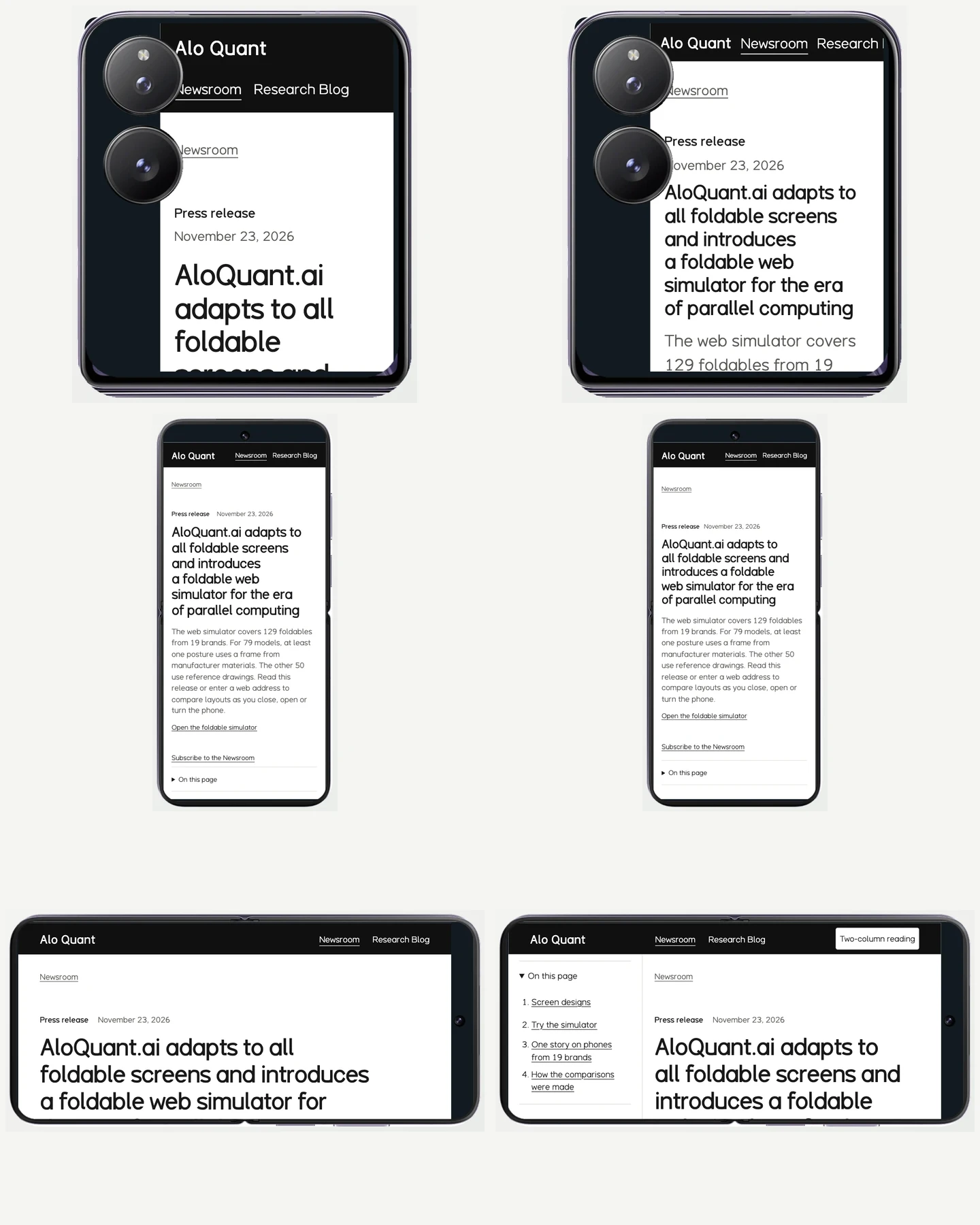
Close the original Xiaomi MIX Flip and the news release fits beside the two cameras. Both views use a 270 × 403 CSS pixel window. The site name and navigation used to take up two rows and 103 pixels. They now fit in one 44-pixel row. The headline starts 89 pixels higher: you can read all six lines and the first line of the introduction without scrolling. Body text stays the same size.
Xiaomi divides the original MIX Flip cover into separate areas for the system and the app. The app area measures 809 × 1392 physical pixels. Xiaomi recommends a single column for the cover, keeping essential content and controls available and preserving the reader’s place when the phone opens or closes. For pages inside an app, Xiaomi advises the host to respond to window changes so the page can reflow. Our images use the space available to the browser. Xiaomi’s Flip design guide (Chinese) · Xiaomi’s WebView guide (Chinese)
In the simulator, tap Contents in the green area below the two cameras. All nine chapters open in the lower left. Scroll through the list and the article on the right stays where you left it. Tap OPPO, for example, and the article moves to “OPPO · Find N5”. The list then closes and the previous and next chapter buttons return.
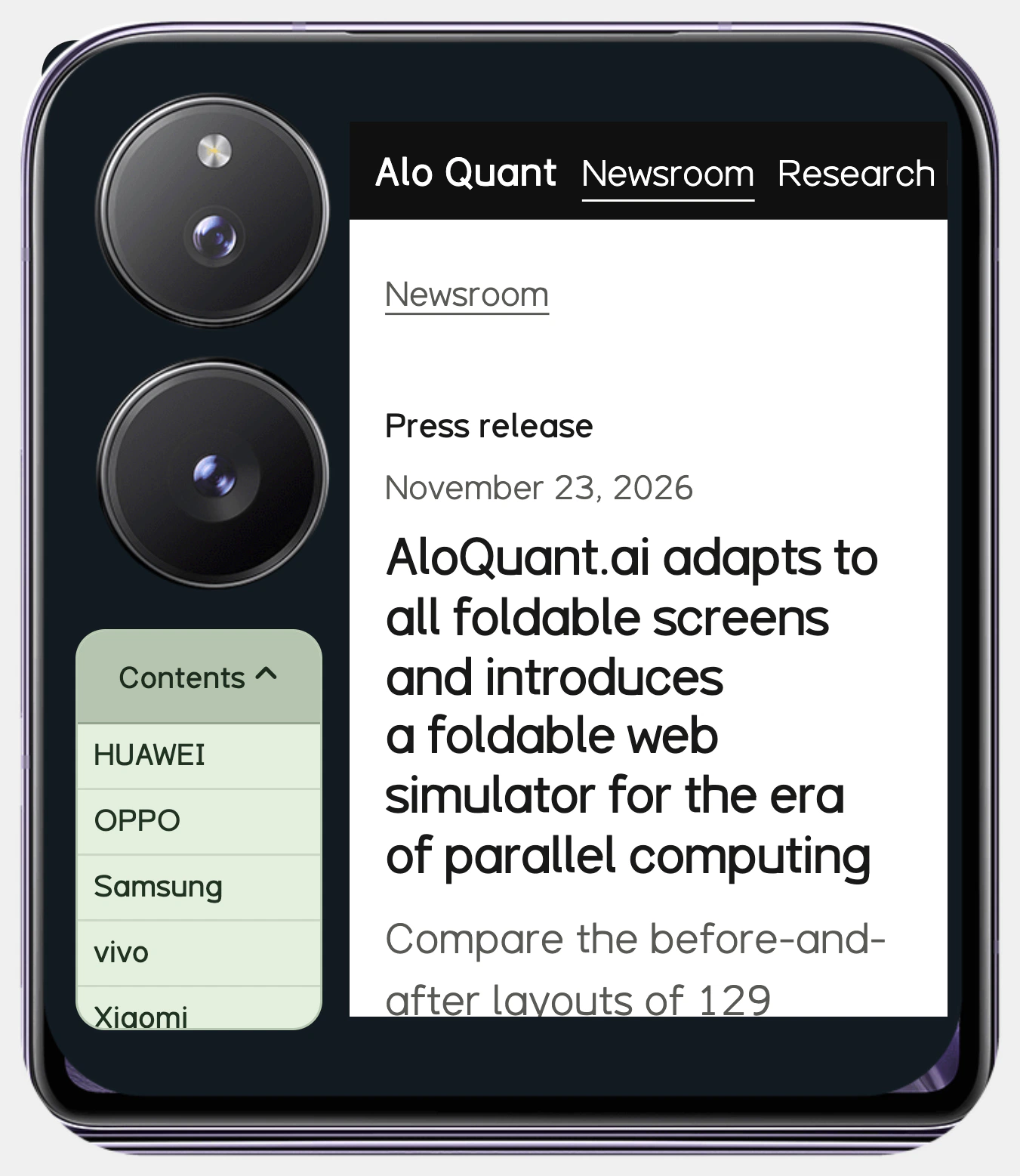
Choose a chapter on the simulated cover · Frame from a product image
Compare all models (129)
Brands are listed alphabetically. Open a brand, then a model, to see both images.
Blackview (1)
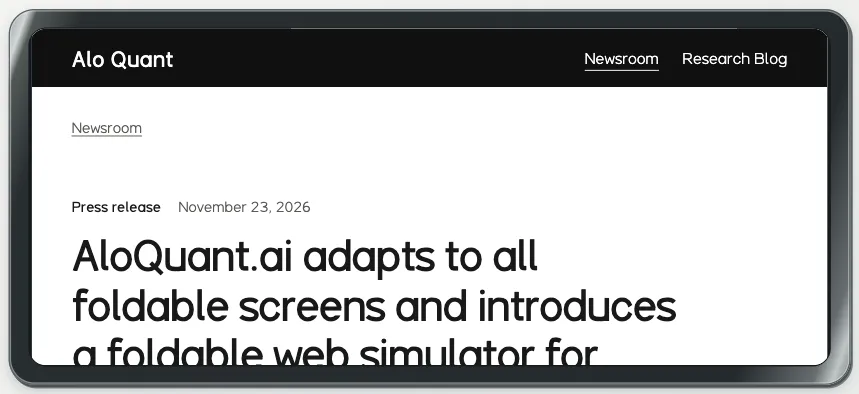
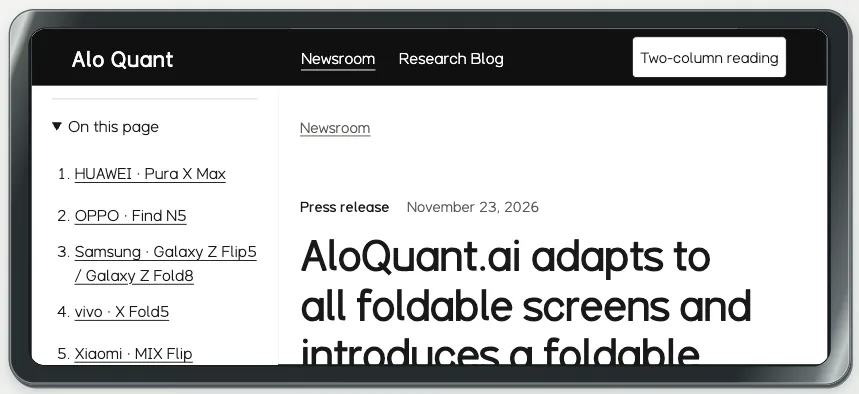
Blackview HERO 10
Google (4)
Google Pixel 10 Pro Fold
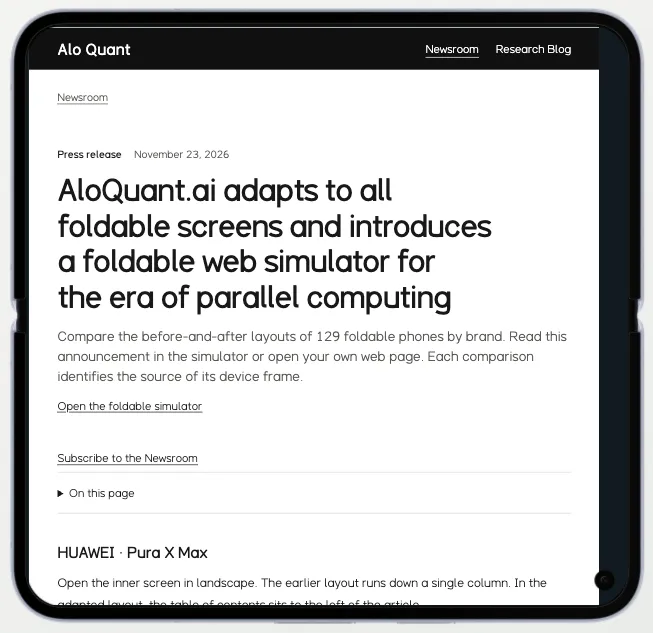
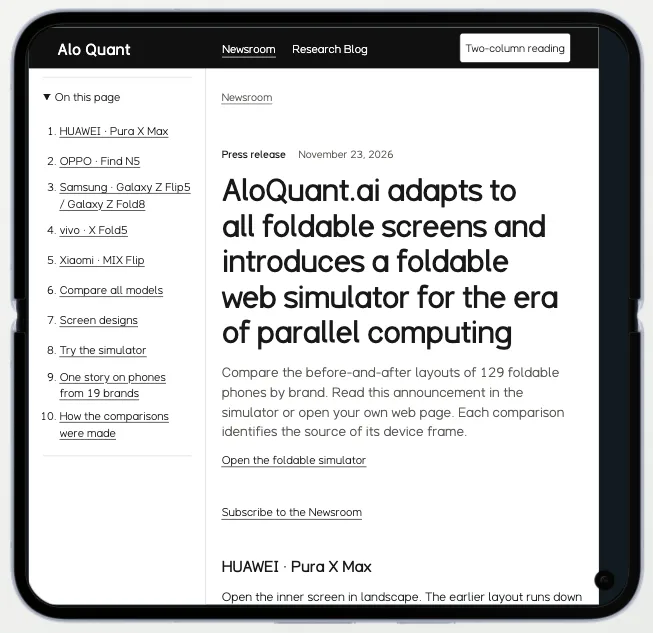
Google Pixel 11 Pro Fold
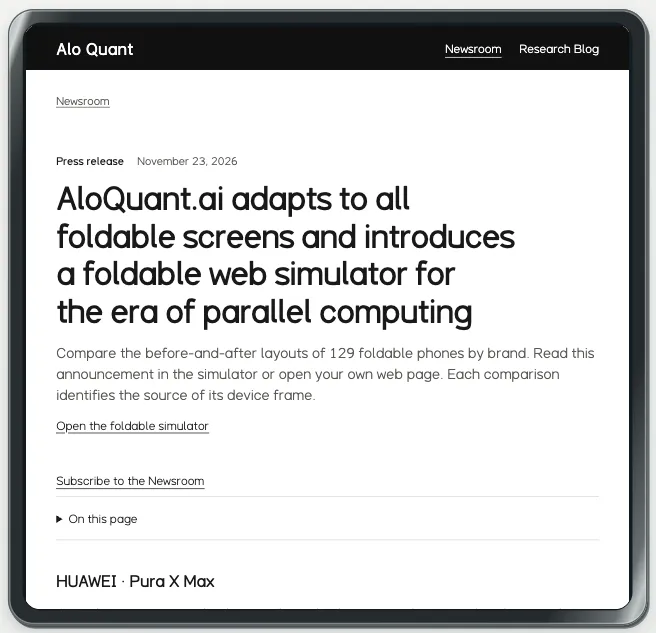
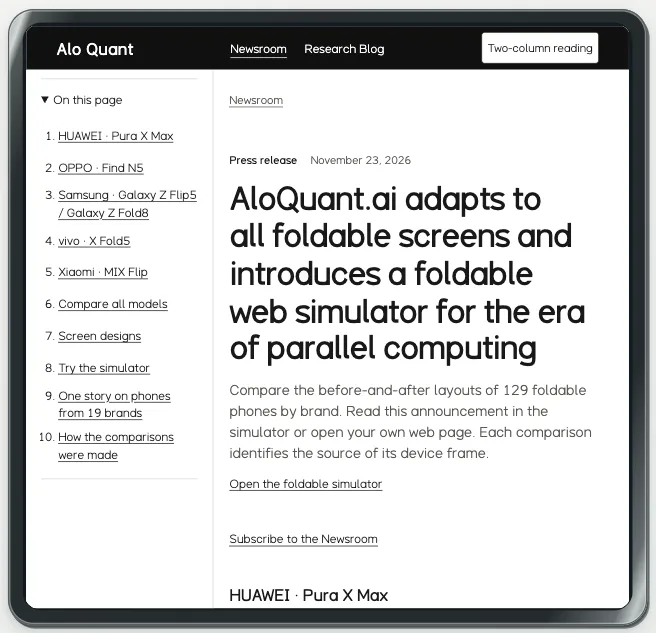
Google Pixel 9 Pro Fold
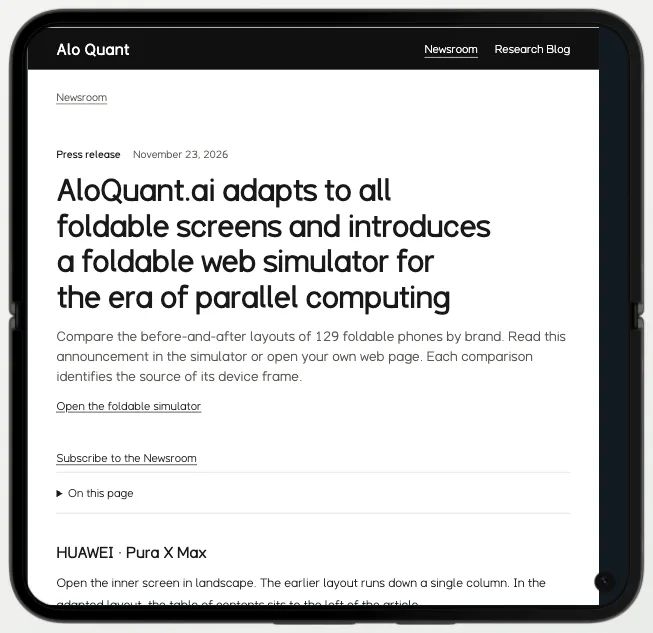
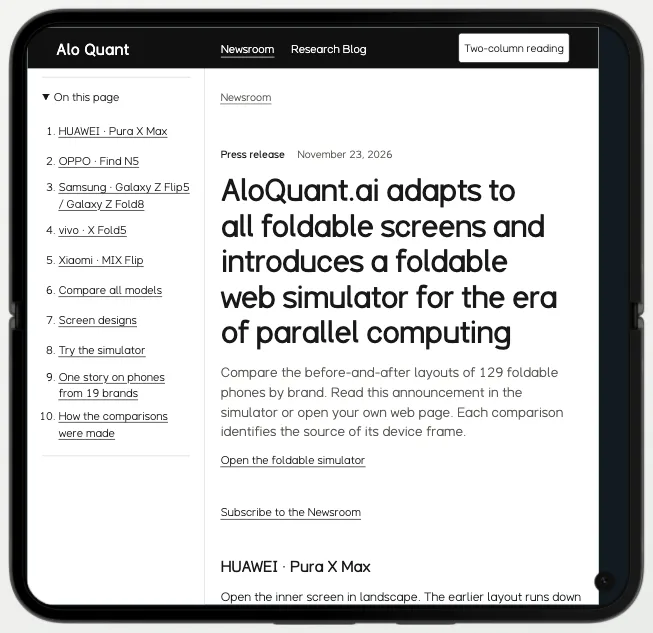
Google Pixel Fold
HONOR (15)
HONOR Magic V
HONOR Magic V Flip
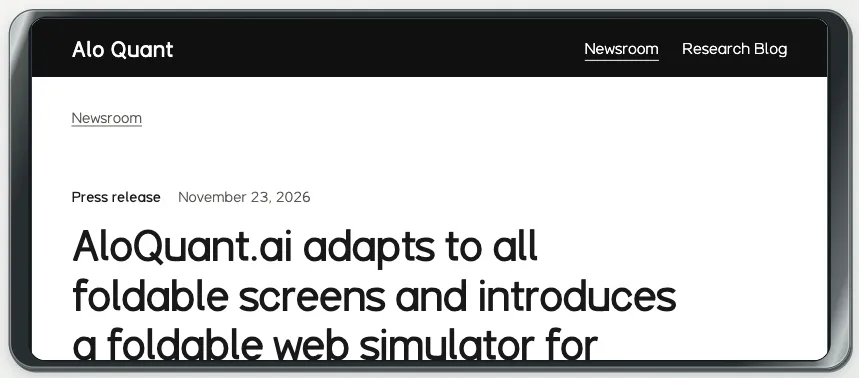
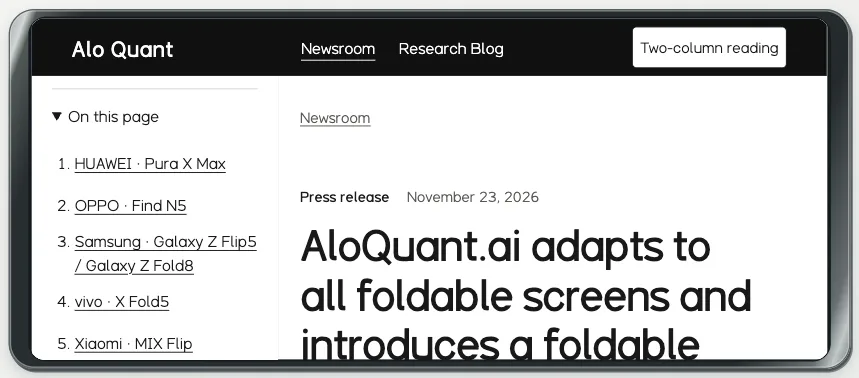
HONOR Magic V Flip2
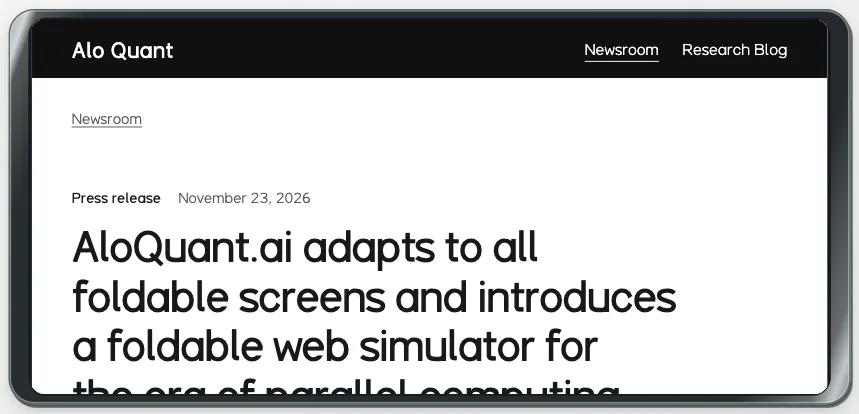
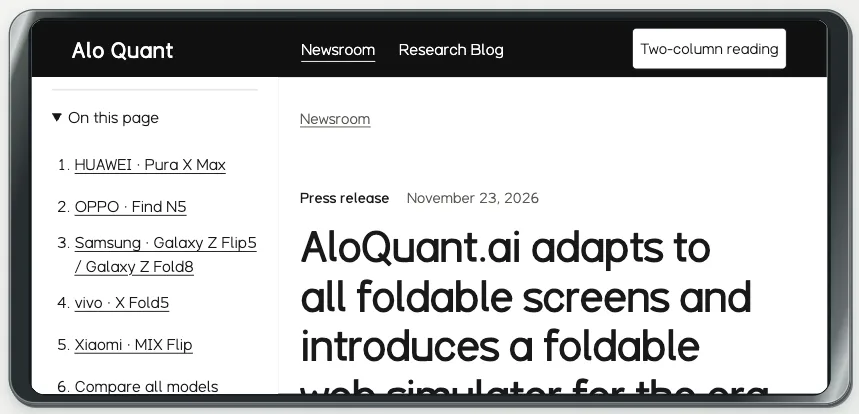
HONOR Magic V2
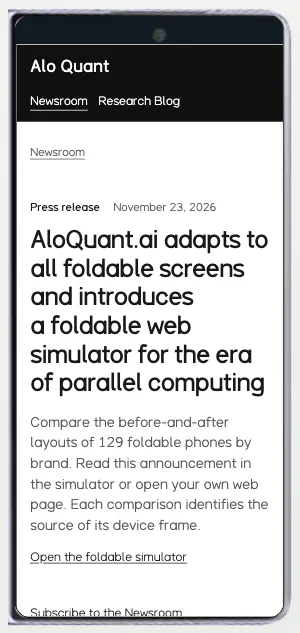
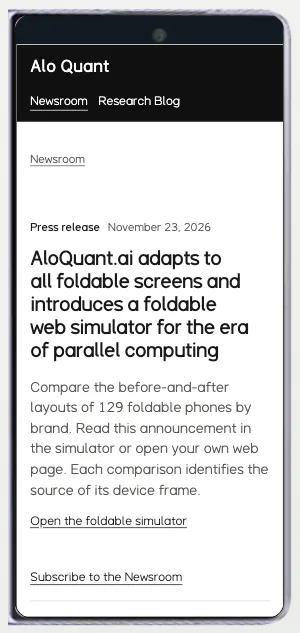
HONOR Magic V2 RSR
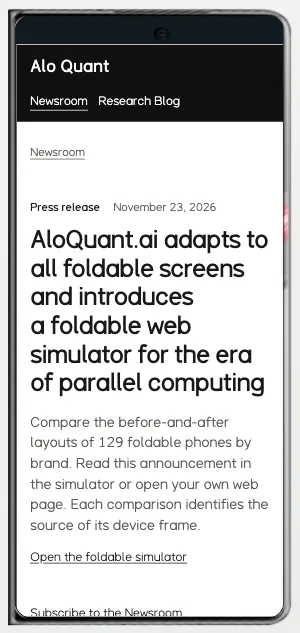
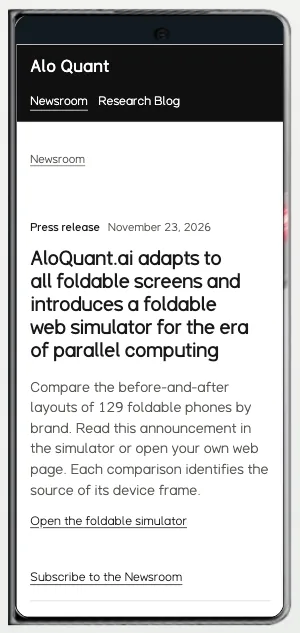
HONOR Magic V2 至臻版
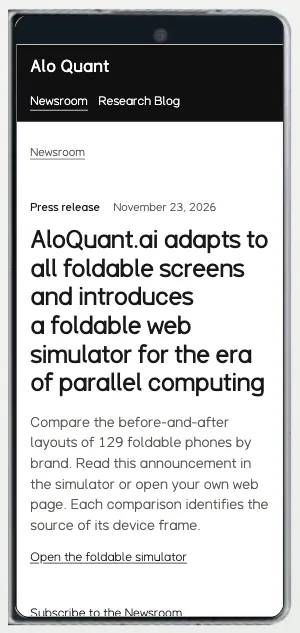
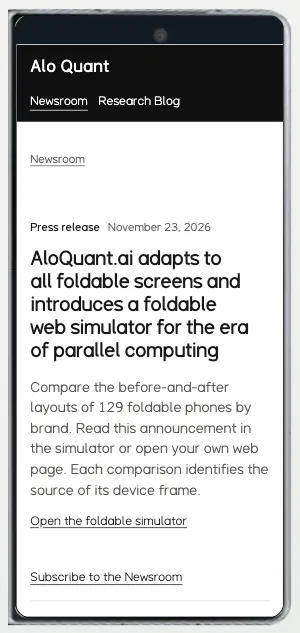
HONOR Magic V3
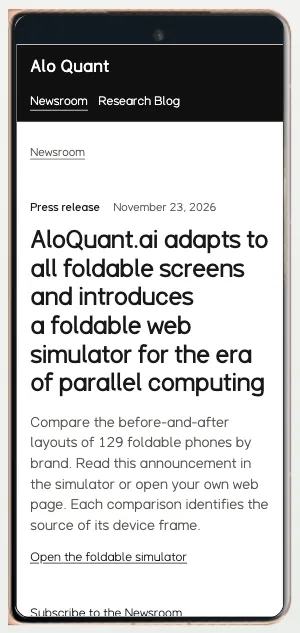
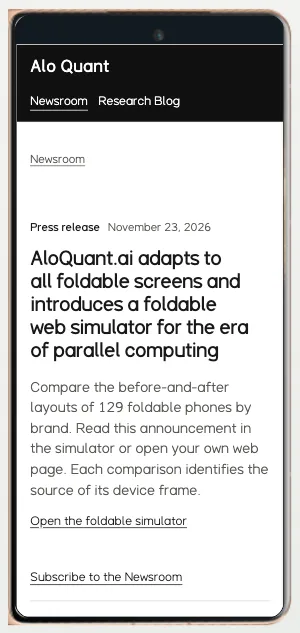
HONOR Magic V3 双卫星版
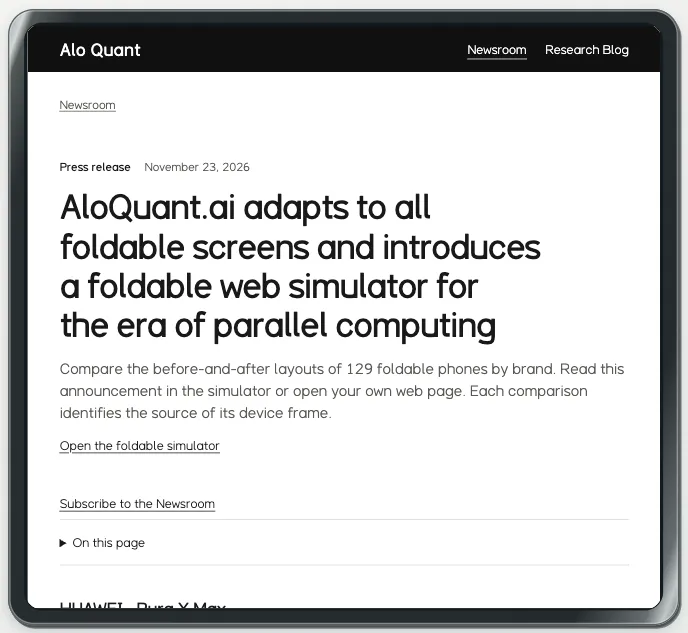
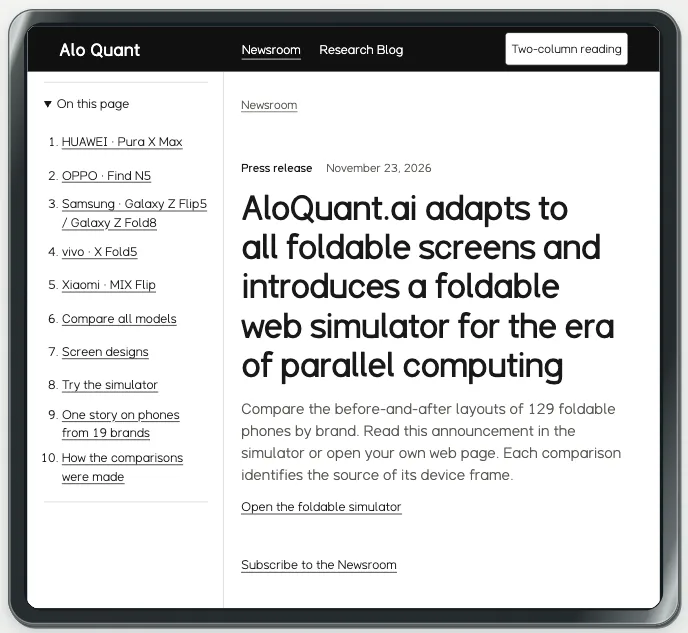
HONOR Magic V5
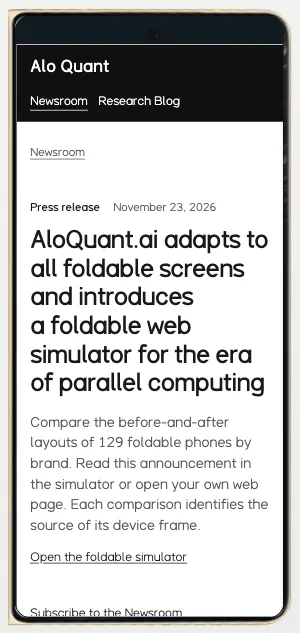
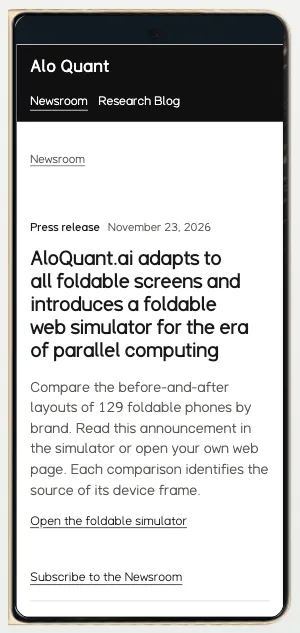
HONOR Magic V6
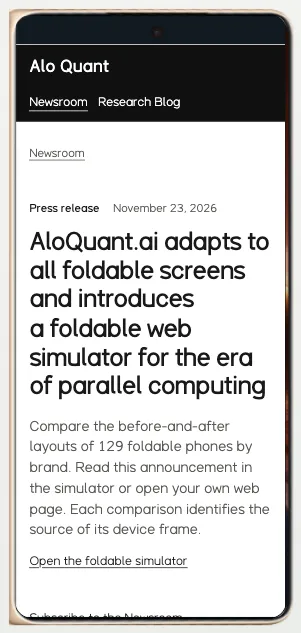
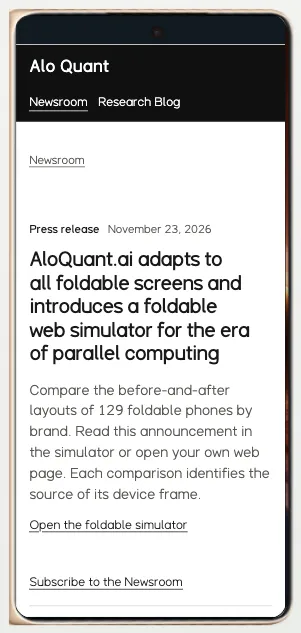
HONOR Magic Vs
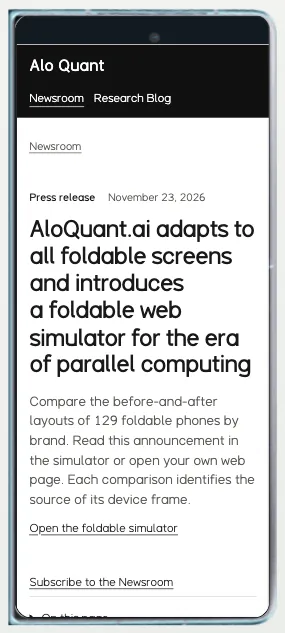
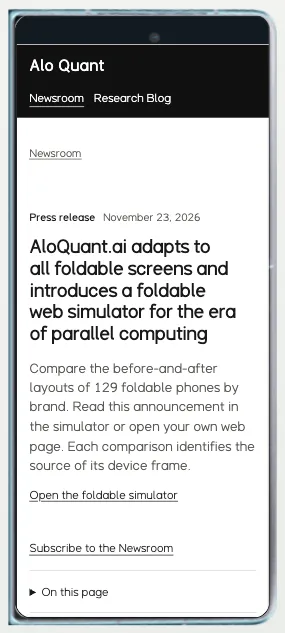
HONOR Magic Vs 至臻版
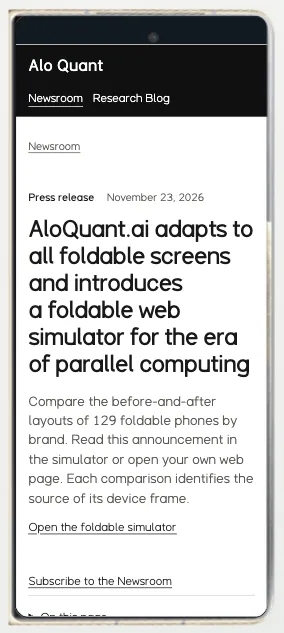
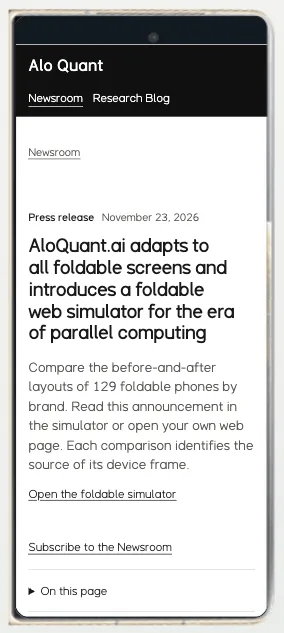
HONOR Magic Vs2
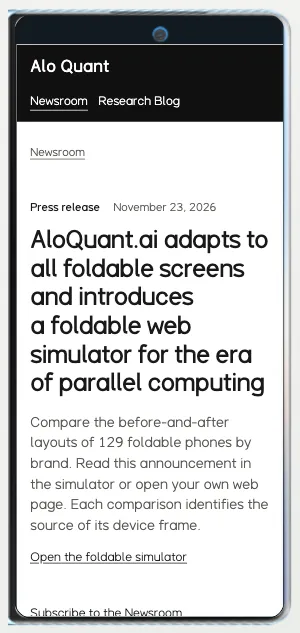
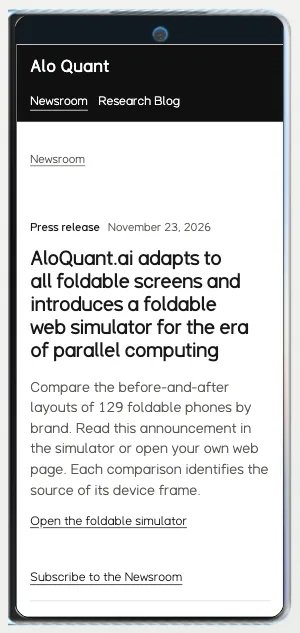
HONOR Magic Vs3
HONOR V Purse
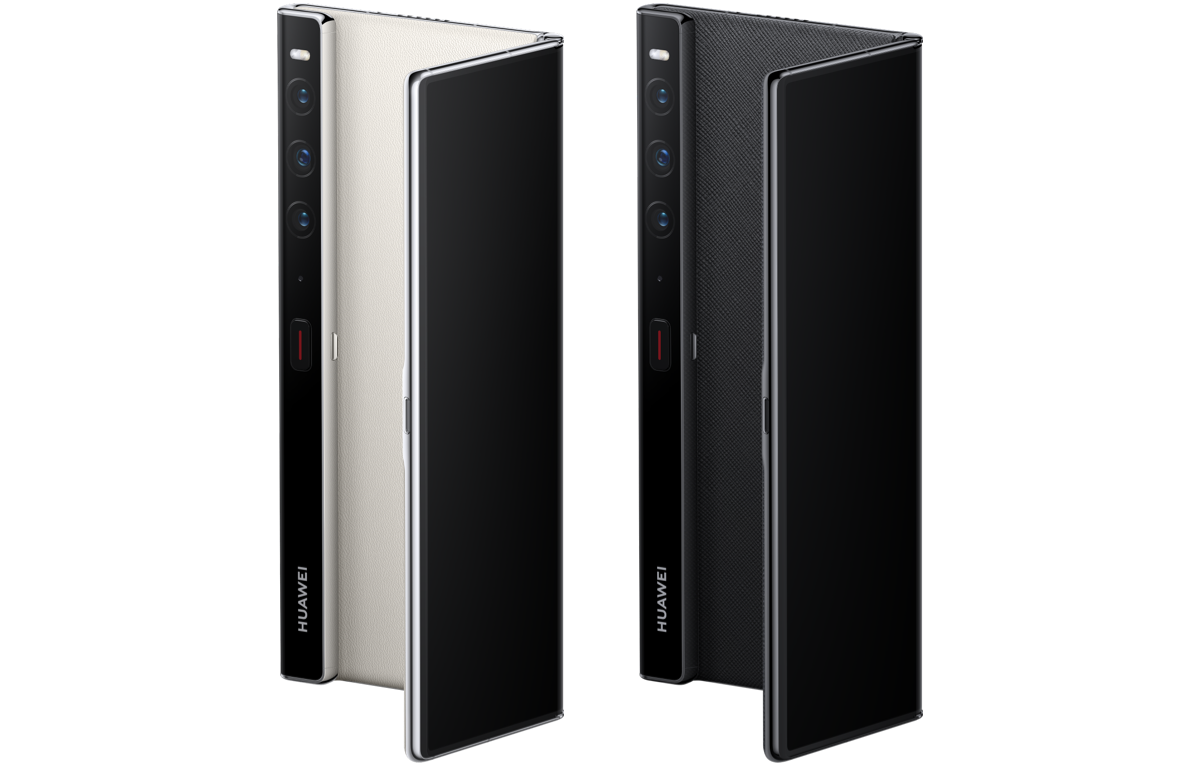
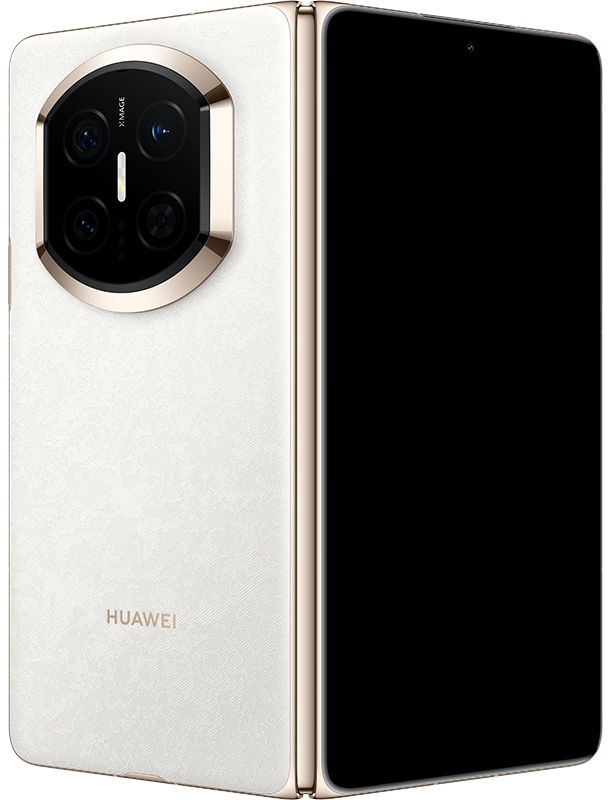
HUAWEI (18)
HUAWEI Mate X
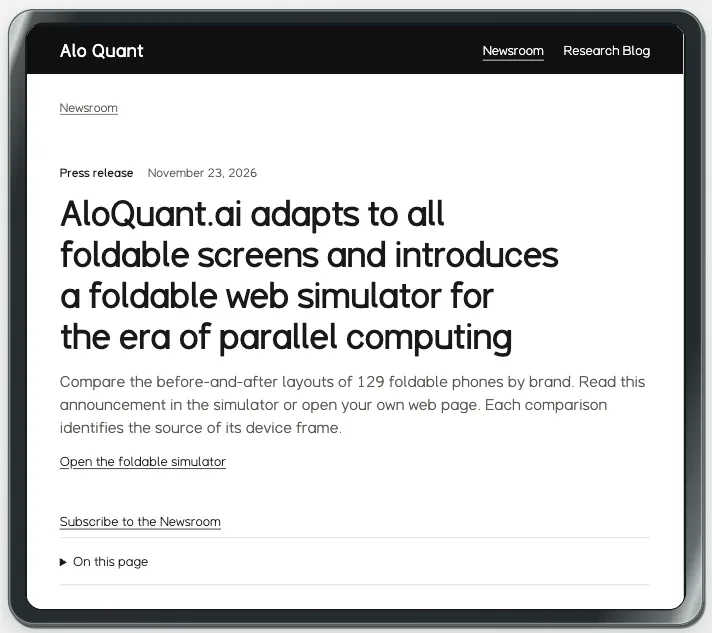
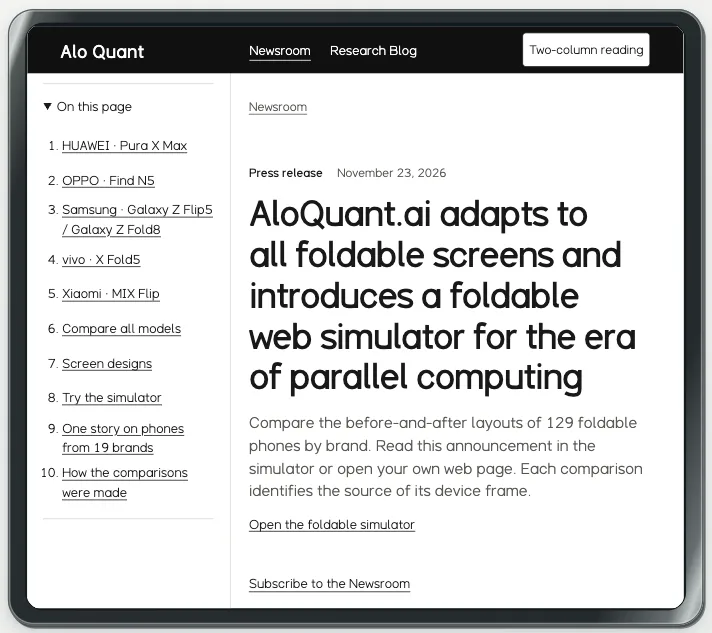
HUAWEI Mate X2
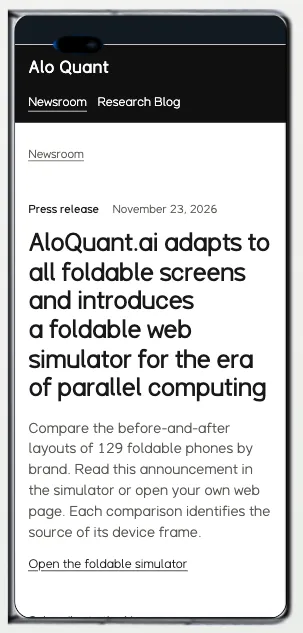
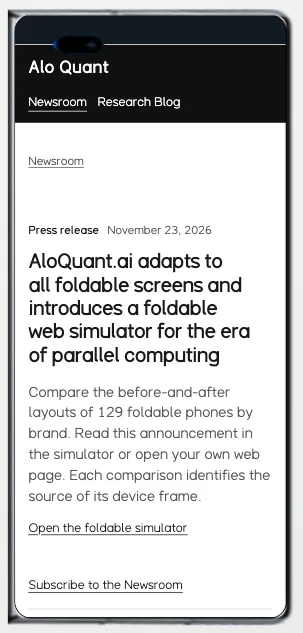
HUAWEI Mate X3
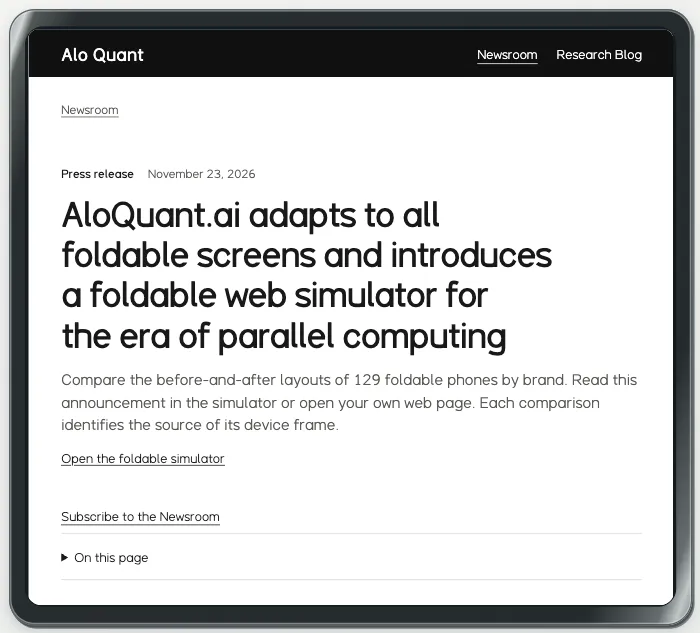
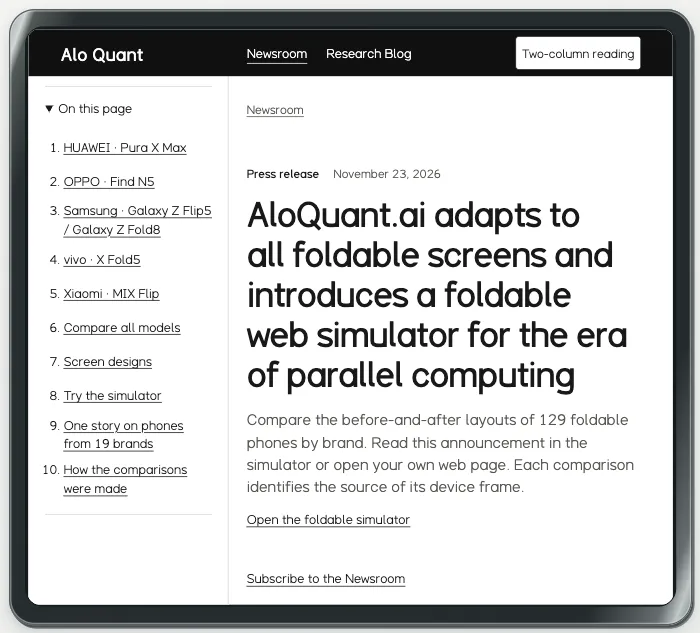
HUAWEI Mate X5
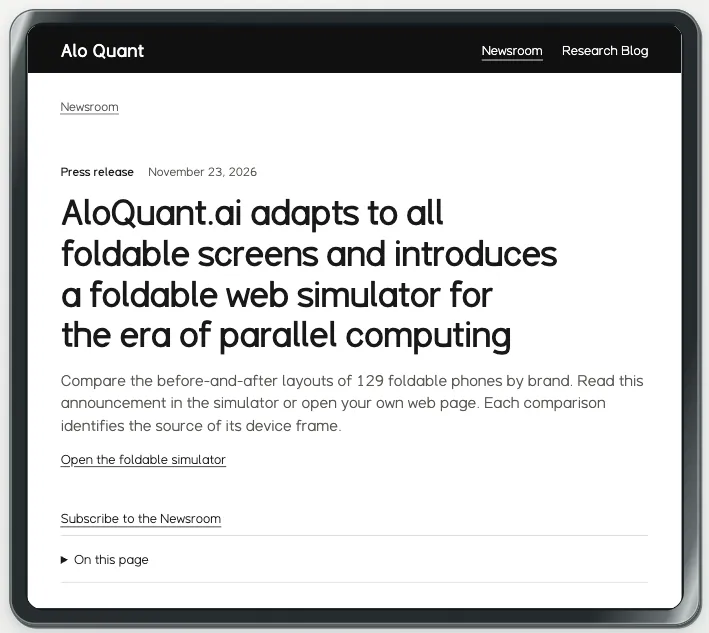
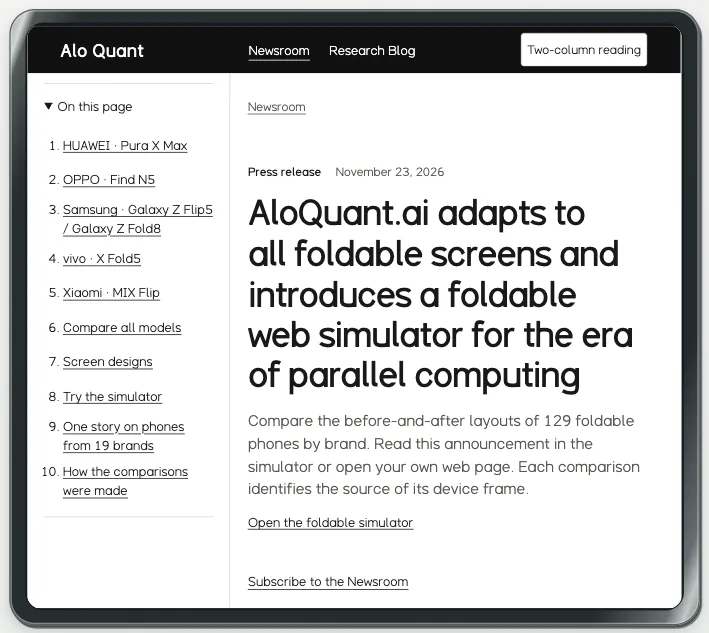
HUAWEI Mate X6
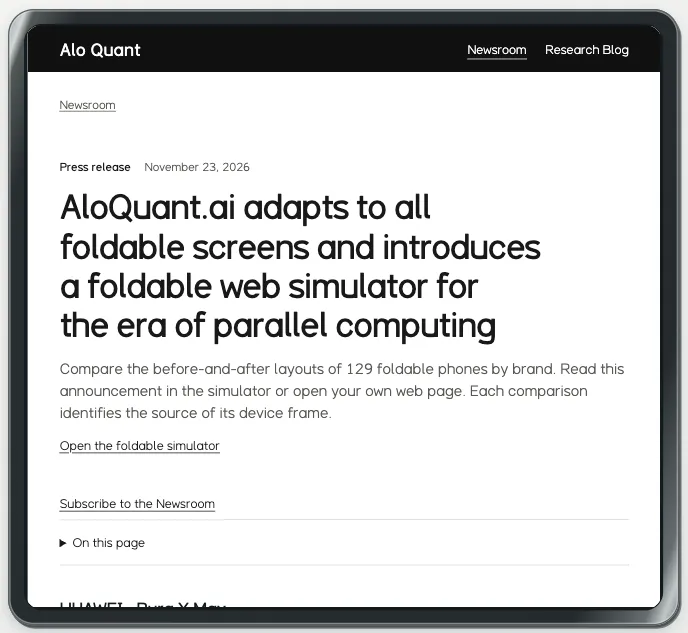
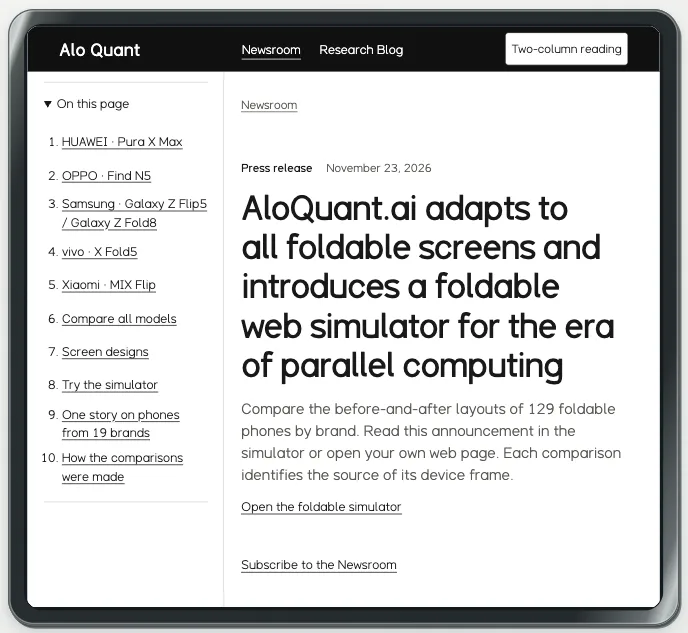
HUAWEI Mate X7
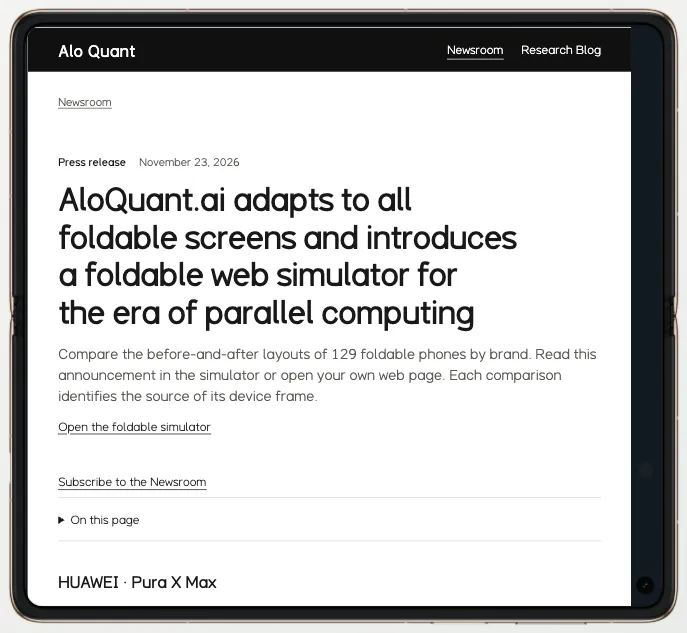
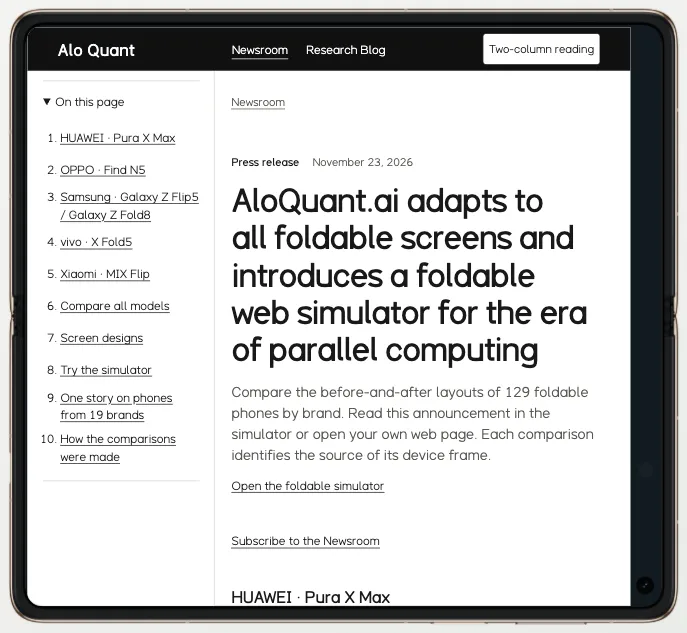
HUAWEI Mate XT 2 非凡大师
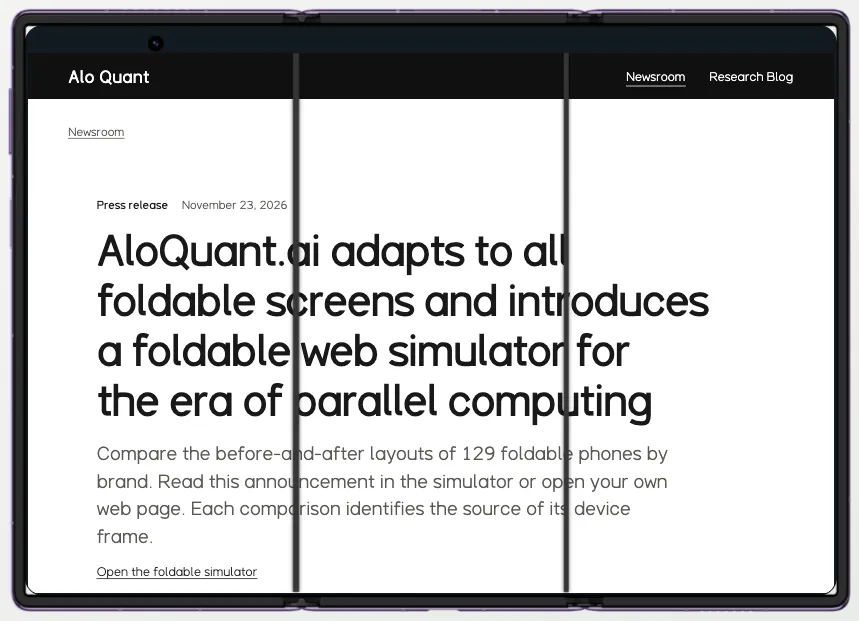
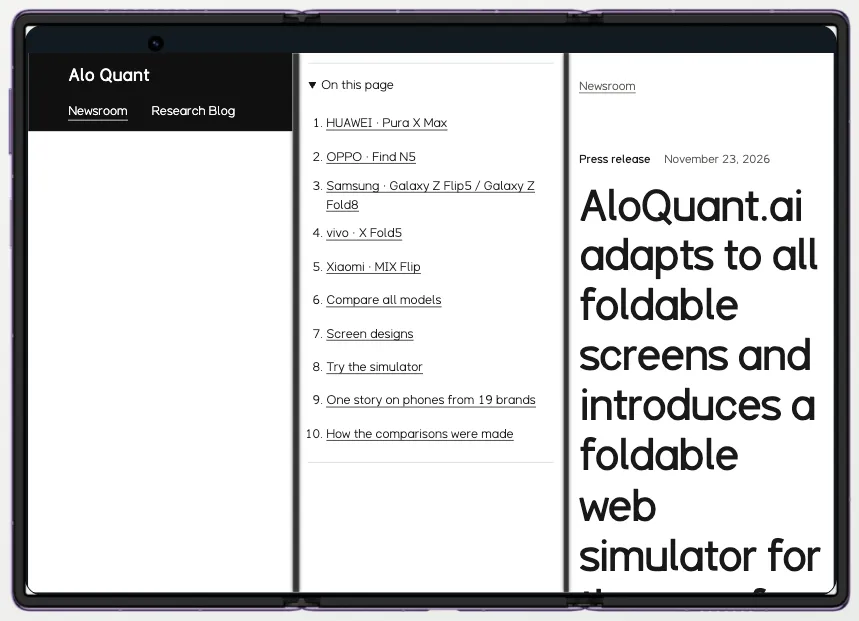
HUAWEI Mate XT 非凡大师
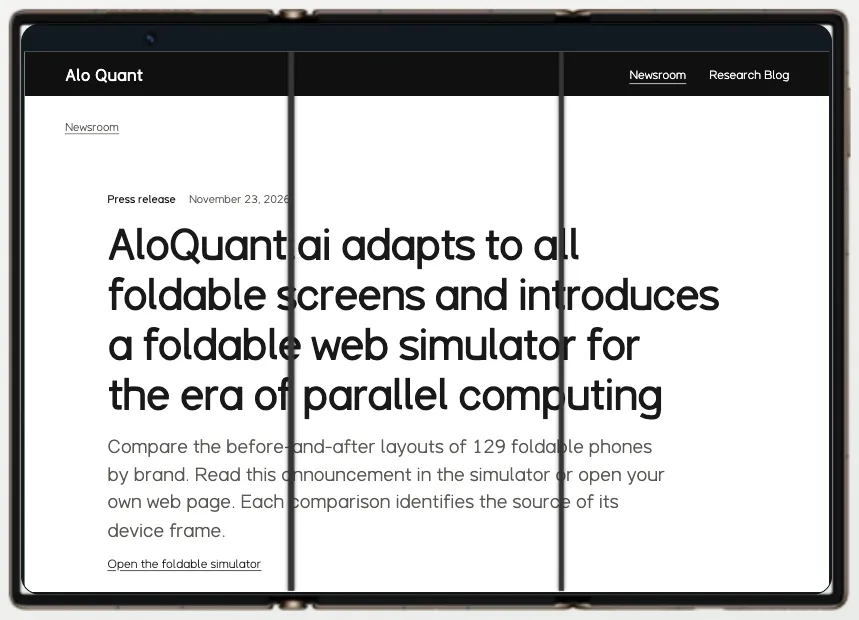
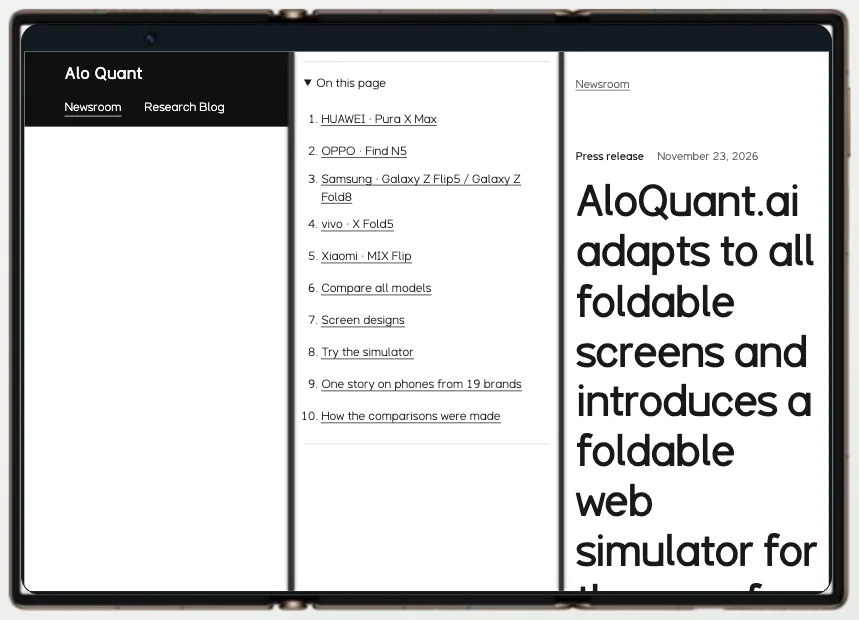
HUAWEI Mate XTs 非凡大师
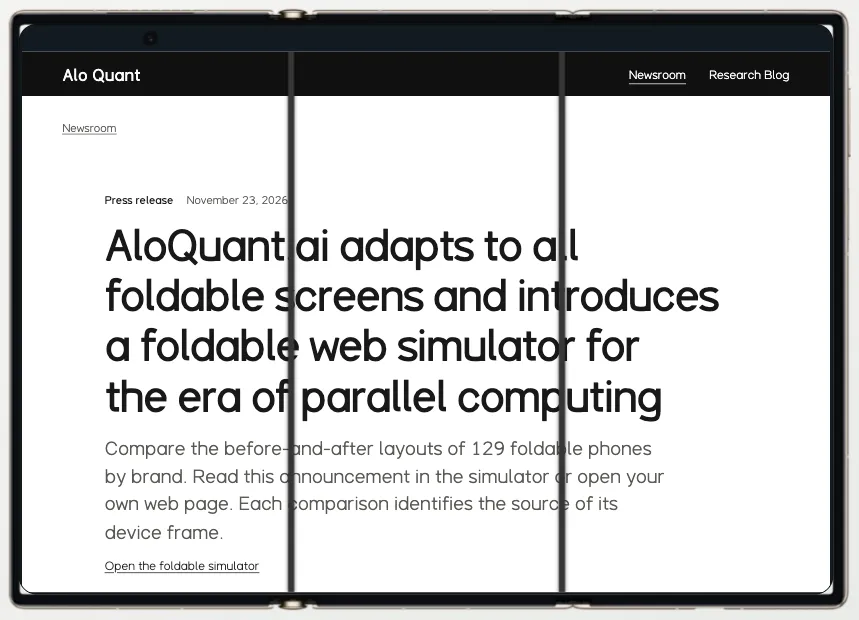
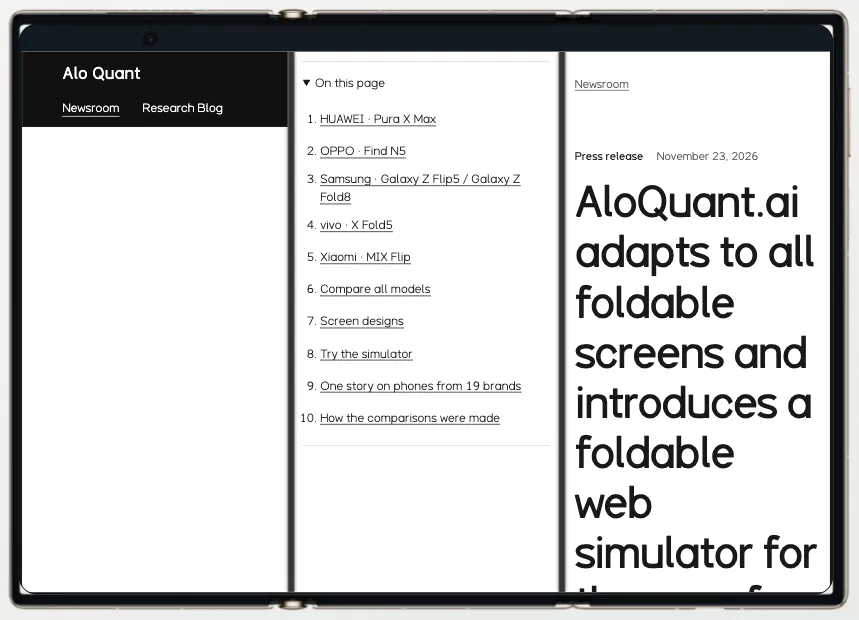
HUAWEI Mate Xs
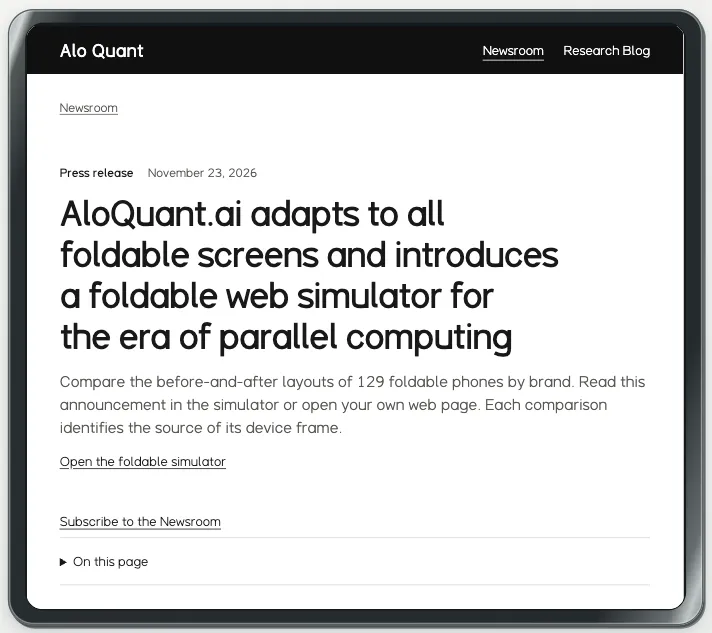
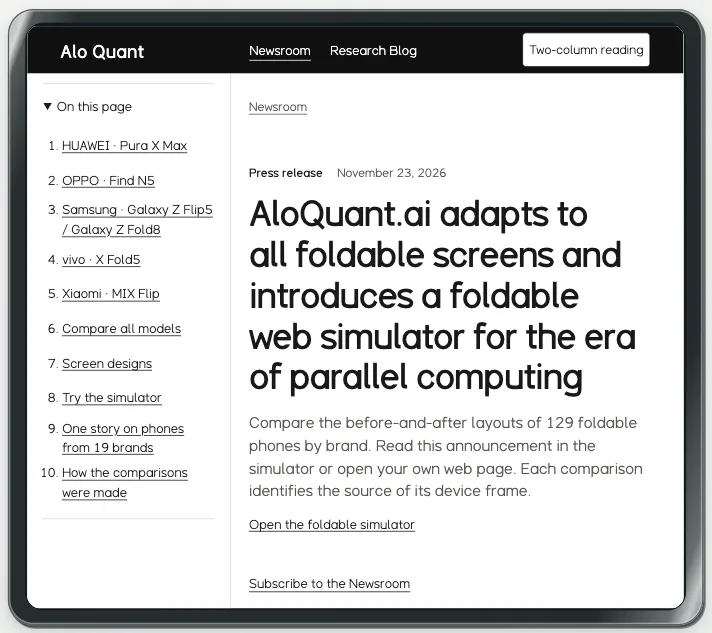
HUAWEI Mate Xs 2
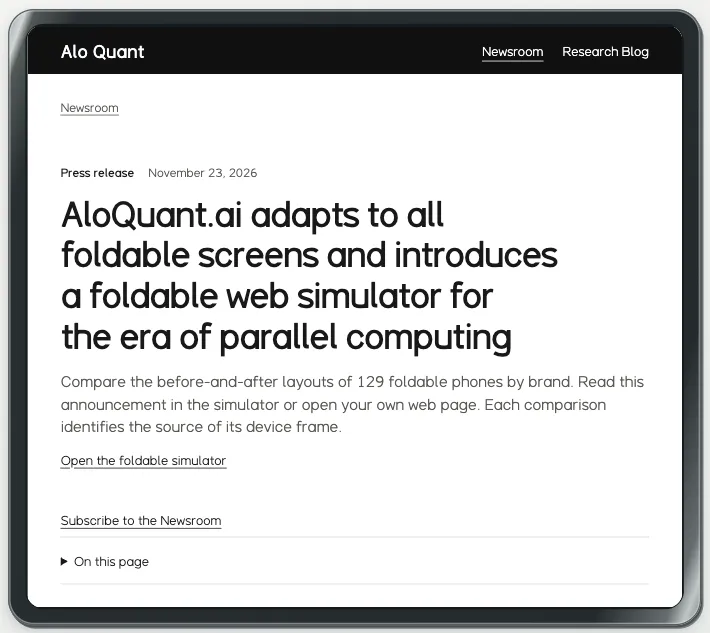
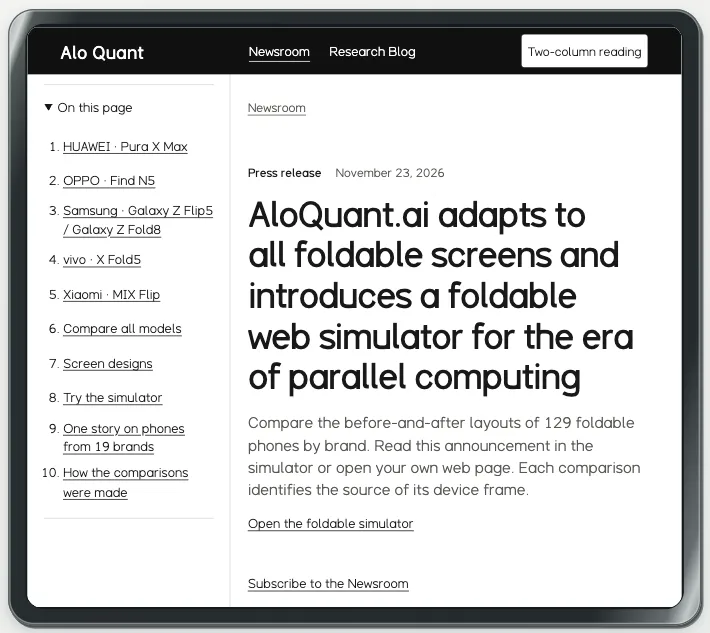
HUAWEI P50 Pocket
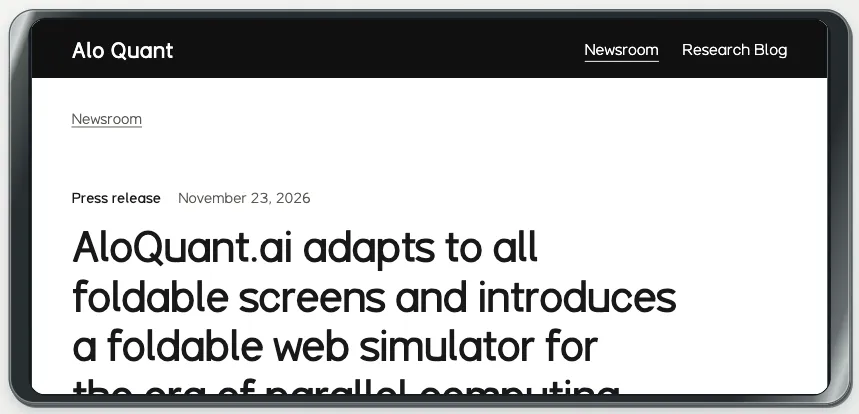
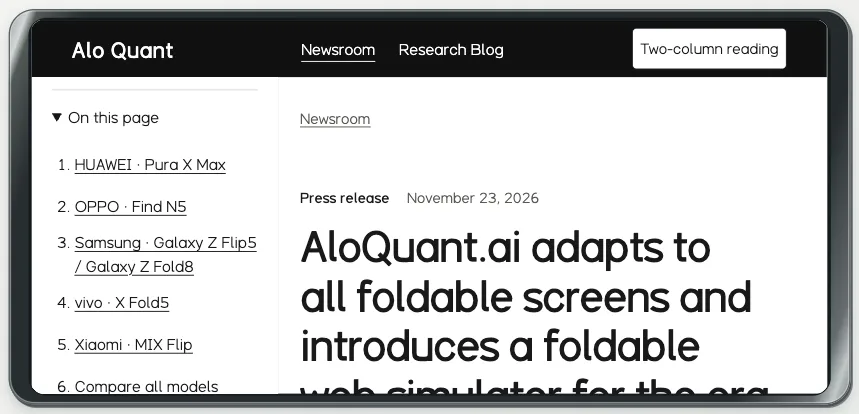
HUAWEI Pocket 2
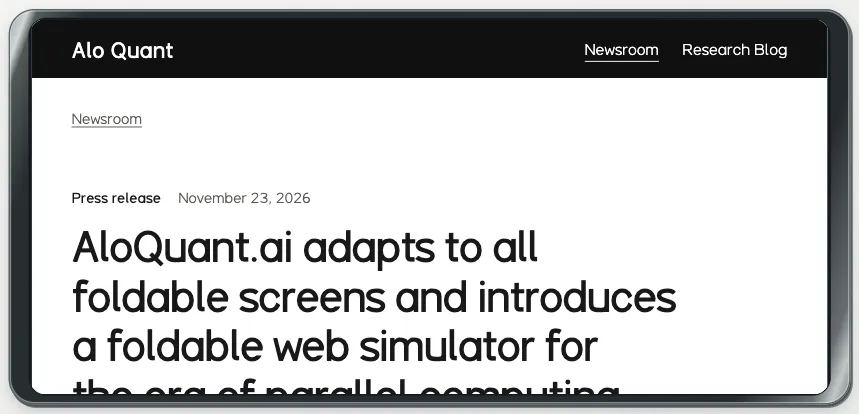
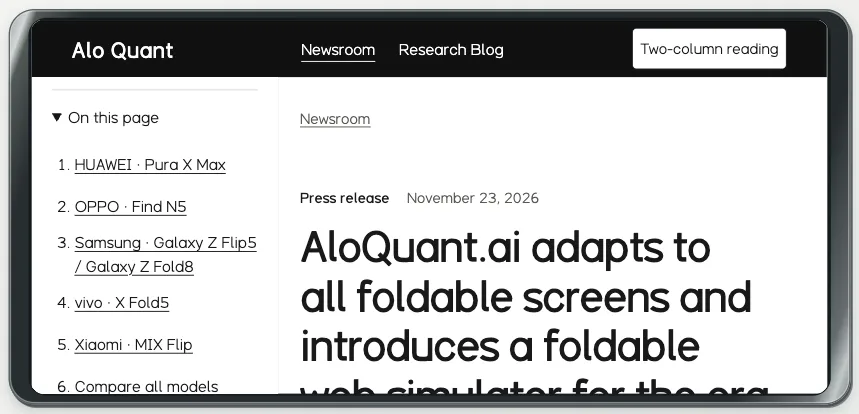
HUAWEI Pocket S
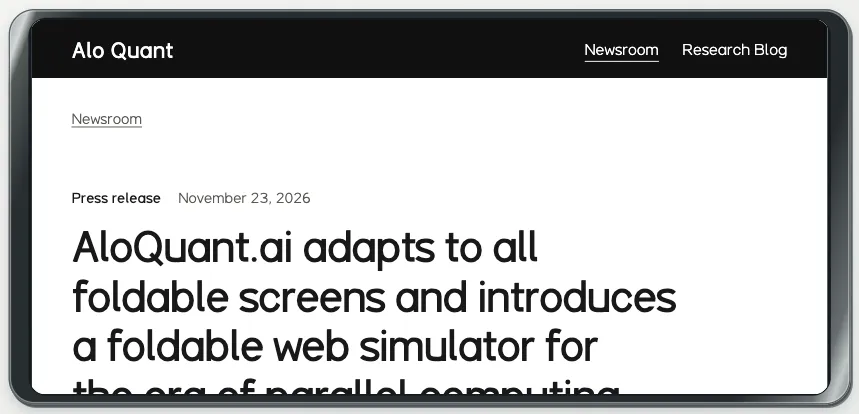
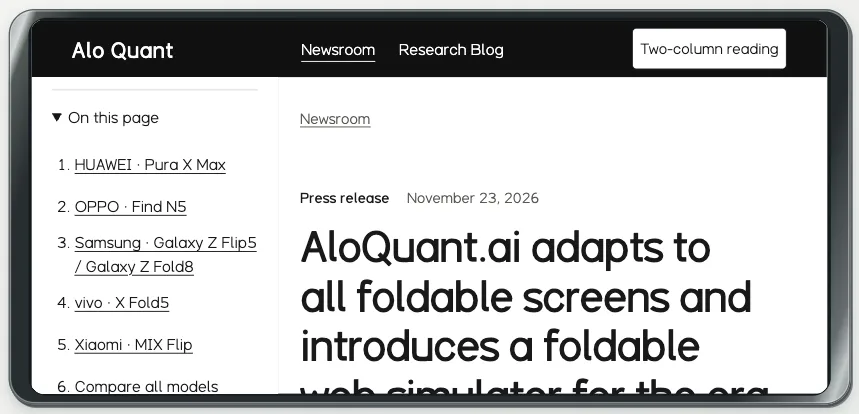
HUAWEI Pura X
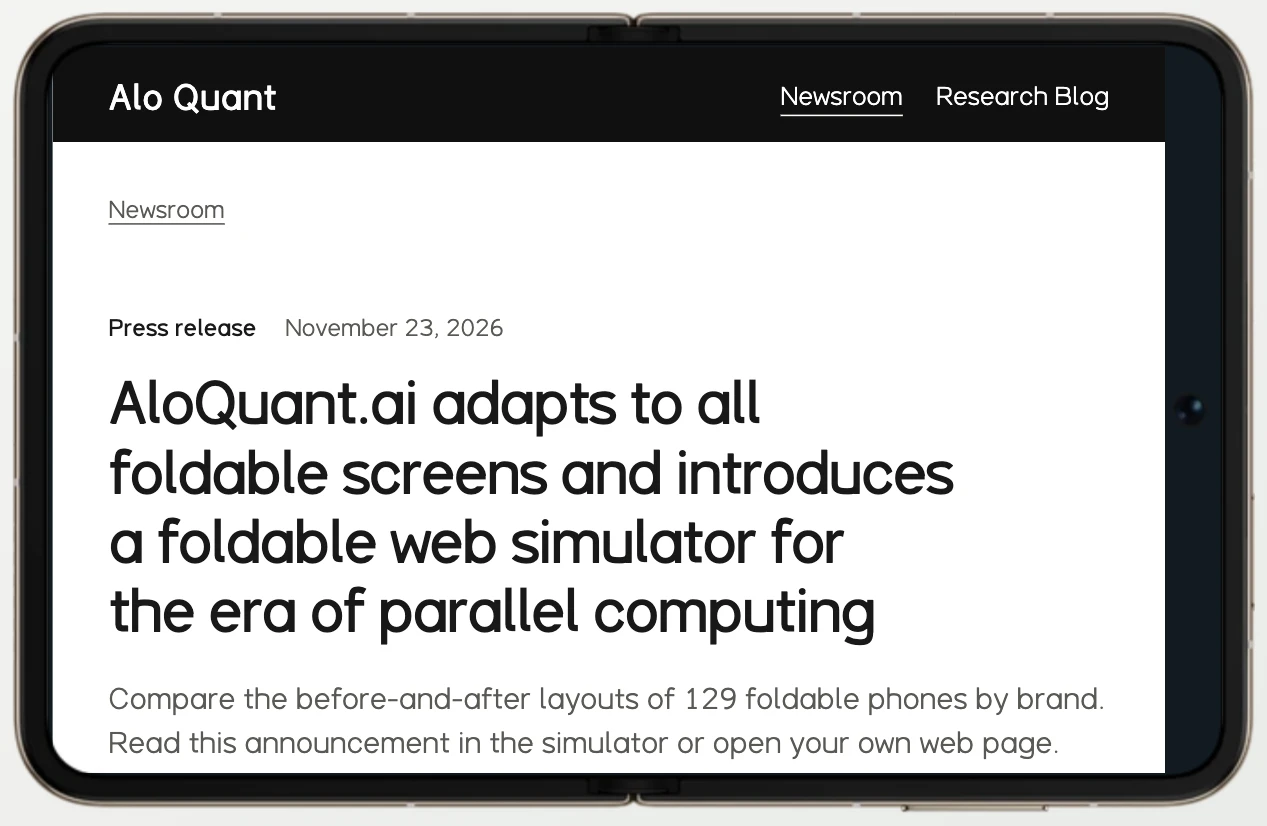
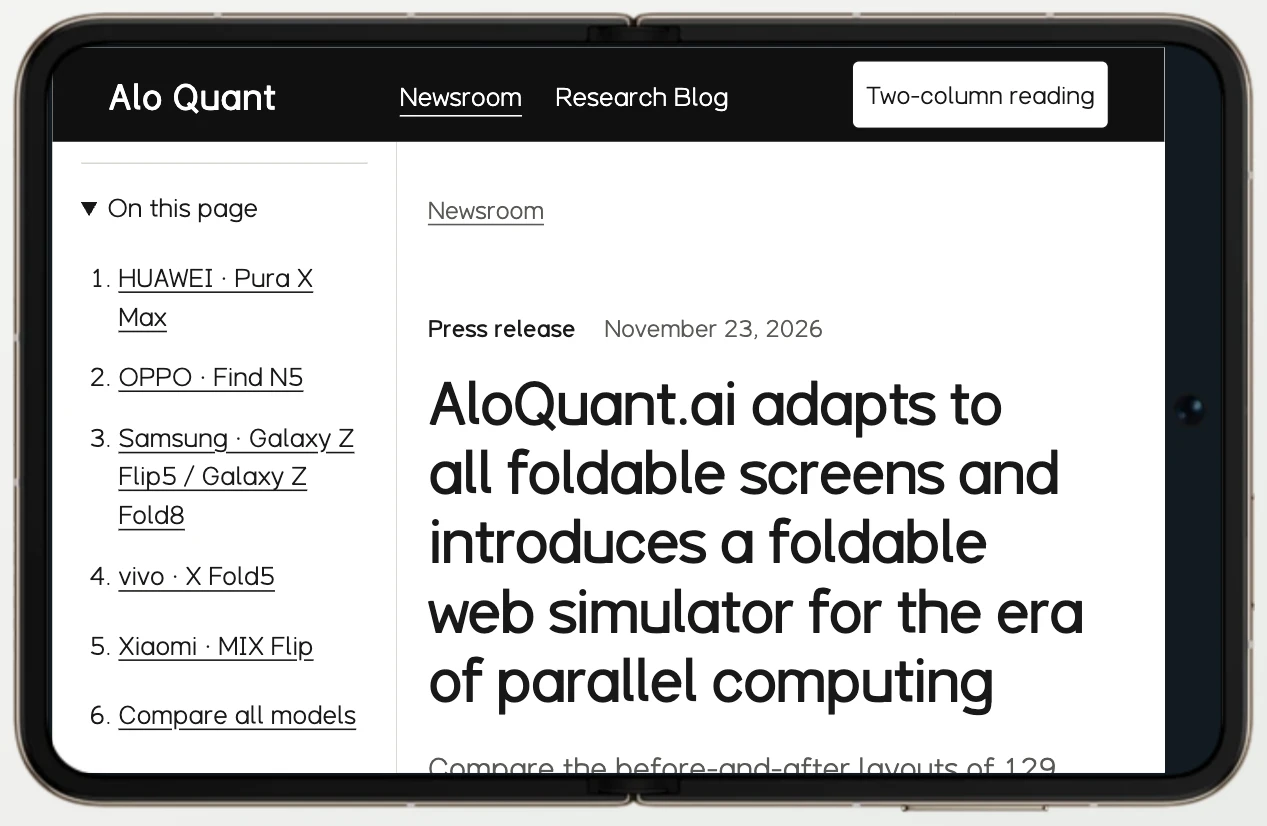
HUAWEI Pura X Max
HUAWEI nova Flip
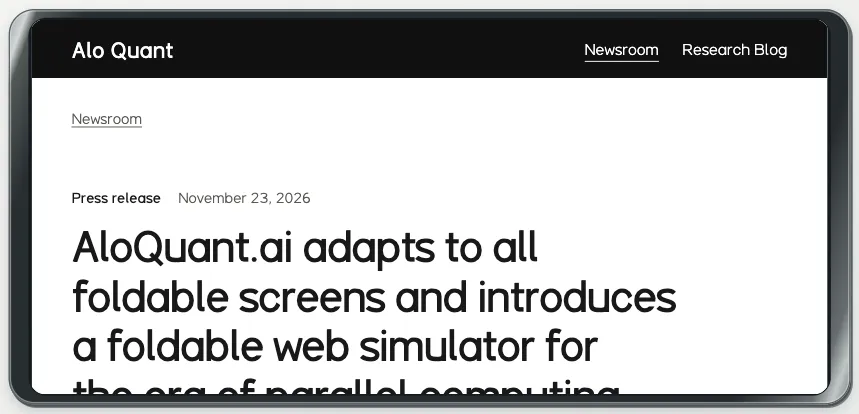
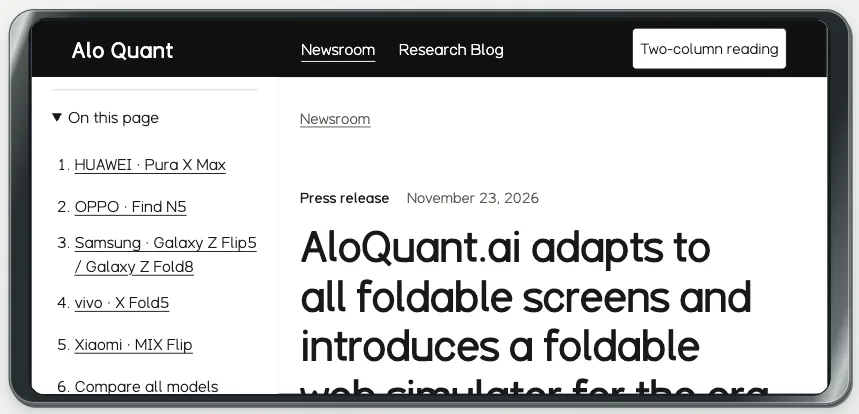
HUAWEI nova Flip S
Infinix (1)
Infinix ZERO Flip
Kyocera (1)
Kyocera Echo
Microsoft (2)
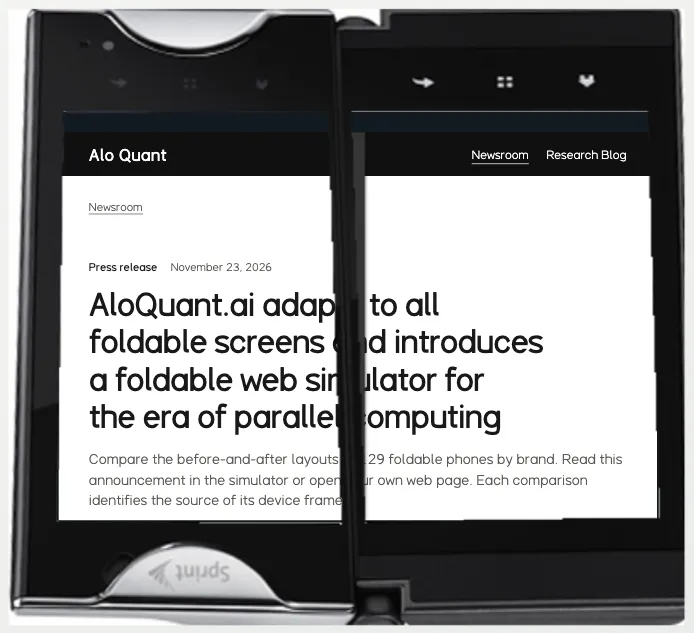
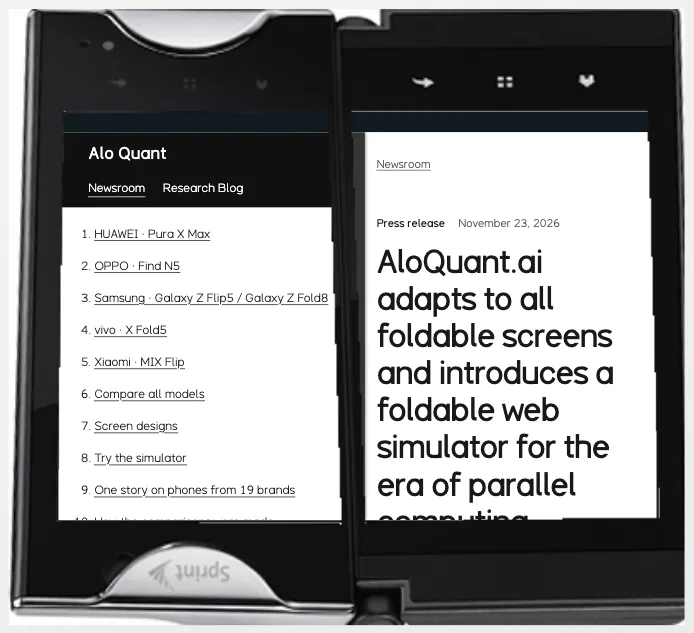
Microsoft Surface Duo
Microsoft Surface Duo 2
Motorola (13)
Motorola razr (2019)
Motorola razr 2022
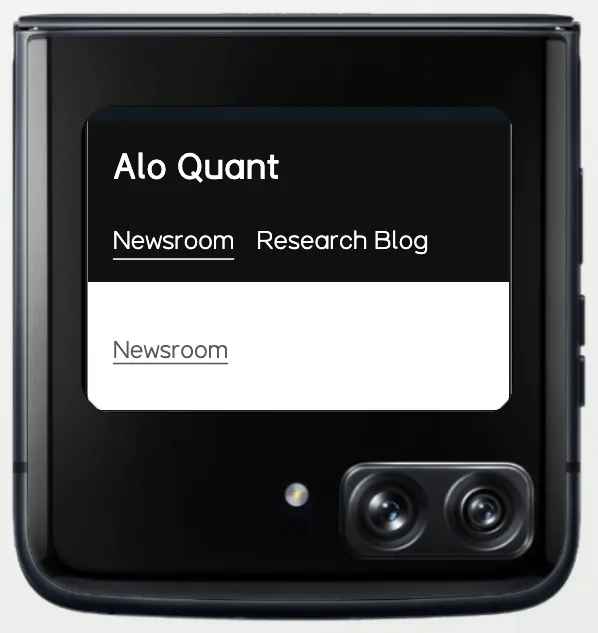
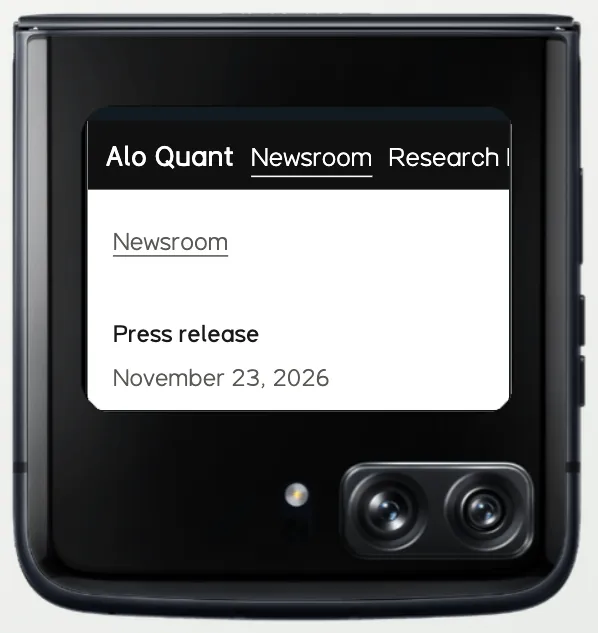
Motorola razr 40
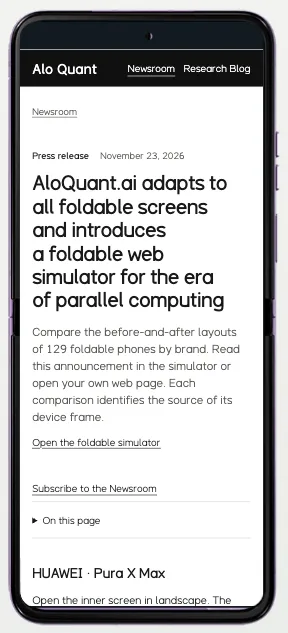
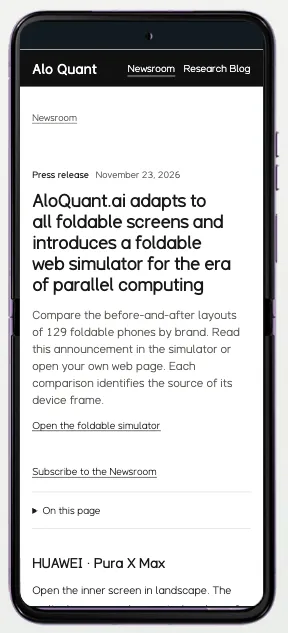
Motorola razr 40 ultra
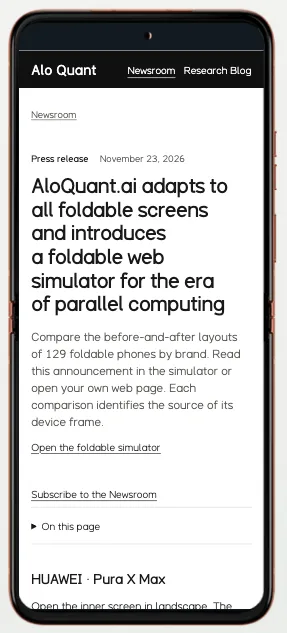
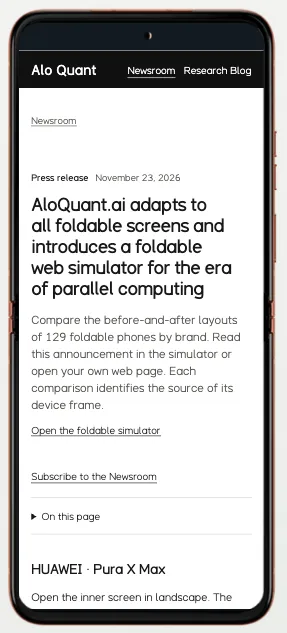
Motorola razr 50
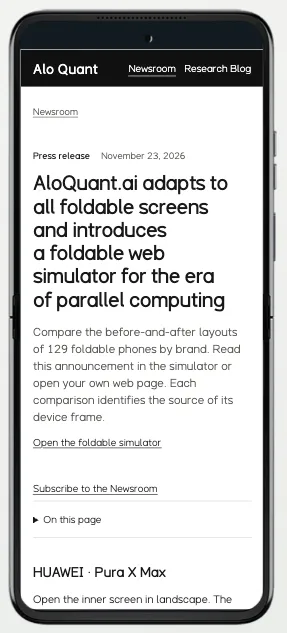
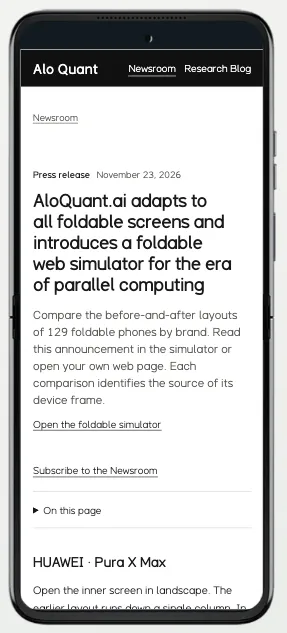
Motorola razr 50 ultra
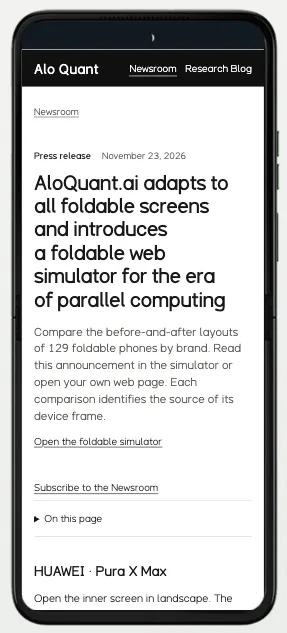
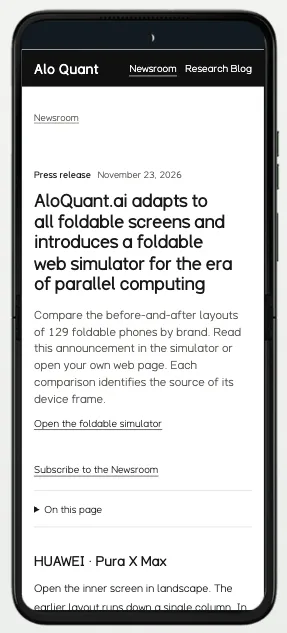
Motorola razr 5G
Motorola razr 60
Motorola razr 60 ultra
Motorola razr 70
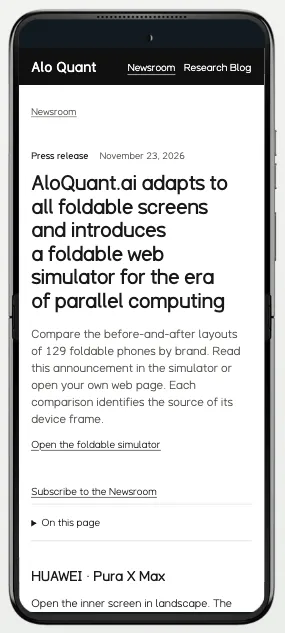
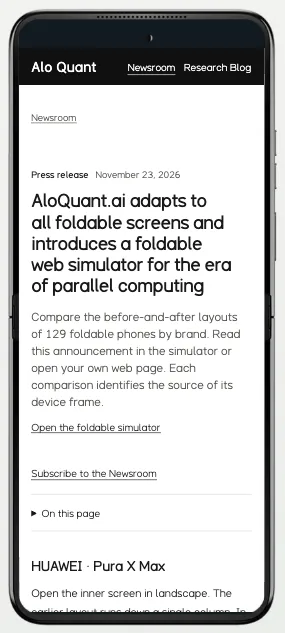
Motorola razr 70 ultra
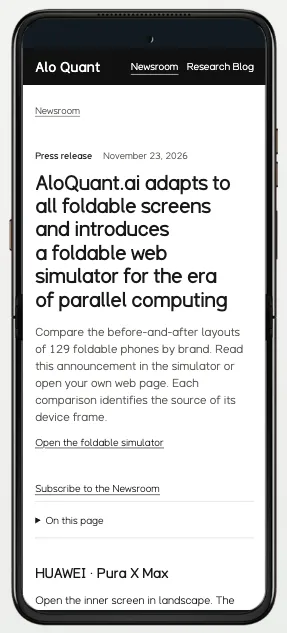
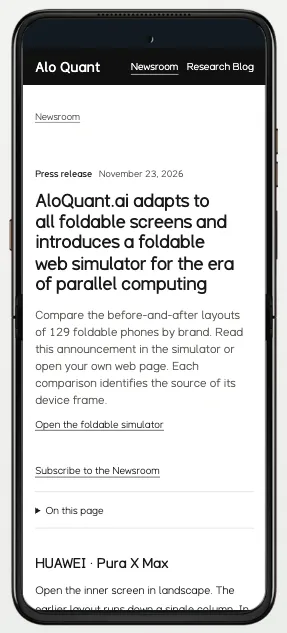
Motorola razr 70+
Motorola razr fold

NEC (1)
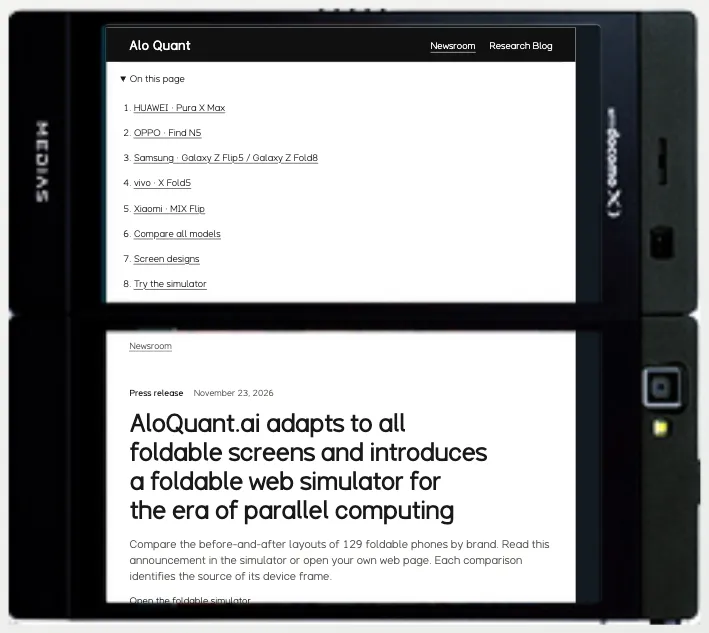
NEC MEDIAS W N-05E
nubia (4)
nubia Flip 2 5G
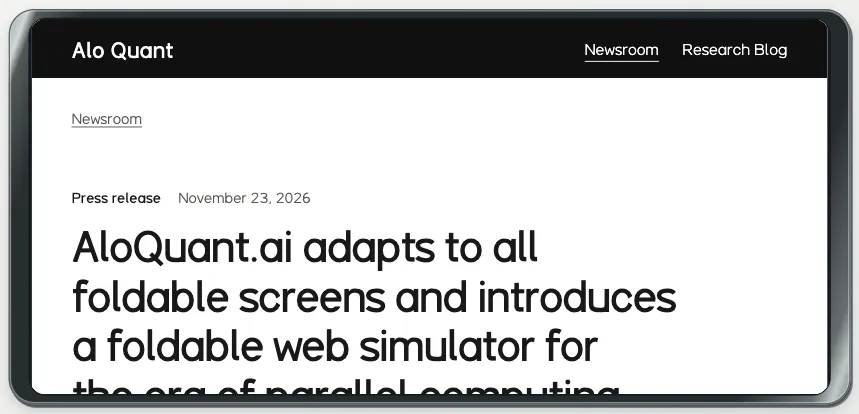
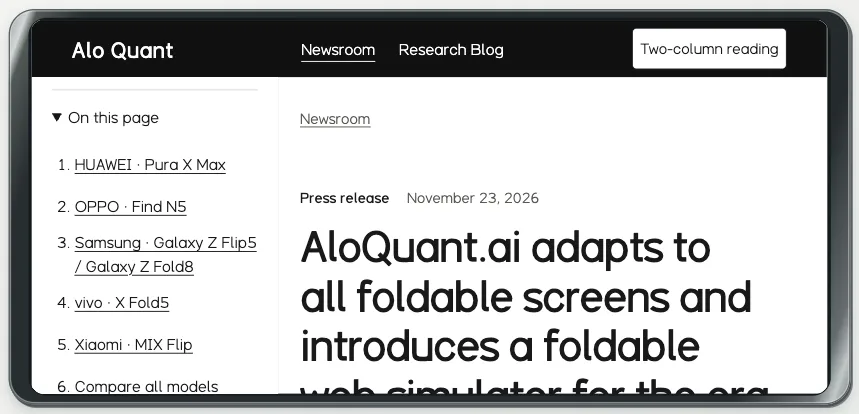
nubia Flip 3
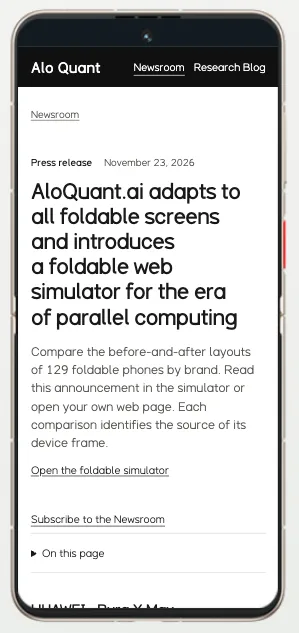
nubia Flip 5G
nubia Fold
OnePlus (2)
OnePlus Open
OnePlus Open Apex Edition
OPPO (9)
OPPO Find N
OPPO Find N2
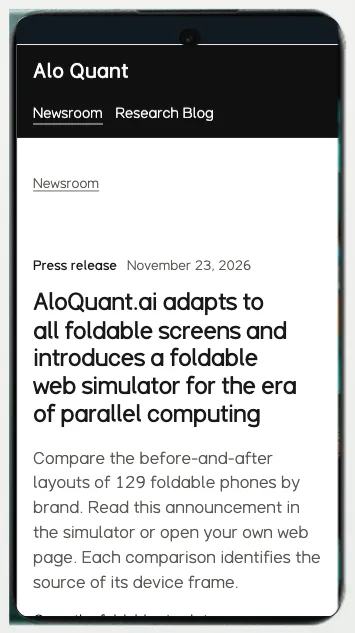
OPPO Find N2 Flip
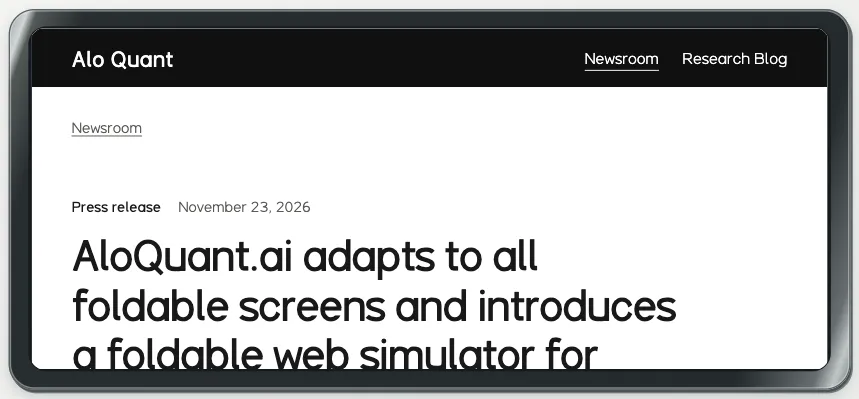
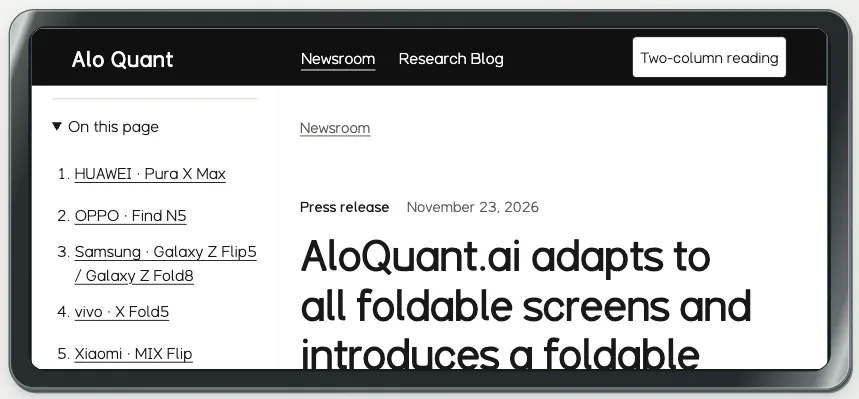
OPPO Find N3
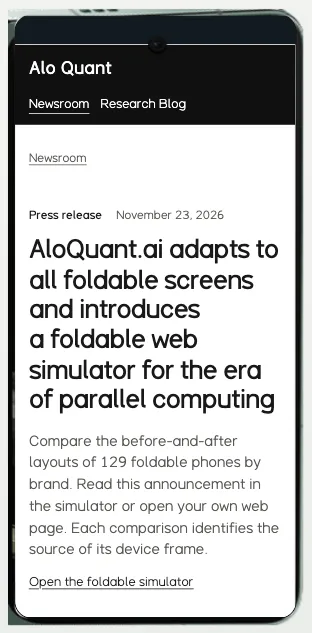
OPPO Find N3 Flip
OPPO Find N5
OPPO Find N5 卫星通信版
OPPO Find N6
OPPO Find N6 卫星通信版
Royole (2)
Royole FlexPai
Royole FlexPai 2
Samsung (32)
Samsung Galaxy Fold
Samsung Galaxy Fold 5G
Samsung Galaxy Z Flip
Samsung Galaxy Z Flip 5G
Samsung Galaxy Z Flip3 5G
Samsung Galaxy Z Flip4
Samsung Galaxy Z Flip5
Samsung Galaxy Z Flip6
Samsung Galaxy Z Flip7
Samsung Galaxy Z Flip7 FE
Samsung Galaxy Z Flip8
Samsung Galaxy Z Fold Special Edition
Samsung Galaxy Z Fold2 5G
Samsung Galaxy Z Fold3 5G
Samsung Galaxy Z Fold4
Samsung Galaxy Z Fold5
Samsung Galaxy Z Fold6
Samsung Galaxy Z Fold7
Samsung Galaxy Z Fold8
Samsung Galaxy Z Fold8 Ultra
Samsung Galaxy Z TriFold
Samsung W20
Samsung W21
Samsung W22
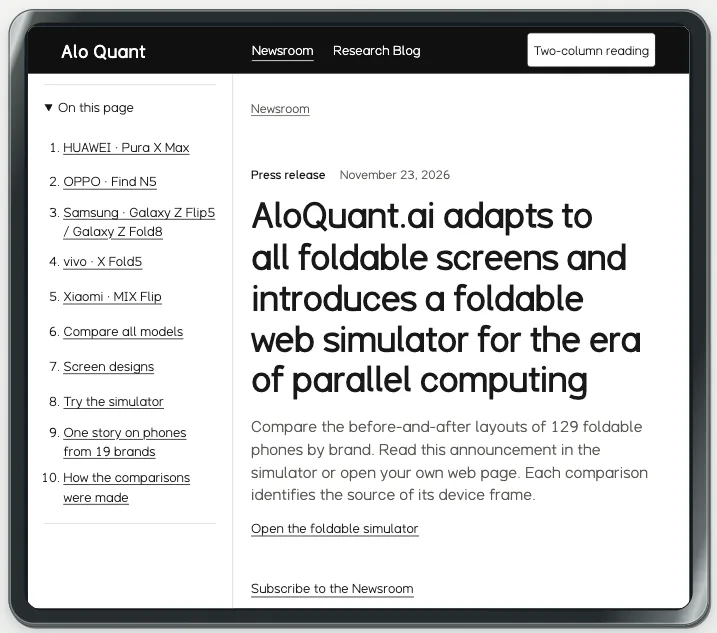
Samsung W23
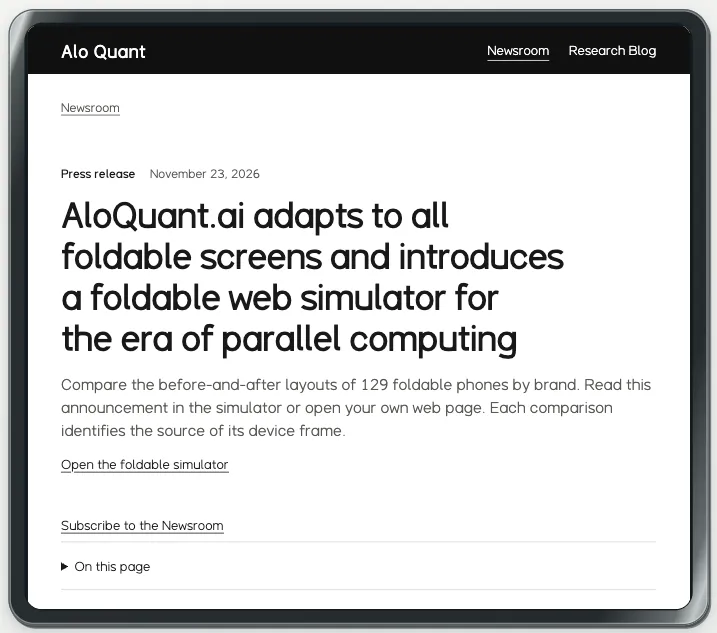
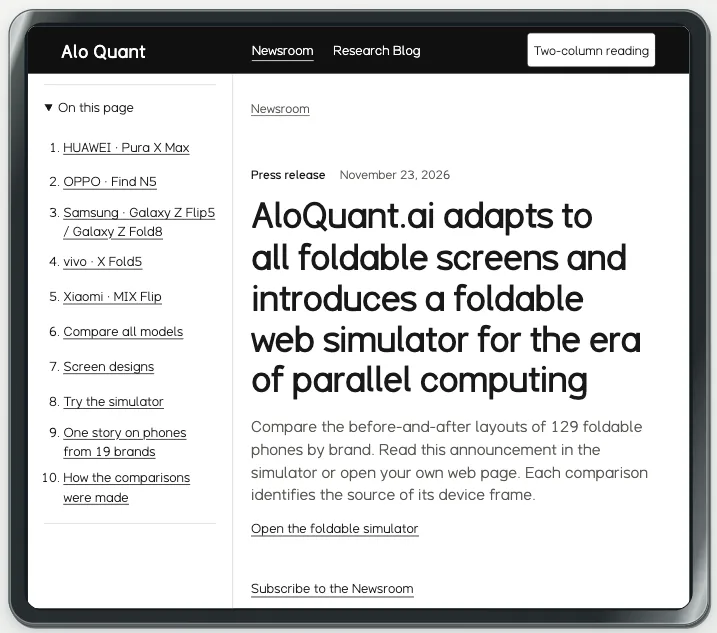
Samsung W23 Flip
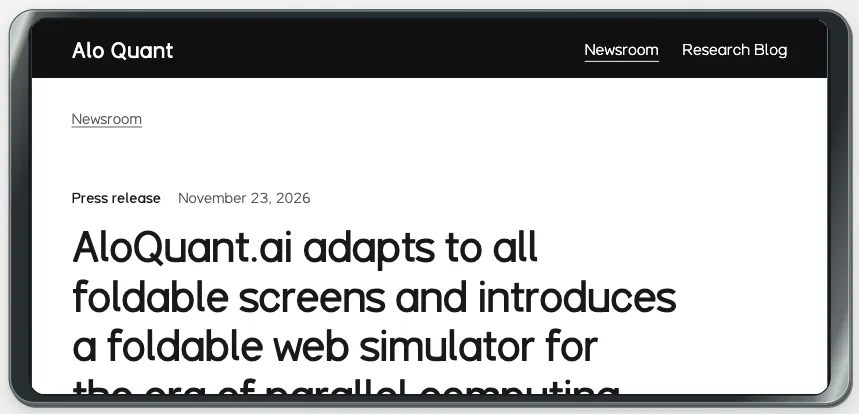
Samsung W24
Samsung W24 Flip
Samsung W25
Samsung W25 Flip
Samsung W26
Samsung W27
TECNO (4)
TECNO PHANTOM V Flip 5G
TECNO PHANTOM V Flip2 5G
TECNO PHANTOM V Fold
TECNO PHANTOM V Fold2 5G
VERTU (3)
VERTU Ayxta Fold
VERTU Ironflip
VERTU Quantum Flip
vivo (8)
vivo X Flip
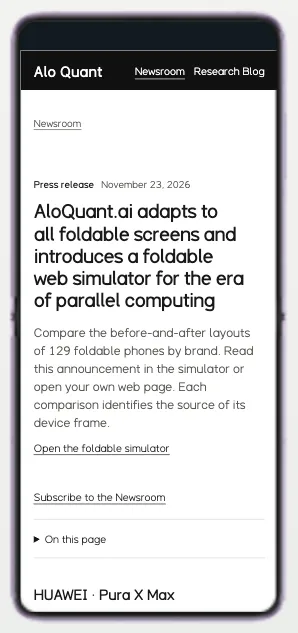
vivo X Fold
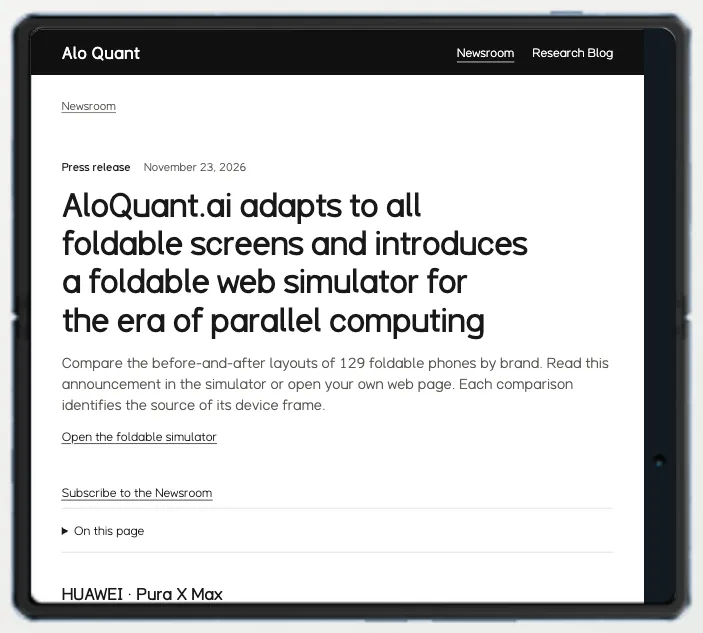
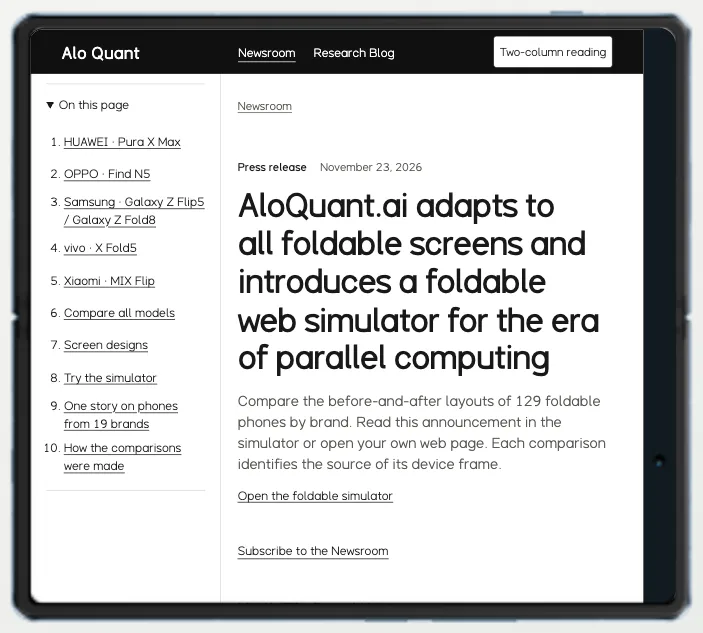
vivo X Fold+
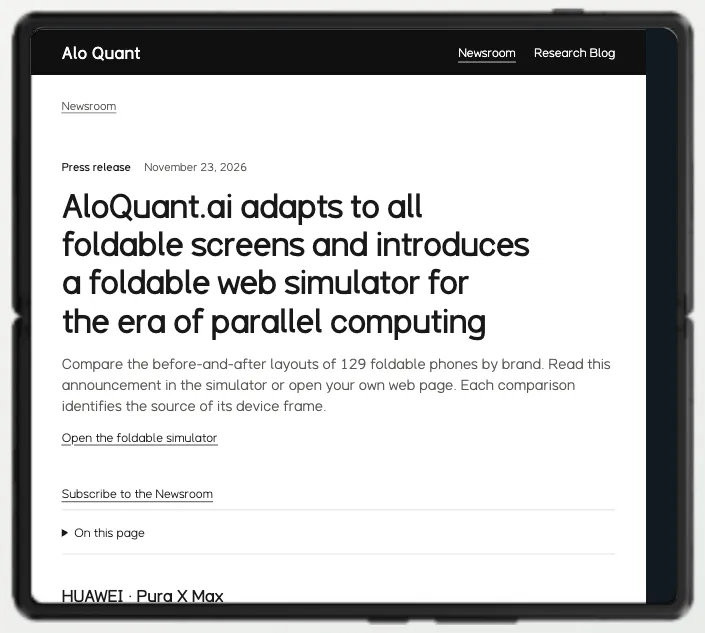
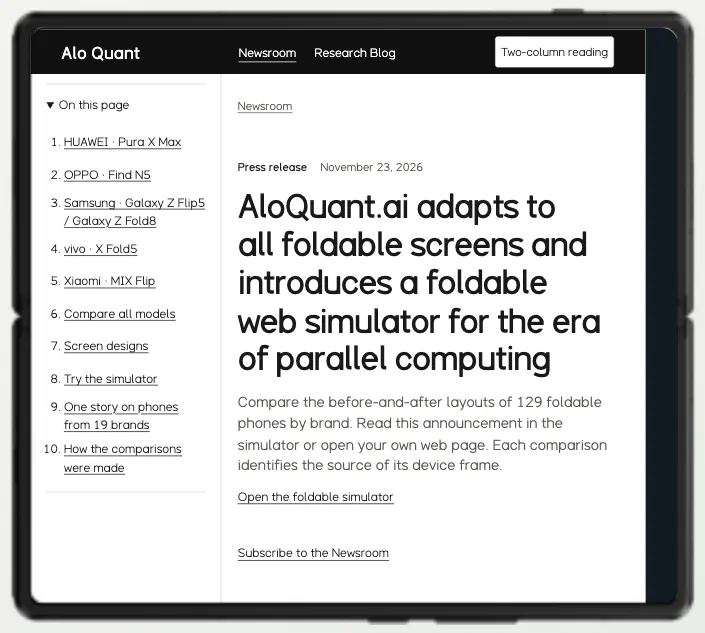
vivo X Fold2
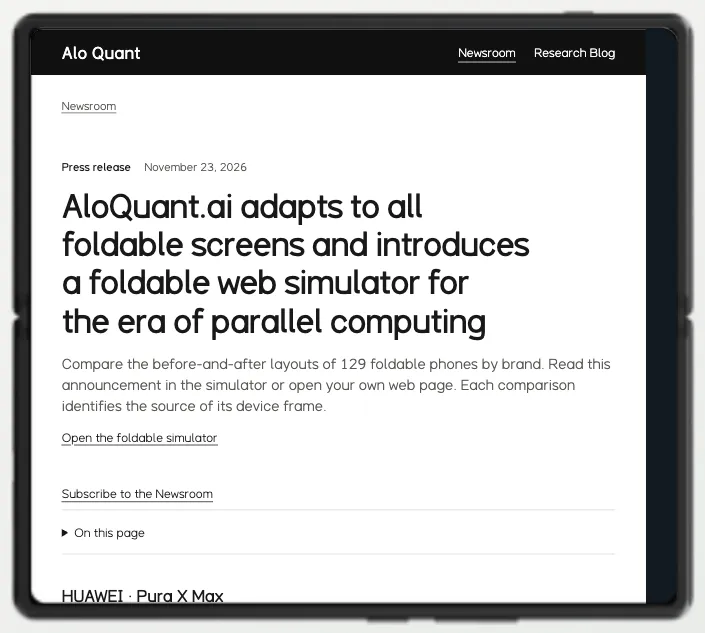
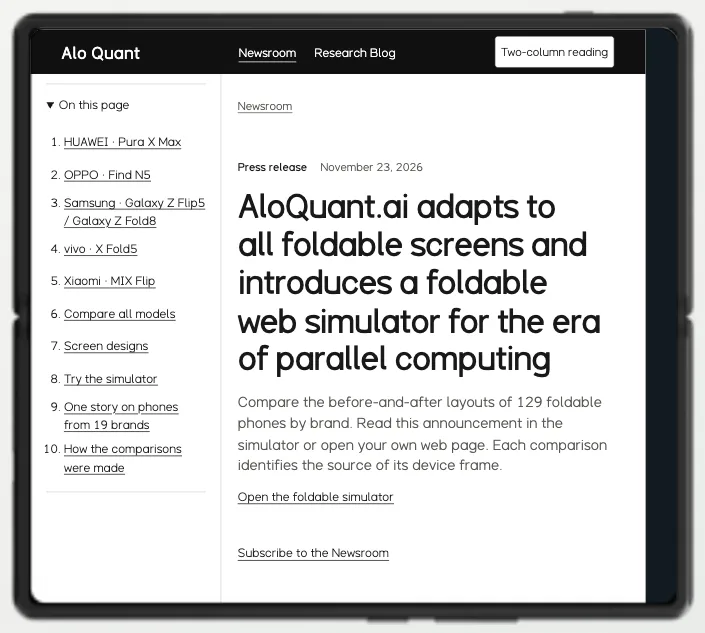
vivo X Fold3
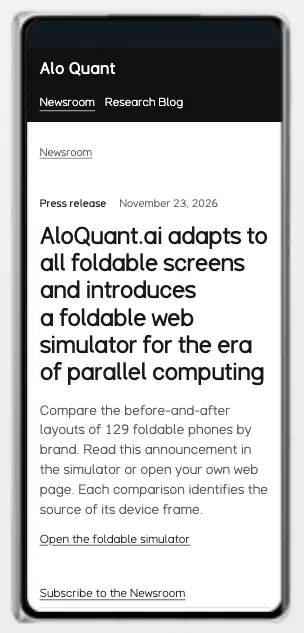
vivo X Fold3 Pro
vivo X Fold5
vivo X Fold6
Xiaomi (7)
Xiaomi MIX FOLD
Xiaomi 18 Fold
Xiaomi MIX Flip
Choose a chapter on the simulated cover · Frame from a product image
Xiaomi MIX Flip 2
Xiaomi MIX Fold 2
Xiaomi MIX Fold 3
Xiaomi MIX Fold 4
ZTE (2)
ZTE Axon M
ZTE Libero Flip
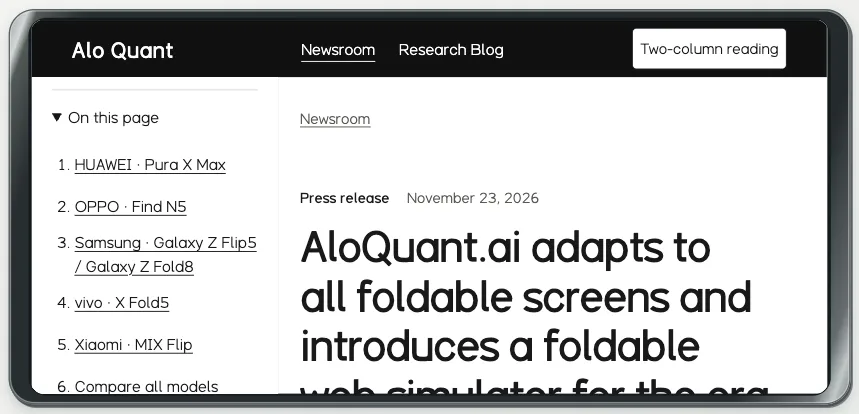
From cover to inner screen
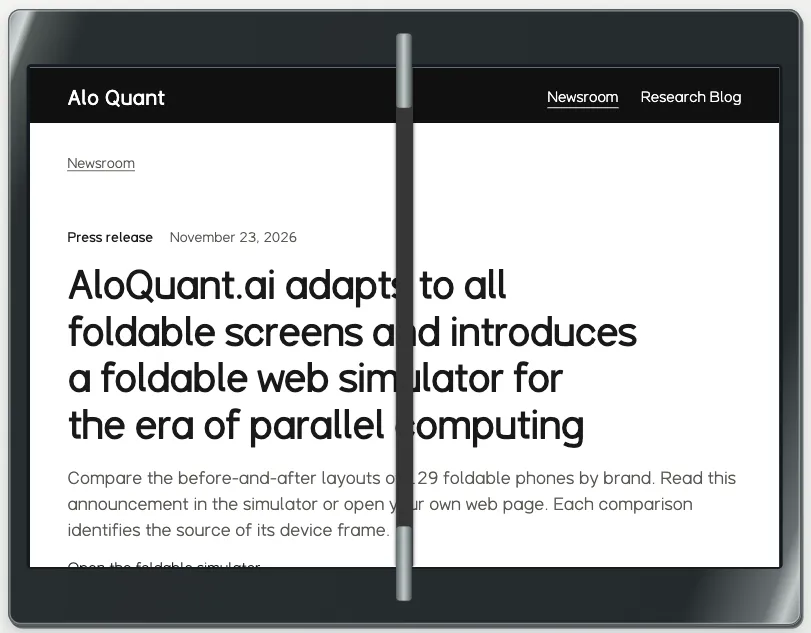
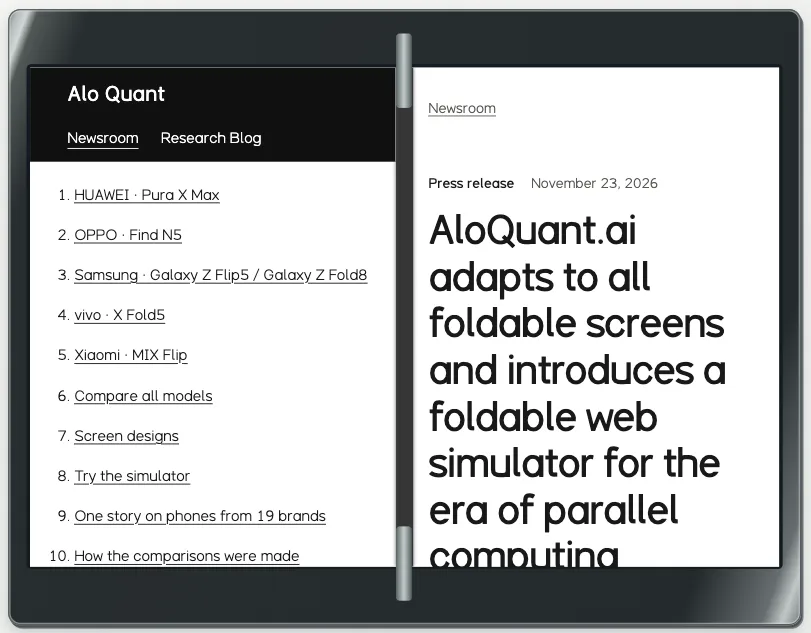
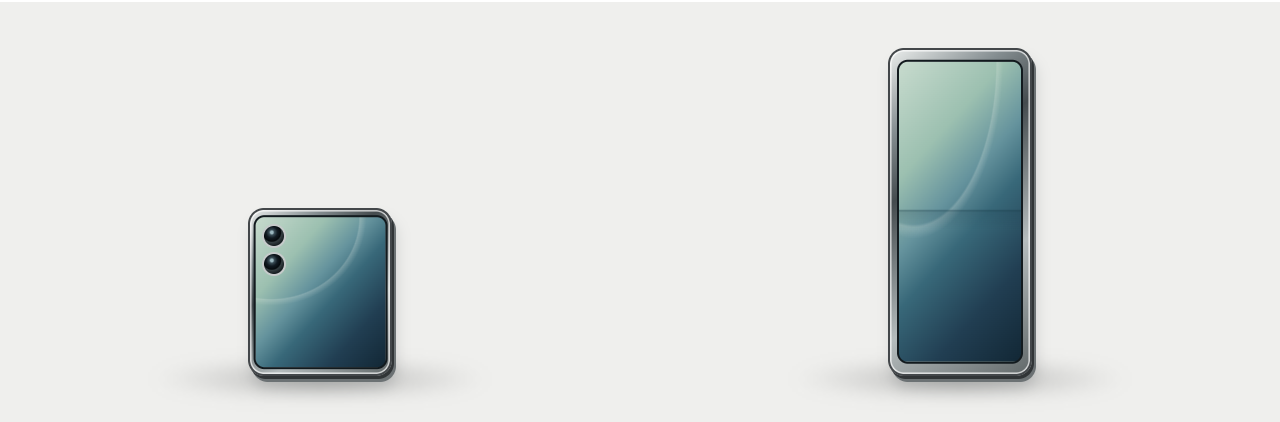
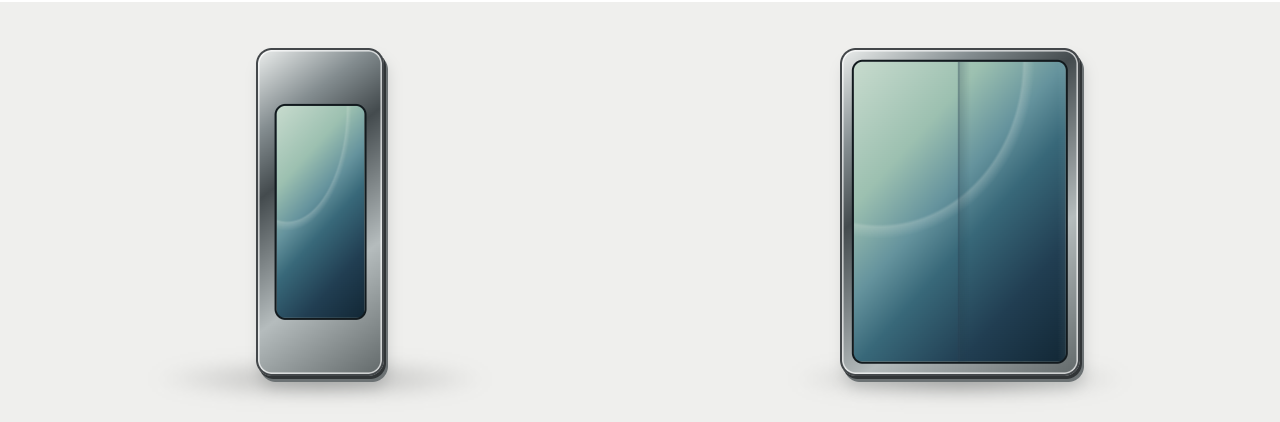
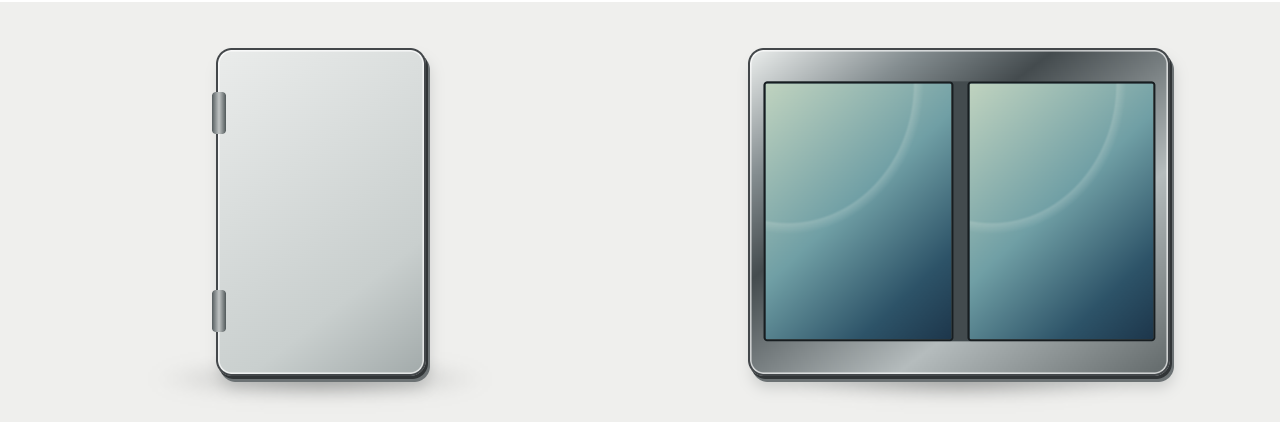
Close Xiaomi MIX Flip and its cover display shares one face with the cameras. Open Galaxy Fold and its narrow cover display gives way to a single folding inner screen. Open Surface Duo and a hinge still separates two distinct displays. Each design gives a page a different space to work with.
View in the simulator
View in the simulator
View in the simulator
Each diagram pairs the closed and open views of one device. Select a model to change its reading posture. The source beside the diagram identifies the individual model, its series or the fold design used as a reference. Original manufacturer images are linked for 75 of the models.
Explore all 129 models by brand
Blackview (1)

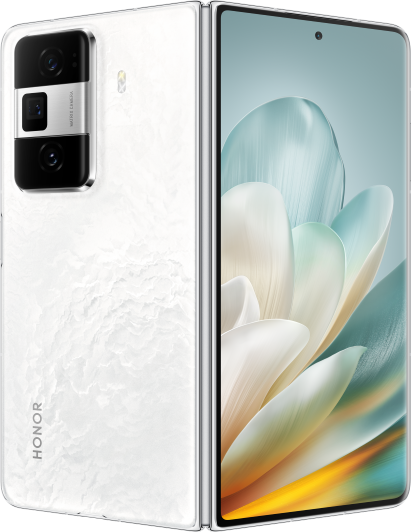
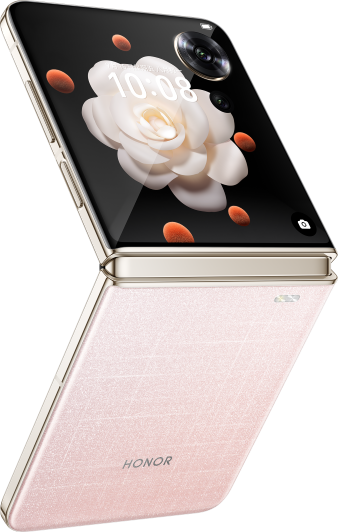
HONOR (15)
- Magic V · Official product image
- Magic Vs · Official product image
- Magic Vs 至臻版 · Official product image
- Magic V2 · Official product image
- Magic V2 至臻版 · Official product image
- Magic Vs2 · Official product image
- Magic V2 RSR · Official product image
- Magic V3 · Official product image
- Magic Vs3 · Official product image
- Magic V5 · Official product image
- Magic V6 · Official product image
- Magic V Flip · Official product image
- Magic V Flip2 · Official product image
- V Purse · Official product image
- Magic V3 双卫星版






HUAWEI (18)
- HUAWEI Mate X
- HUAWEI Mate Xs
- HUAWEI Mate X2 · Official product image
- HUAWEI Mate Xs 2 · Official product image
- HUAWEI Mate X3
- HUAWEI Mate X5
- HUAWEI Mate X6 · Official product image
- HUAWEI Mate X7 · Official product image
- HUAWEI P50 Pocket · Official product image
- HUAWEI Pocket S
- HUAWEI Pocket 2
- HUAWEI nova Flip
- HUAWEI nova Flip S
- HUAWEI Pura X · Official product image
- HUAWEI Pura X Max
- HUAWEI Mate XT 非凡大师 · Official product image
- HUAWEI Mate XTs 非凡大师 · Official product image
- HUAWEI Mate XT 2 非凡大师



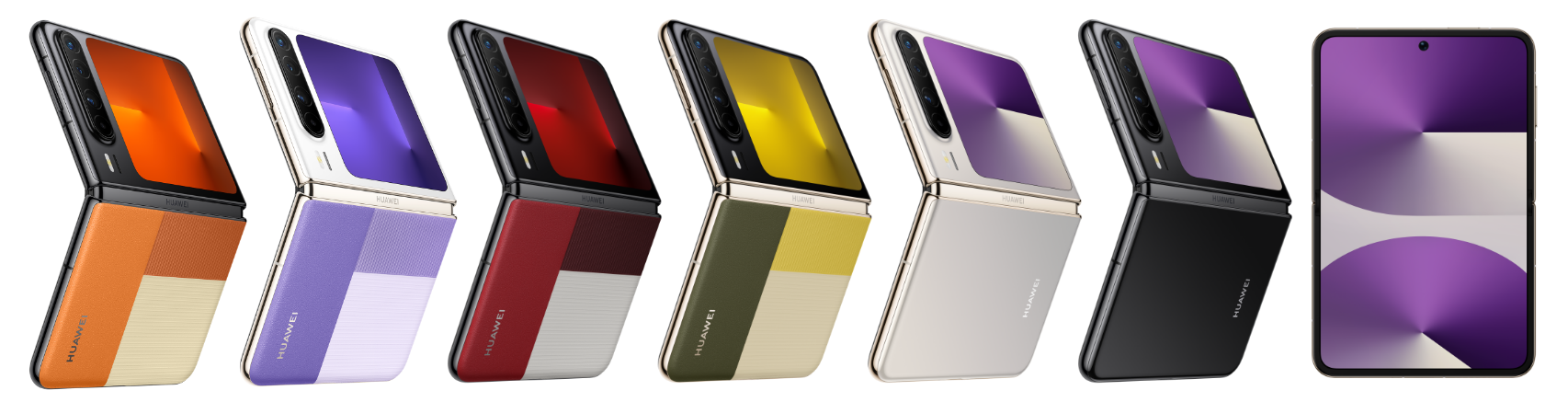

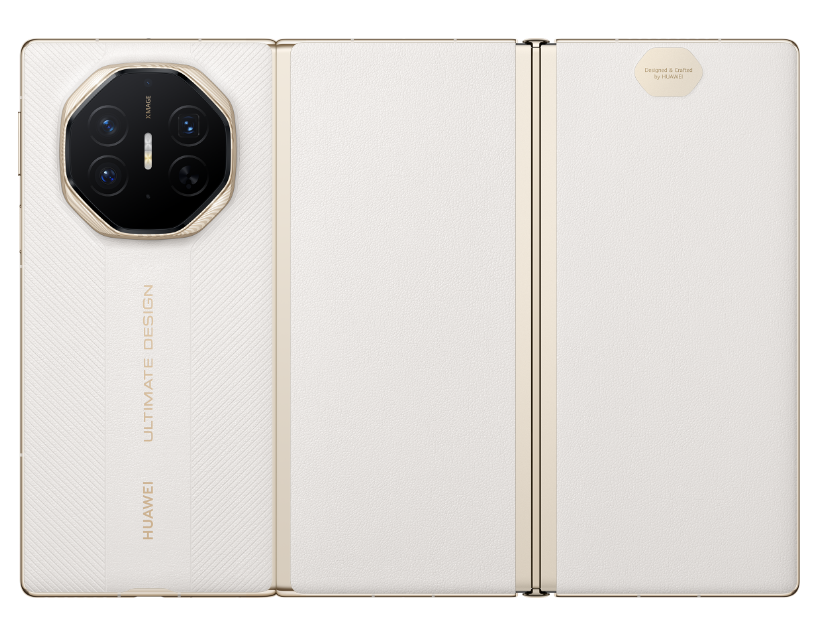
Infinix (1)
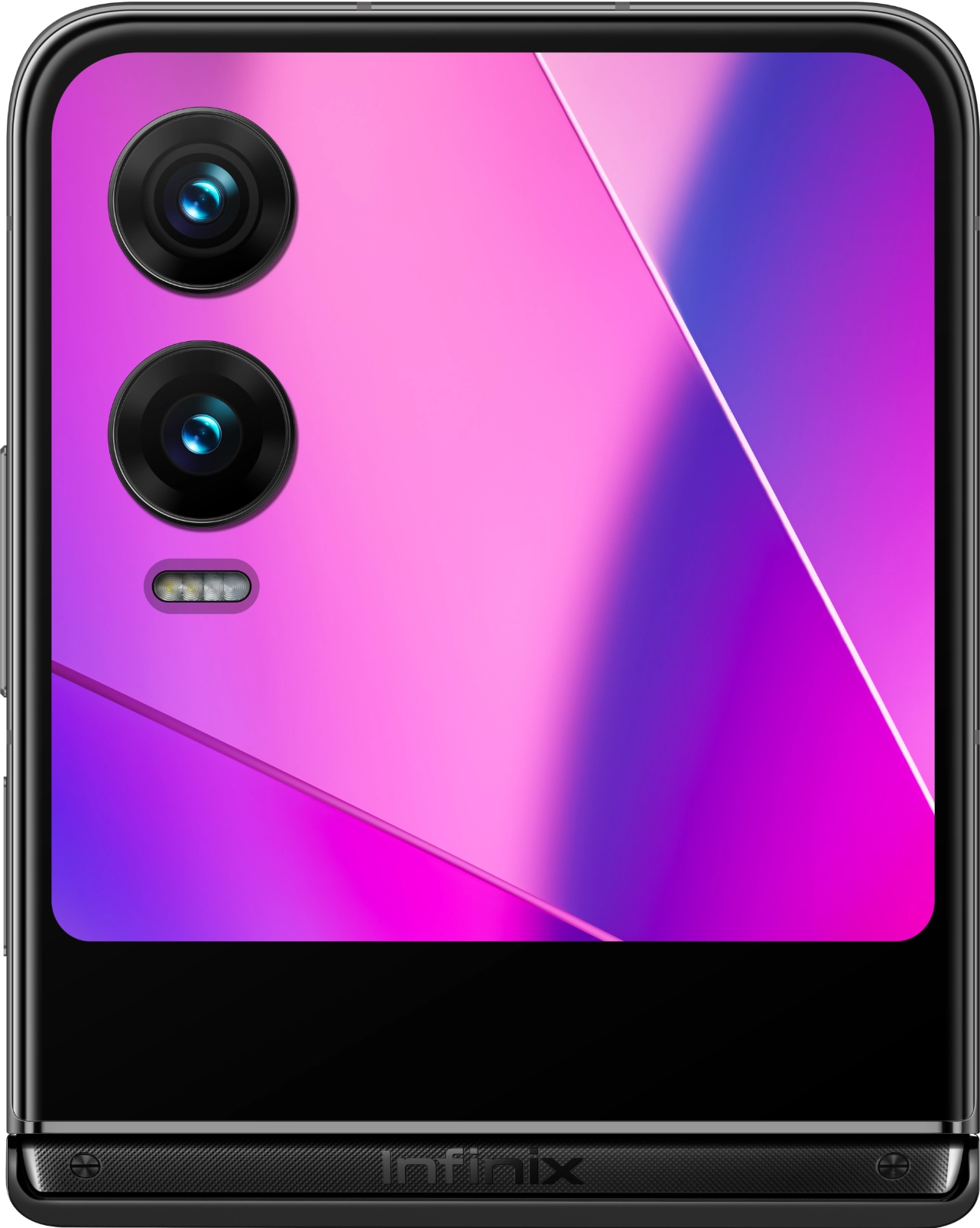
Kyocera (1)

Microsoft (2)
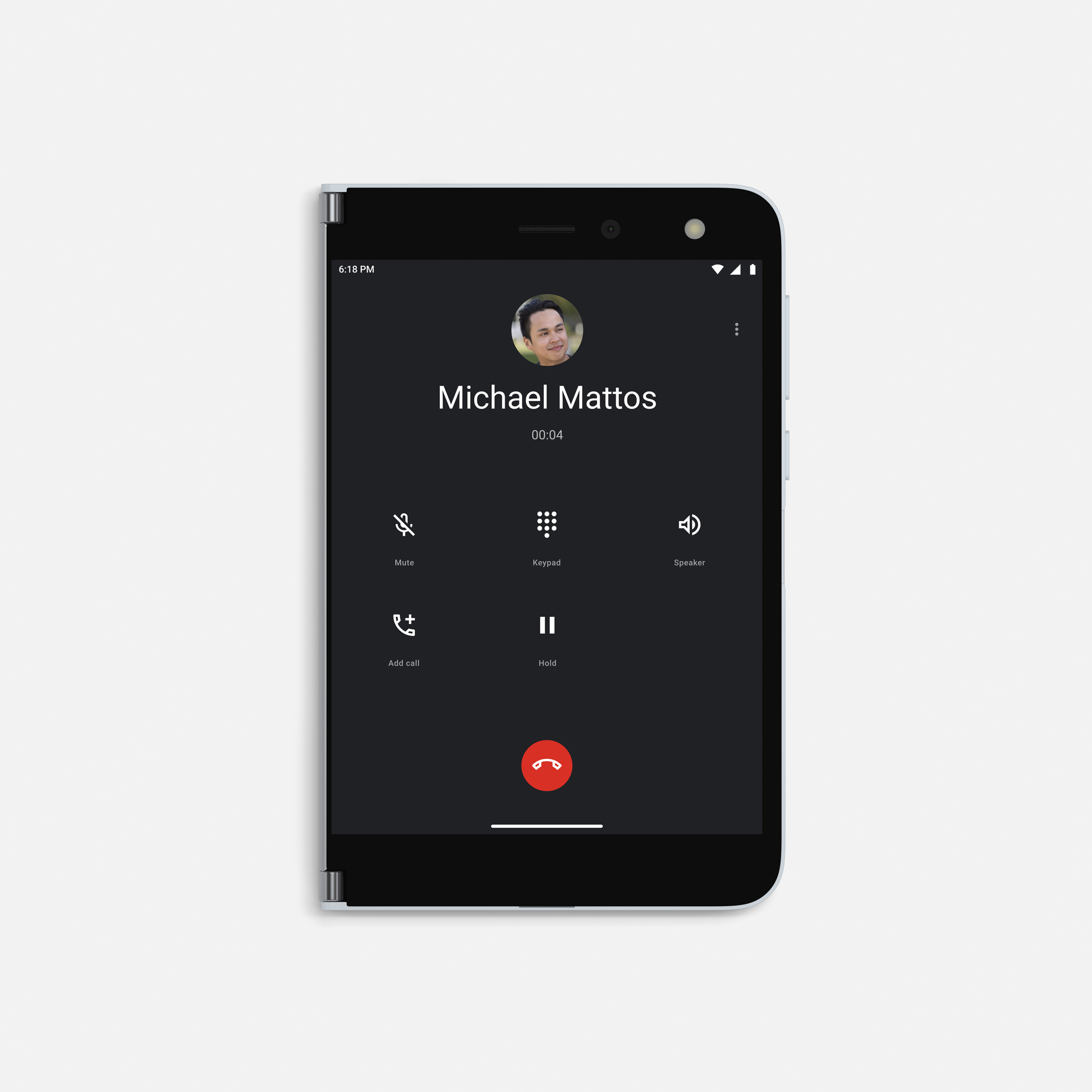
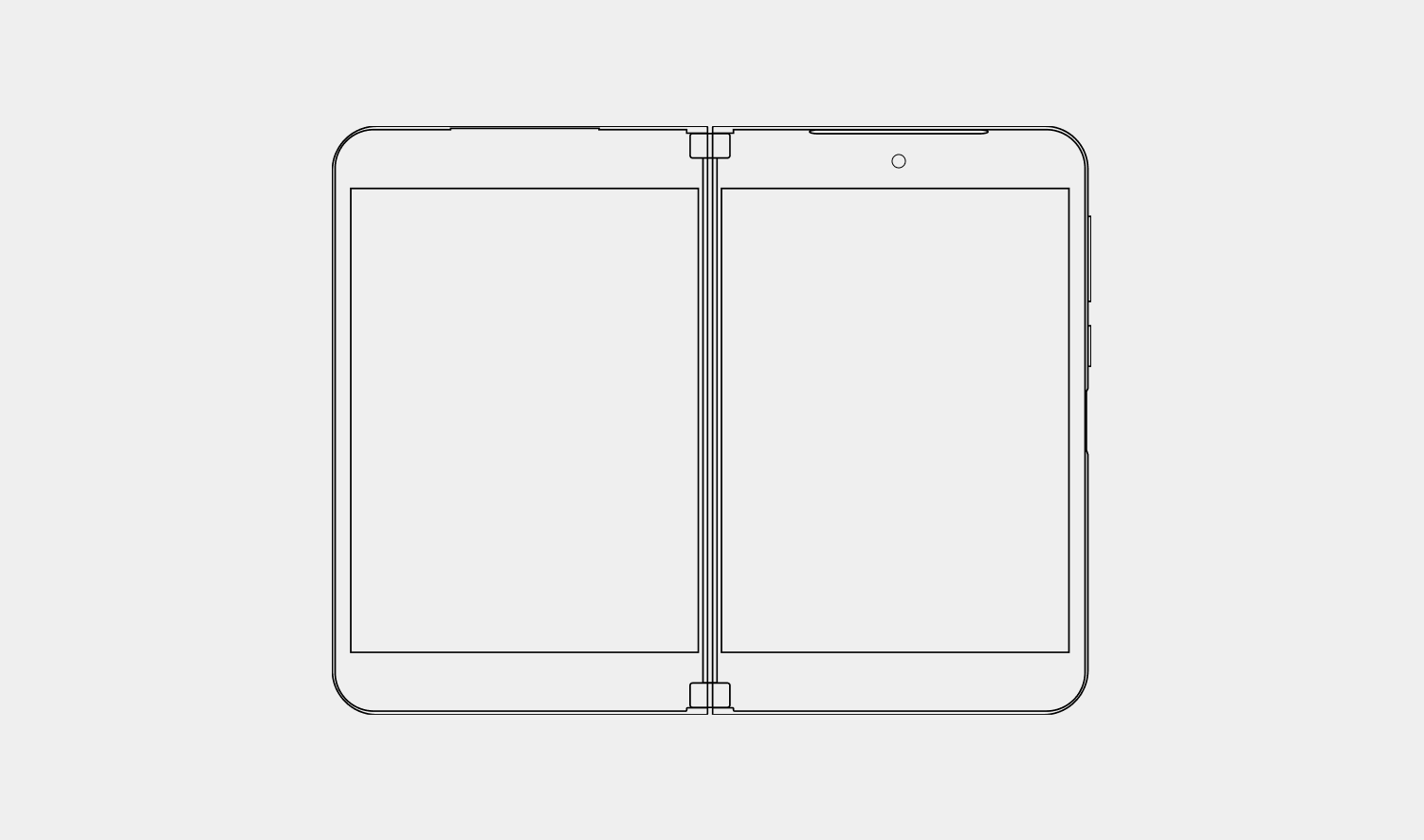
Motorola (13)
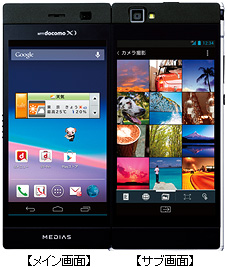
NEC (1)
nubia (4)
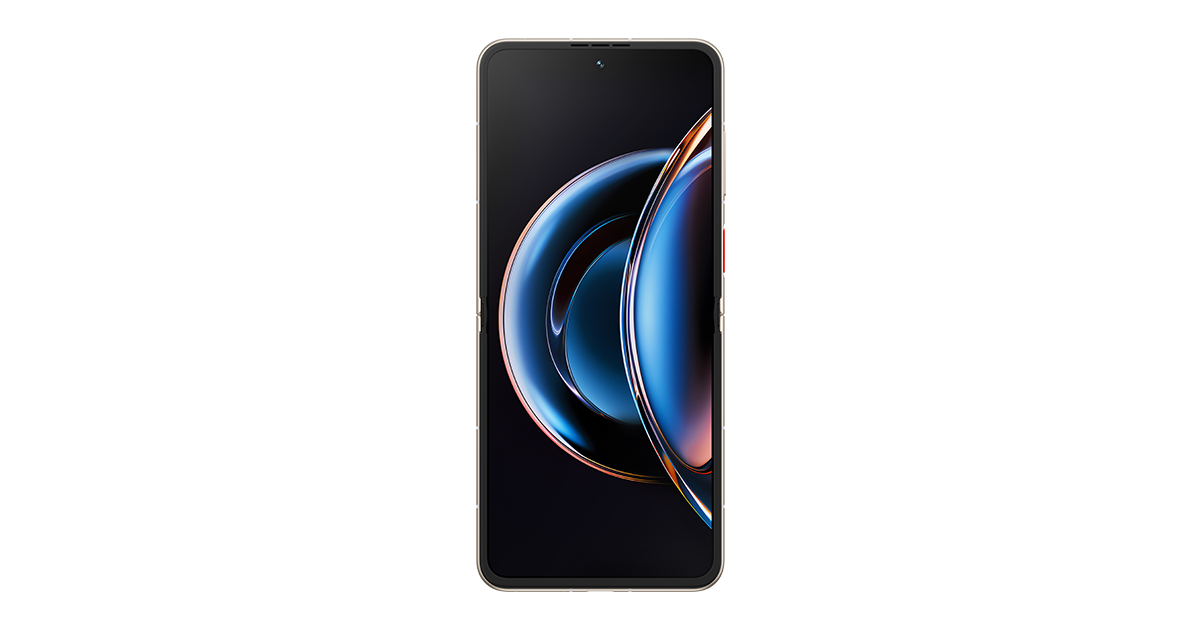
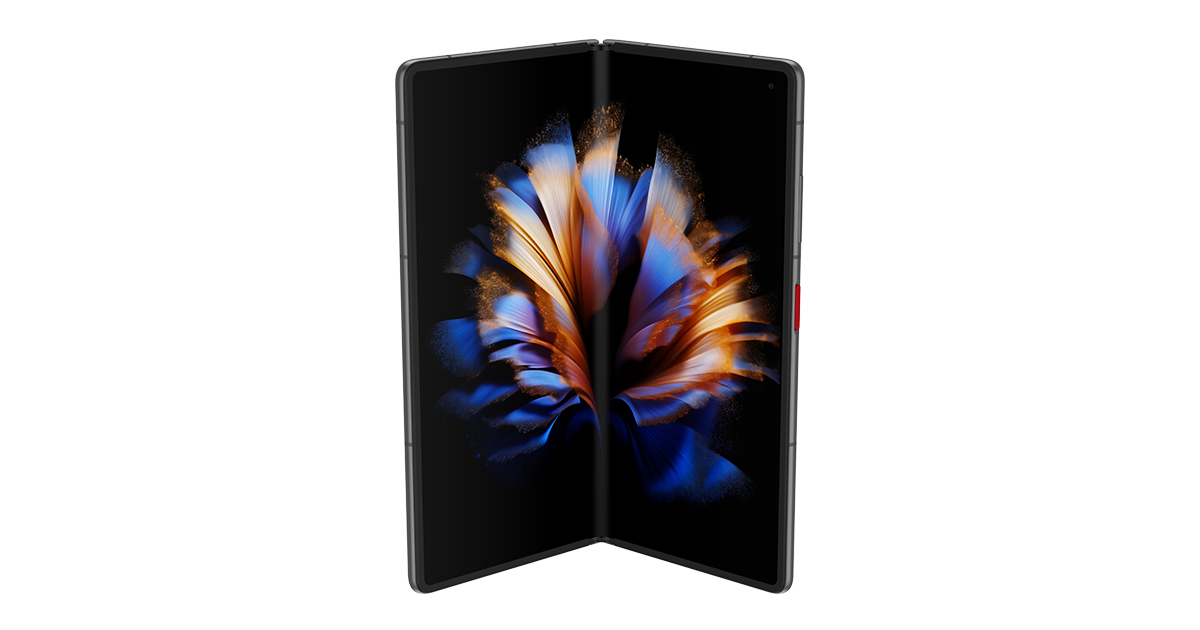
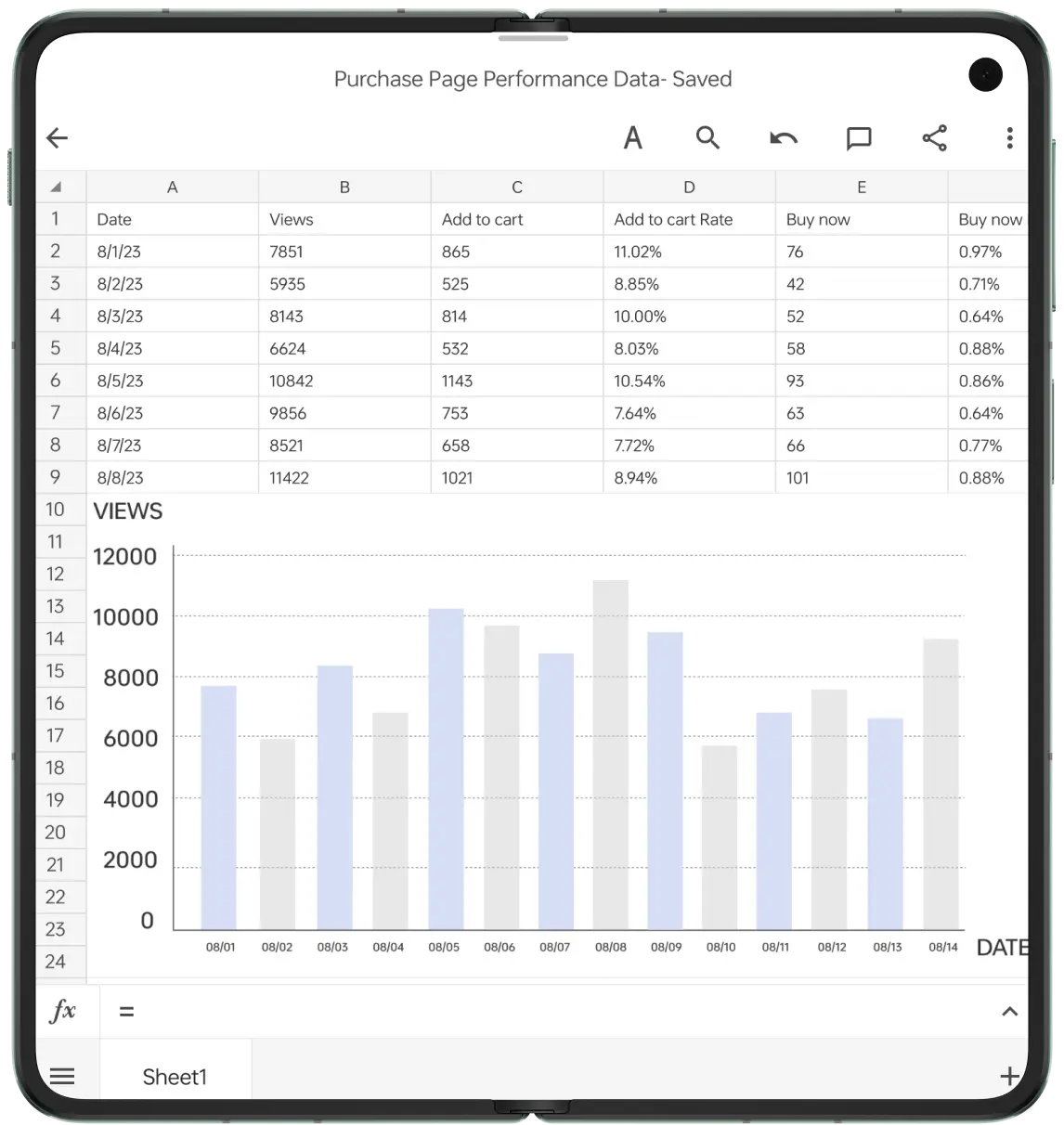
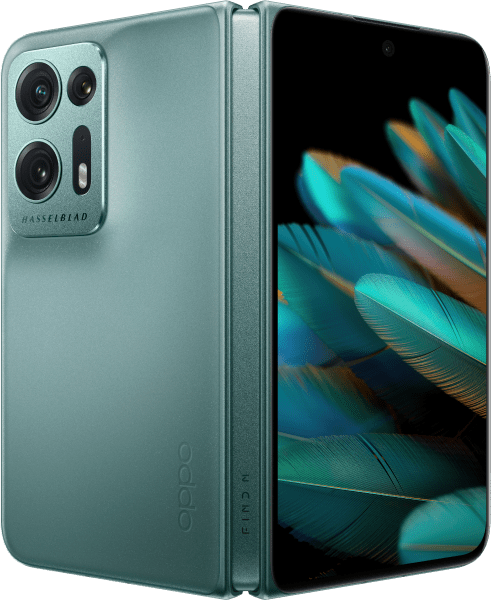
OPPO (9)

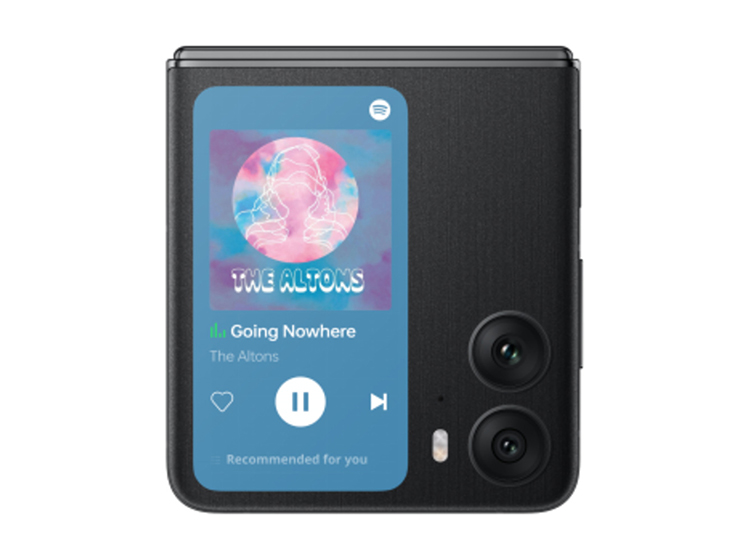


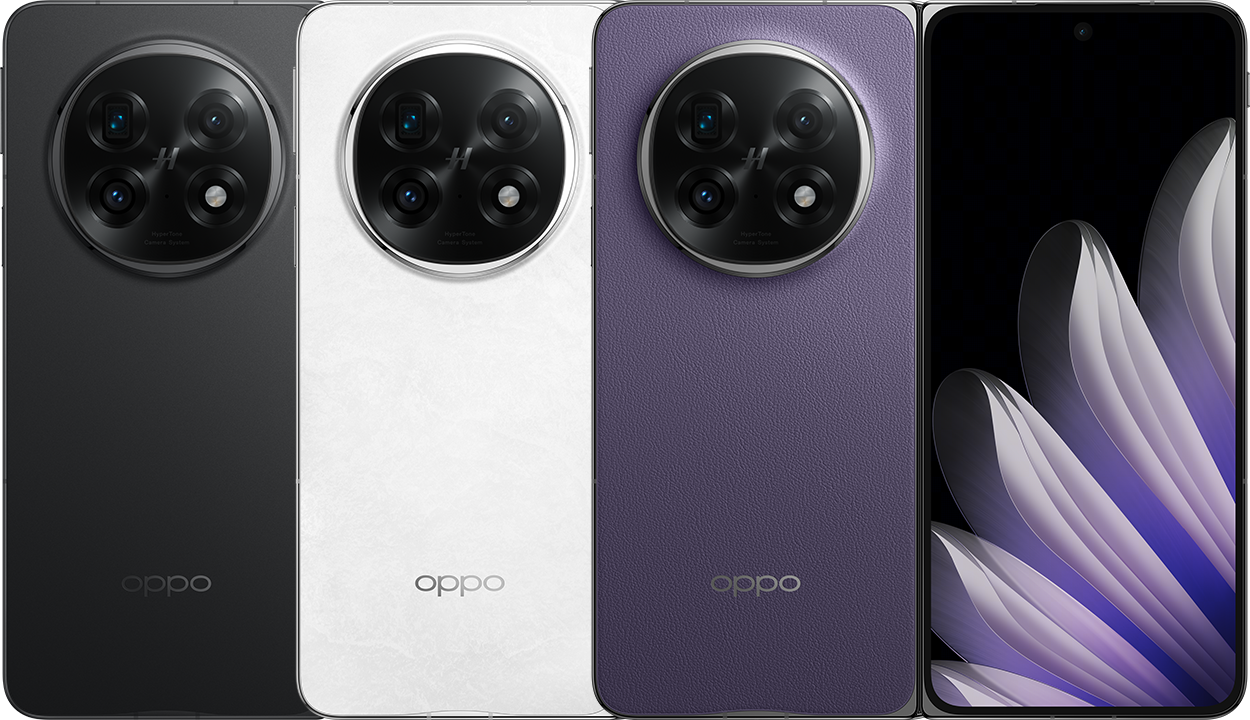
Royole (2)


Samsung (32)
- Galaxy Fold · Official product image
- Galaxy Fold 5G · Official product image
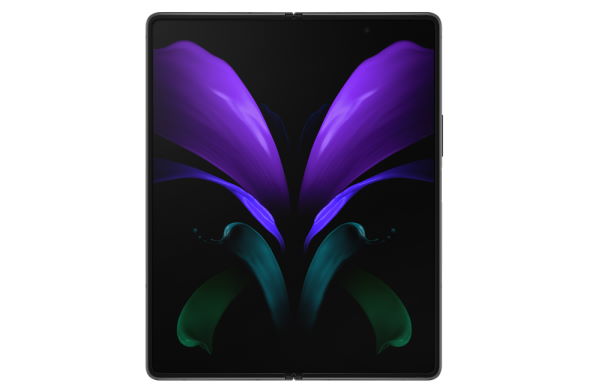
- Galaxy Z Fold2 5G · Official product image
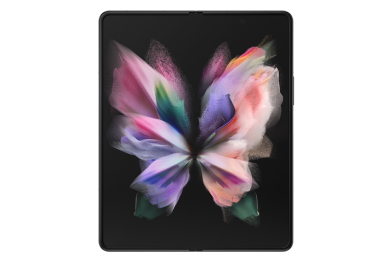
- Galaxy Z Fold3 5G · Official product image
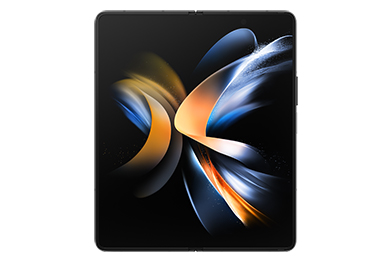
- Galaxy Z Fold4 · Official product image
- Galaxy Z Fold5 · Official product image
- Galaxy Z Fold6 · Official product image
- Galaxy Z Fold7 · Official product image
- Galaxy Z Fold Special Edition
- Galaxy Z Fold8 Ultra · Official product image
- Galaxy Z Fold8 · Official product image
- Galaxy Z Flip · Official product image
- Galaxy Z Flip3 5G · Official product image
- Galaxy Z Flip4 · Official product image
- Galaxy Z Flip5 · Official product image
- Galaxy Z Flip6 · Official product image
- Galaxy Z Flip7 · Official product image
- Galaxy Z Flip8 · Official product image
- Galaxy Z Flip 5G · Official product image
- Galaxy Z Flip7 FE · Official product image
- Galaxy Z TriFold · Official product image
- W20
- W21
- W22
- W23
- W24
- W25
- W26
- W27
- W23 Flip
- W24 Flip
- W25 Flip


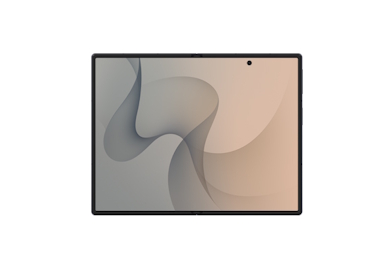
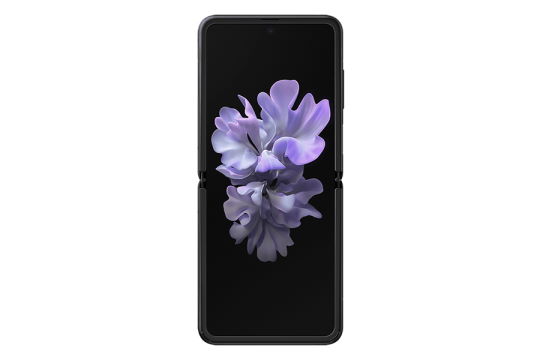
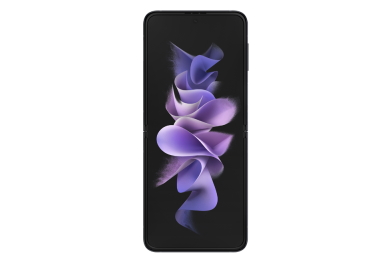
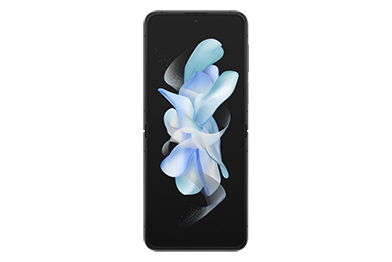

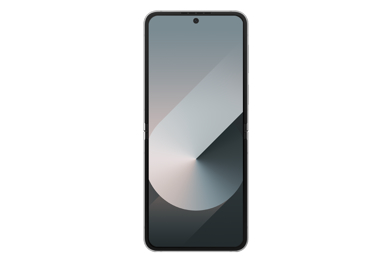
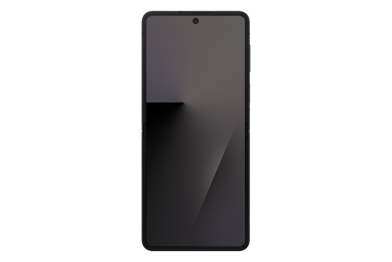
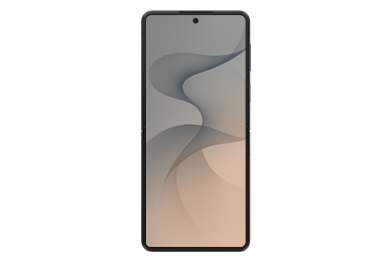

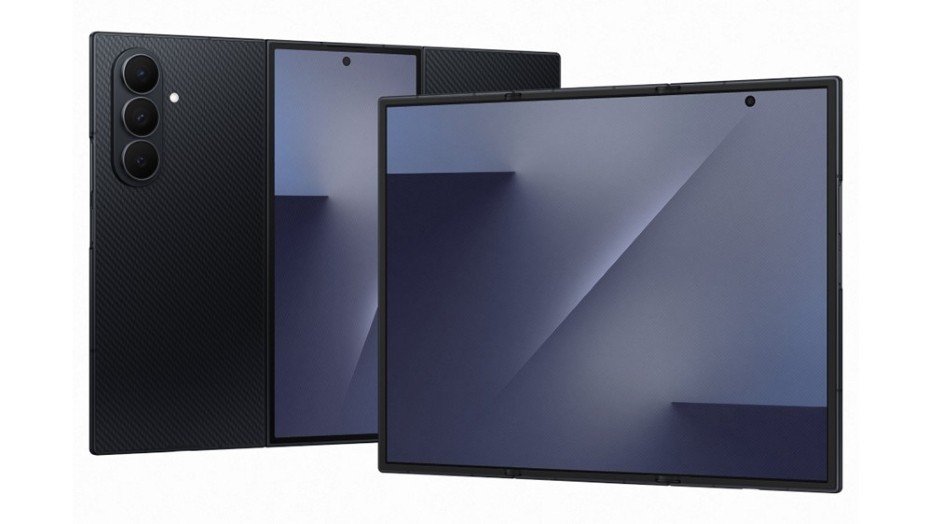
TECNO (4)


vivo (8)

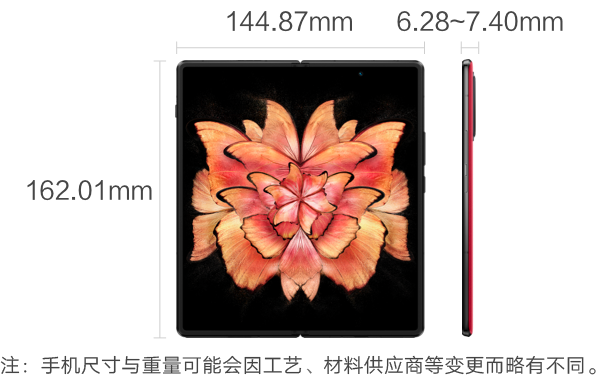

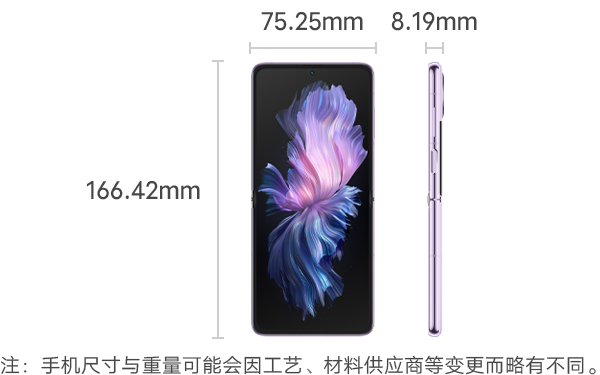


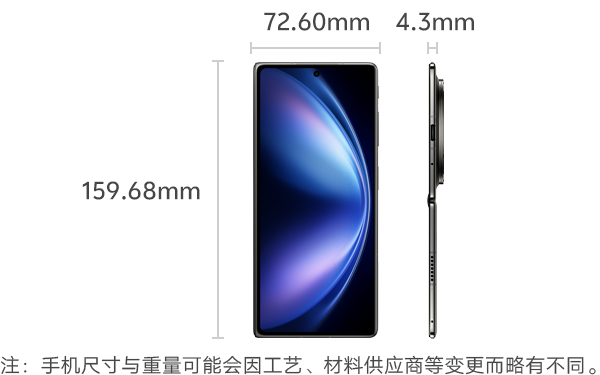
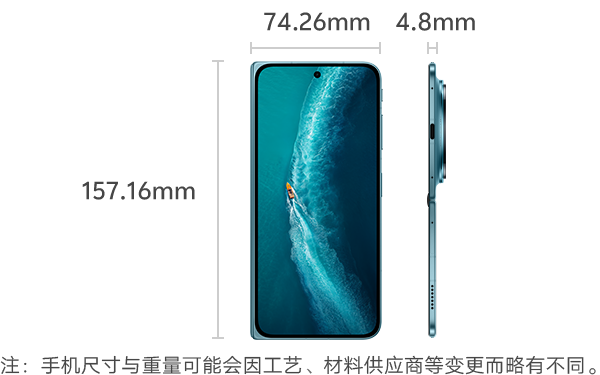
Xiaomi (7)


ZTE (2)
Try a link of your own
Copy the HTTPS address of a public page and open it in the simulator below. Choose a phone, then change its posture to see how the page responds to a narrower or wider window. You can also open the original page directly from the simulator.
Reading layout by posture
Fully open uses 20:80 or 25:75 in a narrow window; half-open book retains 50:50. Select posture manually if unavailable.
Design prototype · Alo Quant HCI Reading Layout R1 · not a device capture
Enter a public web address or select an edition of this release. Change the phone’s posture to see how the page reflows inside that model’s screen.
One story on phones from 19 brands
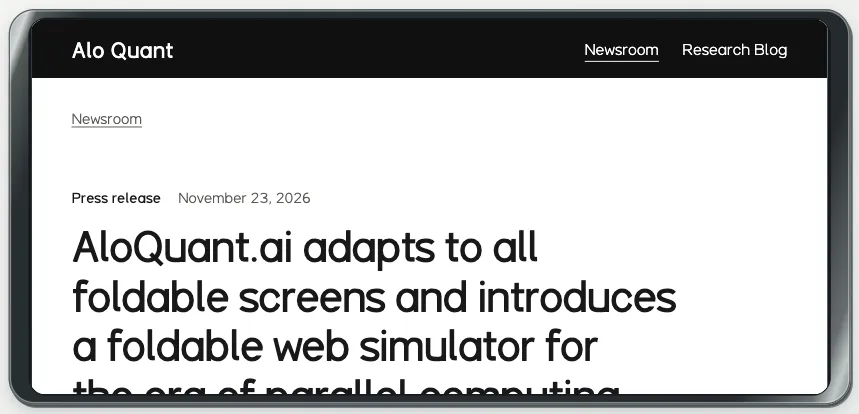
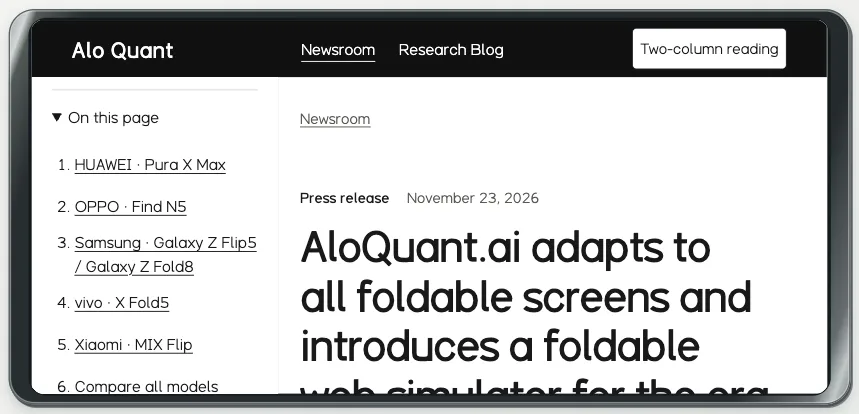
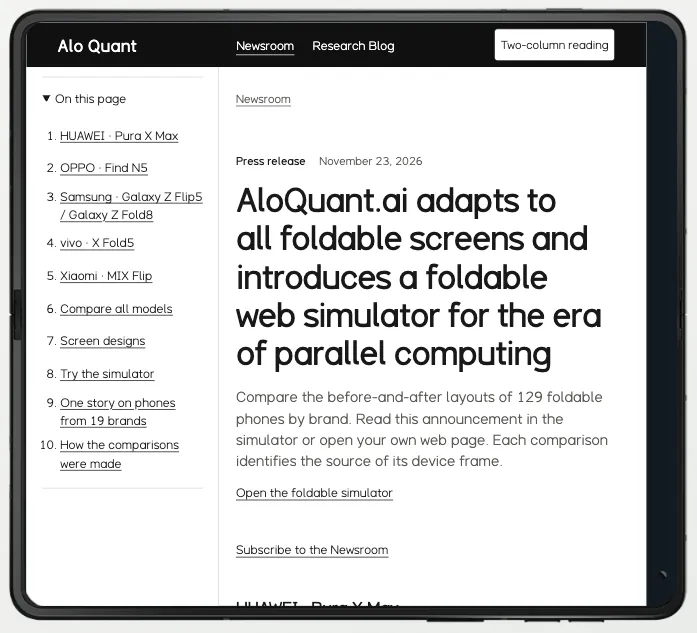
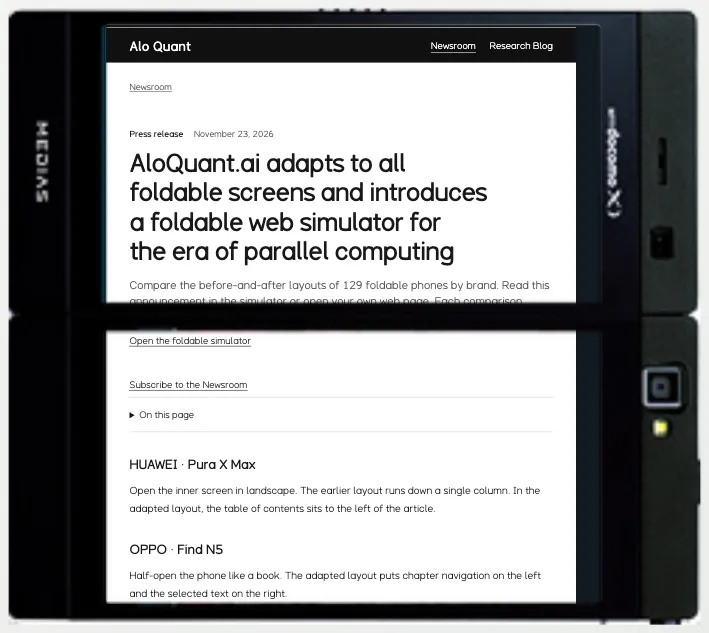
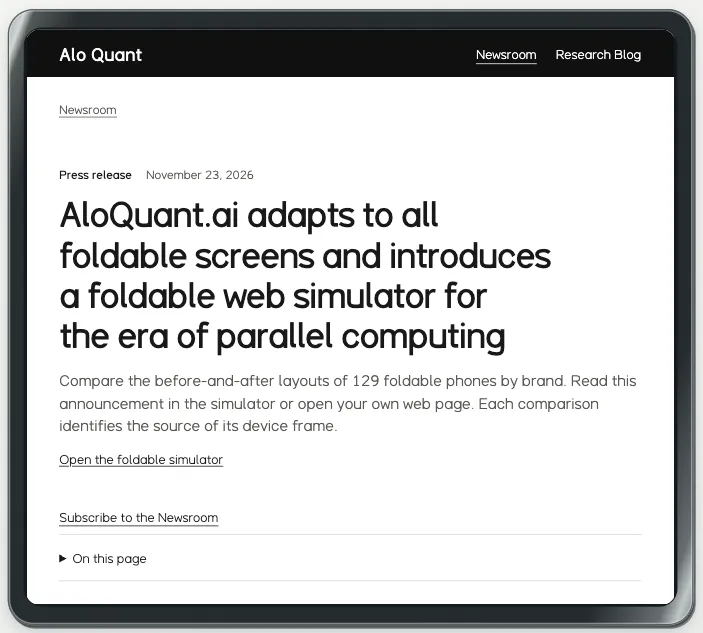
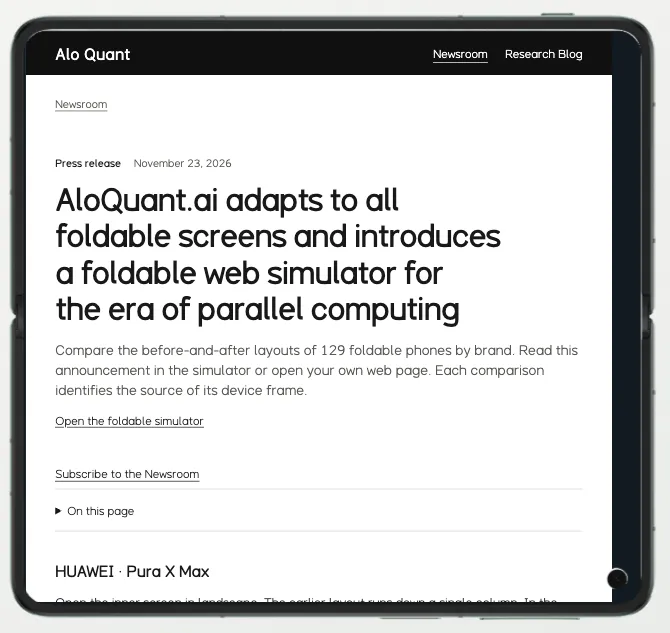
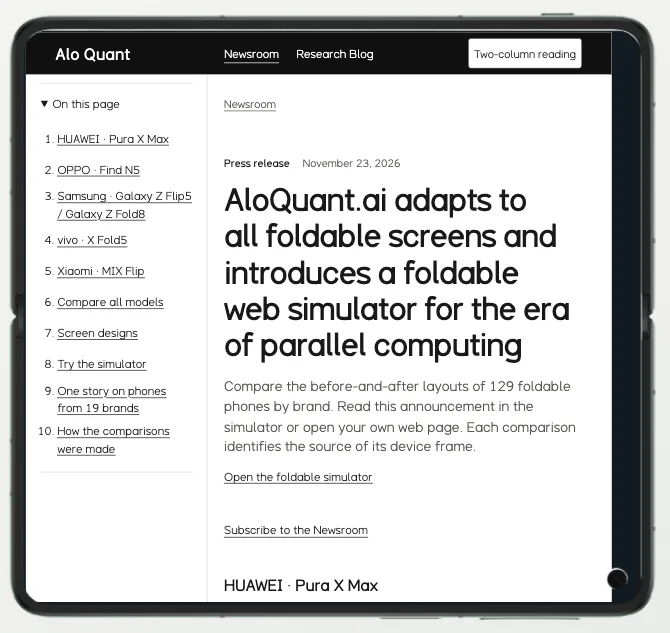
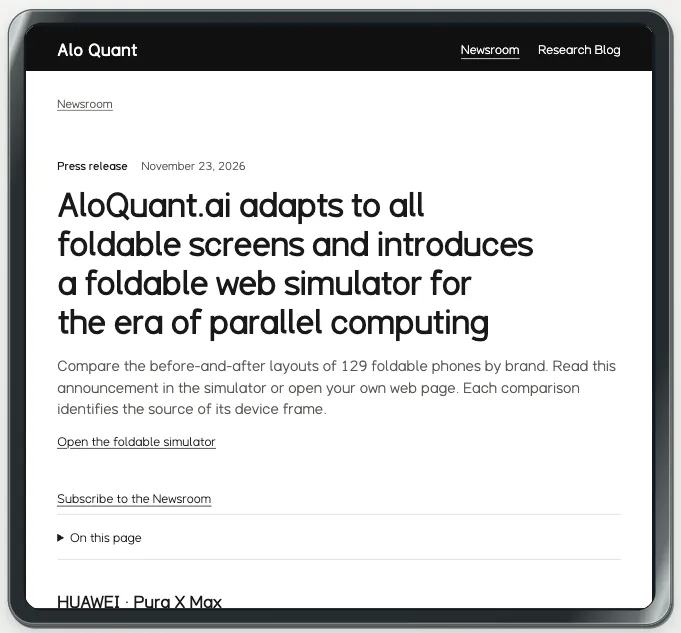
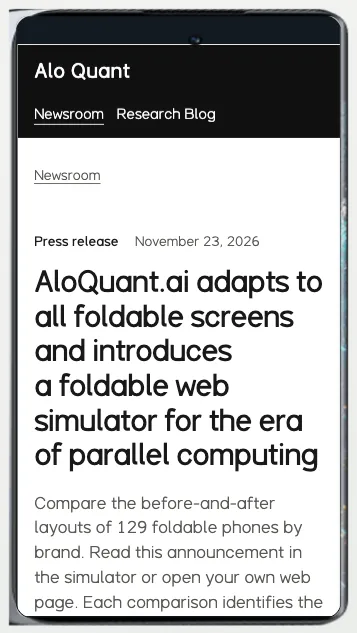
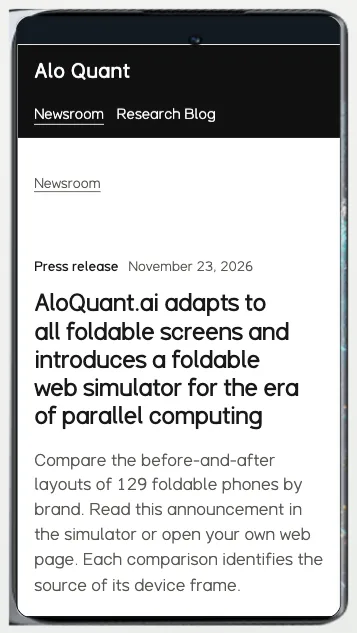
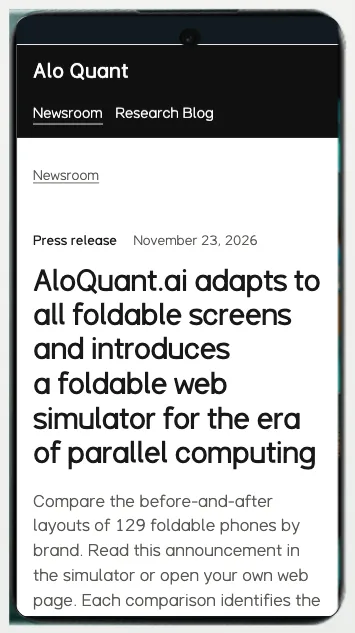
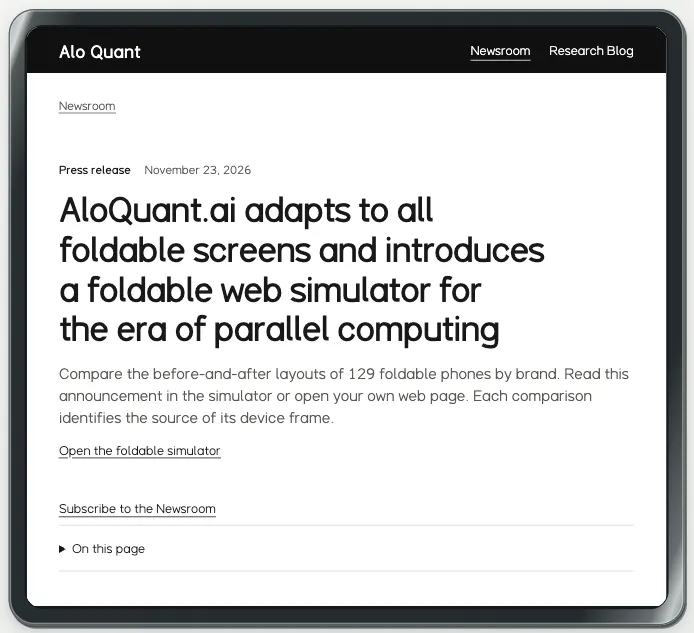
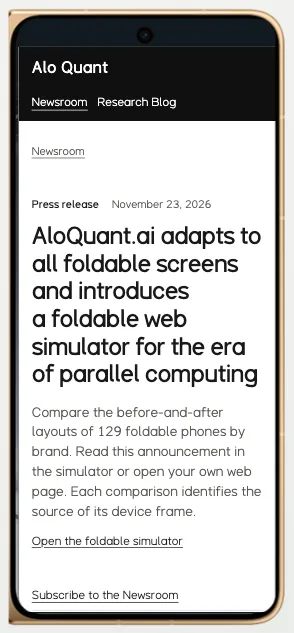
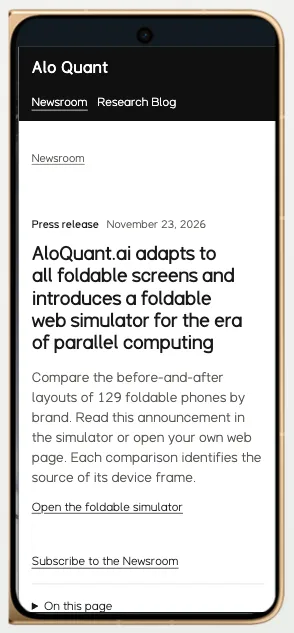
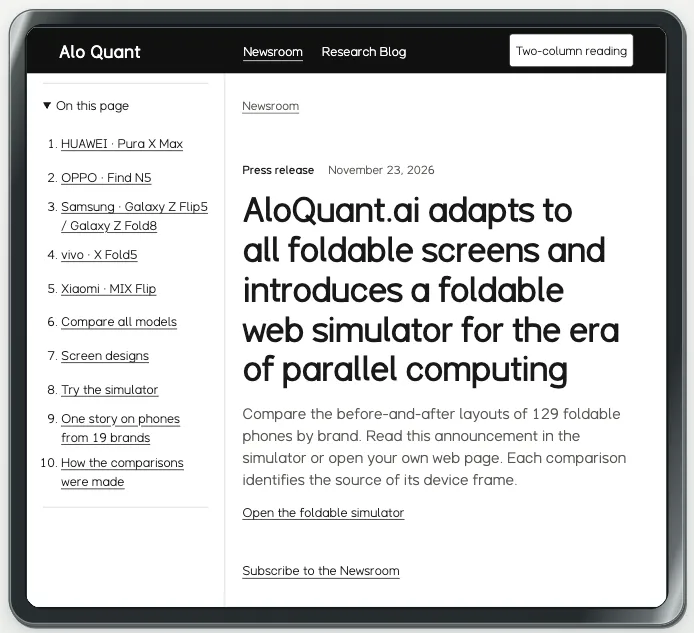
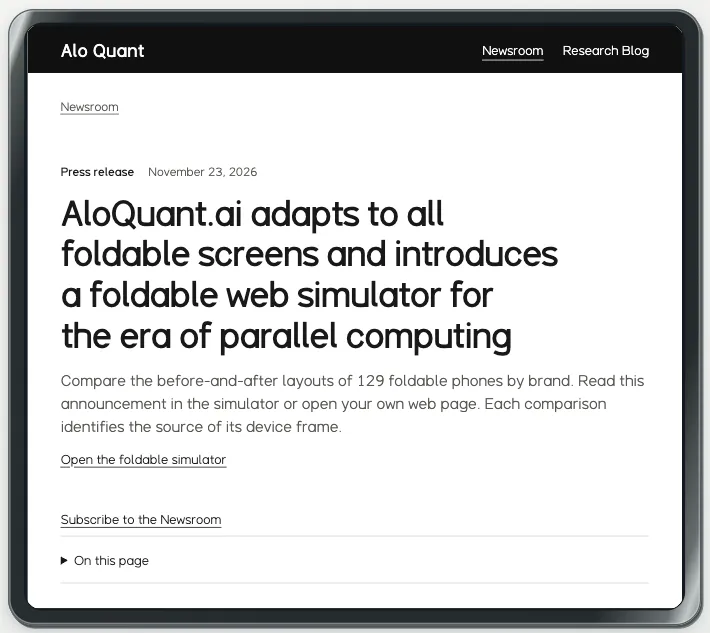
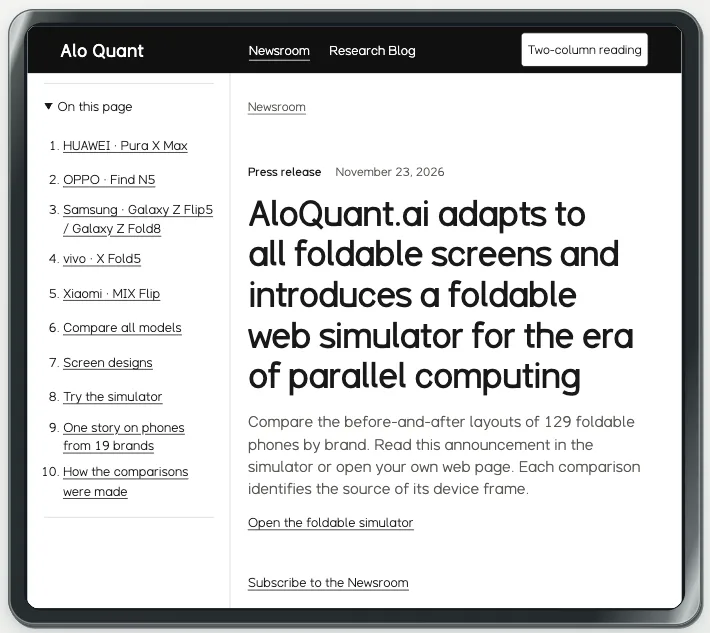
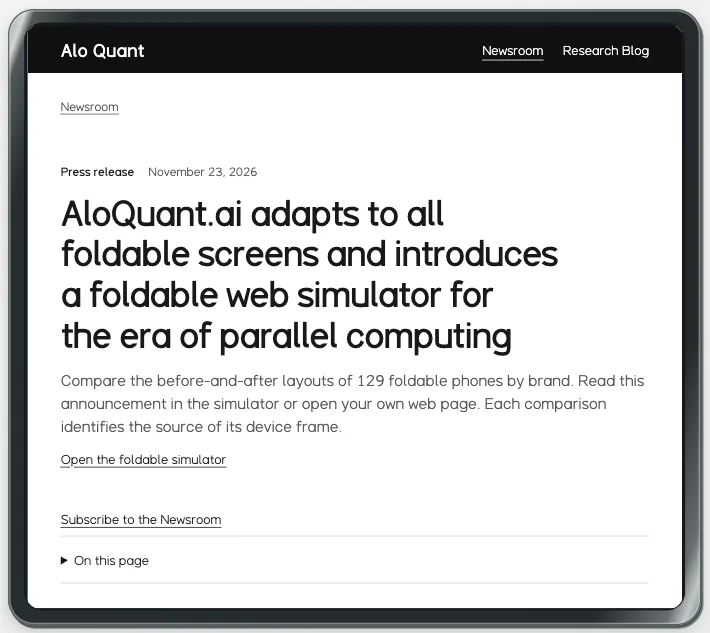
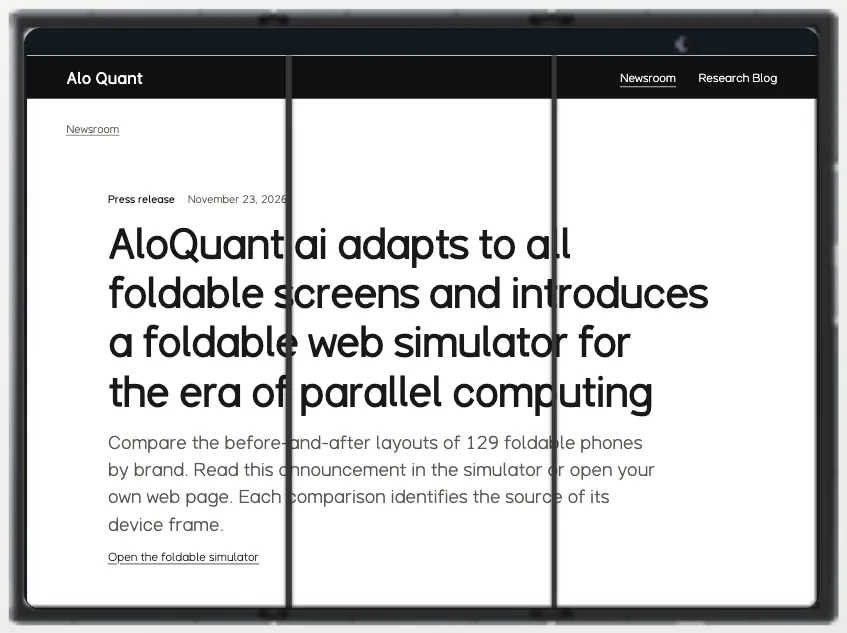
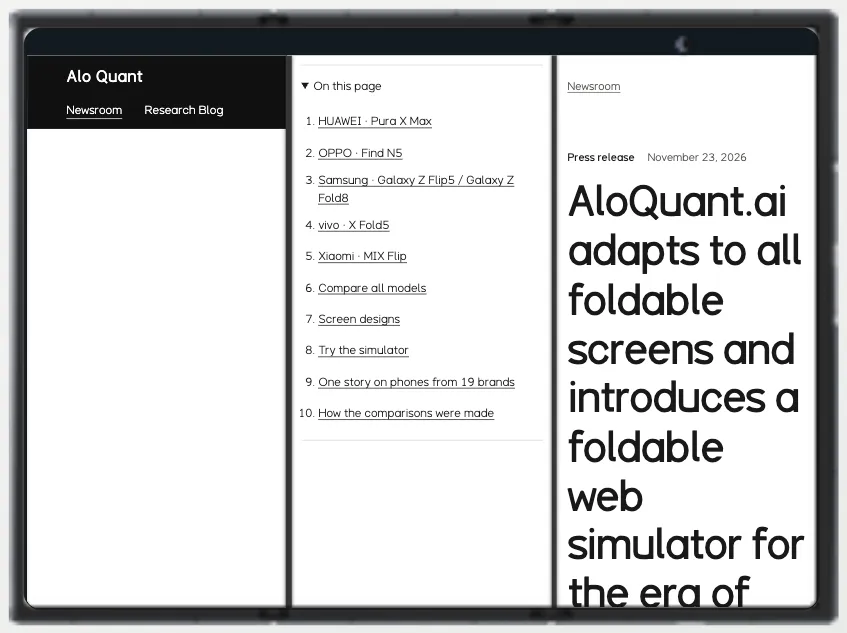
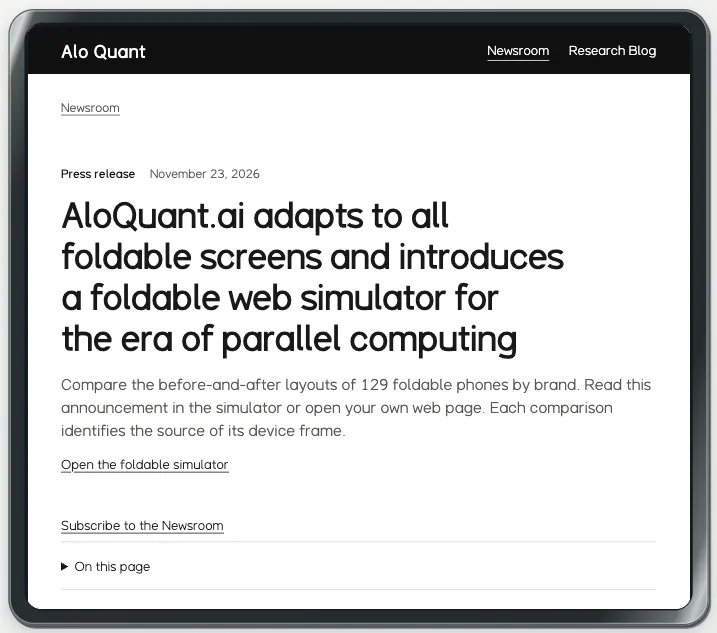
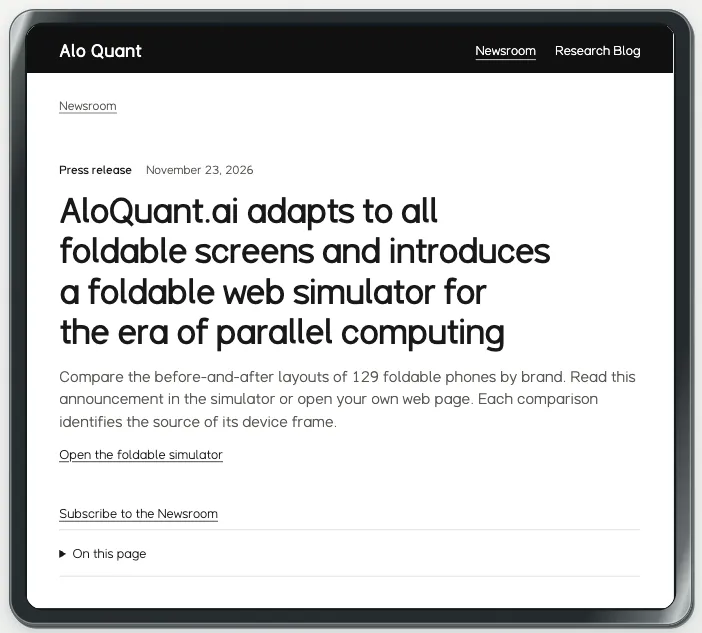
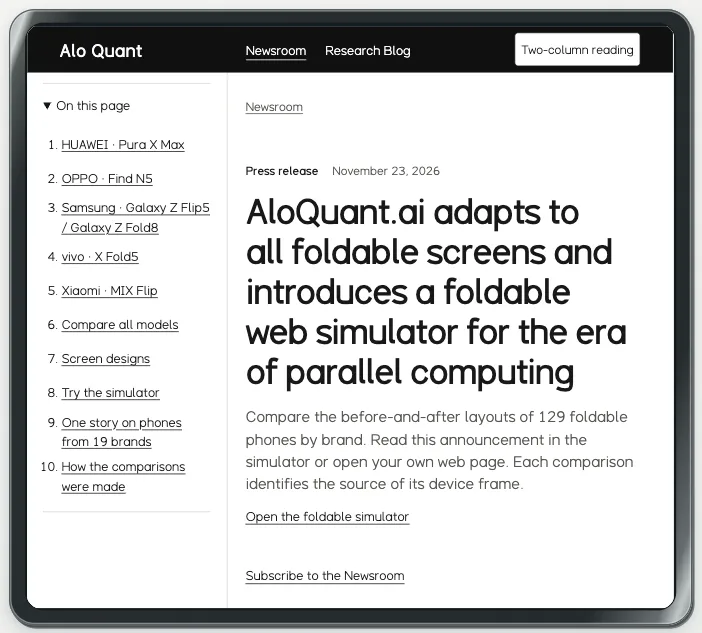
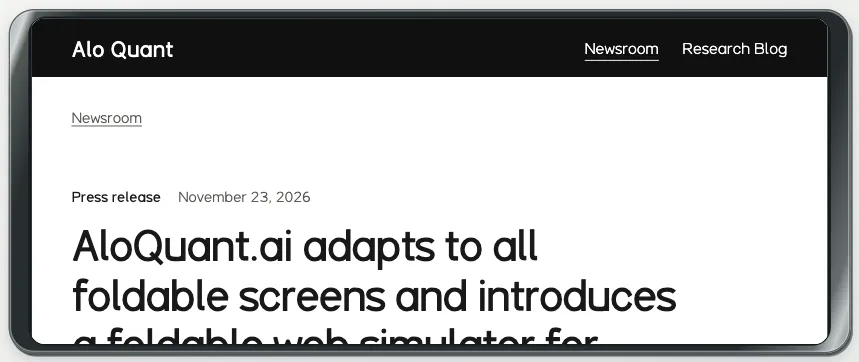
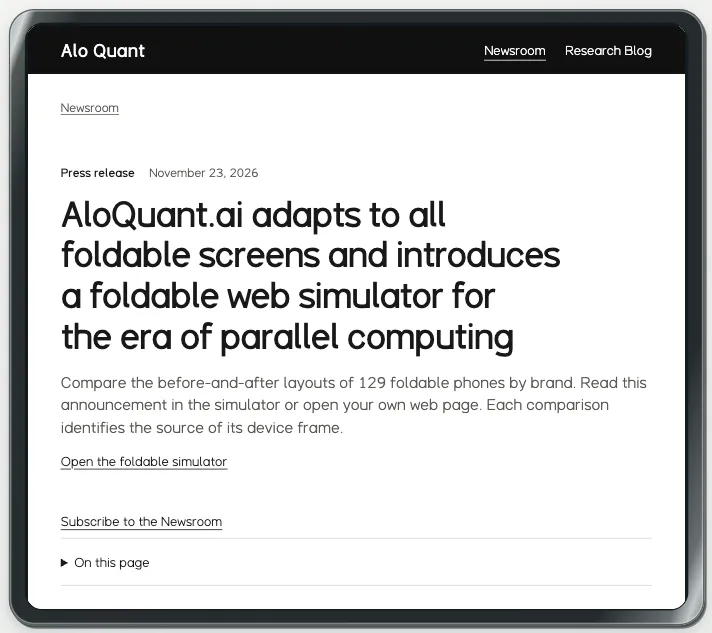
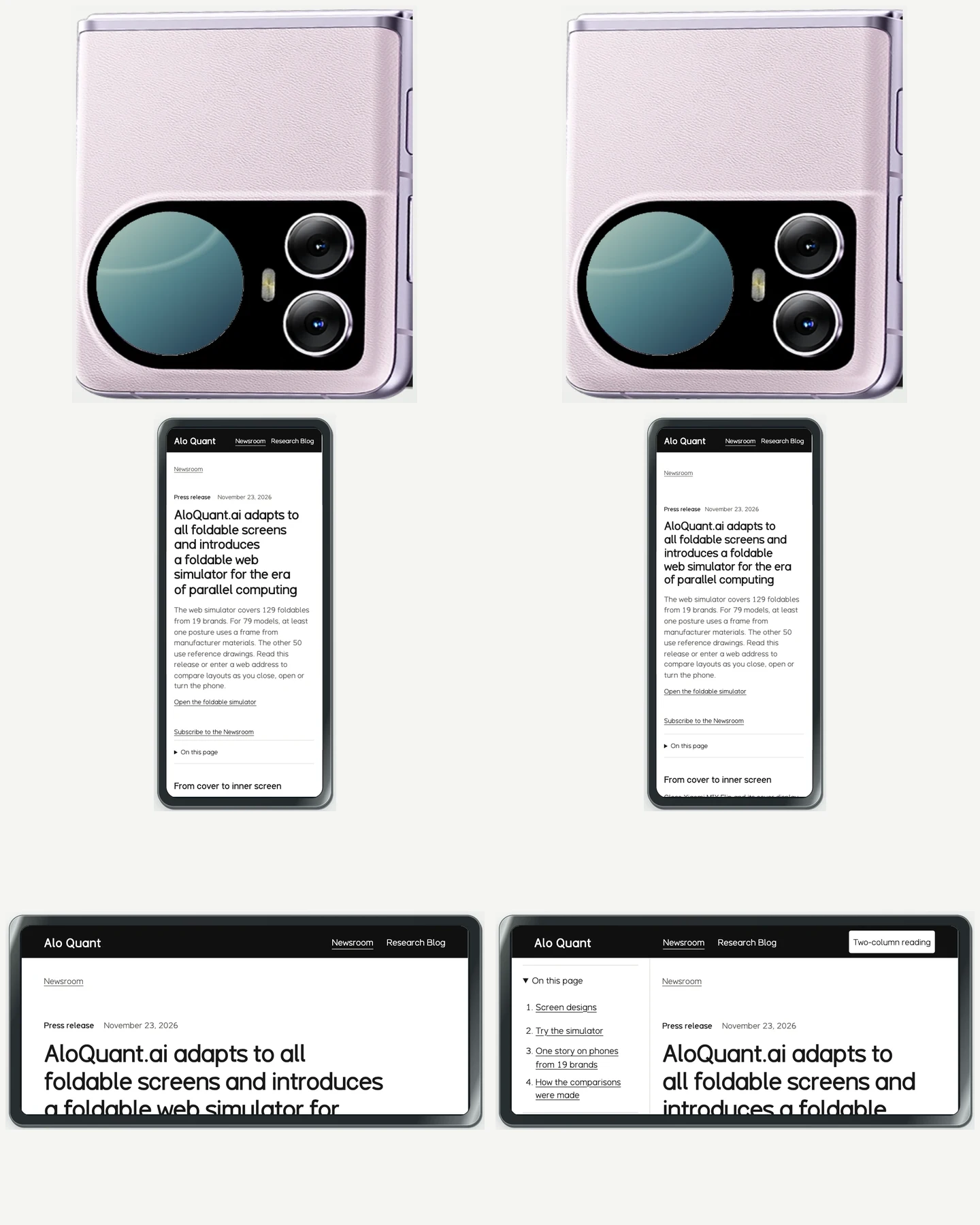
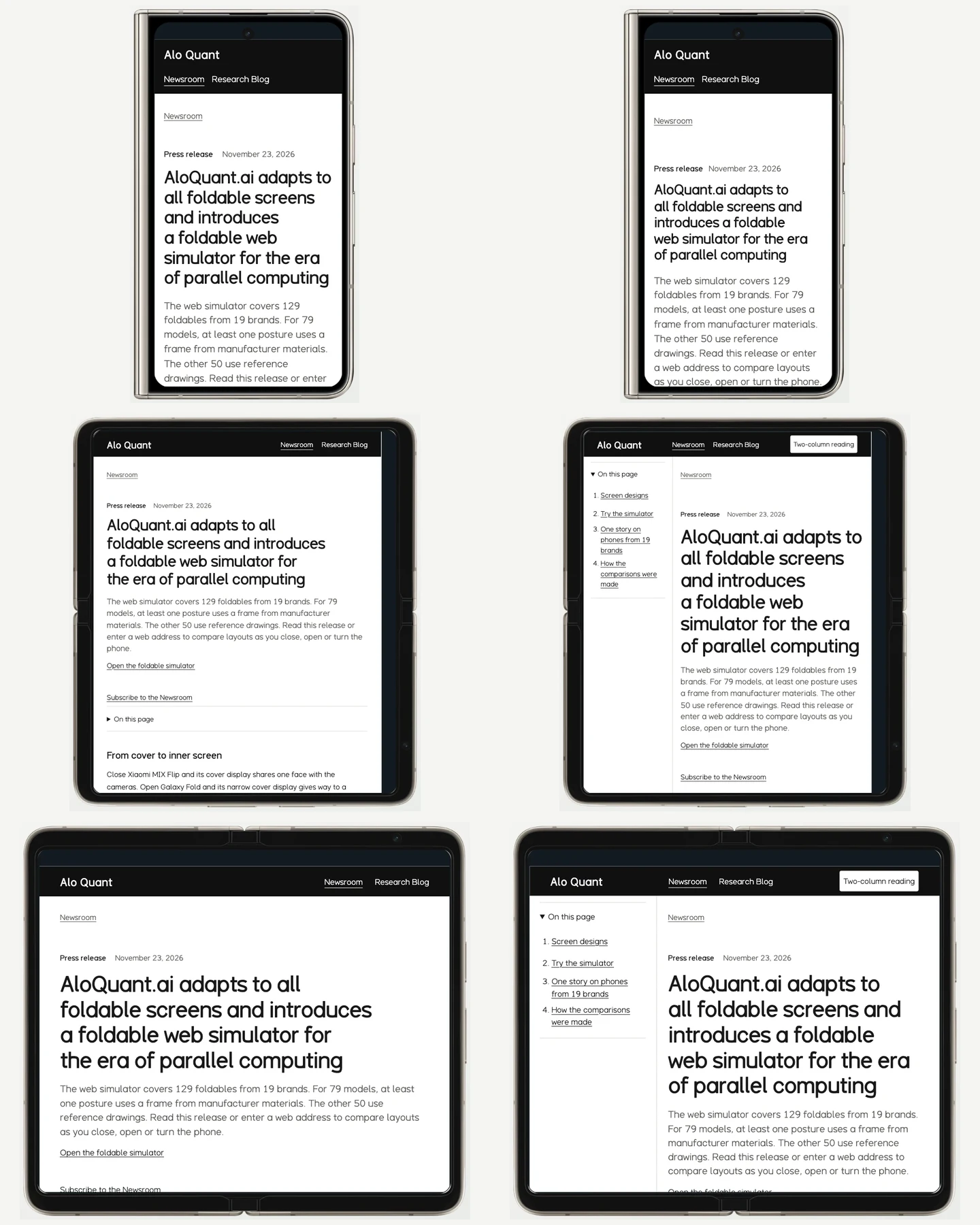
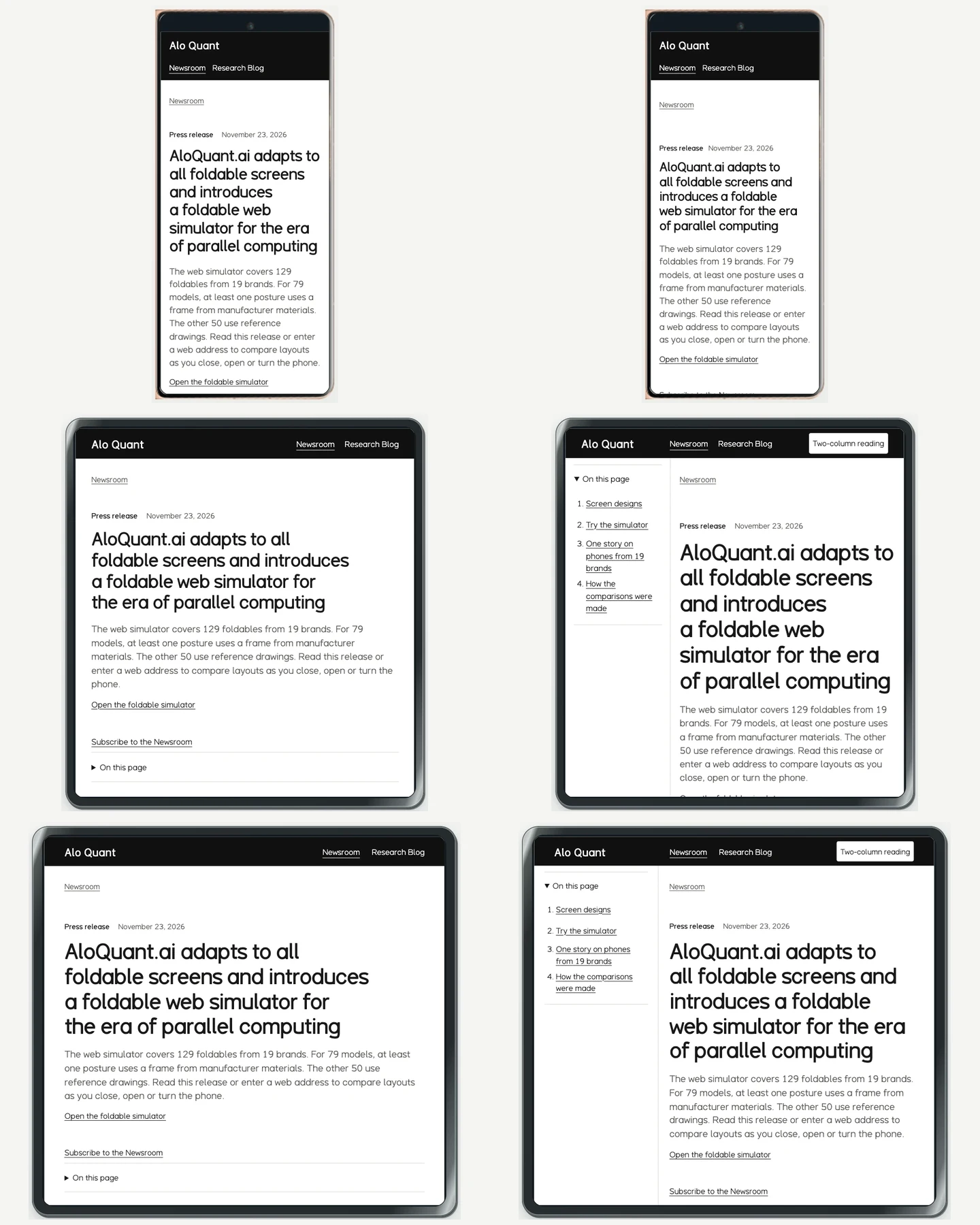
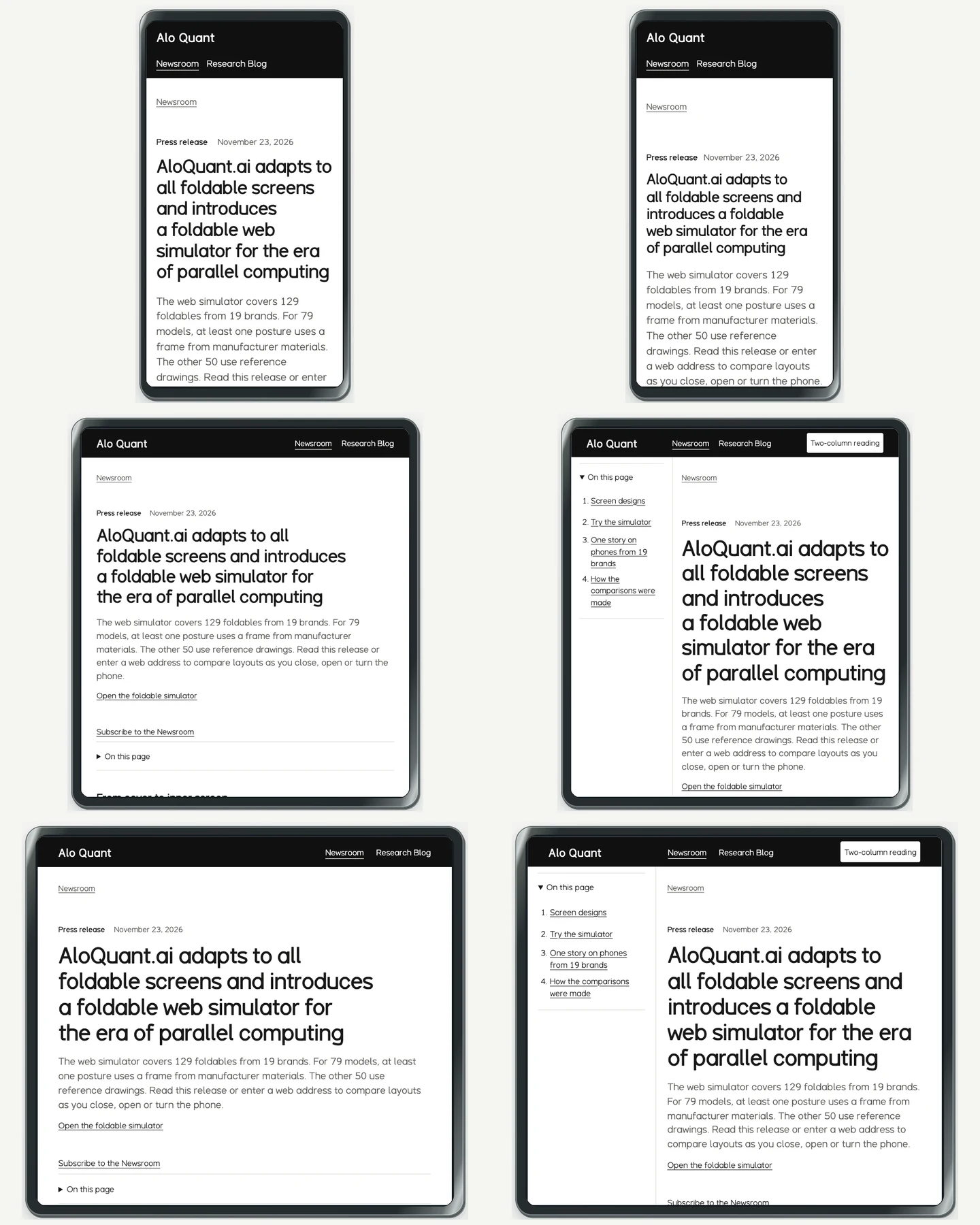
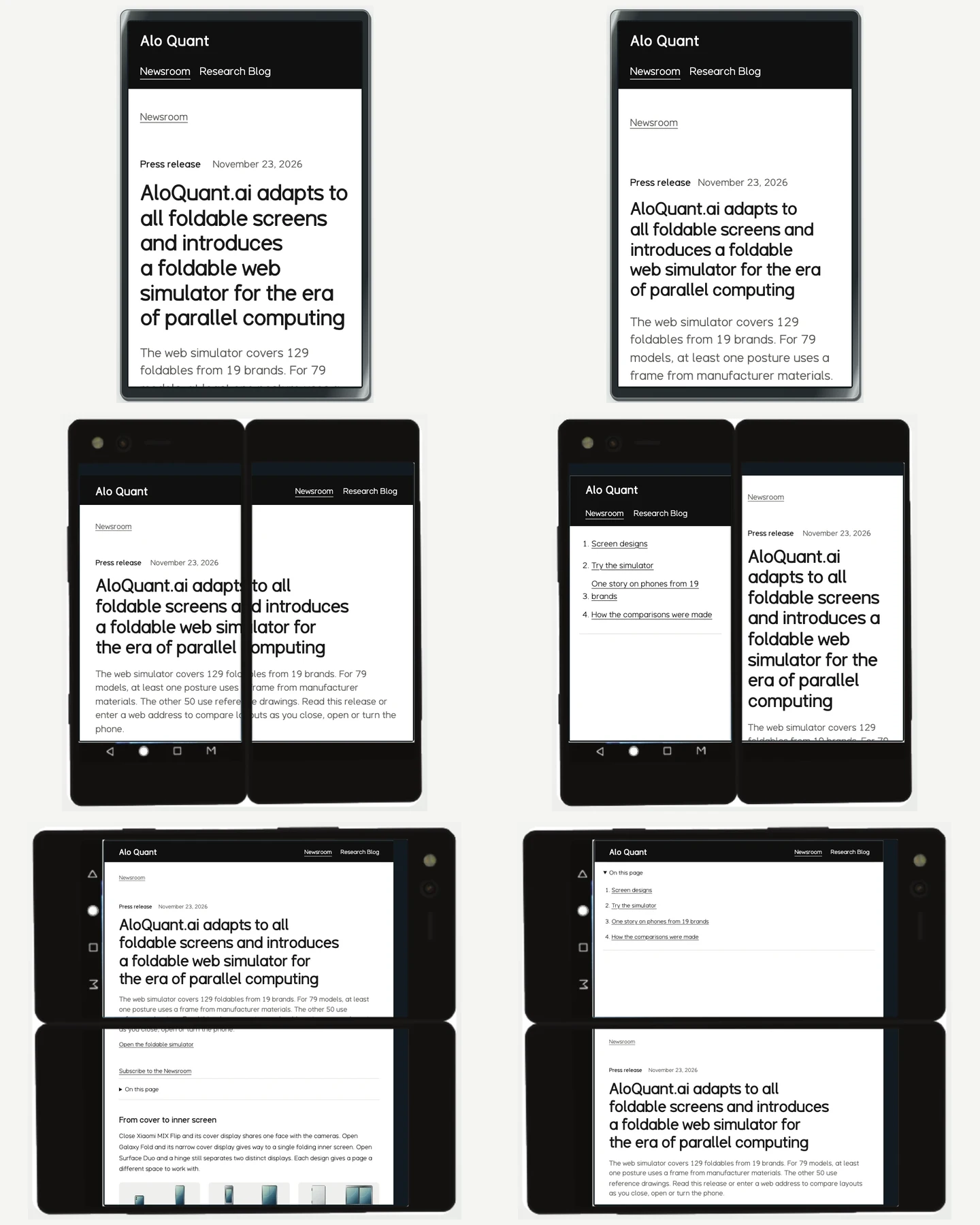
Each chapter features one model, with brands in alphabetical order. Compare the device closed, open in portrait and open in landscape. Both pictures in each pair show this release inside the same phone frame, at the same text size, orientation and position. Select a picture to enlarge it. The Royole FlexPai 2 chapter also shows the phone in tent posture.
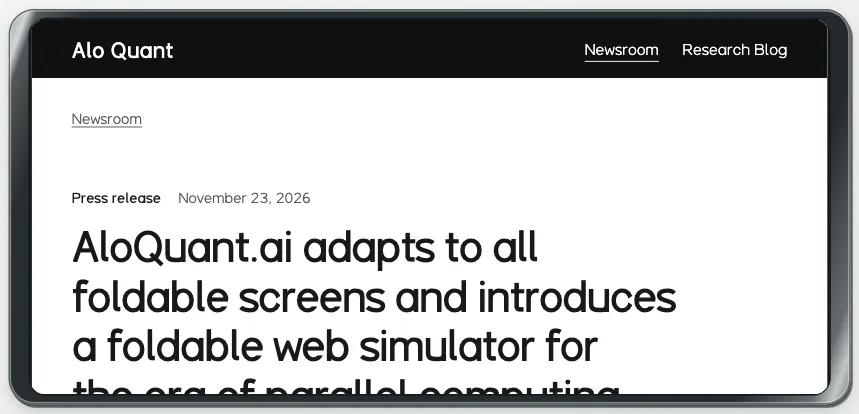
The earlier layout uses the site’s standard single column. The adapted layout uses a more compact header on small screens and can put the contents beside the story on a wide screen. The landscape comparisons use that option where room permits. Each pair renders the same article with those two layouts. A closed device without a reading display is shown closed.
Blackview HERO 10
Closed
Open in portrait
Open in landscape
Google Pixel Fold
Closed
Open in portrait
Open in landscape
HONOR Magic V3
Closed
Open in portrait
Open in landscape
HUAWEI Pura X
Closed
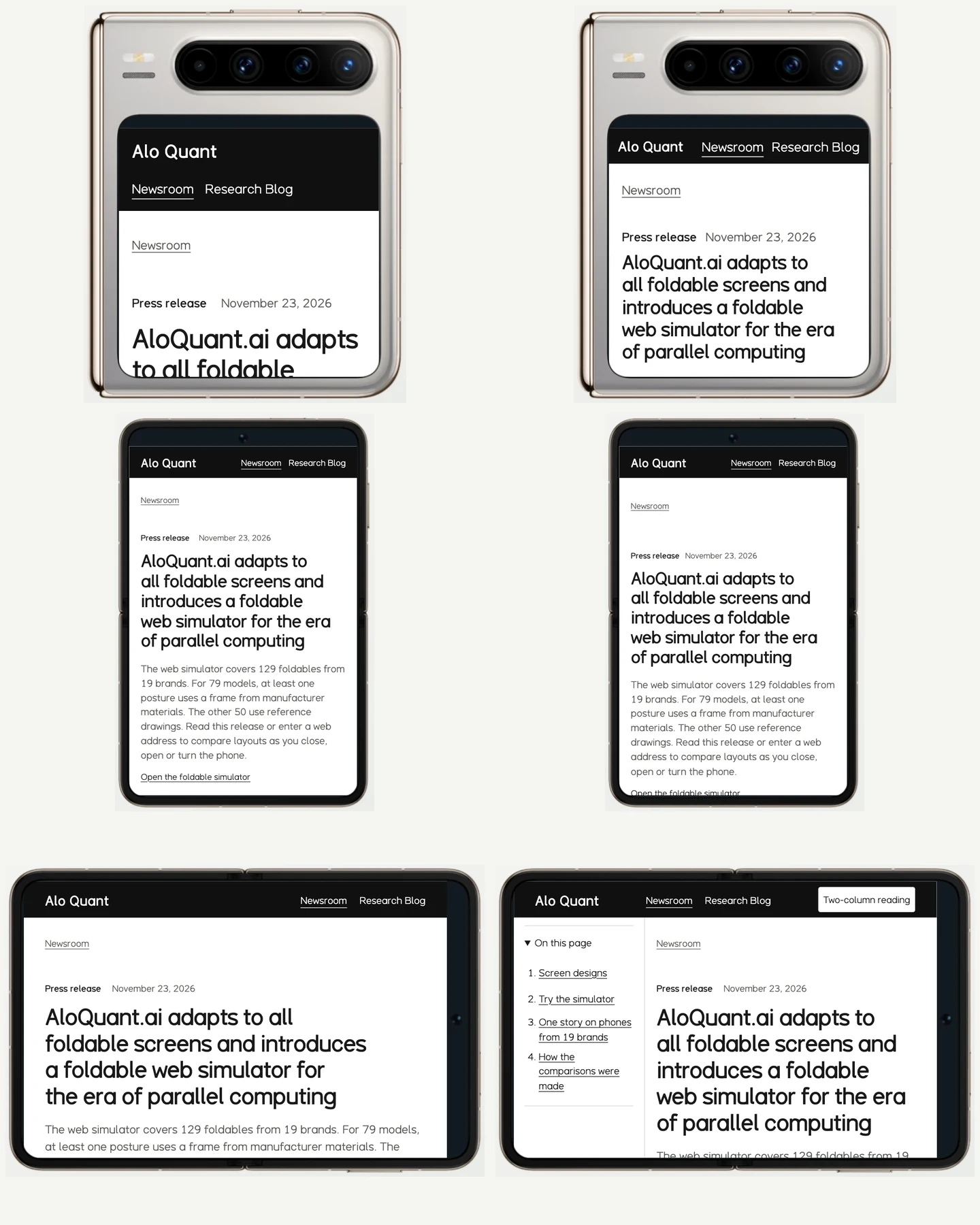
Open in portrait
Open in landscape
Infinix ZERO Flip
Closed
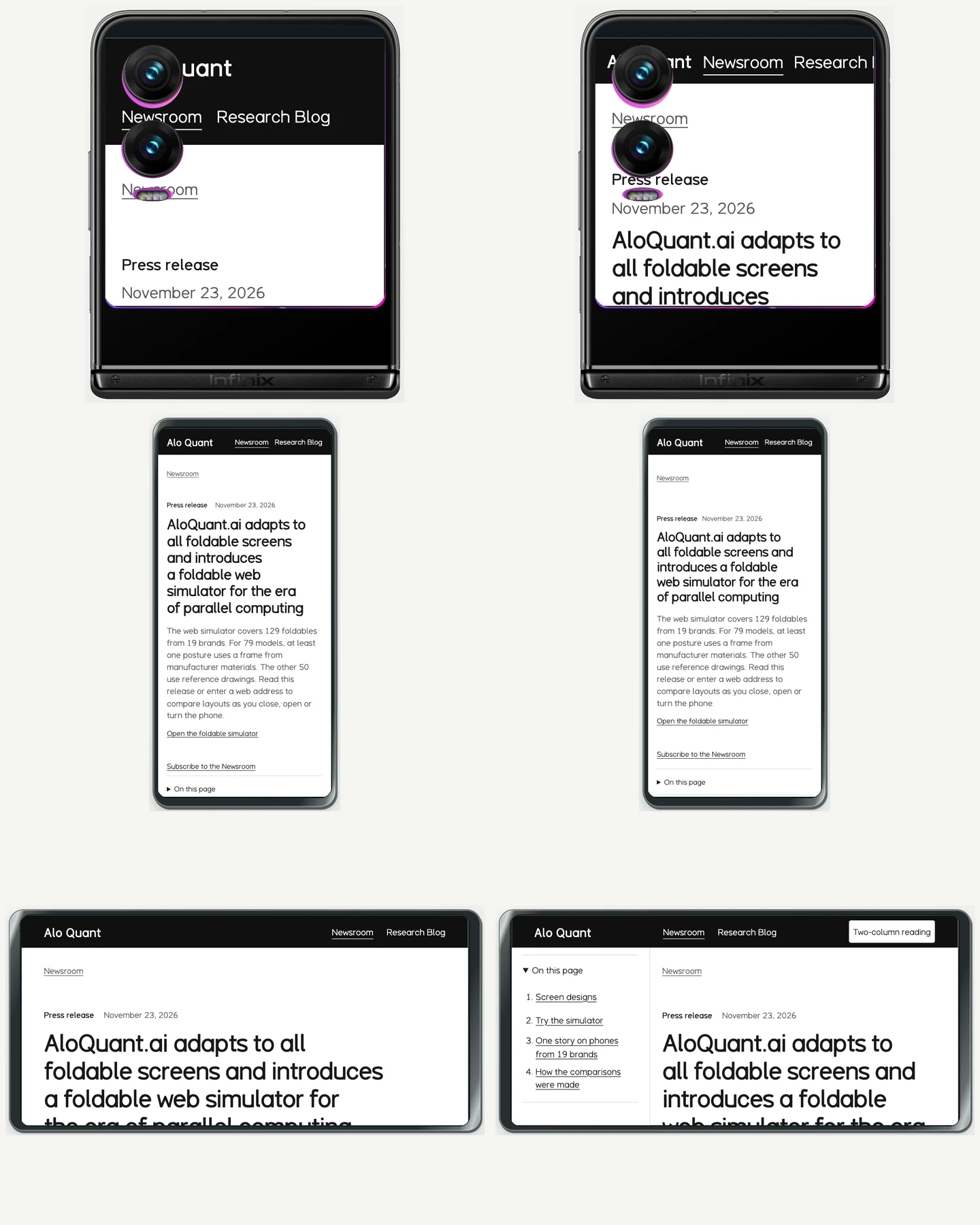
Open in portrait
Open in landscape
Kyocera Echo
Closed
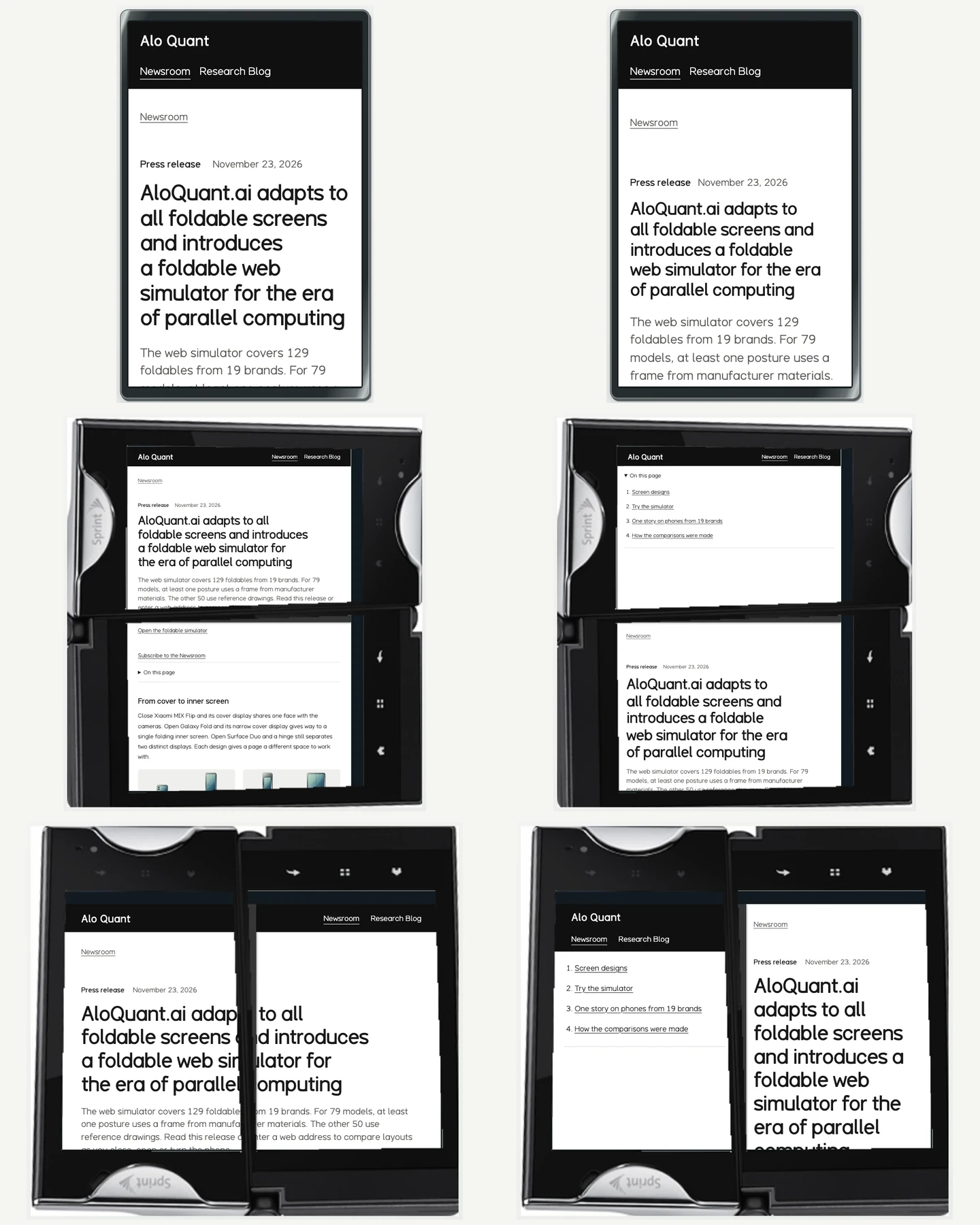
Open in portrait
Open in landscape
Microsoft Surface Duo 2
Closed
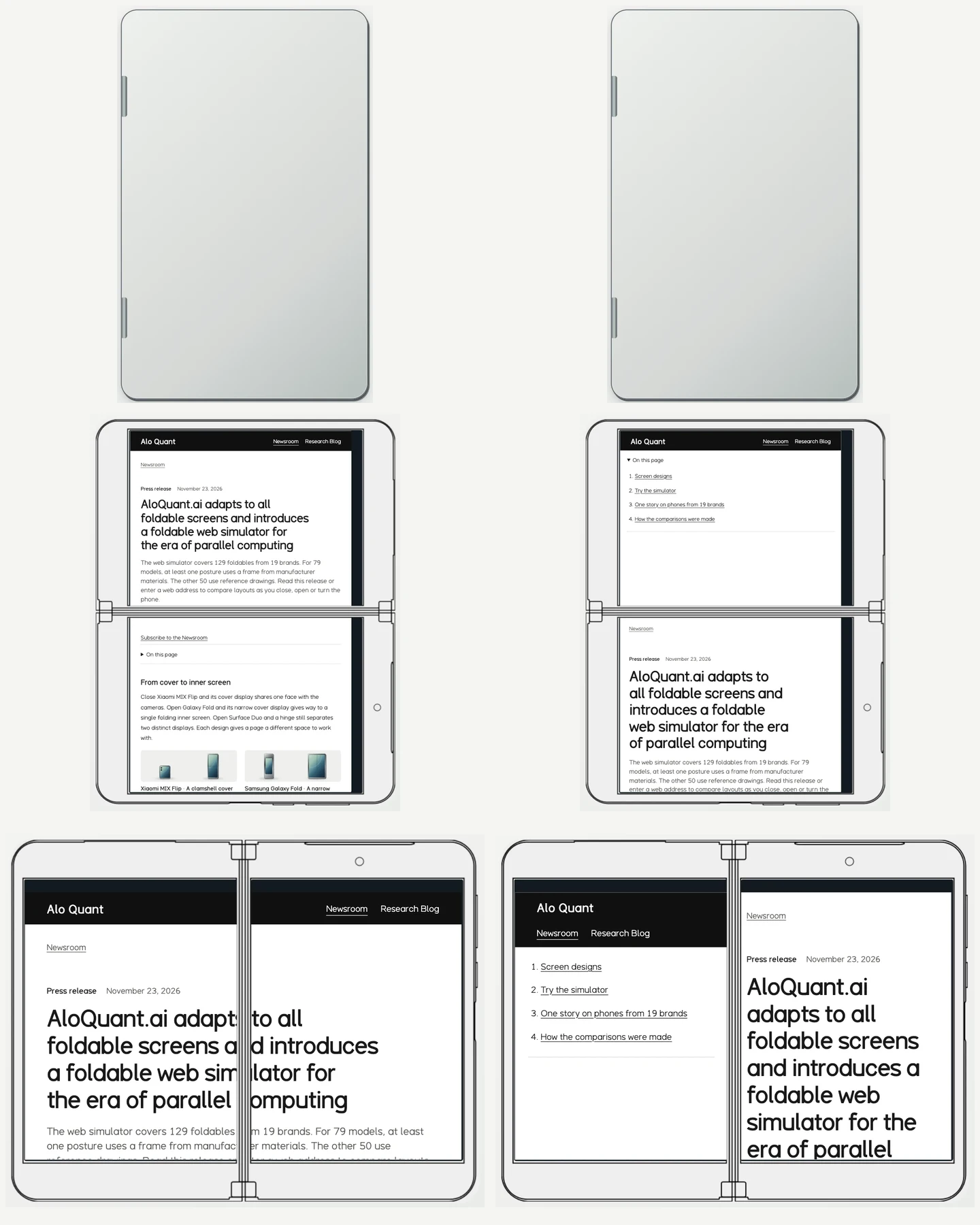
Open in portrait
Open in landscape
Motorola razr 50 ultra
Closed
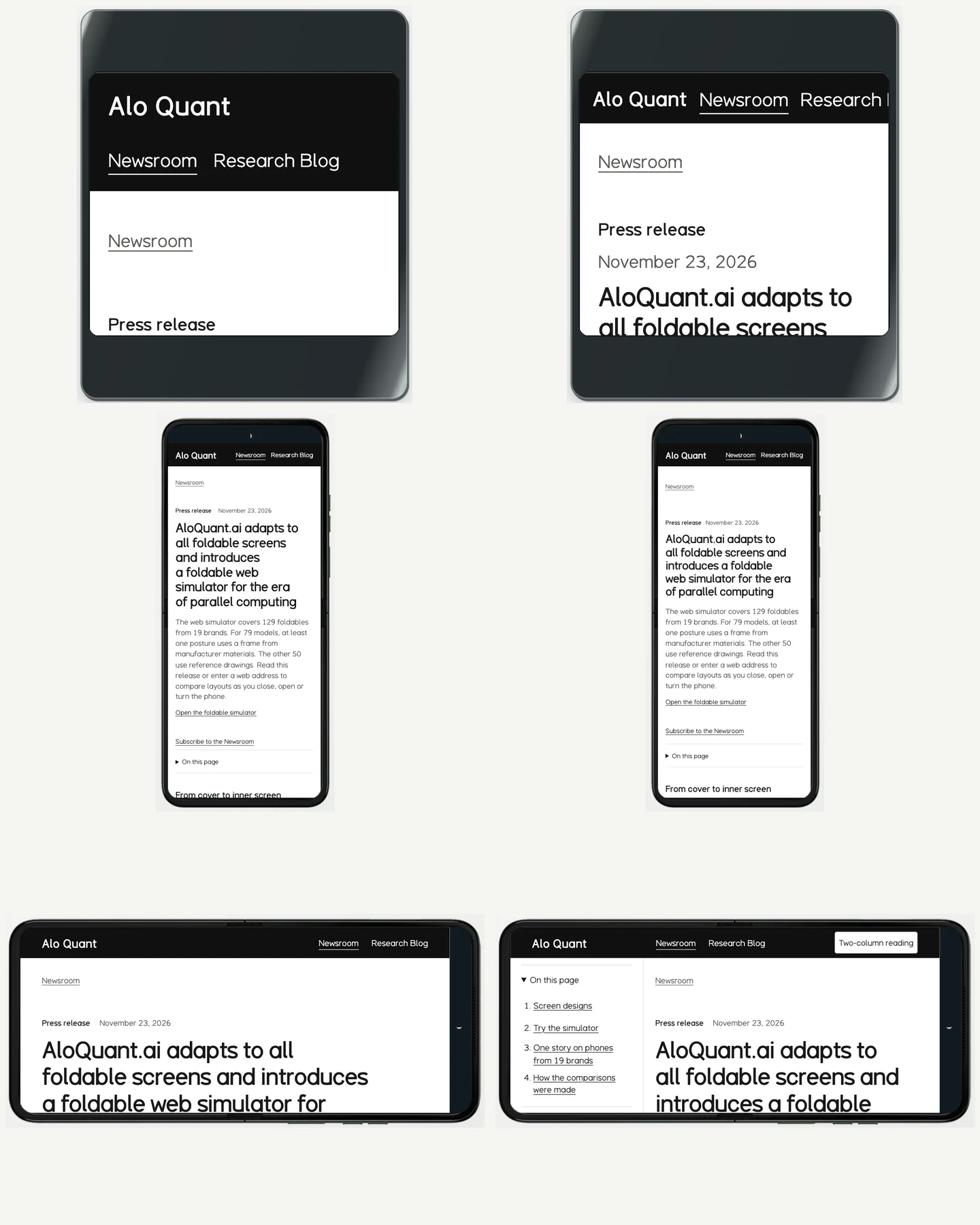
Open in portrait
Open in landscape
NEC MEDIAS W N-05E
Closed
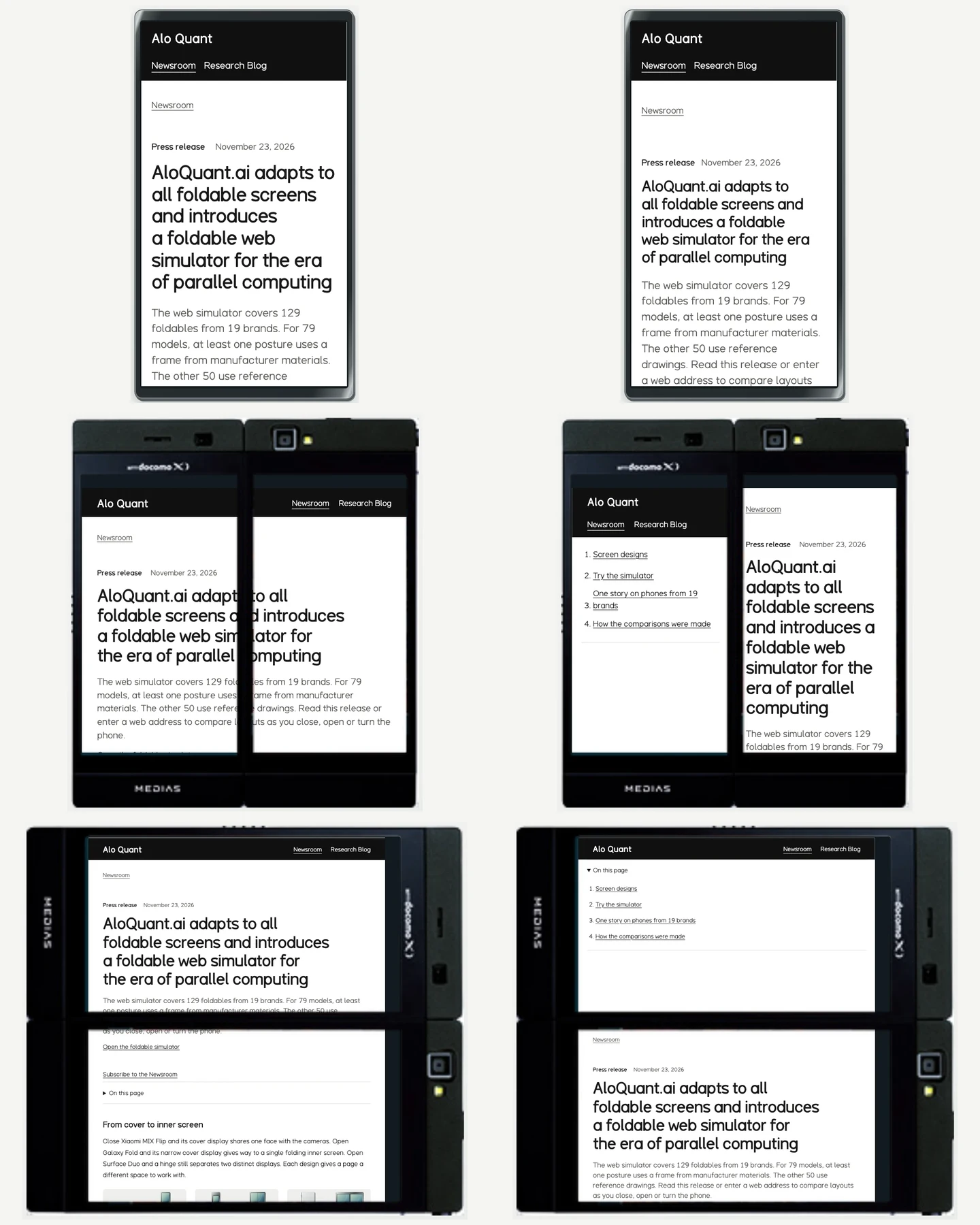
Open in portrait
Open in landscape
nubia Flip 3
Closed
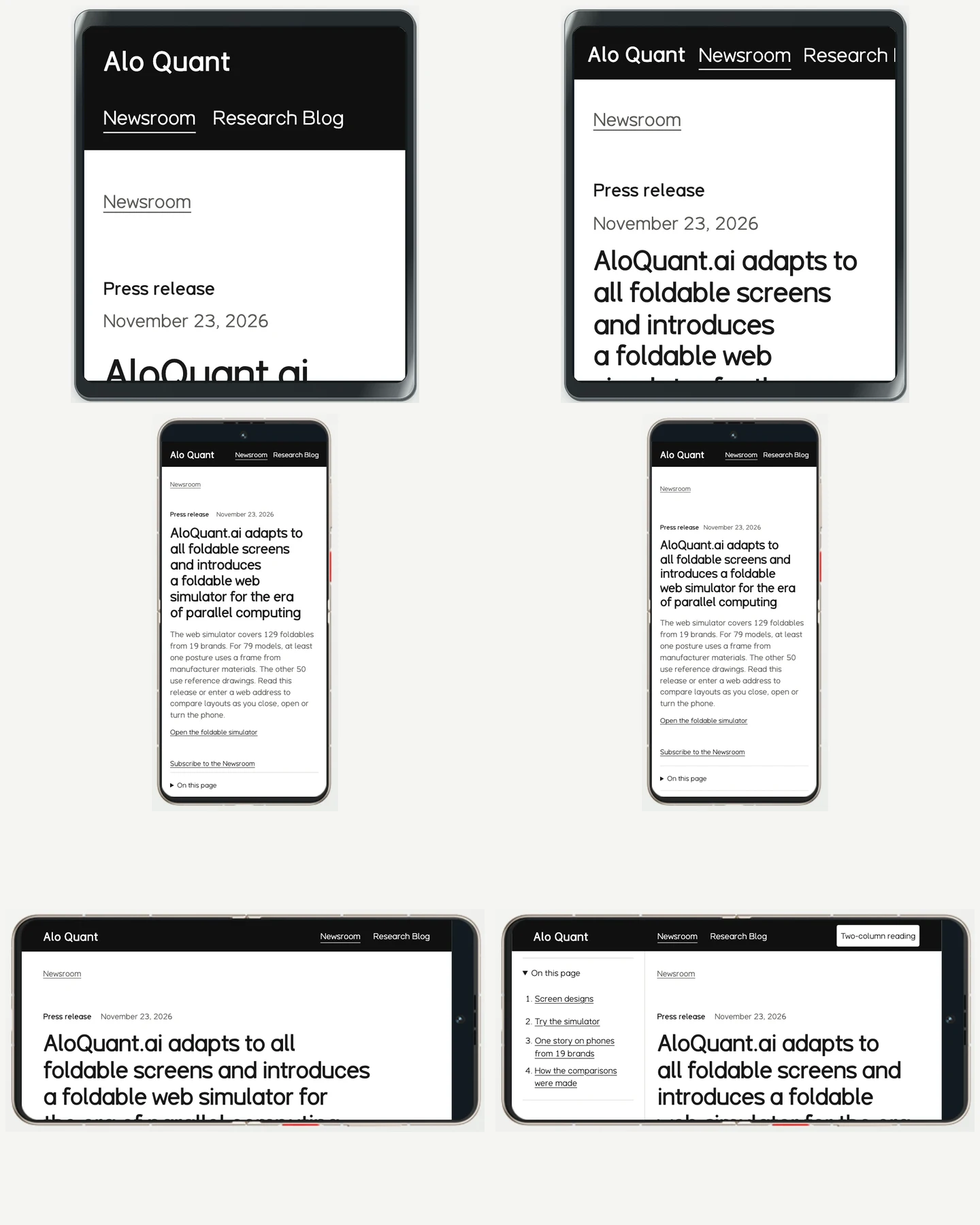
Open in portrait
Open in landscape
OnePlus Open
Closed
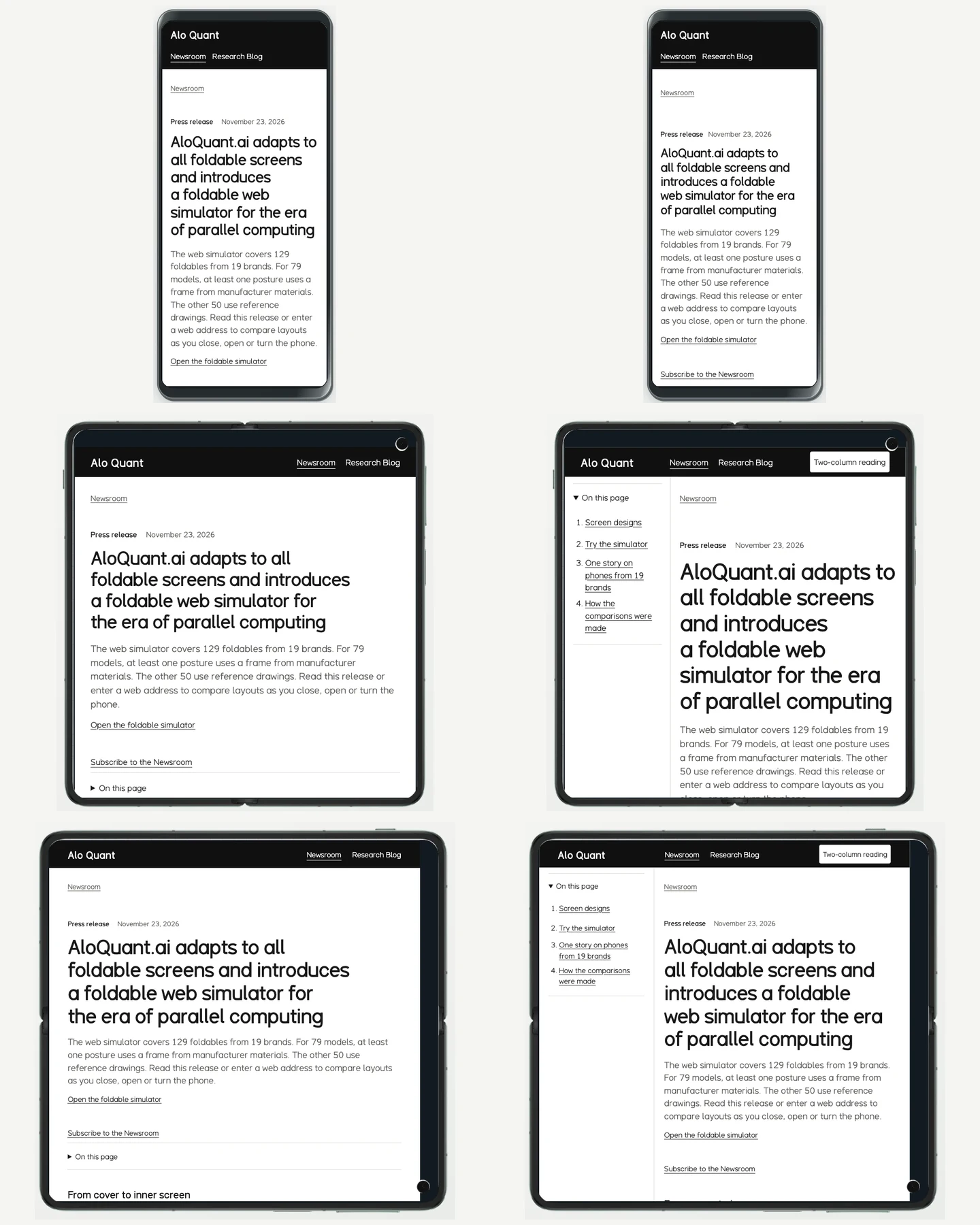
Open in portrait
Open in landscape
OPPO Find N5
Closed
Open in portrait
Open in landscape
Royole FlexPai 2
Closed
Open in portrait
Open in landscape
Tent posture
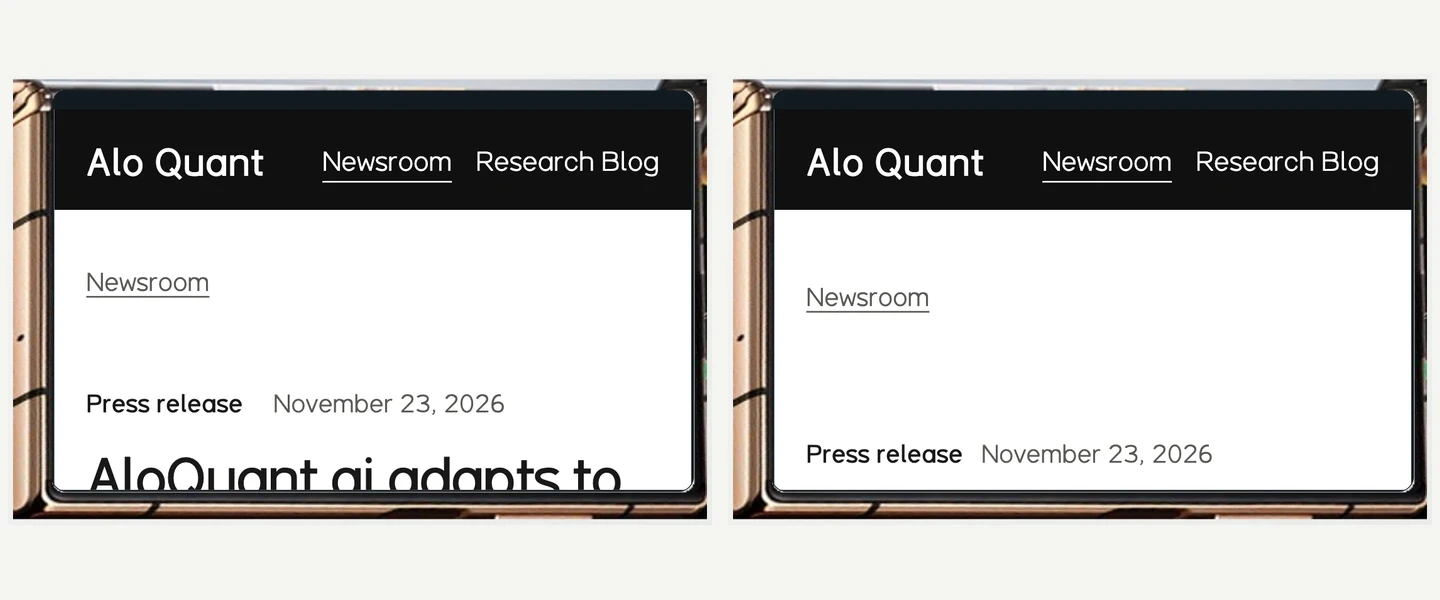
Device reference · Try the manufacturer frame in tent posture
Samsung Galaxy Z Flip5
Closed
Open in portrait
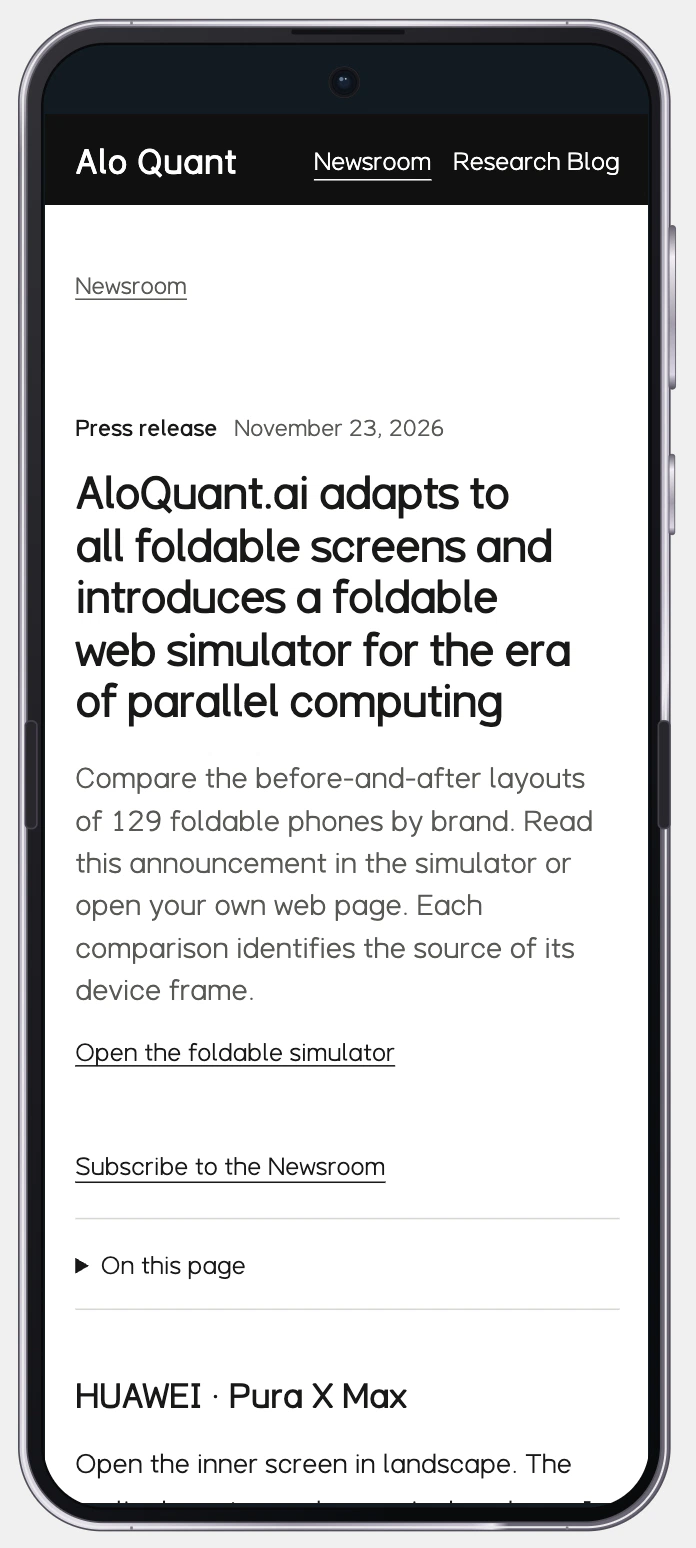
Open in landscape
TECNO PHANTOM V Fold2 5G
Closed
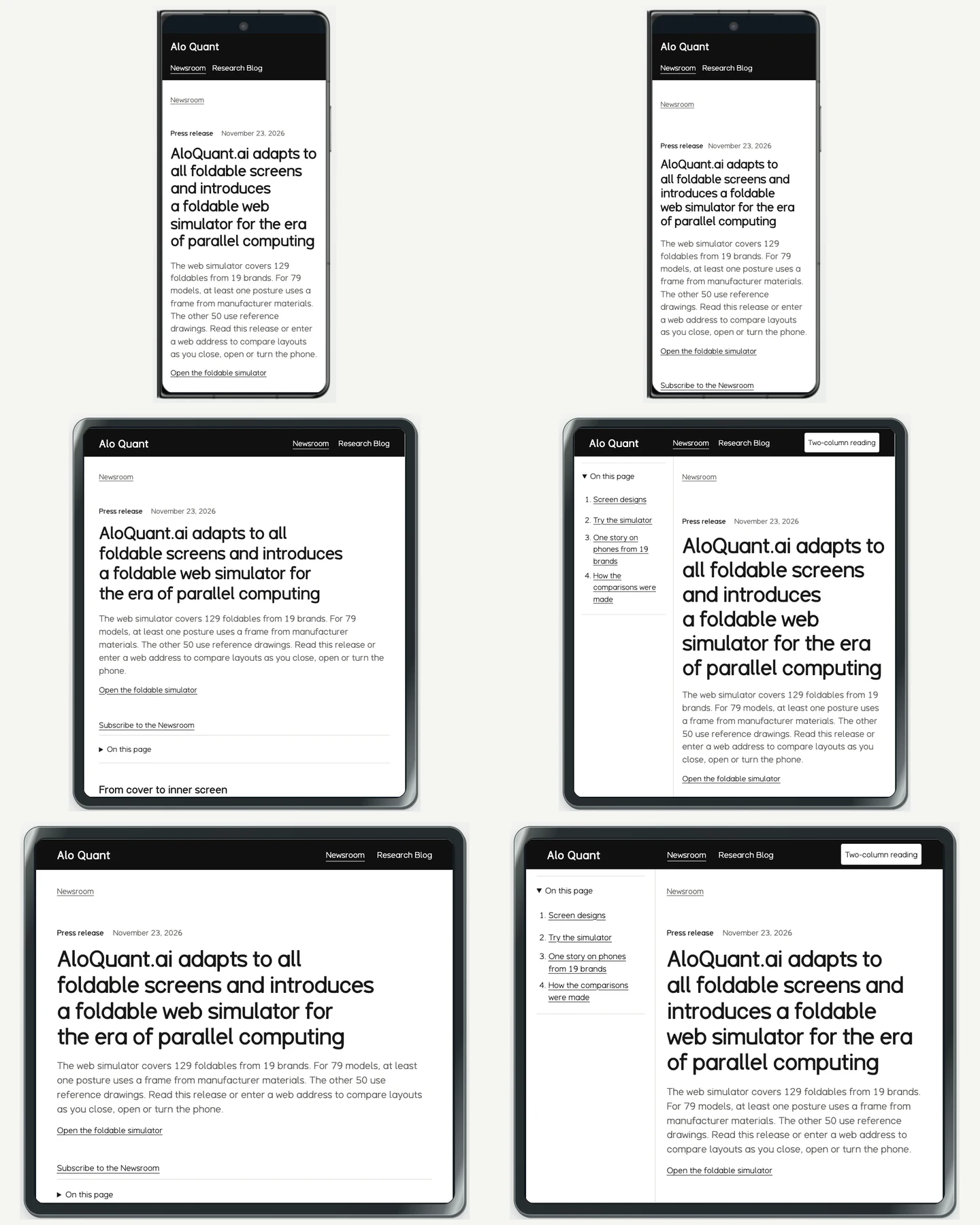
Open in portrait
Open in landscape
VERTU Ironflip
Closed
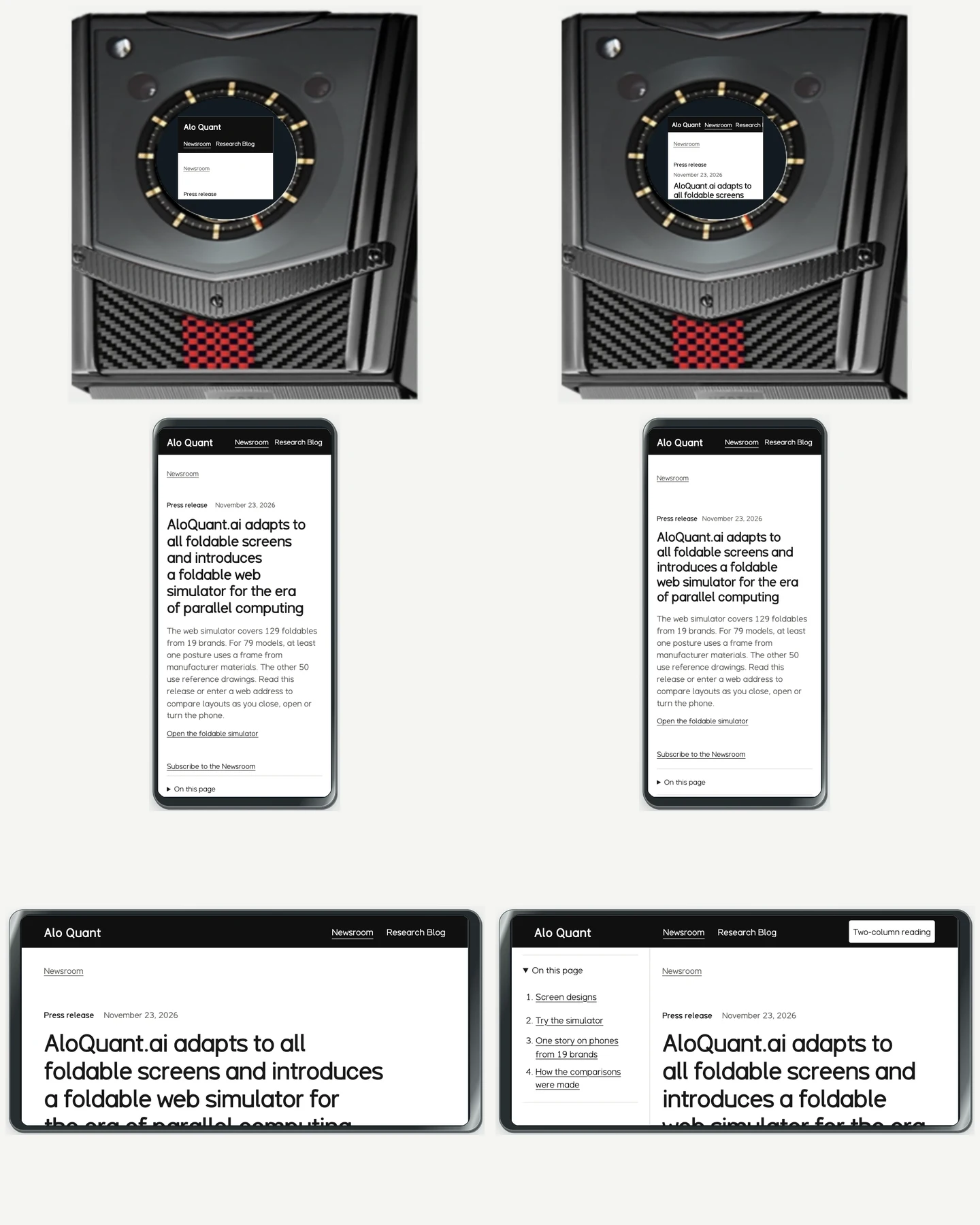
Open in portrait
Open in landscape
vivo X Fold5
Closed
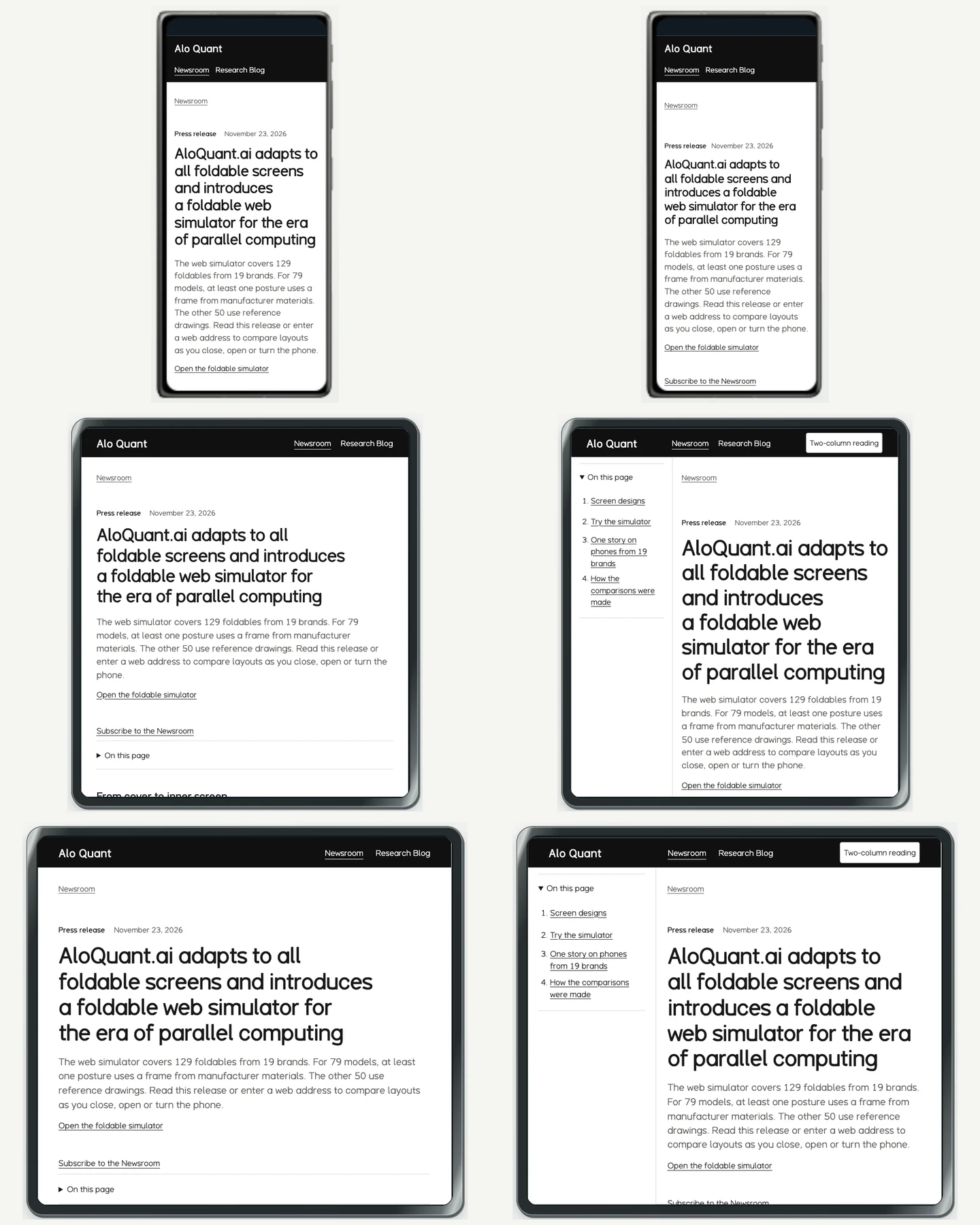
Open in portrait
Open in landscape
Xiaomi MIX Flip
Closed
Open in portrait
Open in landscape
ZTE Axon M
Closed
Open in portrait
Open in landscape
How the comparisons were made
The comparison images come from Chrome rendering the article inside the simulator. You can open a posture and operate that same page.
Each comparison links to the material used for that phone in the pictured posture. Labels distinguish manufacturer emulator or design-kit frames, frames made from product images, and reference drawings. Images are used only for the face they show. Viewport dimensions are in CSS pixels.